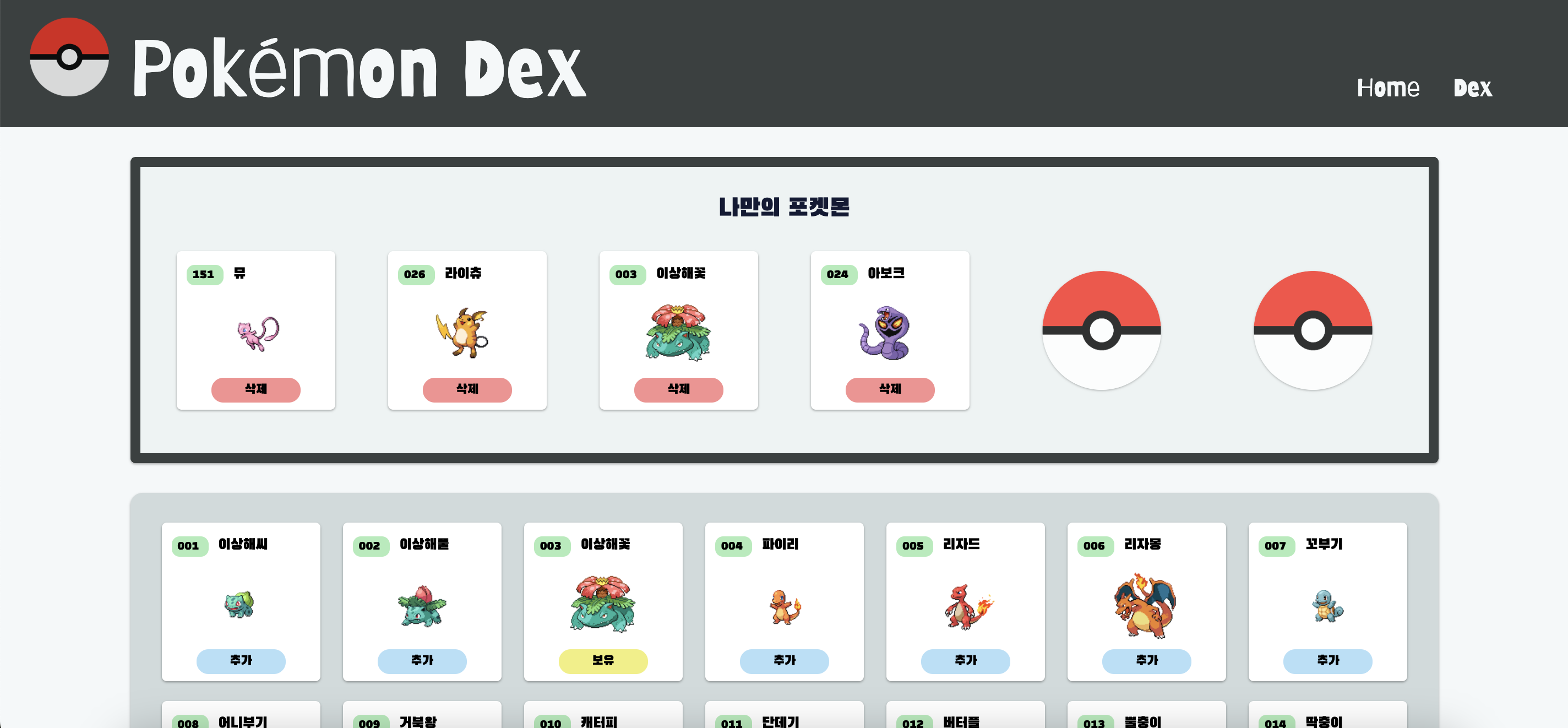
1. UI 변경
 | 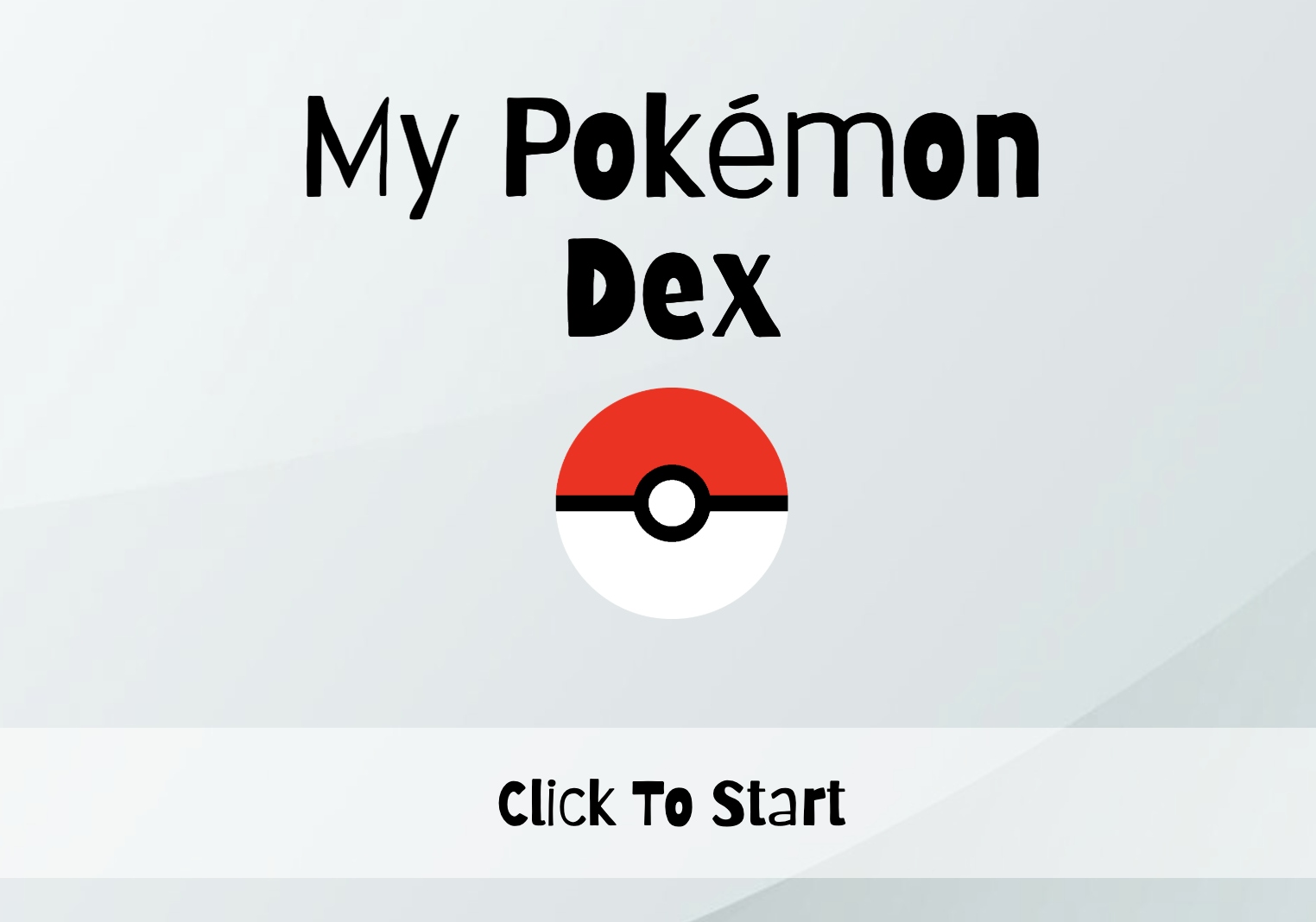 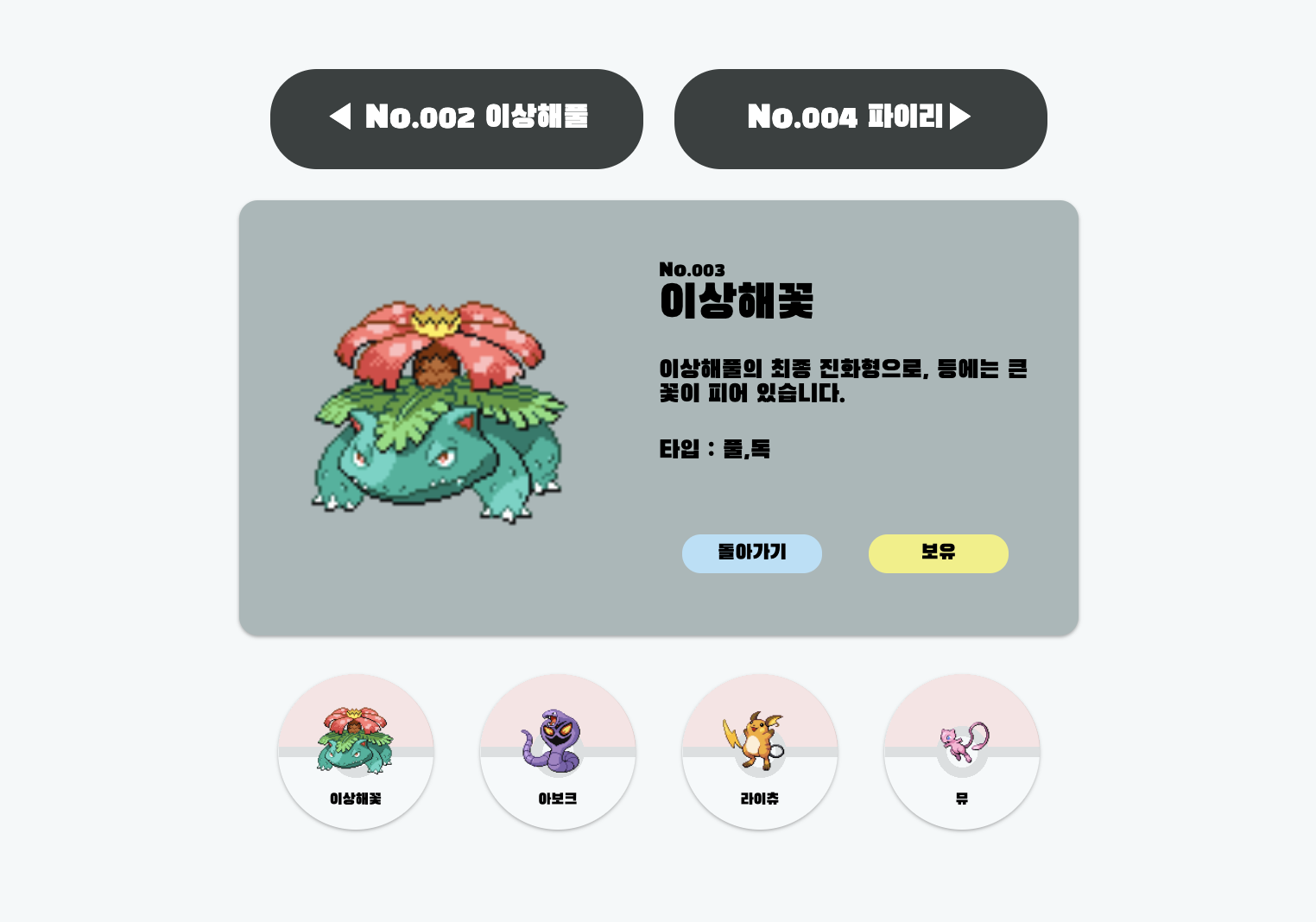 |
|---|---|
| Dex.jsx | Home.jsx 및 디테일 페이지 |
2. react-toastify 적용
Installation
$ npm install --save react-toastify
$ yarn add react-toastify
둘 중에 하나를 선택하여 설치하면 된다.
react-toastify 적용하기
toastStyle={}로 스타일도 커스텀할 수 있다.
import Router from "./shared/Router";
import "./App.css";
import { ToastContainer } from "react-toastify";

function App() {
  return (
    <>
      {/* react-toastify 적용 */}
      <ToastContainer
        position="top-center" // 알람 위치 지정
        autoClose={2000} // 자동 off 시간
        hideProgressBar={false} // 진행시간바 숨김
        closeOnClick // 클릭으로 알람 닫기
        rtl={false} // 알림 좌우 반전
        pauseOnFocusLoss // 화면을 벗어나면 알람 정지
        draggable // 드래그 가능
        pauseOnHover // 마우스를 올리면 알람 정지
        theme="dark"
        // limit={1} // 알람 개수 제한
        toastStyle={{
          fontFamily: "Black Han Sans, serif",
          fontSize: "18px",
          textAlign: "center",
          minWidth: "350px",
          padding: "30px",
        }}
      />
      <Router />
    </>
  );
}

export default App;
적용한 모습
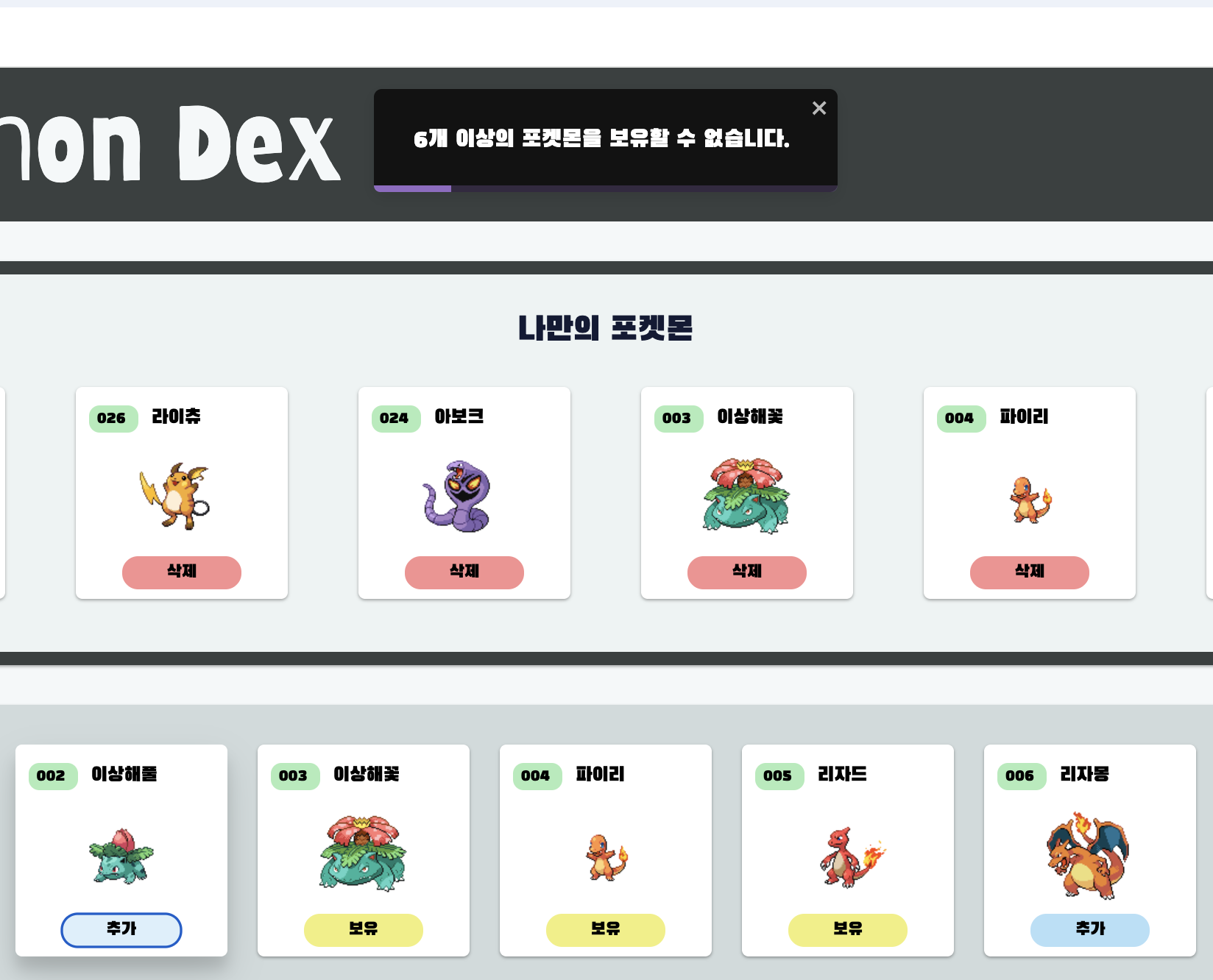 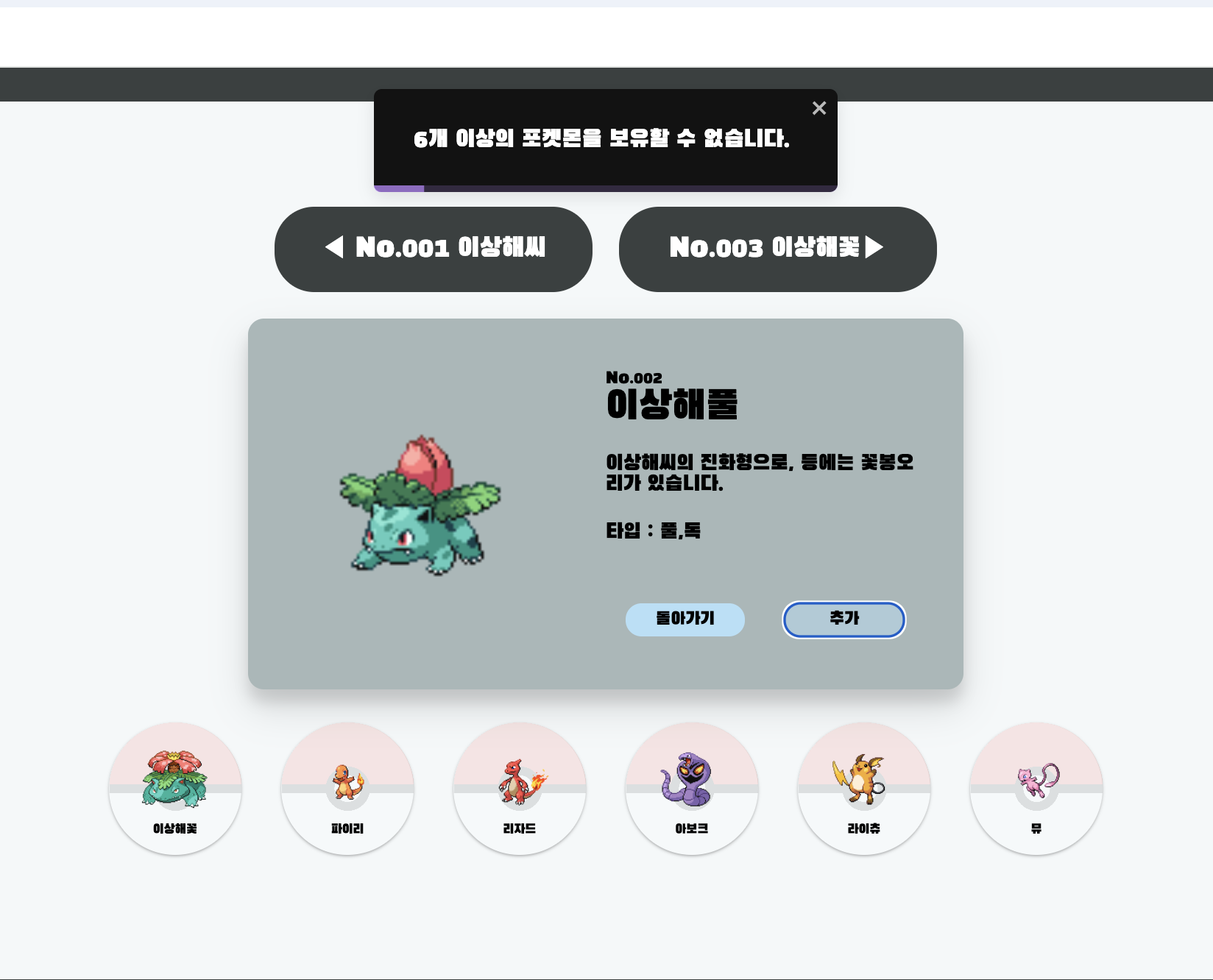 | 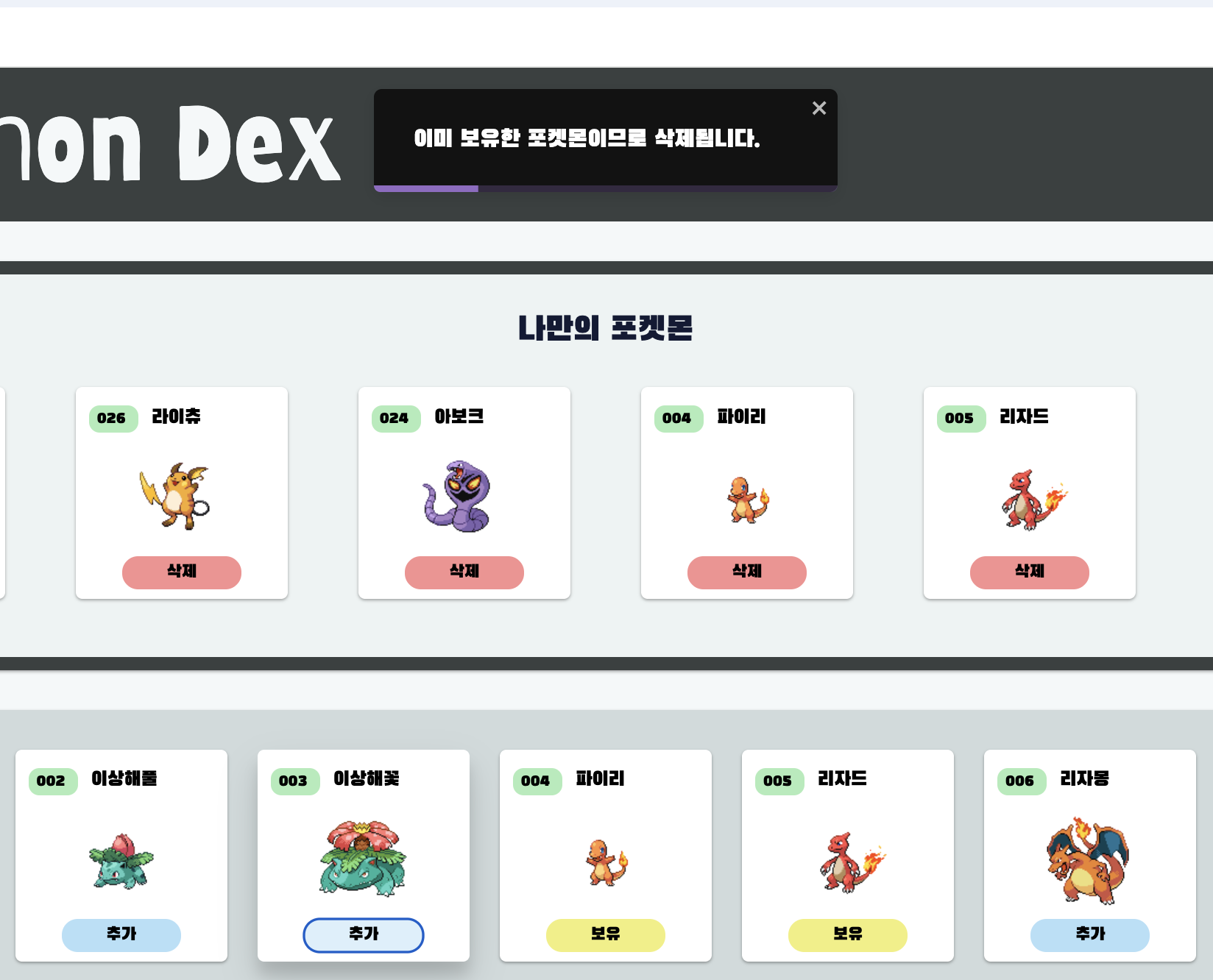 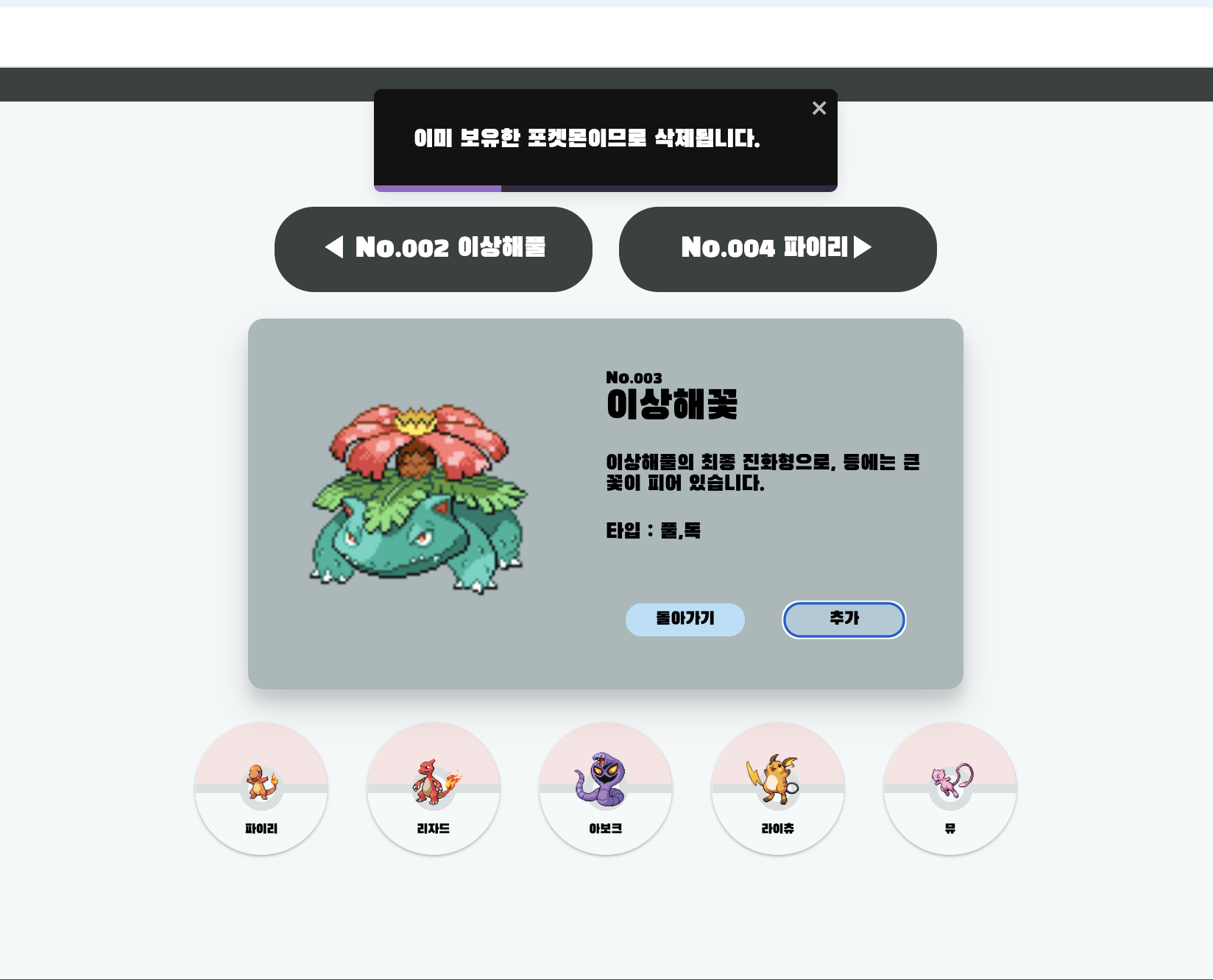 |
|---|---|
| 6개 이상의 포켓몬을 보유했을 때 "추가버튼" 누를 경우 뜨는 알림창 | "보유버튼"을 눌렀을 경우 뜨는 알림창 |
3. styled-components 분리
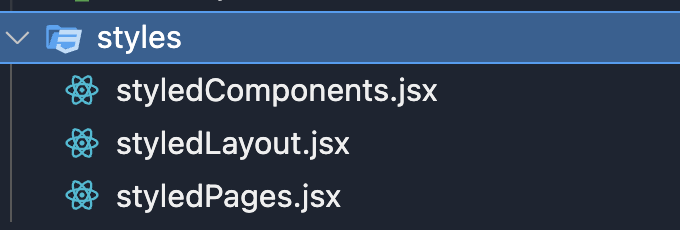 | 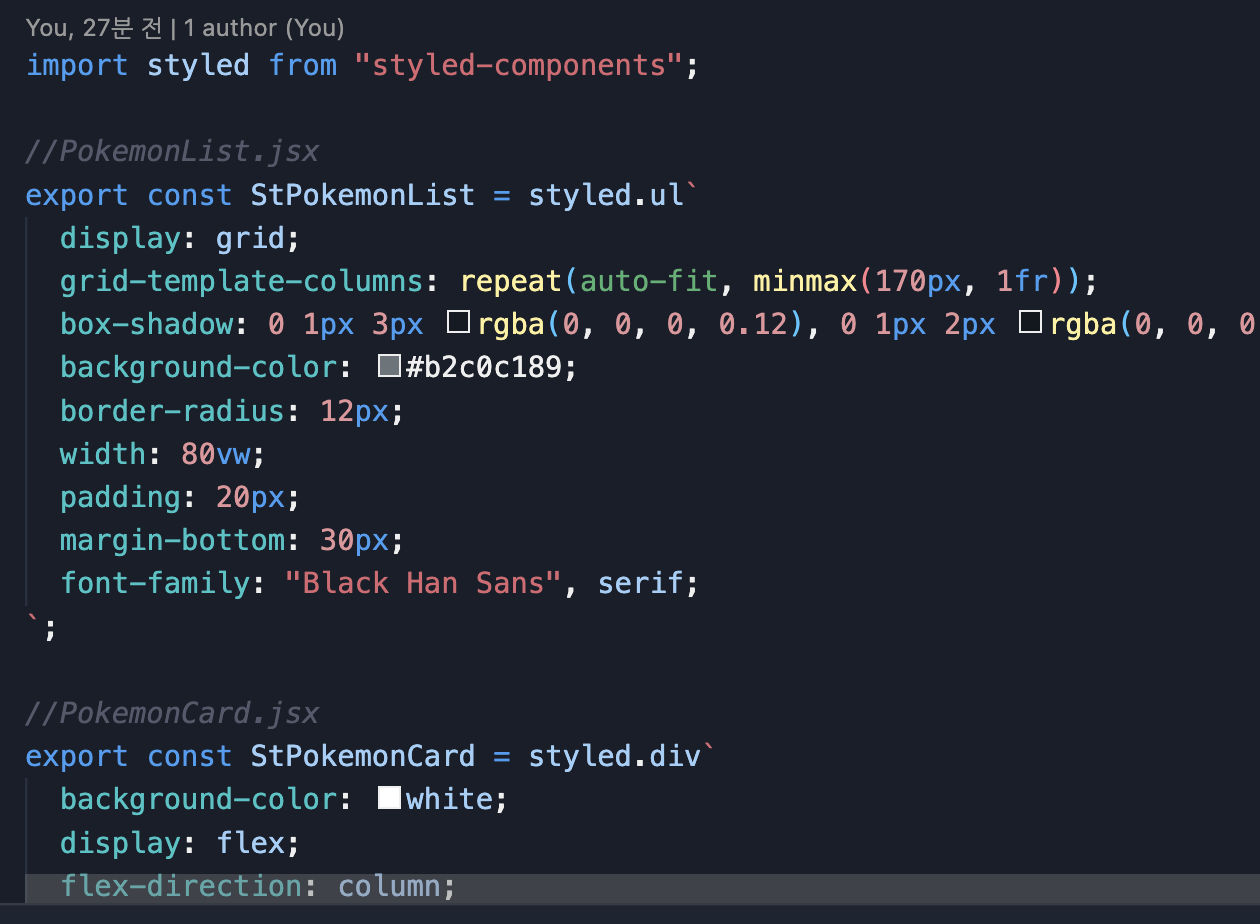  |
|---|---|
| styles 폴더를 생성하여 위와 같이 3개의 jsx파일을 만듦 | 각각의 styled-components를 export하여 필요한 것들만 import하여 사용하면 됨 |