1. Setup Triton server with Docker image (For GPUs)
Install Docker and pull the triton image
$ docker pull nvcr.io/nvidia/tritonserver:22.02-py3
2. create a model repository (in the docs/examples/model_repository)
git clone https://github.com/triton-inference-server/server.git
cd docs/examples
./fetch_models.sh
3. run on system
# with gpu (1 / all 등으로 gpu 설정)
$ docker run --gpus 1 --rm -p 9000:8000 -p 9001:8001 -p 9002:8002 -v $(pwd)/model_repository:/models nvcr.io/nvidia/tritonserver:22.02-py3 tritonserver --model-repository=/models
# not with gpu (--gpus 파라미터 제거하면 된다)
docker run --rm -p 9000:8000 -p 9001:8001 -p 9002:8002 -v $(pwd)/model_repository:/models nvcr.io/nvidia/tritonserver:22.02-py3 tritonserver --model-repository=/modelss
4. verify triton is running correcly
curl -v localhost:9000/v2/health/ready

*   Trying 127.0.0.1:9000...
*   * Connected to localhost (127.0.0.1) port 9000 (#0)
*   > GET /v2/health/ready HTTP/1.1
*   > Host: localhost:9000
*   > User-Agent: curl/7.78.0
*   > Accept: */*
*   >
*   * Mark bundle as not supporting multiuse
*   < HTTP/1.1 200 OK
*   < Content-Length: 0
*   < Content-Type: text/plain
*   <
*   * Connection #0 to host localhost left intact
5. 모델 config 확인
curl -v localhost:9000/v2/models/densenet_onnx/config

*   Trying 127.0.0.1:9000...
* Connected to localhost (127.0.0.1) port 9000 (#0)
> GET /v2/models/densenet_onnx/config HTTP/1.1
> Host: localhost:9000
> User-Agent: curl/7.84.0
> Accept: */*
>
* Mark bundle as not supporting multiuse
< HTTP/1.1 200 OK
< Content-Type: application/json
< Content-Length: 983
<
* Connection #0 to host localhost left intact
{"name":"densenet_onnx","platform":"onnxruntime_onnx","backend":"onnxruntime","version_policy":{"latest":{"num_versions":1}},"max_batch_size":0,"input":[{"name":"data_0","data_type":"TYPE_FP32","format":"FORMAT_NCHW","dims":[3,224,224],"reshape":{"shape":[1,3,224,224]},"is_shape_tensor":false,"allow_ragged_batch":false,"optional":false}],"output":[{"name":"fc6_1","data_type":"TYPE_FP32","dims":[1000],"reshape":{"shape":[1,1000,1,1]},"label_filename":"densenet_labels.txt","is_shape_tensor":false}],"batch_input":[],"batch_output":[],"optimization":{"priority":"PRIORITY_DEFAULT","input_pinned_memory":{"enable":true},"output_pinned_memory":{"enable":true},"gather_kernel_buffer_threshold":0,"eager_batching":false},"instance_group":[{"name":"densenet_onnx","kind":"KIND_CPU","count":1,"gpus":[],"secondary_devices":[],"profile":[],"passive":false,"host_policy":""}],"default_model_filename":"model.onnx","cc_model_filenames":{},"metric_tags":{},"parameters":{},"model_warmup":[]}
6. send an inference request
# Use docker pull to get the client libraries and examples image from NGC.
$ docker pull nvcr.io/nvidia/tritonserver:<xx.yy>-py3-sdk
# Where <xx.yy> is the version that you want to pull. Run the client image.
$ docker run -it --rm --net=host nvcr.io/nvidia/tritonserver:<xx.yy>-py3-sdk

# IN DOCKER CONTAINER
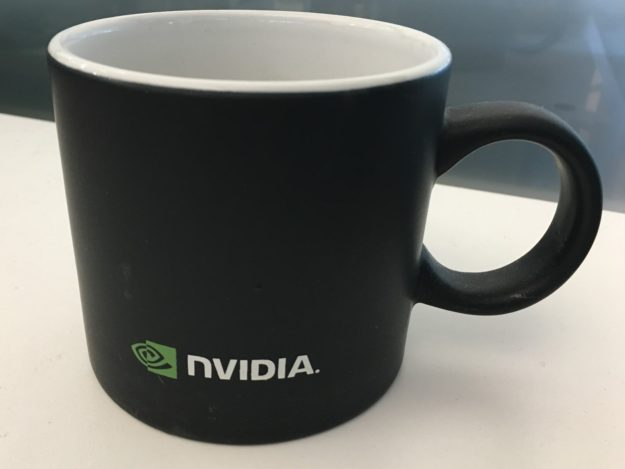
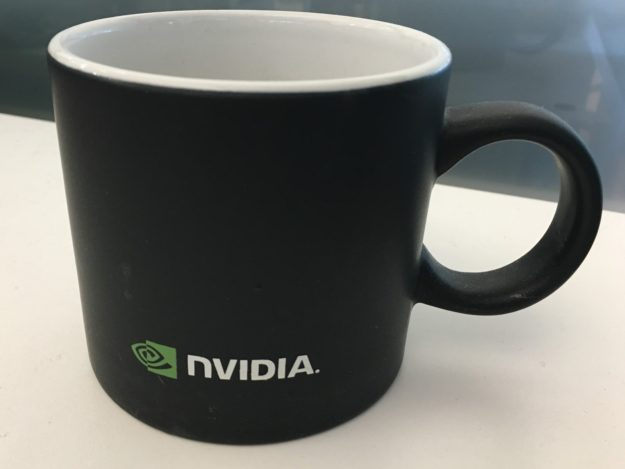
$ /workspace/install/bin/image_client -m densenet_onnx -c 3 -s INCEPTION /workspace/images/mug.jpg -u localhost:9000

Request 0, batch size 1
Image '/workspace/images/mug.jpg':
    15.349563 (504) = COFFEE MUG
    13.227461 (968) = CUP
    10.424893 (505) = COFFEEPOT