리액트 프로젝트 초기 세팅
프로젝트 생성
- 폴더 생성 후 터미널 열기
- 터미널에 리액트 프로젝트 생성 명령어 입력하기
(프로젝트명에 . 입력시 현재 폴더에 생성됨)
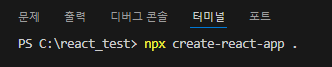
npx create-react-app 프로젝트명프로젝트 실행
- 프로젝트명 폴더로 이동
- 프로젝트명에 . 입력하여 생성하였으면 1번 과정 생략
cd 프로젝트명- 프로젝트 실행
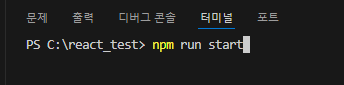
npm run start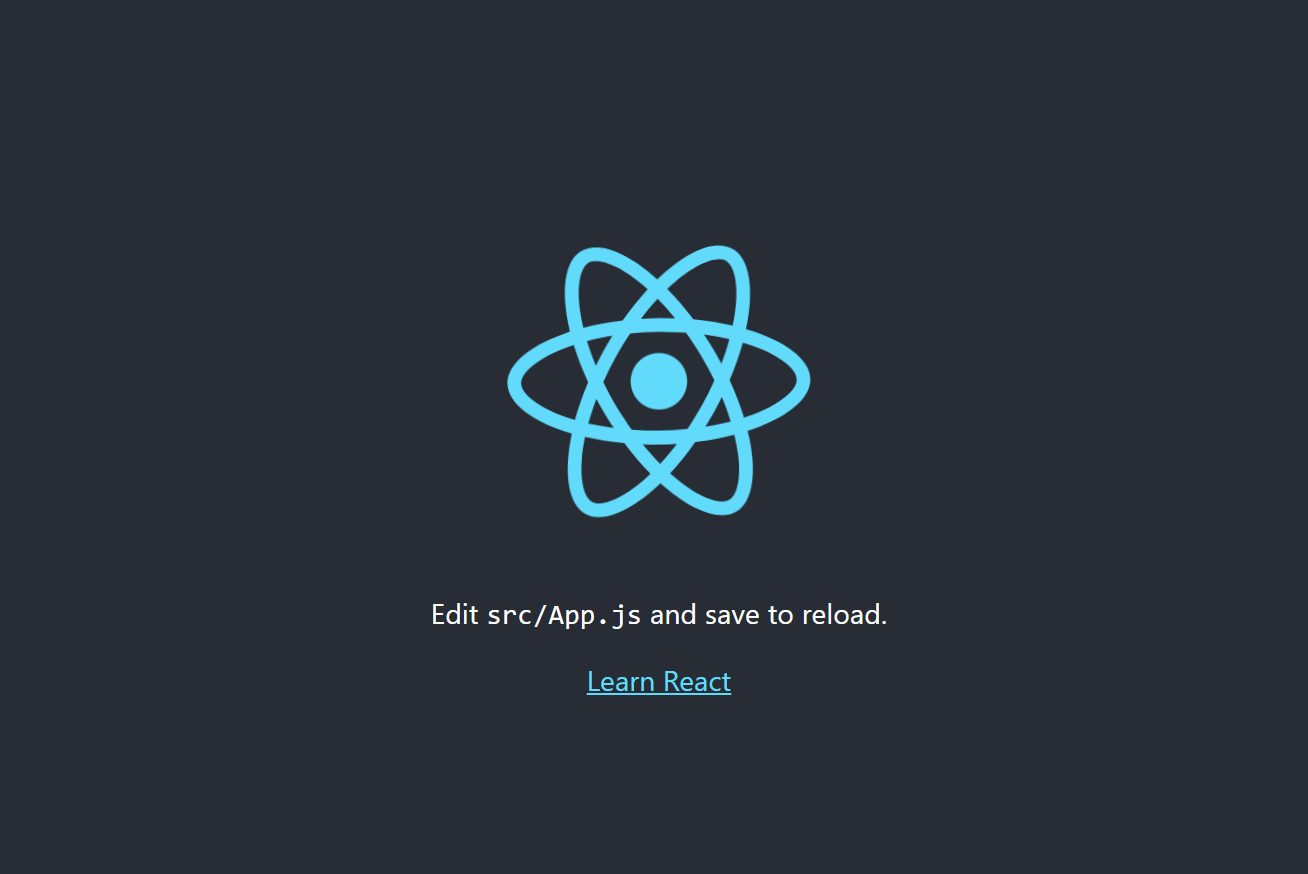
폴더, 파일 정리
1. public 폴더 내에서 index.html 외 삭제
2. src 폴더 내에서 App.js, index.js 외 삭제
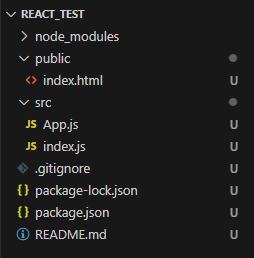
- public > index.html 코드 정리
<!DOCTYPE html>
<html lang="ko">
  <head>
    <meta charset="utf-8" />
    <meta name="viewport" content="width=device-width, user-scalable=no, initial-scale=1, minimum-scale=1, maximum-scale=1" />
    <title>React App</title>
  </head>
  <body>
    <div id="root"></div>
  </body>
</html>
4. index.js 코드 정리
import ReactDOM from 'react-dom/client';
import App from './App';

const root = ReactDOM.createRoot(document.getElementById('root'));
root.render(
  <App/>
);
5. App.js 코드 정리
import React from 'react'

function App() {
  return (
    <div>App</div>
  )
}

export default App
