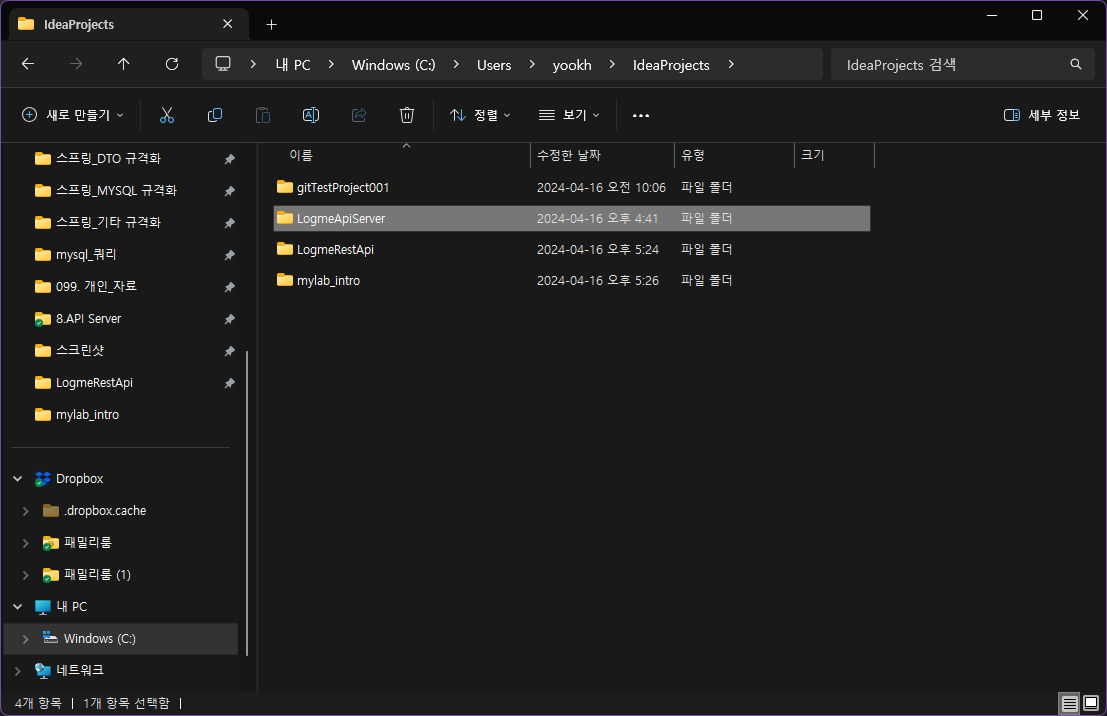
- sts workspace 에서 migration을 원하는 프로젝트를
intellij workspace인 ideaProjects로 복사
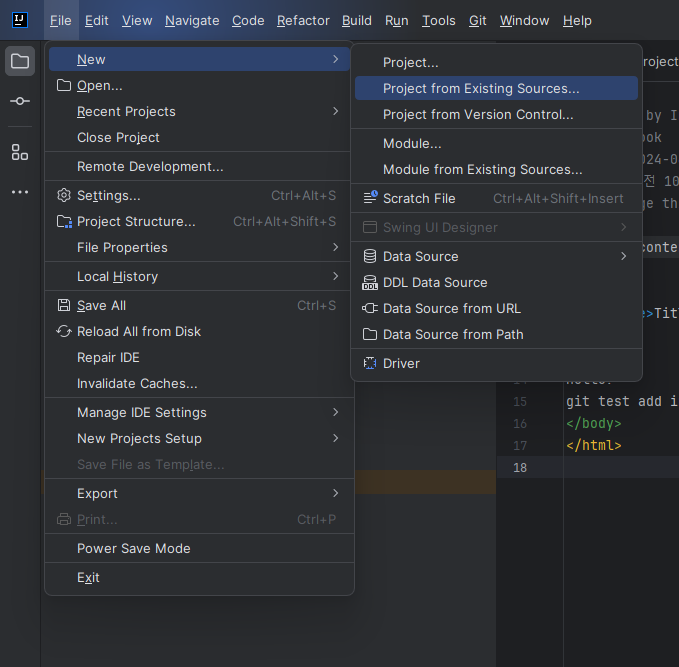
- intellij 상단 file => new => Project from Existion Sources
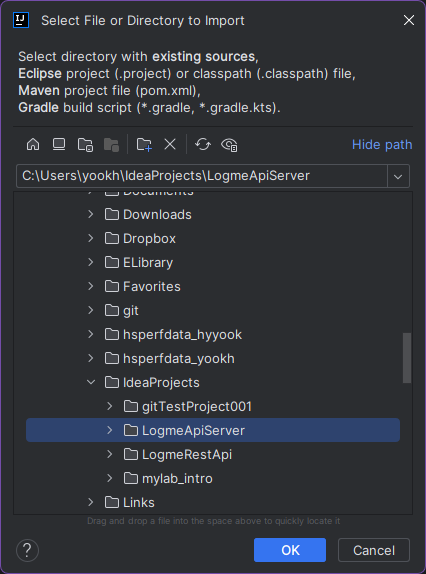
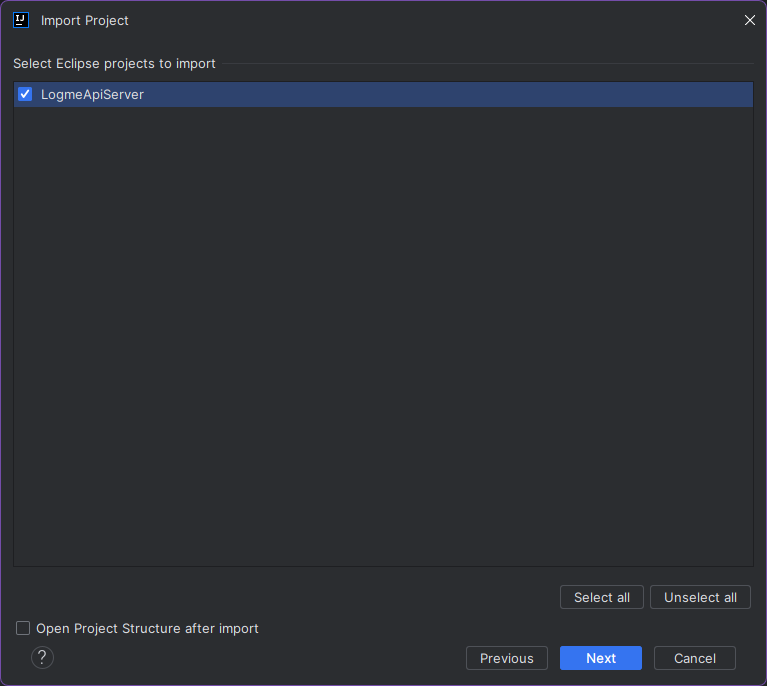
- import를 원하는 프로젝트 선택
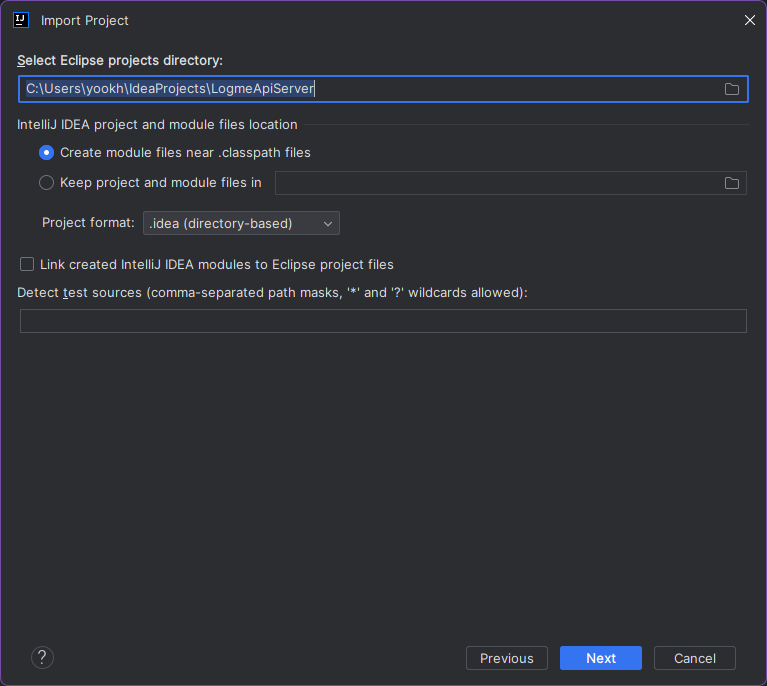
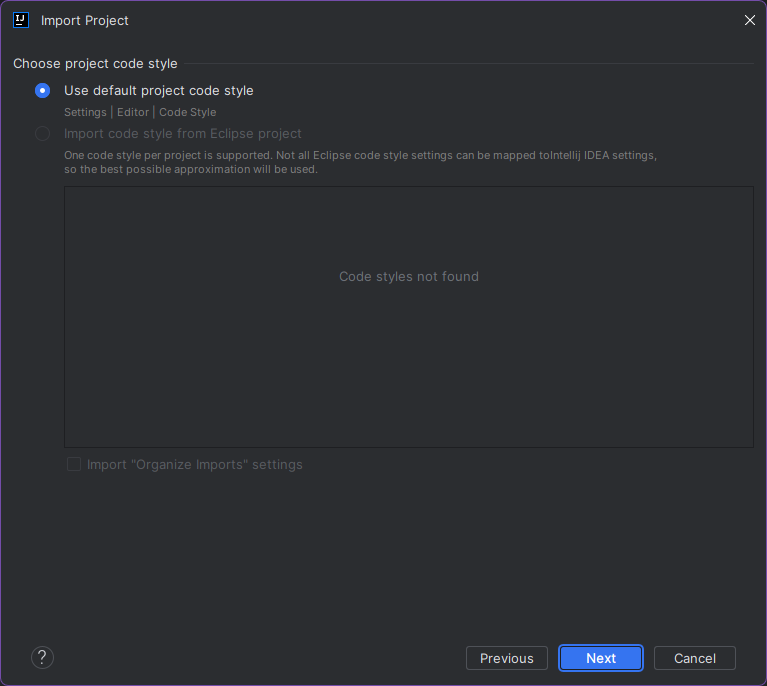
- 다음 클릭
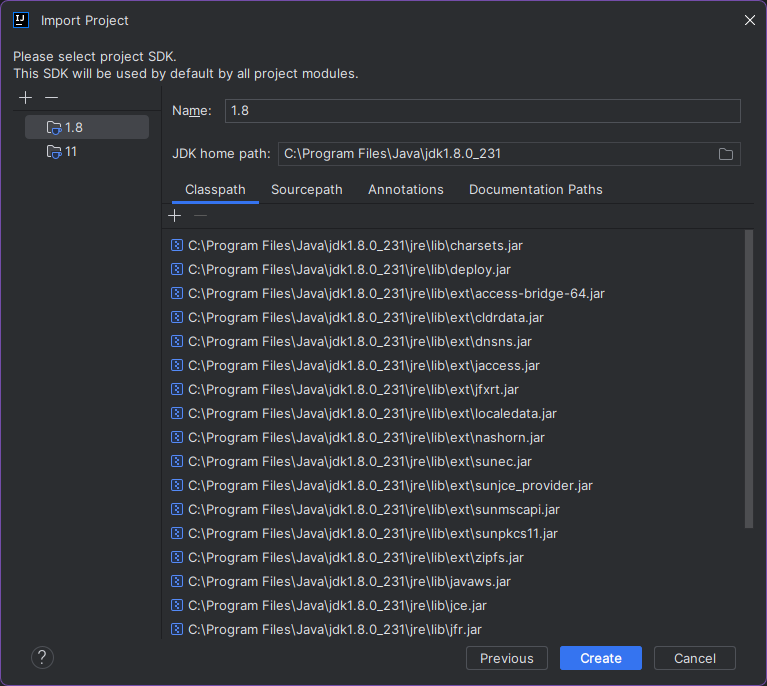
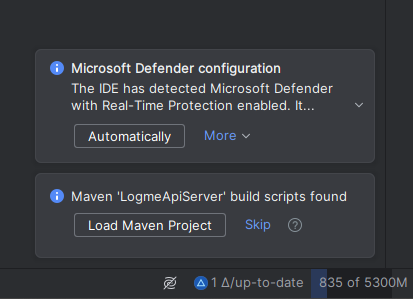
- 하단에 나오는 말풍선 모두 클릭(Automatically / Load maven Project)
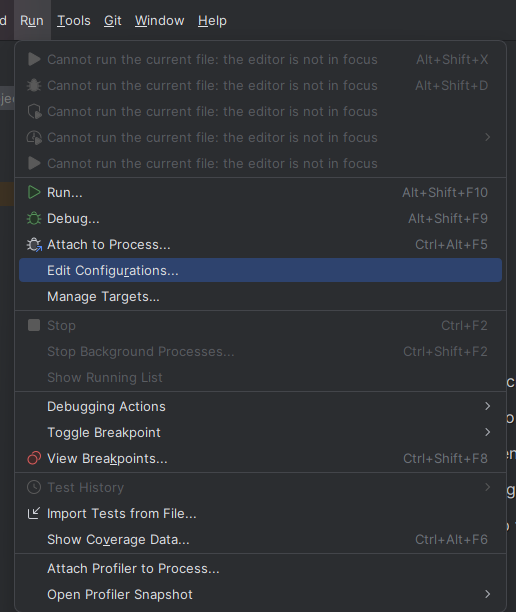
- 상단 run => Edit Configurations
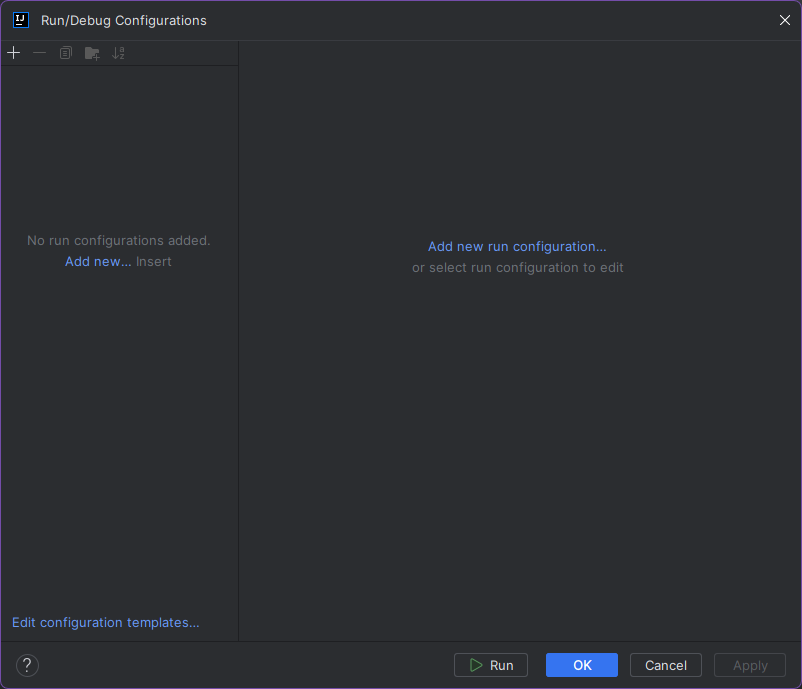
- add new...
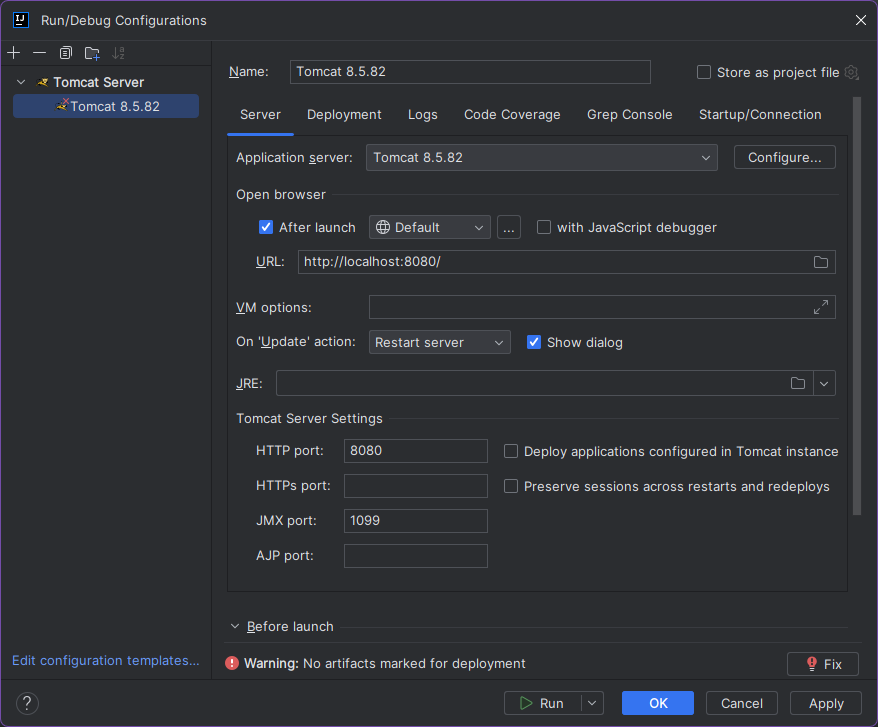
- tomcat => local
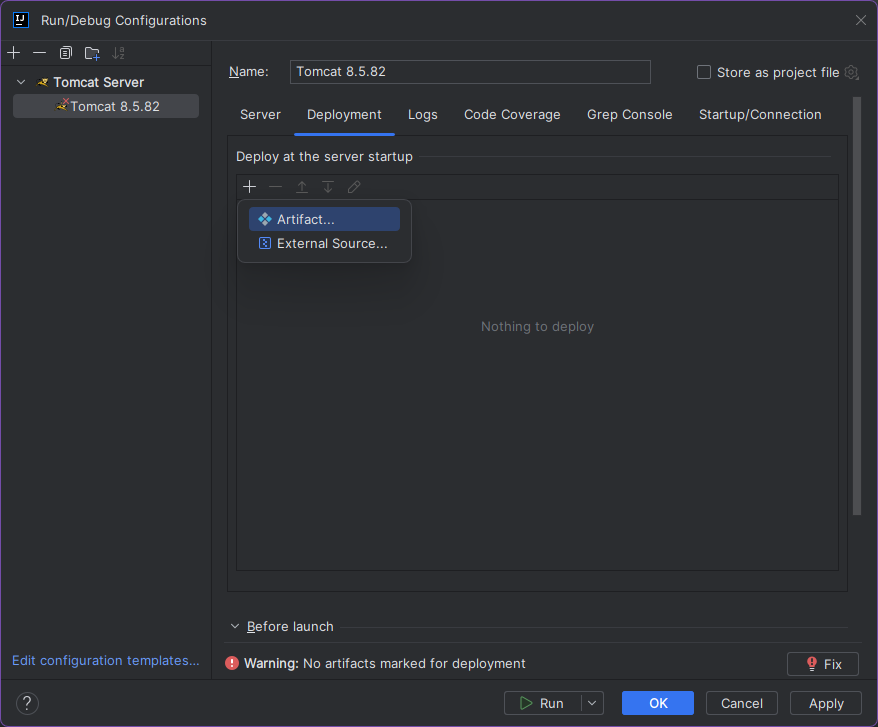
- Depolyment 탭 => +버튼 => Artifact => war exploded
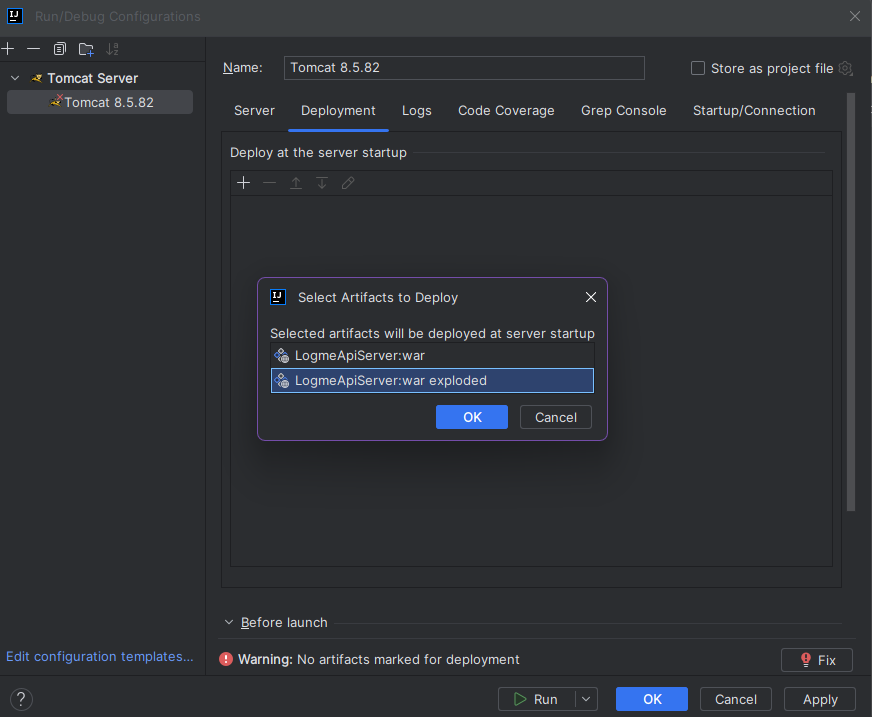
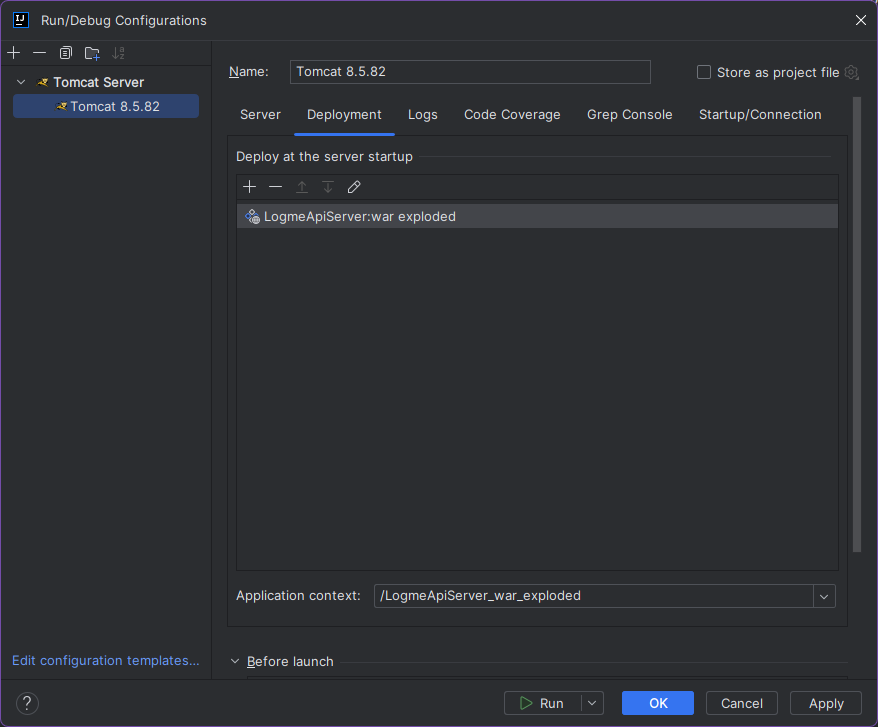
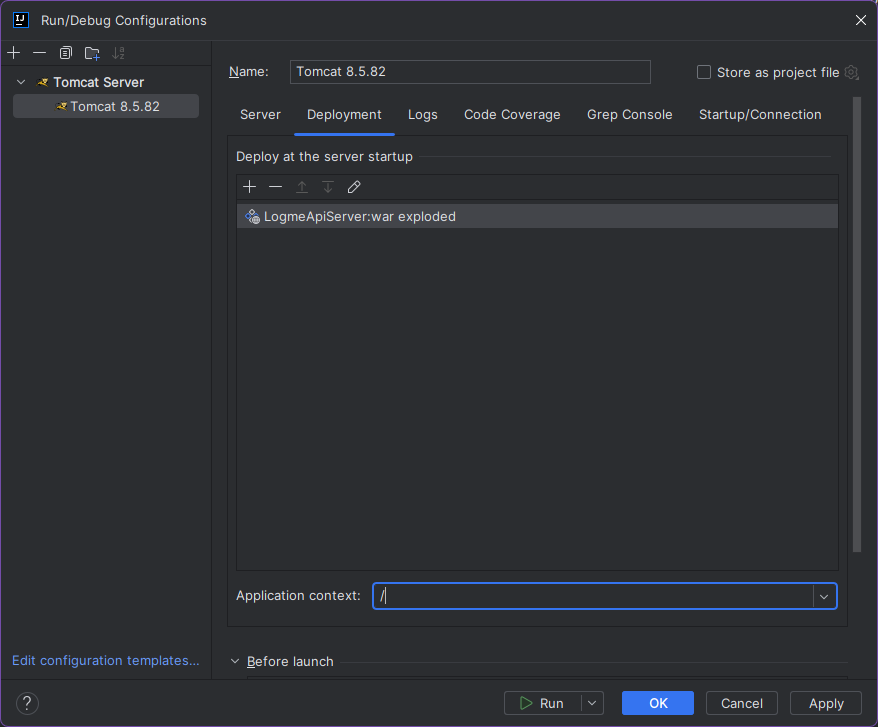
- http://localhost:8080/ 로 나오게끔 하려면
Application context 값을 "/" 로 변경
==>sdk 관련 오류메세지가 나오면 다음을 진행함
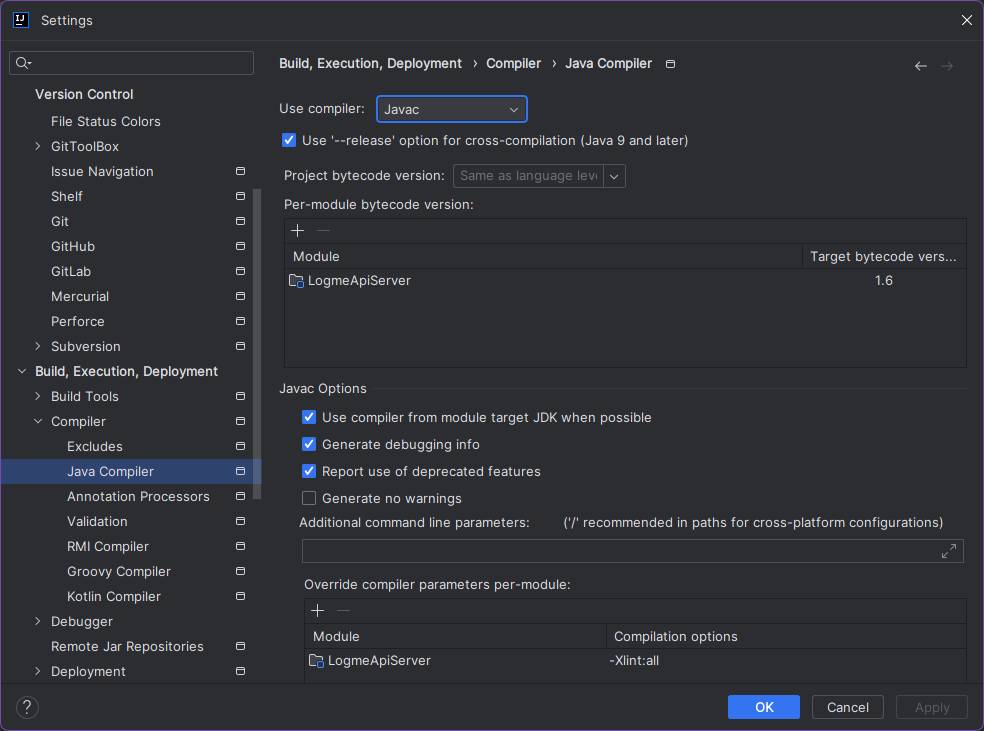
- 상단 file => settings => java Compiler 검색후
use compiler : ecipse
target bytecode version : 1.8 (jdk버전)
으로 수정
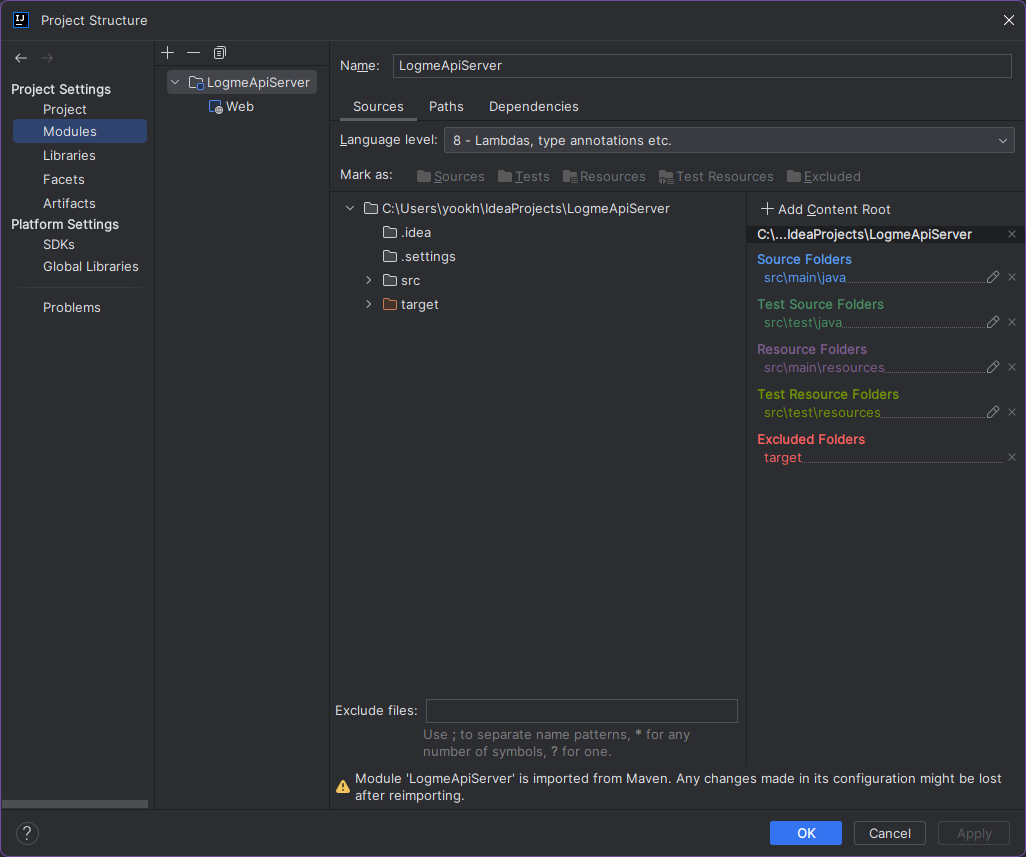
- 상단 file => project structure => modules => Language level : 8 (jdk버전)
으로 수정
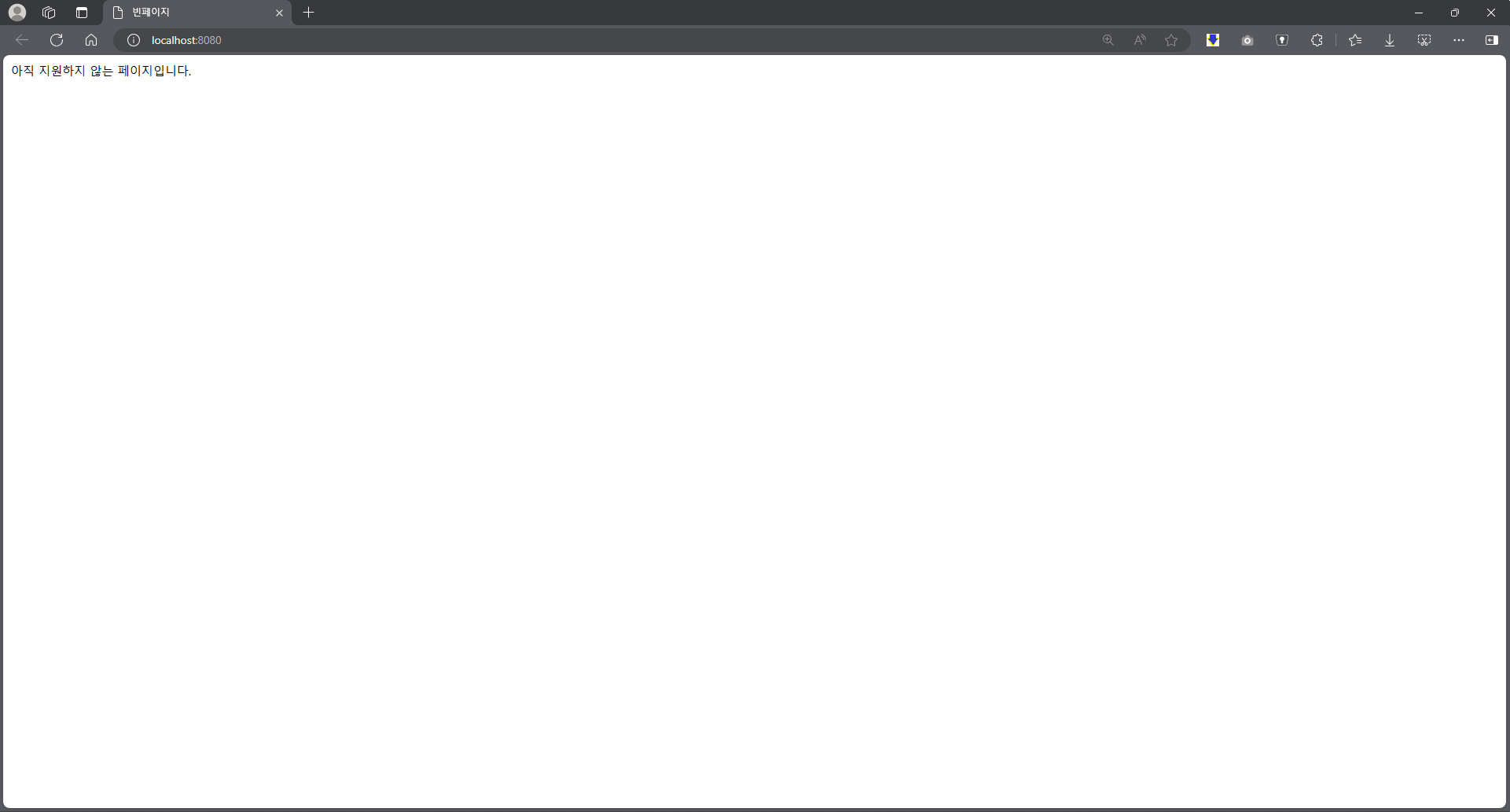
- tomcat run 후 기본페이지 확인

기억저장소