css test
css : HTML의 스타일을 적용하기 위한 표현언어
selector로 대상을 선택하고 원하는 스타일을 적용
방법 : inline, internl, external 3가지 방법이 있음
selector로 대상을 선택하고 원하는 스타일을 적용
방법 : inline, internl, external 3가지 방법이 있음

연습을 시작하자 <span style="font-size: 30px; color: blue;">인라인 방식</span> 영역 확보
<h1 style="color: yellow;"><i>인터널 방식</i></h1>
아래 별도 css파일에서 서식 적용을 해주었다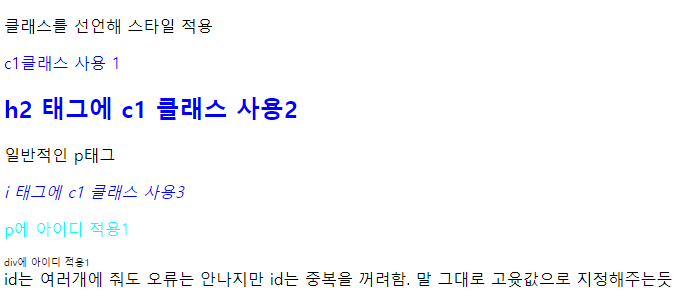
div에 아이디 적용 - 별도의 css 파일 사용
Internal Style Sheet    -html 내부에서 style적용은 가능하다.
<style type="text/css"> 여기서 type 안 써도 됨
h1{font-size: 20px; font-family: 궁서;
	color: rgb(225, 80, 55);
	}

.c1{ 클래스로 줄 경우 .클래스명으로 적용
	color: rgb(0%, 0%, 100%);
	}
#kbs{ id로 줄 경우 #아이디명으로 적용. 아이디는 중복을 극히 꺼려한다
	color: aqua;font-family: sans-serif;
}
</style><form>
<table>
<tr>
<td>id 입력</td>
<td><input type="text" name="id"></td>
</tr>
<tr>
<td>name 입력</td>
<td><input type="text" name="name"></td>
</tr>
<tr>
<td colspan="2" style="text-align: center;">
<input type="button" value="확인">
</td>
</tr>
</table>
</form>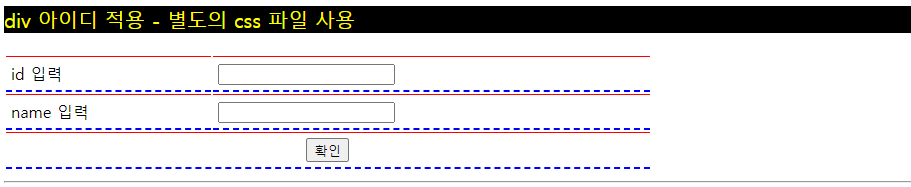
벨로그에서 별도 css파일 적용은 안되는 듯 하다.
아래는 ex.css 파일

@charset "UTF-8";
/* 이거 주석 */
#sbs{ /* sbs id를 가진 값에 조건을 준다*/
	background-color: black;
	color: yellow;
	font-size: 20px;
}

table{
	width: 70%;
	margin-bottom: 10px;
}

table tr td{ /* 테이블의 tr의 td 자식에 대해 조건을 줌 */
	border-top: 1px solid #ff0000;
	border-bottom: 2px dashed blue;
	padding: 5px;
}
🎈목요일
🎈8월 초
📌네이버
✨ b tag
div b tag
div span b tag
div b id:hi tag
div b class:hi tag
🥎배경 이미지
🎈strong, span{ /* 콤마 써주면 엘리먼트 복수에 적용가능 */
	font-size: 22px;
	background-color: yellow;
}

.c1, .c2{
	/*클래스도 복수 가능~*/
}

/* 📌동적 선택자 : 해당 엘리먼트에서 이벤트가 발생하면 ~~을 준다 */
input:focus{background-color: #78f;} /* 커서 누르면 배경색 바뀜 */
a:link{text-decoration: none;} /* 링크에 밑줄 없어짐 */
a:visited{color: red;} /* 방문한 경험이 있으면 레드*/
a:active{font-family: 궁서;} /* 꾹 누르면 변함*/
a:hover{color: cyan; font-size: 40px;} /* 포커스 올려두면 변함 */
 /* 인라인>인터널>익스터널 순으로 css우선순위 높음. 나중에 값 준게 더 높음 */

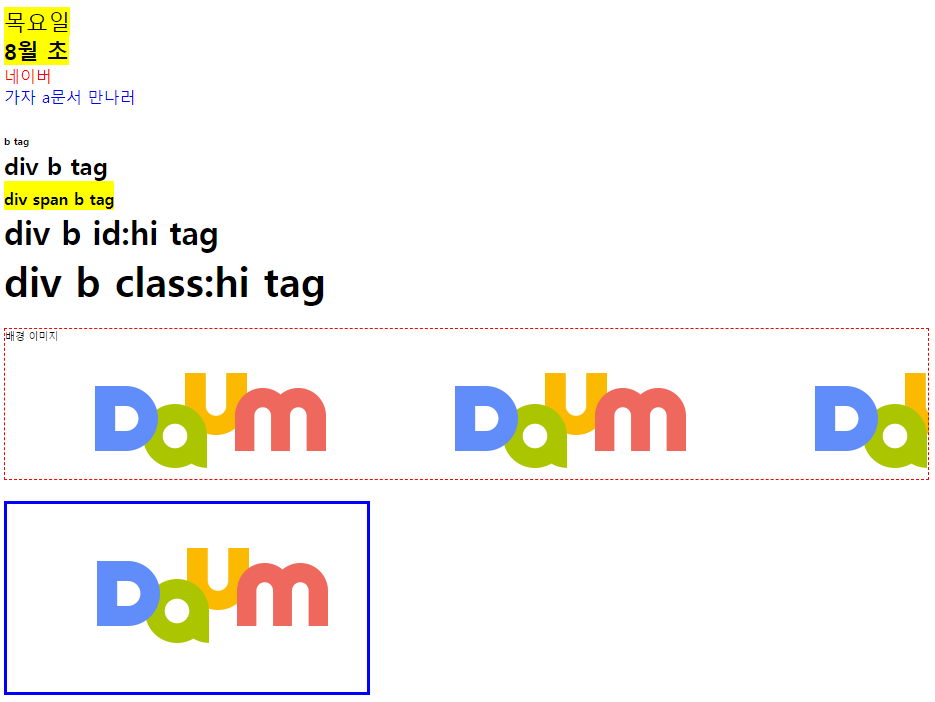
✨b{font-size: 8px;}
div, b{font-size: 8px;}  /* div와 b에 걸려*/
div b{font-size: 16px;}  /* div 자손중 모든 b 걸려*/
div > b {font-size: 24px;}  /* div의 '직계 b에만' 걸려 */
div b#hi{font-size: 32px;} /* div의 자손 b중에서 id가 hi인 애만 걸려 */
div b.hi{font-size: 40px;} /* div의 자손 b중에서 class가 hi인 애만 걸려 */

🥎div#mypic{
	height: 150px;
	background-image: url("../images/daum.png");
	border: 1px dashed red;
}
img src="images/daum.png"/
img{
border: 3px solid blue;
} 로 style변경 가능함
최종 결과물 :

같이 일하고 싶은 개발자가 되어야지