spring Boot
1.spring Boot 2. 설명

타임리프 기본 문법 참고 가능. > spring Boot 환경설정 properties, yaml 둘 중 하나 사용. [타임리프 설명 참고] (https://www.thymeleaf.org/doc/articles/standarddialect5minutes.html)
2.spring Boot 설정, 기본 설명
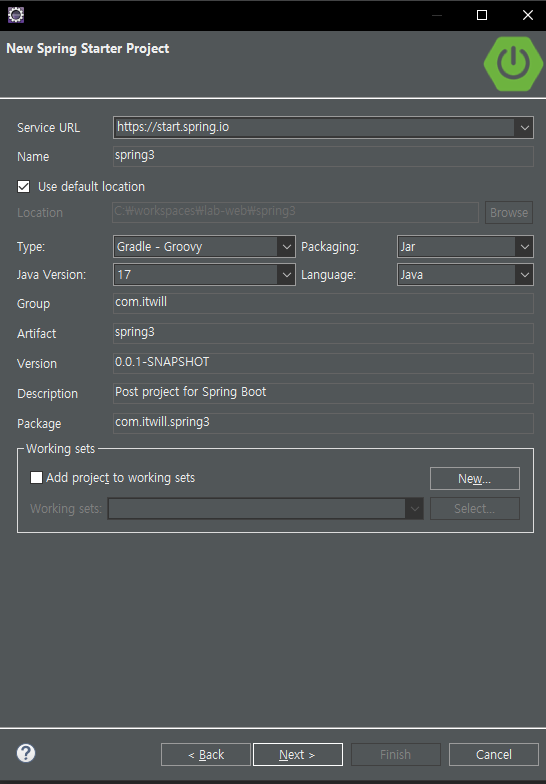
spring Legacy 보다는 환경설정이 간단함.\-> 이클립스 help > 마켓 플레이스 > 검색 sts > spring tools ver 4 install > (변경 없이 그대로)ver 4: 스프링 레거시 프로젝트 만들수 있는 기능 제거됨. ==> 기능 축소.=>
3.게시판 구현(1)
JPA: Junit TEST crud select insert >Parameters:entity must not be null. Returns:the saved entity; will never be null. 마이 바티스와는 달리 param 값이 retur
4.게시판 구현(3.0) - 댓글 Junit Test
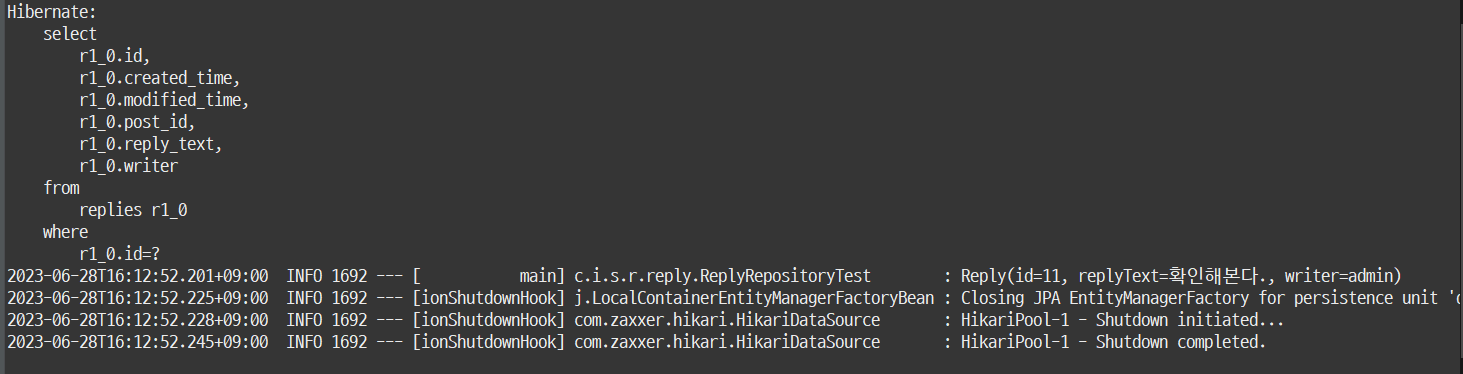
entity class 설계 해당 클래스에 대하여 Junit Test를 실행할 떄, Junit Test @ToString(exclude = { "post" })가 아닌 @ToString 일경우 결과결과@ManyToOne 일 경우 결과결과@ManyToOne(fetch
5.게시판 구현(2)
폴더 구조
6.게시판 구현(3.1) - 댓글 기능
댓글 html 코드 detail.html 코드 댓글 수 출력 방법 1. controller replyService.java replyRepository.java 댓글 수 출력 방법 2. controller replyService.java replyRepo
7.게시판 구현(4.0) - 로그인, 회원가입: spring Security 기본 설정 및 설명
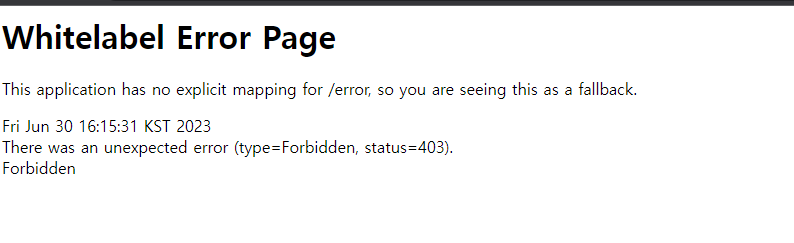
spring Security 설명 문서 버전 고를 떄, snapshot: 테스트 중, GA: 테스트 완료 표현. build.gradle에 spring Security 라이브러리 추가. -> Add starter: dependency 추가 메뉴 -> 기존에 선택했
8.게시판 구현(4.1) - 일부분 수정
타임리프 spring security 문법 참고 - Spring Security Dialect 타임리프 문법 꼭 읽기
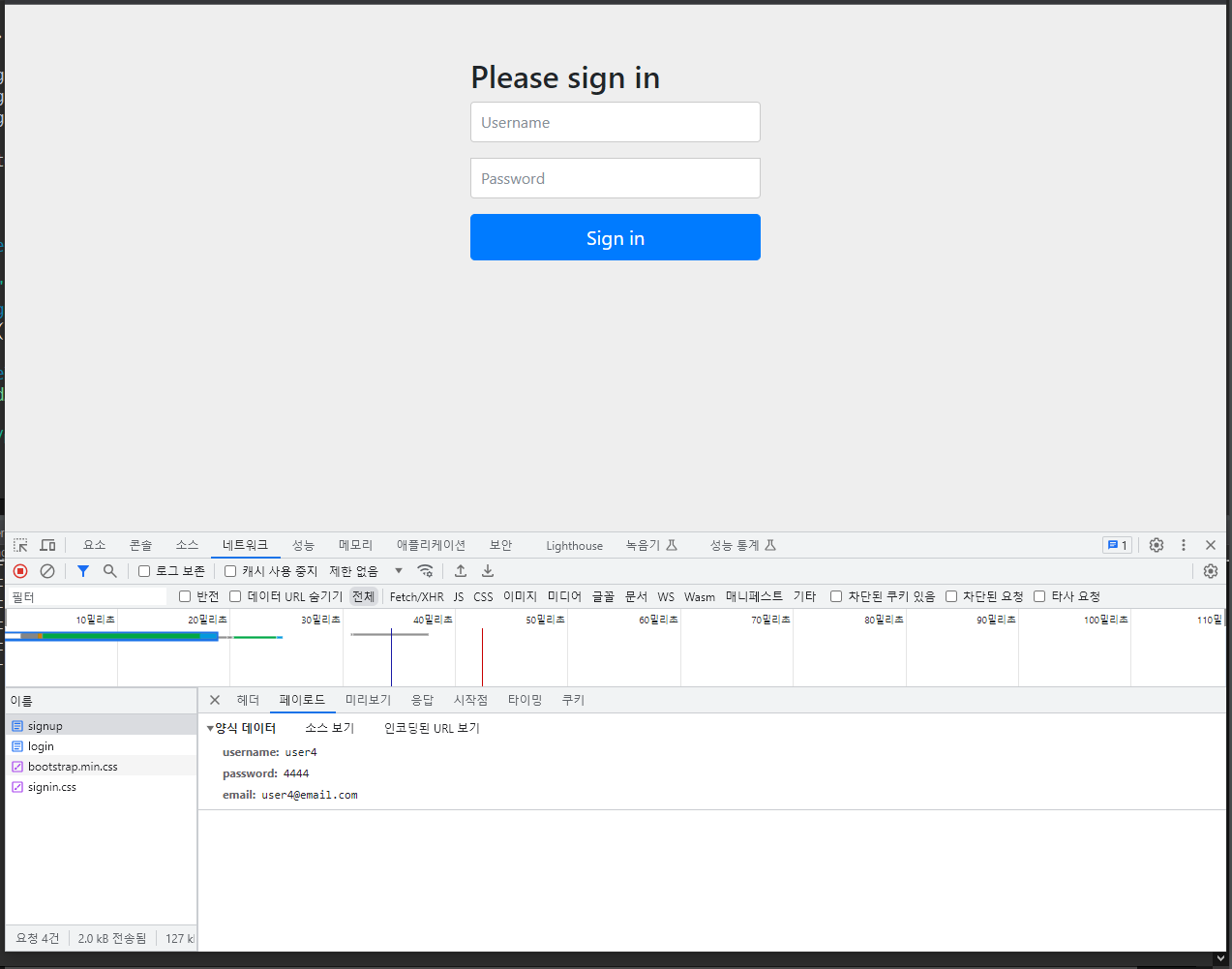
9.게시판 구현(4.2) - 회원가입 구현
ㄴㅇㄹㄴㄹㄴㄹ