using System;


// WinForm 클래스를 이용한 윈도우(앱의 창) 생성
namespace SimpleWindow
{
    // (1) System.Windows.Forms.Form 클래스에서 파생된 윈도우 폼 클래스를 선언합니다.
    class MainApp : System.Windows.Forms.Form // MainApp이 System.Windows.Forms.Form 클래스로부터
                                              // 상속받도록 선언합니다.
    {
        static void Main(string[] args)
        {
            // (2) (1)에서 만든 클래스의 인스턴스를 System.Windows.Forms.Form.Applivation.Run() 메서드에
            // 인수로 넘겨 호출합니다.
            System.Windows.Forms.Application.Run(new MainApp()); // Applivation.Run() 메서드에 MainApp의
                                                                 // 인스턴스를 인수로 넘겨 호출합니다.
        }
    }
}
코드 설명
using System;

namespace SimpleWindow
{
    class MainApp : System.Windows.Forms.Form // MainApp 클래스는 Form 클래스를 상속받습니다.
    {
        static void Main(string[] args)
        {
            System.Windows.Forms.Application.Run(new MainApp()); // MainApp의 새 인스턴스를 생성하고, 애플리케이션을 실행합니다.
        }
    }
}
코드 설명
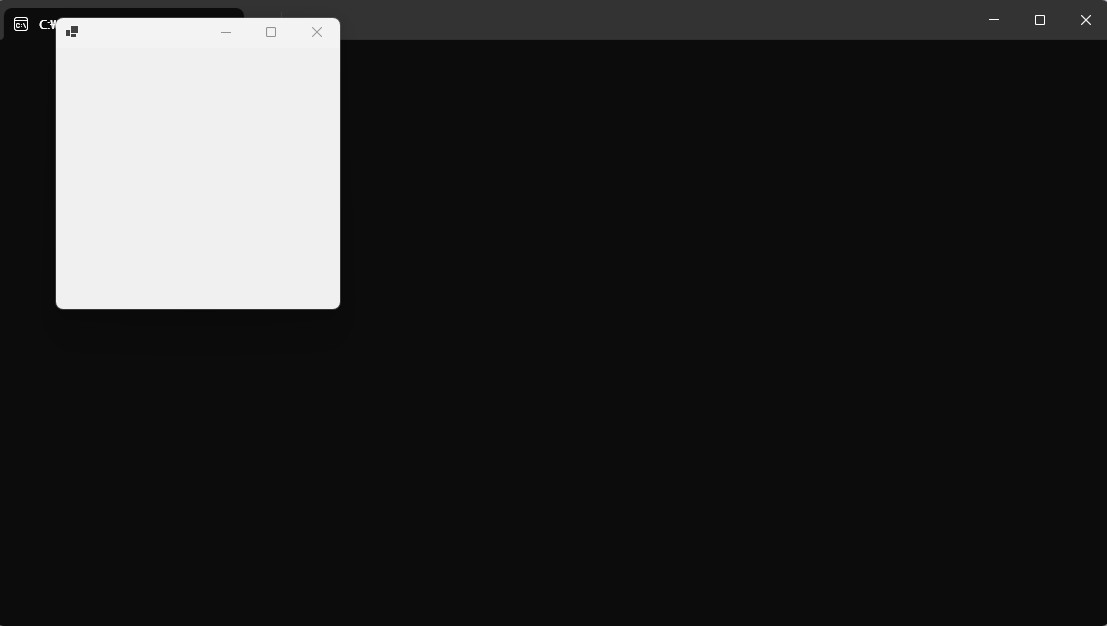
이 C# 코드는 System.Windows.Forms 네임스페이스를 사용하여 간단한 윈도우 애플리케이션을 만드는 예제입니다.
MainApp클래스는System.Windows.Forms.Form클래스를 상속받아 윈도우 폼을 나타냅니다.Main메서드는 프로그램의 진입점입니다.System.Windows.Forms.Application.Run(new MainApp());는MainApp의 새 인스턴스를 생성하고, 애플리케이션을 실행합니다.Application.Run()메서드는 윈도우 폼을 표시하고 메시지 루프를 시작합니다.
추가 설명
System.Windows.Forms네임스페이스는 윈도우 애플리케이션을 만드는 데 필요한 클래스를 제공합니다.Form클래스는 윈도우 폼을 나타내는 기본 클래스입니다.Application클래스는 윈도우 애플리케이션을 실행하고 관리하는 데 필요한 정적 메서드를 제공합니다.
주의 사항
이 코드는 빈 윈도우 폼을 생성합니다. 윈도우 폼에 컨트롤을 추가하려면 MainApp 클래스의 생성자에서 컨트롤을 생성하고 폼에 추가해야 합니다.
출력 결과