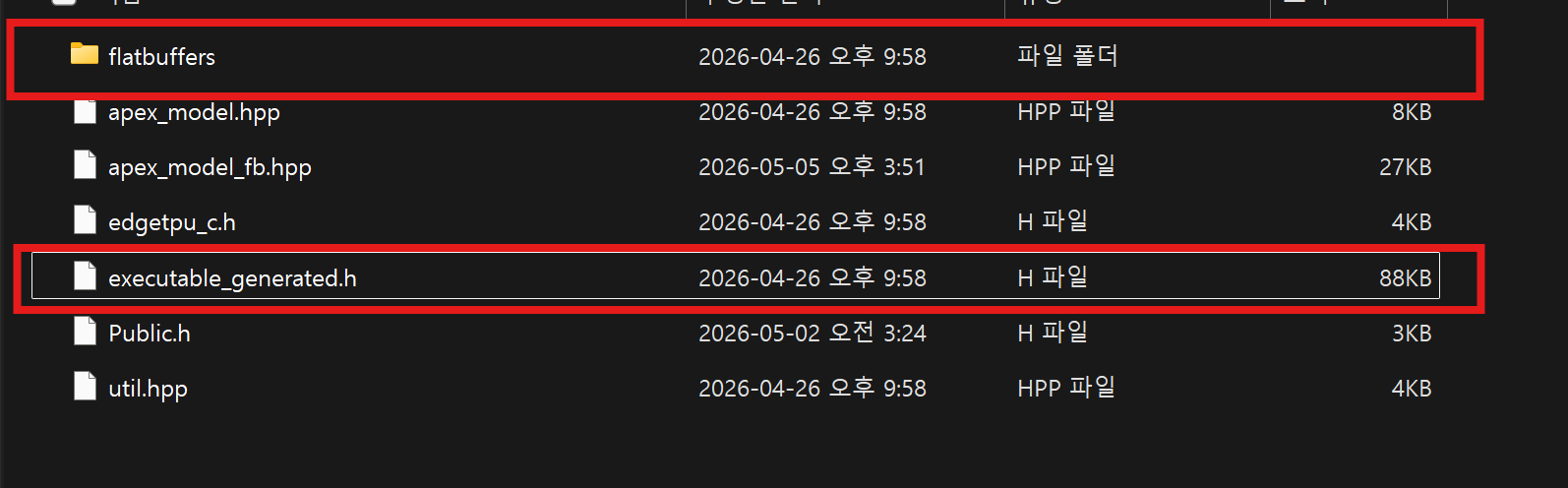
tflite 모델은 내부가 FlatBuffers로 되어있다고 한다. google coral tpu에서 모델을 사용하기 위해서는 model 내부 구조의 bitstream을 뽑아서 맵핑을 시켜줘야 한다. google에서 제공해주는 libedgetpu를 사용하면 자동으로 해준다. 그러나 kmdf로 만들고 있기 때문에 직접 FlatBuffers로 파싱 하여 bitstream의 오프셋을 구해 적절한 va를 맵핑시켜주어야 한다. 어떻게 하는지 정리를 해보겠다.
edgetpu compile 된 tflite
기본적인 tflite 파일의 경우 edgetpu compiler로 한 번 더 가공해 주어야 한다. 일반적인 CPU나 GPU와는 완전히 다른 Edge TPU만의 독특한 하드웨어 가속 구조에 맞춰 연산 과정을 최적화하고 배치하기 위해서이다. 특징을 표로 정리하면 아래와 같다.
| 구분 | 일반 .tflite | Edge TPU 컴파일 후 .tflite |
|---|---|---|
| 대상 | 범용 CPU / 모바일 장치 | Google Coral (Edge TPU) 전용 |
| 연산 방식 | 소프트웨어 인터프리팅 | 하드웨어 직접 실행 (Direct Execution) |
| 속도 | 보통 | 매우 빠름 (실시간 추론 가능) |
참고로 컴파일을 하려면 반드시 모델이 전체 정수 양자화 되어 있어야 한다.
fbs 파일 컴파일하여 header 파일 생성하기
libedgetpu 저장소 내의 executable.fbs는 일반적인 .tflite 모델을 위한 것이 아니라, 오직 Edge TPU 컴파일러를 거친 컴파일된 모델 전용이다. fbs 파일로 header 파일을 뽑아내야 하는데 그러기 위해서는 flatc.exe 컴파일러가 필요하다. Release에서 다운로드하여 설치할 수 있다.
flatc --cpp --gen-object-api --no-includes your_file.fbs
위 명령어를 통해서 .h파일을 뽑아낼 수 있다.
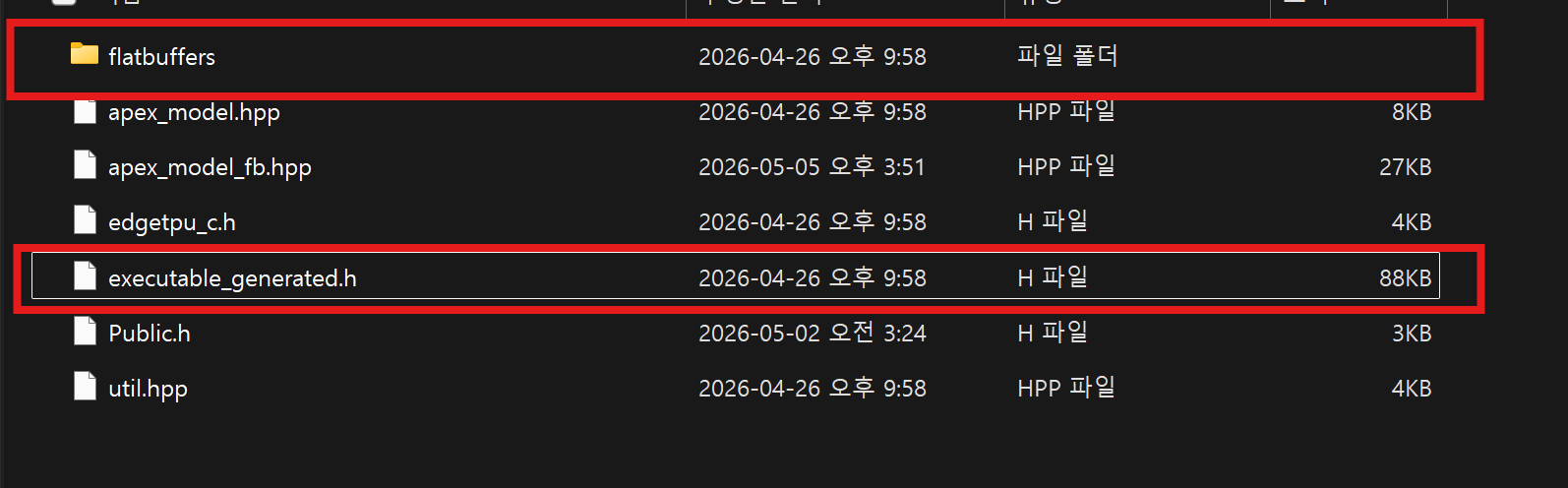
executable_generated.h 파일이 생성되는데 내부에서 flatbuffers dependency가 필요해서 FlatBuffers 소스의 include도 필요하다.
libedgetpu fbs 구조
우리는 tflite 모델의 bitstream을 구해야한다. 아래 스키마를 확인해보겠다.
// Holds information for an instruction bitstream chunk.
table InstructionBitstream {
  // Encoded bitstream for a real hardware.
  bitstream:[ubyte];

  // Offset (in bits) of various fields in the instruction bit stream. These
  // fields are filled in by the driver before sending the instruction stream
  // to the hardware.
  field_offsets:[FieldOffset];
}field_offsets는 FieldOffset의 배열로 보인다. 그러면 FieldOffset을 확인해보면 된다.
// Holds offset information of a field in an instruction bit stream chunk.
table FieldOffset {
  // Linker metadata.
  meta:Meta;

  // Bit offset.
  offset_bit:int;
}meta필드를 확인할 수 있다. 그러면 Meta가 무엇인지 확인해보자.
// Linker metadata. Enums for various special fields in the encoded instruction
// stream that will be populated by the driver at run time.
table Meta {
  // Indicates which base address this metadata is targeting.
  desc:Description;

  // For input/output/scratch, provides batch information.
  // Parameter will not contain batch.
  batch:int;

  // Name of the input/output layer for input/output activations. Parameter and
  // scratch should not have this field.
  name:string;

  // Tells which bit position to update.
  position:Position;
}

enum Description : short {
  // Bundle::Alu::MOVI instruction to load output activation base address.
  BASE_ADDRESS_OUTPUT_ACTIVATION = 0,

  // Bundle::Alu::MOVI instruction to load input activation base address.
  BASE_ADDRESS_INPUT_ACTIVATION = 1,

  // Bundle::Alu::MOVI instruction to load parameter base address.
  BASE_ADDRESS_PARAMETER = 2,

  // Bundle::Alu::MOVI instruction to load scratch buffer base address.
  BASE_ADDRESS_SCRATCH = 3,
}

enum Position : short {
  // Lower 32-bit of 64-bit address.
  LOWER_32BIT = 0,

  // Upper 32-bit of 64-bit address.
  UPPER_32BIT = 1,
}Meta는 또 Descriptor 필드를 가지는데 이는 output, input 등 여러 정보에 대한 base address에 대한 정보인 것 같다. 즉 Descriptor를 보고서 해당 오프셋 위치에는 어떤 base address를 넣어야 하는지 결정할 수 있는 것이다.
정리를 하면, 각 모델마다 bitstream에 input, output, parameter, scratch에 대한 base address를 넣어주고 bitstream을 device에게 넘긴다. device(hardware)는 bitstream에서 필요한 주소를 얻어 host ram에 접근하여 cpu의 개입 없이 데이터를 가져오거나 쓸 수 있다.
결론
kmdf로 google coral tpu의 windows driver를 개발하고 있는데 bitstream을 넘기는 것부터가 고비였다. 하지만 조금씩 이해를 하고 있는 것 같다.
마치 protobuffer처럼 edgetpu는 FlatBuffers를 사용하는 것 같다. IDL에 대해 익숙하여 빨리 이해할 수 있었던 것 같다.
천천히 이해하면서 개발을 해야겠다.