상태값을 전역으로 관리하려면...store
- 상태값 전역 관리를 위한 store.js 생성
import { writable } from 'svelte/store'

export const count = writable(0);
- 상태값 증가를 위한 Increment.svelte
<script>

import { count } from '../store.js'

const onIncrement = () => {
  $count += 1;
}

</script>

<button on:click={onIncrement}>+</button>- 상태값 감소를 위한 Decrement.svelte
<script>

import { count } from '../store.js'

const onDecrement = () => {
  $count -= 1;
}

</script>

<button on:click={onDecrement}>-</button> - 상태값 결과 출력을 위한 CountResult.svelte
<script>

import { count } from '../store.js'

</script>

<h3>현재 count는 { $count} 입니다.</h3>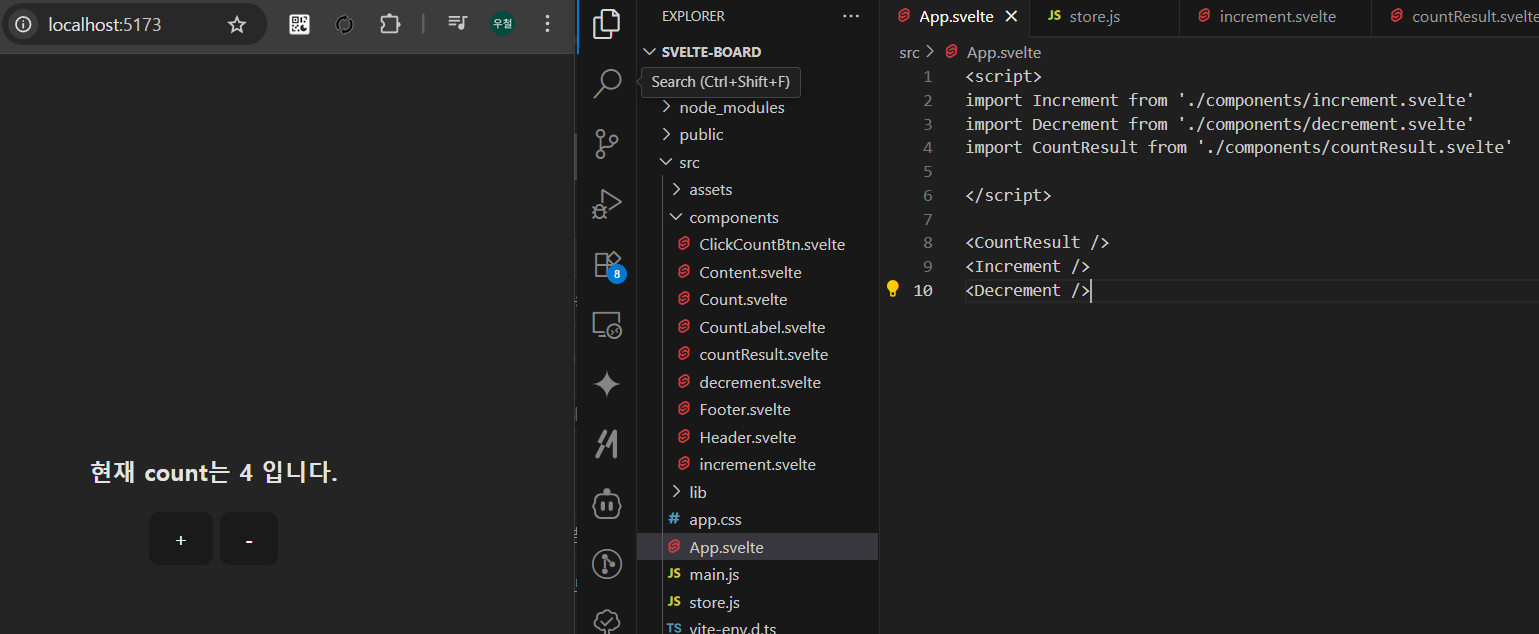
- 추가 : 사용자정의 함수로 변경 (in store.js)
- store.js
import { writable } from 'svelte/store'

function createCount() {
  const { subscribe, set, update } = writable(0);

  return {
    subscribe,
    increment: () => update(count =>count + 1),
    decrement: () => update(count => count - 1),
    reset: () => set(0)
  };
}

export const count = createCount();
- increment.svelte
<script>

import { count } from '../store.js'

const onIncrement = () => {
  count.increment();    // 사용자 정의 함수
}

</script>

<button on:click={onIncrement}>+</button>- decrement.svelte
<script>

import { count } from '../store.js'

const onDecrement = () => {
  count.decrement();    //  사용자 정의 함수
}

</script>

<button on:click={onDecrement}>-</button>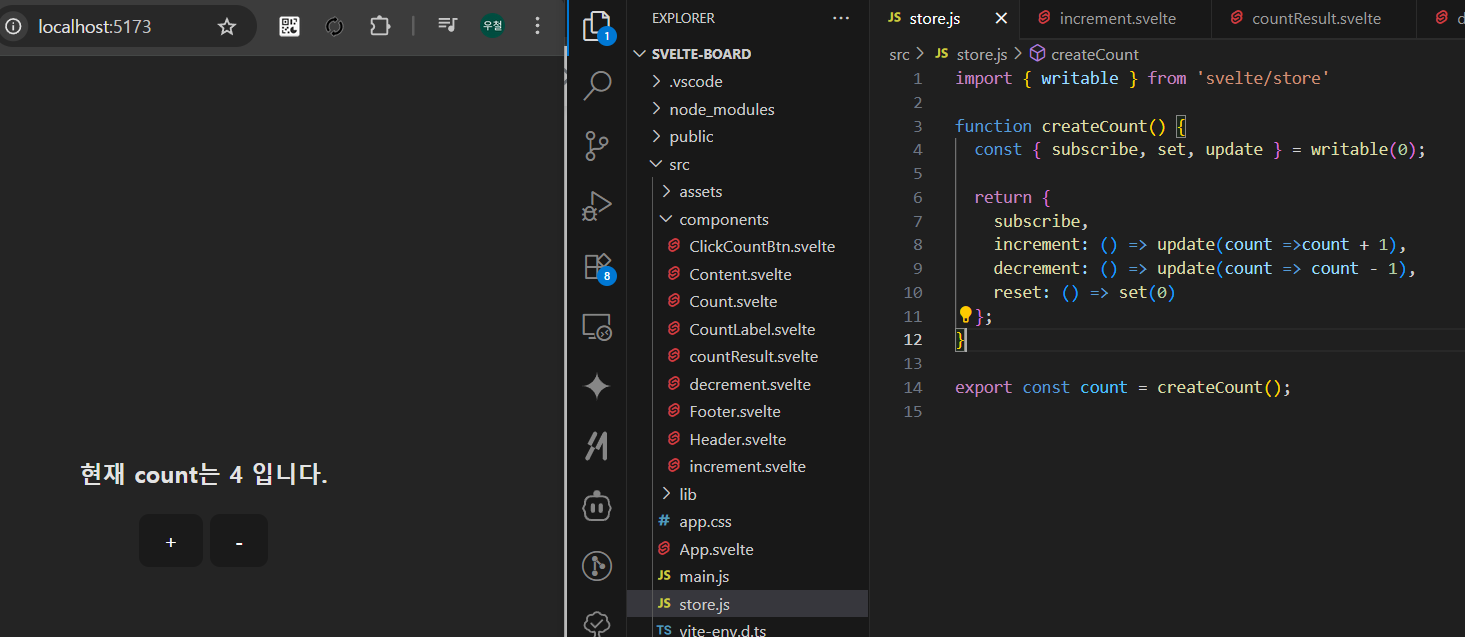

개발 정리 공간 - 업무일때도 있고, 공부일때도 있고...