nextjs 결과물을 github에 올리고 vercel을 통해 호스팅 까지 진행
"급히 누가 물어봐서 정리합니다"
- nextjs 심플 게시판 소스를 github에 올림
프로젝트 디렉토리에서 아래 실행
git init
git add .
git commit -m "first commit"
git branch -M main
git remote add origin https://github.com/wclee7/레포지토리.git
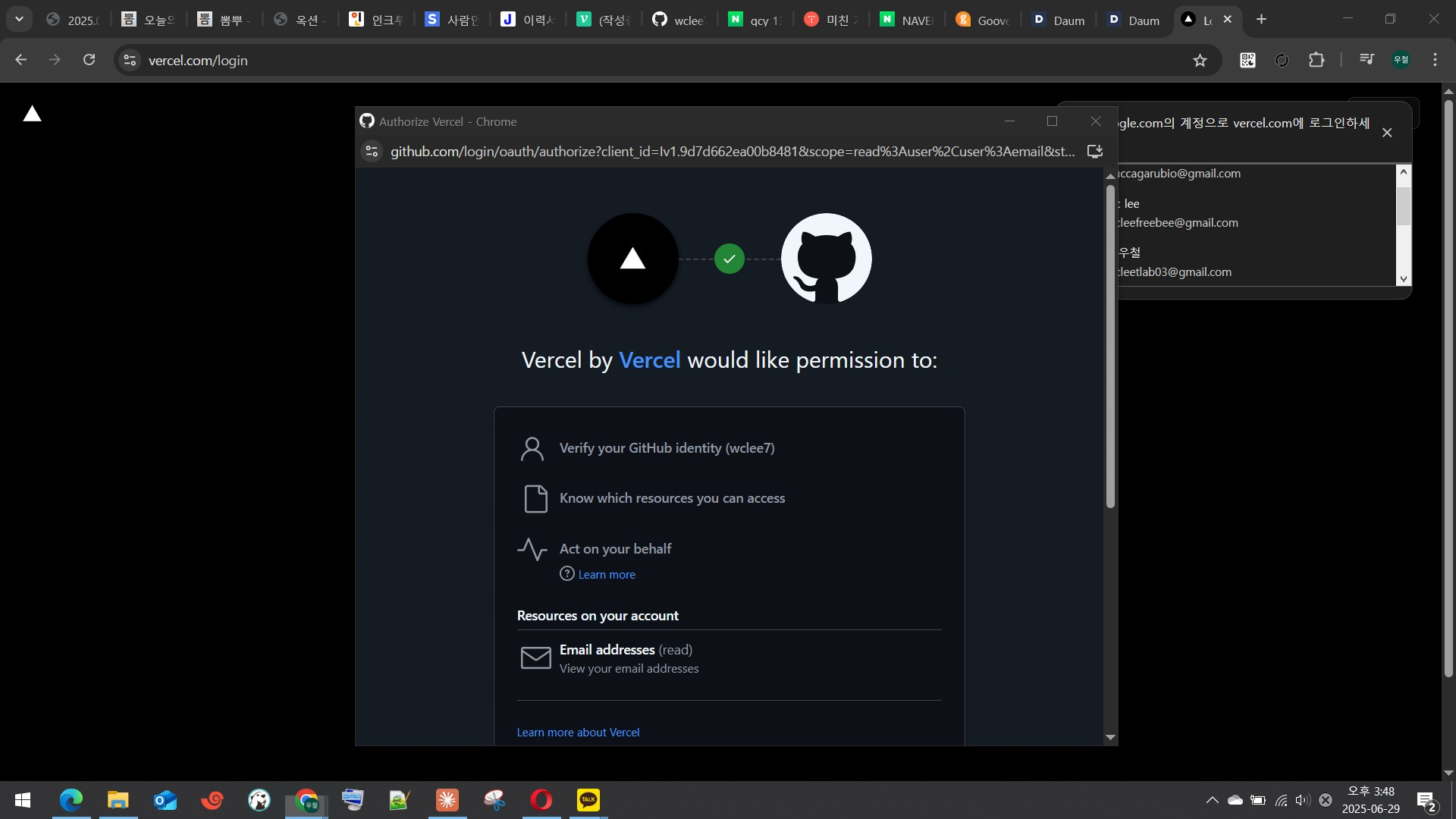
git push -u origin main- github 아이디로 vercel(https://vercel.com)에 가입/로그인 :
- vercel dashboard에서 “Add New” → “Project”
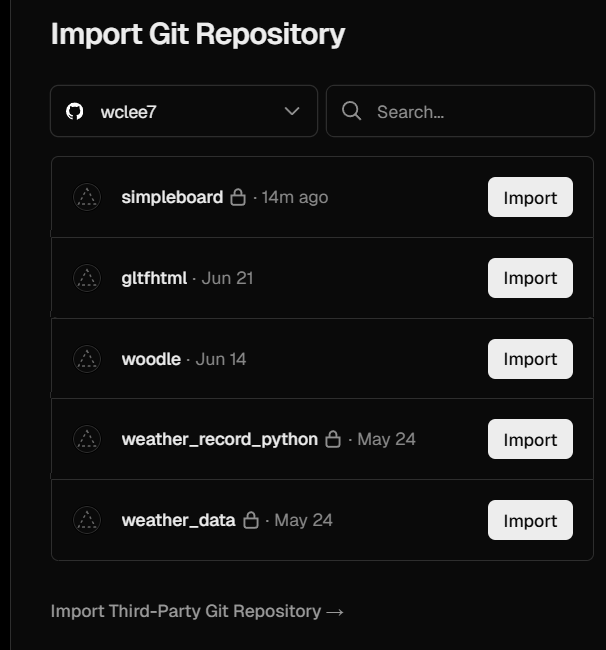
방금 올린 simpleboard 선택 (import)
- root directory & env
-
루트 디렉토리(Root Directory)가 맞는지 확인 (예: / 등)
-
.env 파일을 사용하는 경우, Environment Variables 탭에서 환경 변수(Key/Value)를 수동으로 입력
- deploy
- 설정 완료 후 “Deploy” 버튼 클릭
- 몇 분 내로 빌드가 완료되고, 배포된 사이트의 URL이 제공됨
끝.

개발 정리 공간 - 업무일때도 있고, 공부일때도 있고...