환경 설정
-
- MiniConda 설치, 파이썬 설치, git 설치를 하고 각각 path 옵션을 체크한다.
-
- cmd창을 연다
-
유니티 프로젝트의 저장된 주소 입력
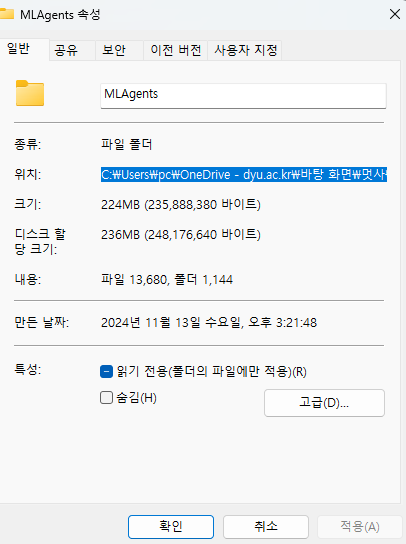
cd C:\Users\pc\OneDrive - dyu.ac.kr\바탕 화면\멋사\2.3D- 디렉토리를 유니티 프로젝트로 변경
cd MLAgents- 새로운 가상환경인 mlagent라는 이름으로 생성하고, 생성된 환경에 파이썬 3.12.7을 설치한다.
conda create -n mlagent python=3.10.11- 예/아니오를 묻는 명령어가 나올 텐데 계속 y를 입력한다
y- 가상환경을 활성화한다.
conda activate mlagent- 명령어는 현재 활성화된 파이썬 환경에서 pip 패키지 관리 도구를 최신 버전으로 업데이트한다
python -m pip install --upgrade pip- Unity ML-Agents 리포지토리의 특정 버전인 release_22 브랜치를 클론한다.
git clone --branch release_22 https://github.com/Unity-Technologies/ml-agents.git-
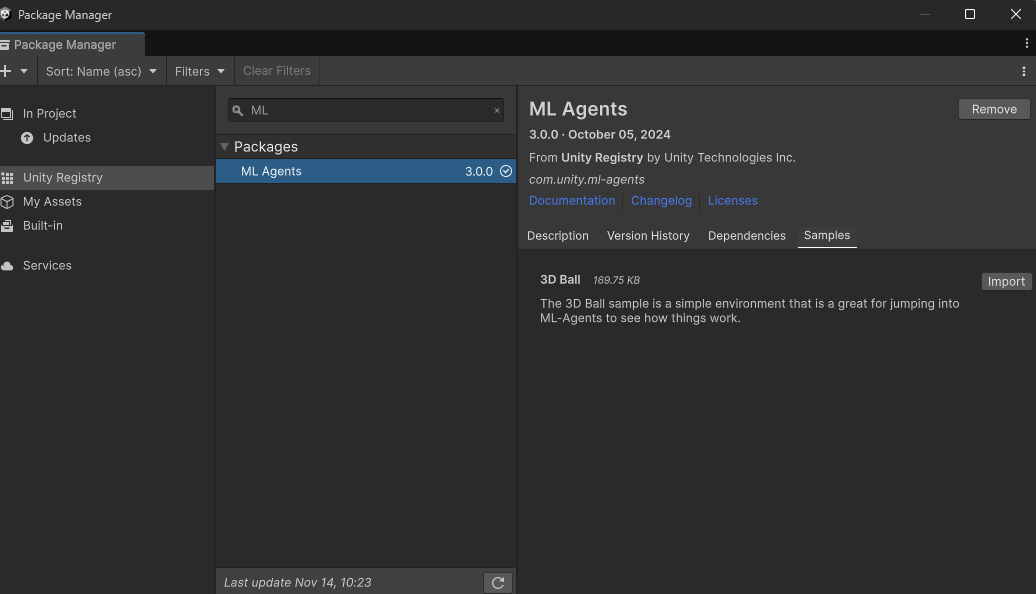
패키지 매니저에 ML Agents을 다운로드하고, Samples에서 Install을 한다.
-
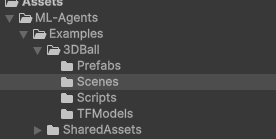
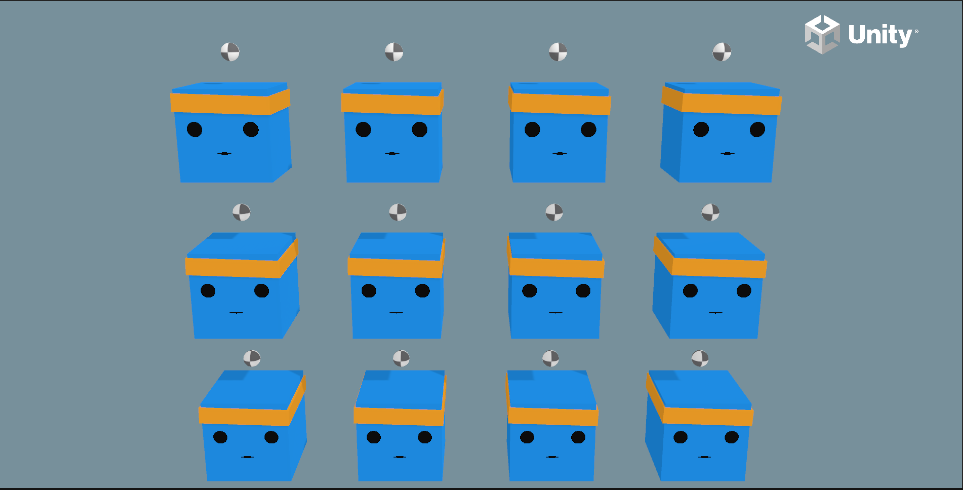
에셋 산하에 ML Agents가 생겼고,씬으로 가면 3D Ball이 여러개가 있다.
오류
- 하지만 오류가 생겼다.
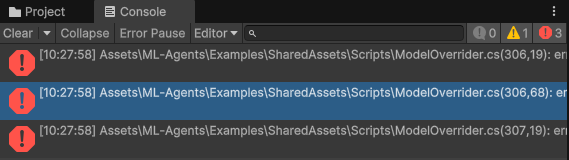
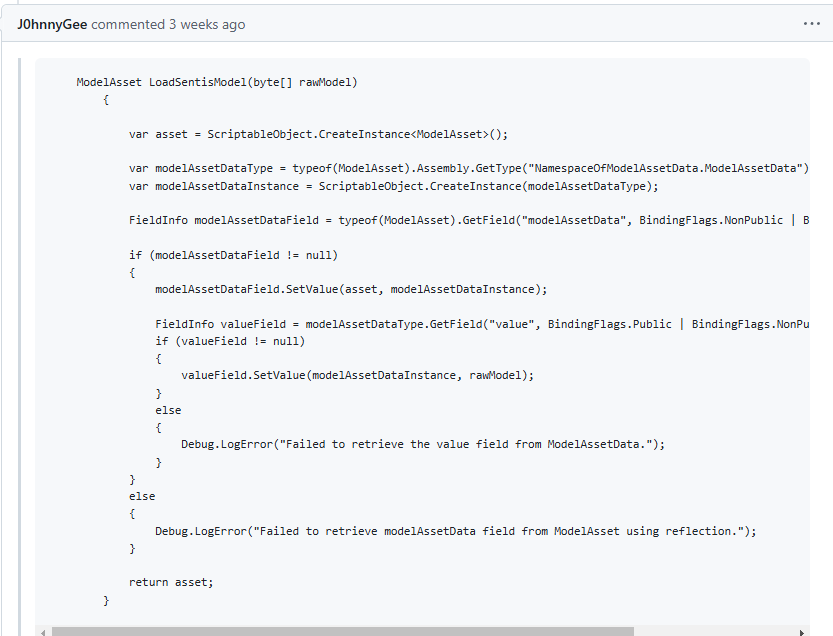
- 아래 링크로 접속한다.
https://github.com/Unity-Technologies/ml-agents/issues/6151 - LoadSentisModel 메서드 전체를 복사한다.
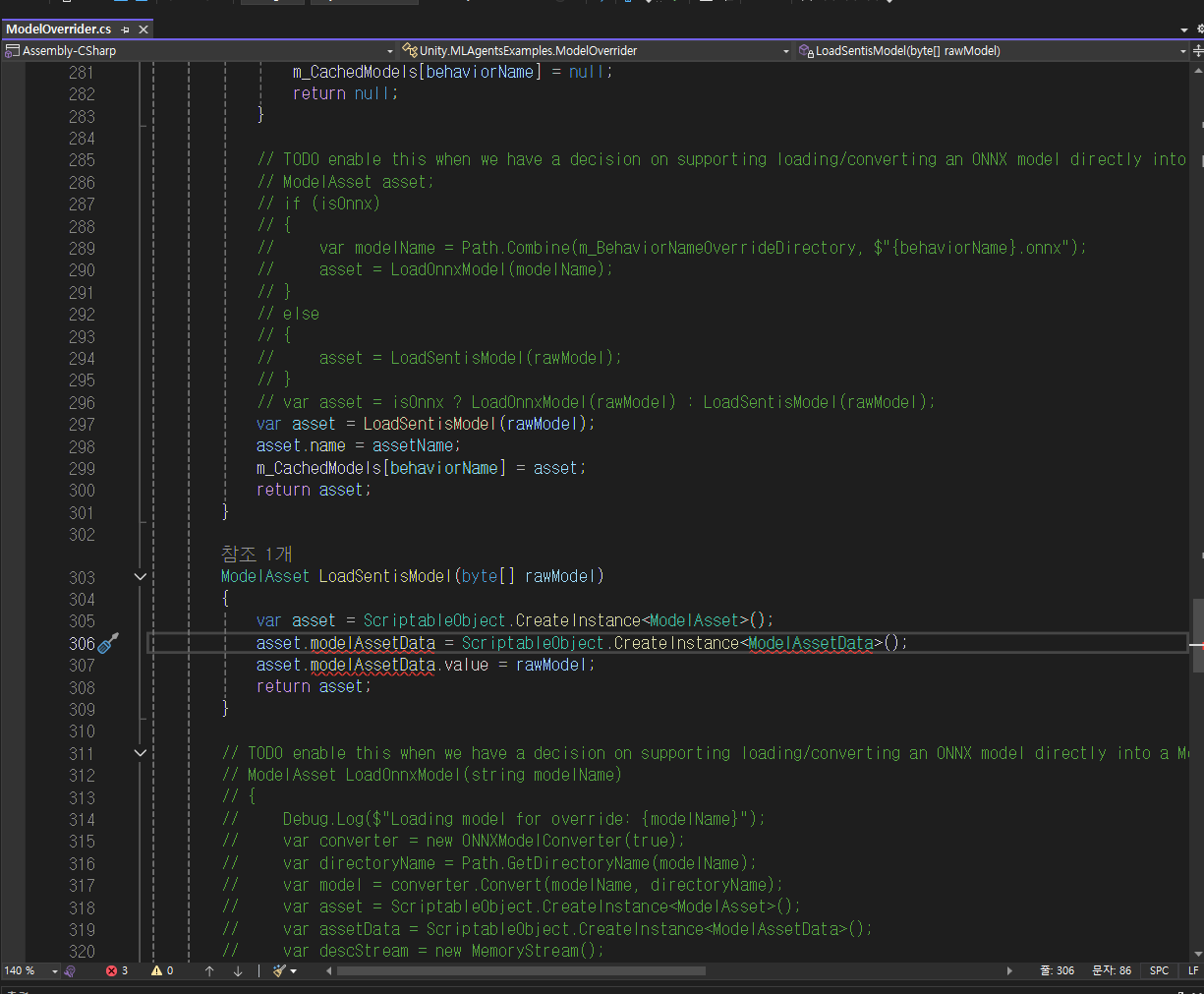
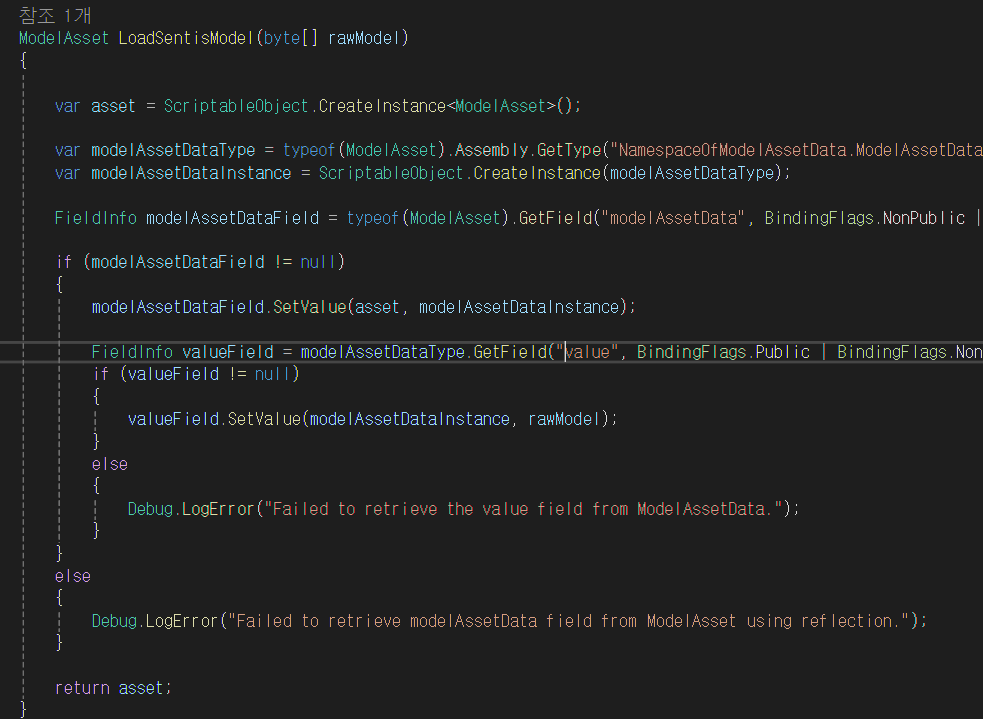
- 오류난 곳으로 돌아와서 이전에 복사했던 코드를 붙여 넣기 한다.
- 해결했다.
환경설정(1)
- ml_agents로 디렉토리를 변경한다.
cd ml-agents- pip install한다.
pip install torch==2.1.1 -f https://download.pytorch.org/whl/torch_stable.html- 파이썬을 pip install한다.
python -m pip install ./ml-agents-envs- ml-agents을 install한다.
python -m pip install ./ml-agentsmlagents-learn --help만약 --help을 빼면 cmd창에 Unity 로고가 보인다.
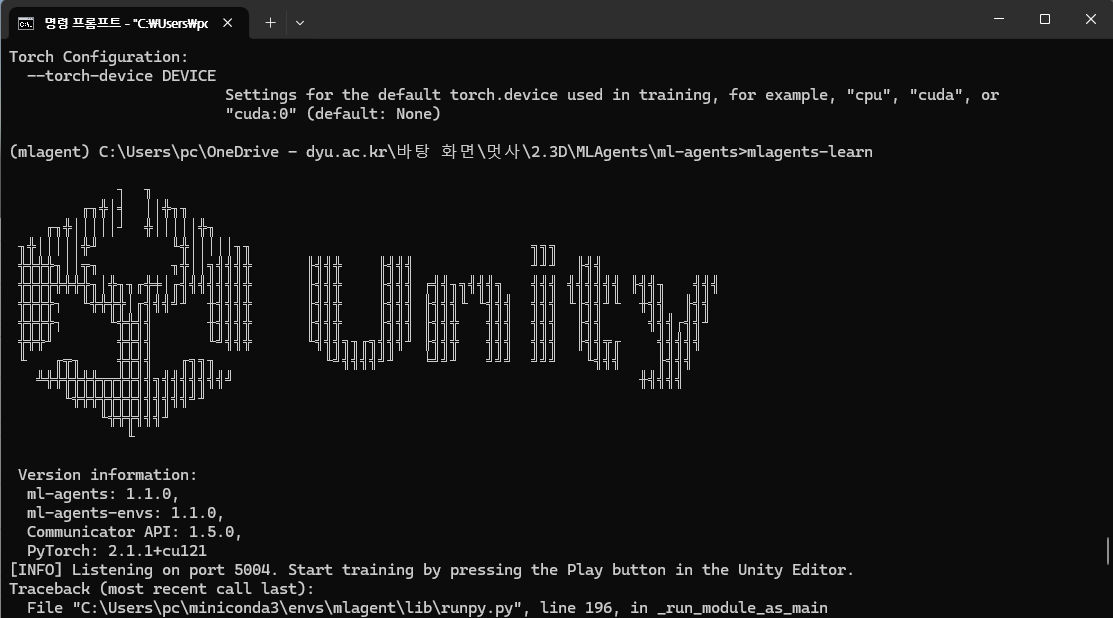
프로젝트 진행
- 3D Ball 프리펩을 해제 시키고, 3DBall과 Ball을 삭제하여 AgentCube_Blue 오브젝트만 남게한다.

- 3D Ball 프리펩을 해제 시키고, 3DBall과 Ball을 삭제하여 AgentCube_Blue 오브젝트만 남게한다.
- 빈 객체를 만들고 AgentCube로 짓는다. 이 오브젝트에 AgentCube_Blue 오브젝트를 산하로 들어가게 한다.
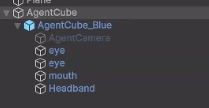
- 빈 객체를 만들고 AgentCube로 짓는다. 이 오브젝트에 AgentCube_Blue 오브젝트를 산하로 들어가게 한다.
- AgentCube에 Rigidbody와 BoxCollider 컴포넌트를 부착한다.
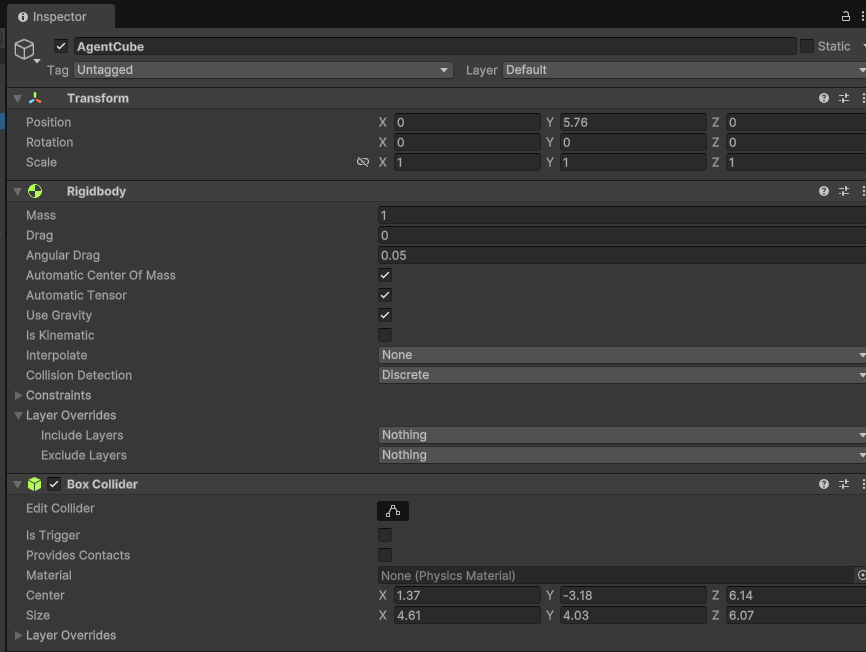
- AgentCube에 Rigidbody와 BoxCollider 컴포넌트를 부착한다.
- Move To Ball Agent 스크립트를 생성하고 추가한다. 추가로, Behavior Parameters 스크립트와 Decision Requester 스크립트를 추가한다.
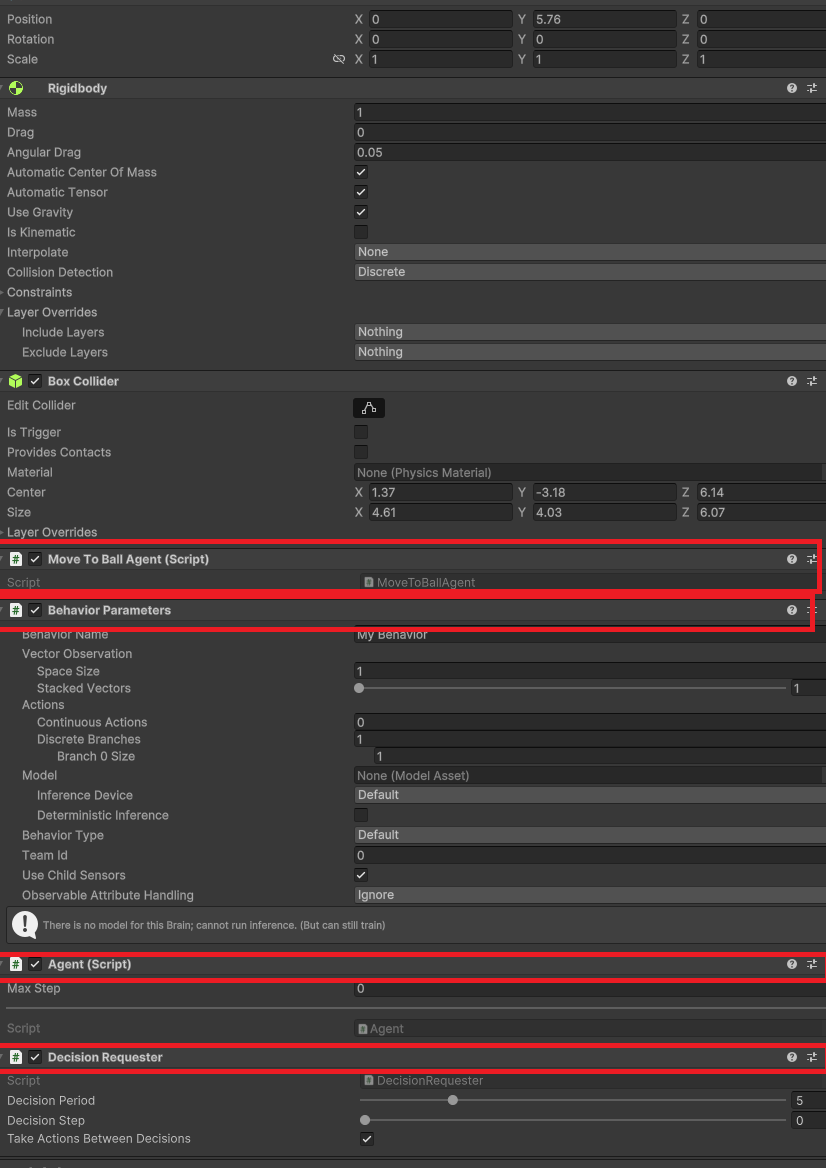
- Move To Ball Agent 스크립트를 생성하고 추가한다. 추가로, Behavior Parameters 스크립트와 Decision Requester 스크립트를 추가한다.
- Move To Ball Agent 스크립트를 작성한다
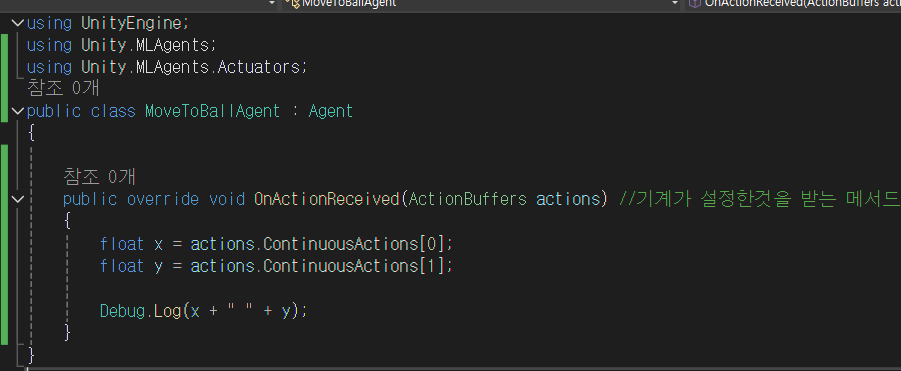
- Move To Ball Agent 스크립트를 작성한다
- Behavoiour 스크립트를 다음과 같이 수정한다.
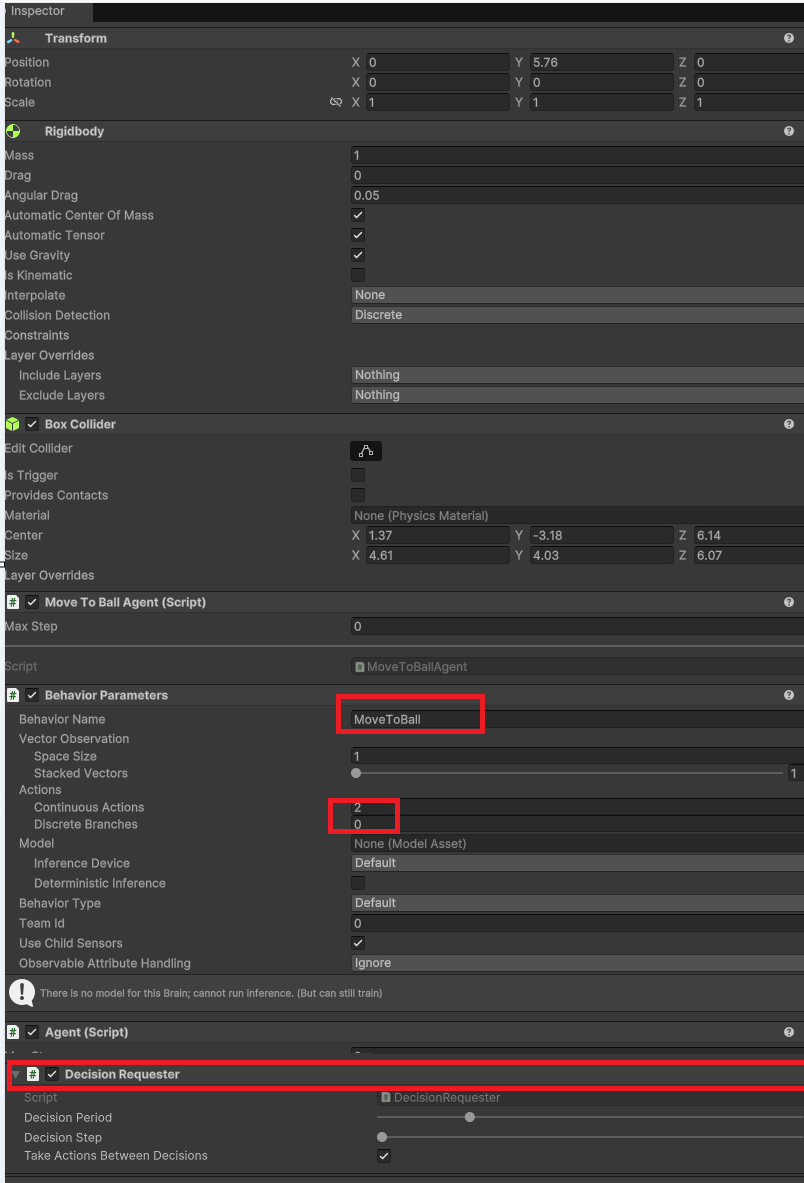
- Behavoiour 스크립트를 다음과 같이 수정한다.
- cmd로 돌아가서 이전의 학습했던 내용들을 덮어쓰기 한다.
mlagents-learn --force-
이전의 mlagents-learn 해서 유니티 로고를 본적이 있으므로 학습한 경험이 있다. 따라서 위와 같이 덮어쓰기 하면 이전의 학습했던 내용들은 사라진다.
-
- 위와 같이 입력하면 유니티 에디터를 시작하라는 문구가 보인다.
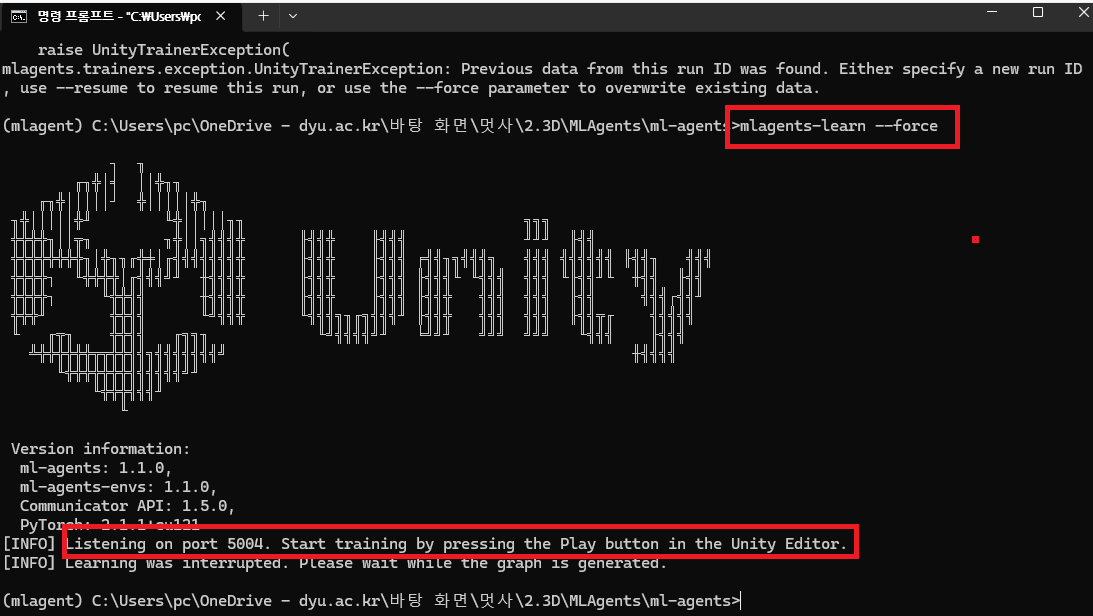
- 위와 같이 입력하면 유니티 에디터를 시작하라는 문구가 보인다.
-
- 유니티를 실행하면, Move To Ball Agent 에서 작성했던 로그가 프레임 단위로 실행되고 있는 것을 볼 수 있다.
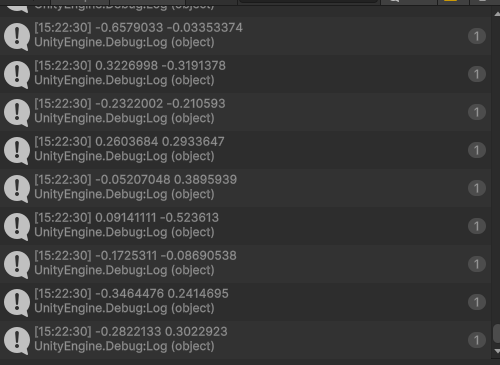
- 유니티를 실행하면, Move To Ball Agent 에서 작성했던 로그가 프레임 단위로 실행되고 있는 것을 볼 수 있다.
-
10 . 코드를 작성한다
using Unity.MLAgents;
using Unity.MLAgents.Actuators;
using Unity.MLAgents.Sensors;
using UnityEngine;

public class MoveToBallAgent : Agent
{
    [SerializeField] Transform targetTransform;

    [SerializeField]
    Renderer floorMaterial;
    [SerializeField]
    Material winMaterial;
    [SerializeField]
    Material loseMaterial;
    void Start()
    {

    }

    public override void OnEpisodeBegin()
    {// 새로운 에피소드가 들어올 때 시작
        transform.localPosition = new Vector3(0, 0.5f, 0);
    }


    // 관찰한 결과를 받아옴
    public override void CollectObservations(VectorSensor sensor)
    {
        sensor.AddObservation(transform.localPosition); // localPosition을 사용해야 함
        sensor.AddObservation(targetTransform.localPosition);
    }

    public override void OnActionReceived(ActionBuffers actions)
    { // 결정한 내용을 받아옴
        float x = actions.ContinuousActions[0];
        float y = actions.ContinuousActions[1];


        float moveSpeed = 3f;
        //agent가 결정한 내용을 토대로 오브젝트를 움직인다.
        transform.Translate(new Vector3(x, 0, y) * Time.deltaTime * moveSpeed);
    }

    public override void Heuristic(in ActionBuffers actionsOut)
    {// 장치를 검증하는 용도
        ActionSegment<float> continuousAction = actionsOut.ContinuousActions;
        // ActionSegment에 continuousActions을 넣어줌
        continuousAction[0] = Input.GetAxisRaw("Horizontal");
        continuousAction[1] = Input.GetAxisRaw("Vertical");
        // 학습은 계속해서 이어지지만, 에피소드 단위로 끊어 학습한다.
    }

    private void OnTriggerEnter(Collider other)
    {
        if (other.tag == "Ball")
        {
            Debug.Log("Good");
            SetReward(1f); // 상점
            floorMaterial.material = winMaterial;
            EndEpisode(); // 에피소드 종료 후 새로운 에피소드로 시작시킨다.
        }
        else if (other.tag == "Wall")
        {
            Debug.Log("Bad");
            SetReward(-1f); // 벌점
            floorMaterial.material = loseMaterial;
            EndEpisode(); // 에피소드 종료 후 새로운 에피소드로 시작시킨다.
        }
    }

}
-
- 유니티 에디터에서 다음과 같이 설정한다.
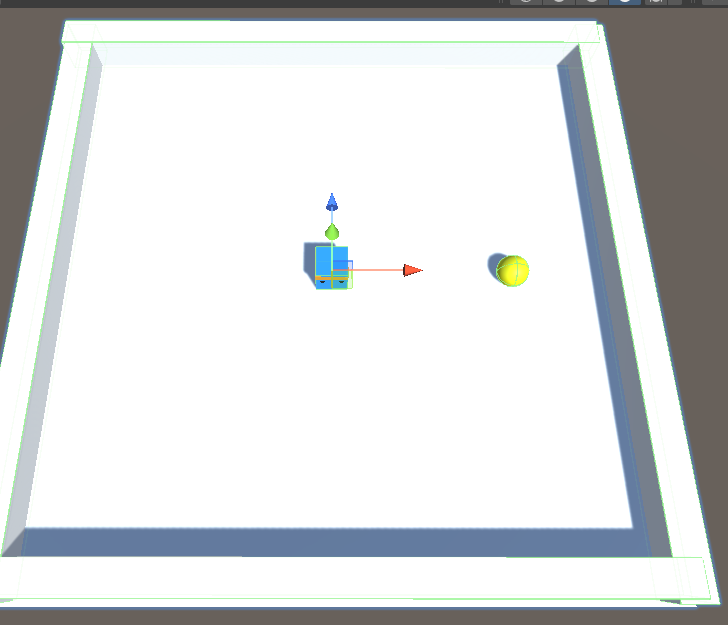
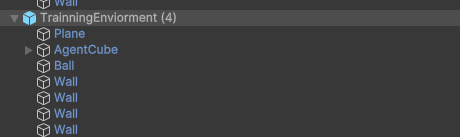
- 유니티 에디터에서 다음과 같이 설정한다.
-
Wall과 Ball은 각각 이름에 맞게 태그로 변경한다.
-
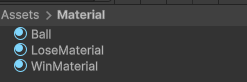
그 다음 인스펙터에 다음을 할당한다.
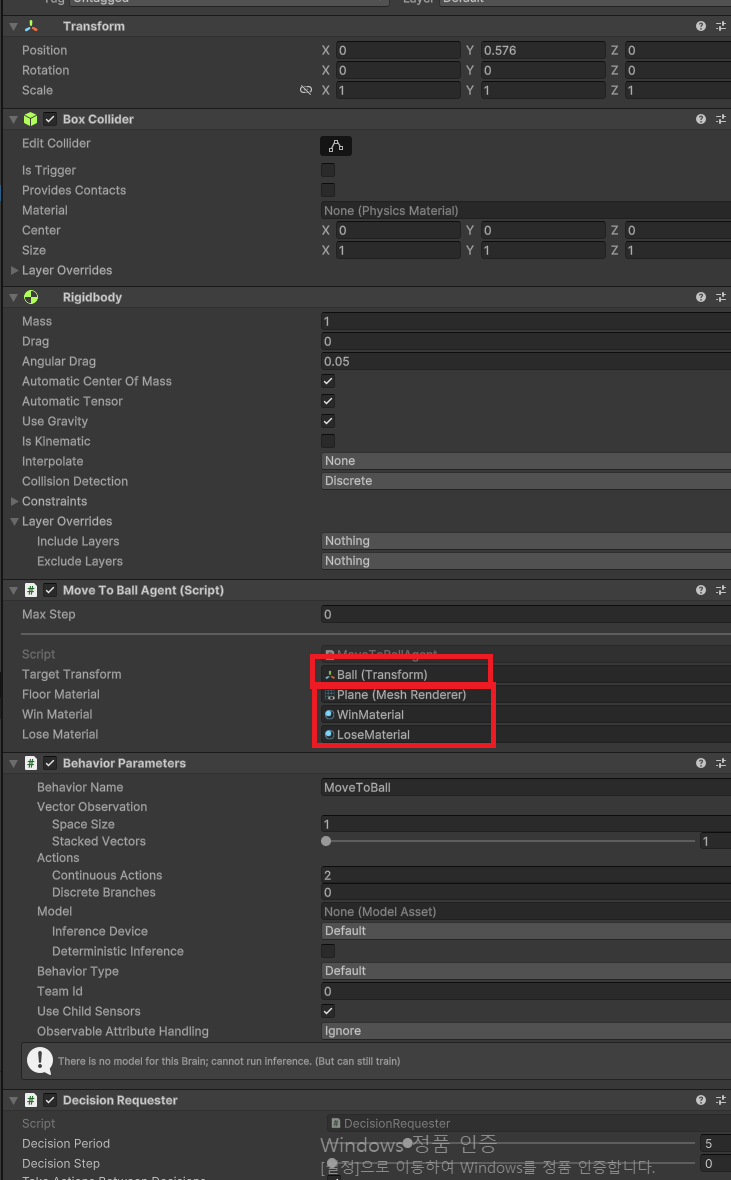
-
- 새로운 학습을 시작하기 위해 MoveToBall을 시작한다.
mlagents-learn --run-id=MoveToBall