이번에는 동작하는 pomodoro. timer를 곁들인
int totalSeconds = 1500;
  late Timer timer; //이미 만들어진 Timer위젯, late로 나중에 값 삽입
  bool isRunning = false;

  void onTick(Timer timer) { //시간을 세고
    setState(() {
      totalSeconds -= 1;
    });
  }

  void onStartPressed() { //타이머 시작
    timer = Timer.periodic(
      const Duration(seconds: 1),
      onTick,
    );
    setState(() {
      isRunning = true;
    });
  }

  void onPausePressed() { //타이머 종료
    timer.cancel();
    setState(() {
      isRunning = false;
    });
  }
이렇게 선언해주고 build 안의요소들의 값에 각 변수명, 함수명을 알맞게 넣어준다.
react에서는 useState를 썼었는데 여기는 변수는 일반 변수로 선언하되, 변화가 필요할 때 setState() 를 사용함
totalPomodoros
총 몇번 pomodoros했는지 세보자
int totalPomodoros = 0;

  void onTick(Timer timer) {
    if (totalSeconds == 0) {
      setState(() {
        totalPomodoros += 1;
        isRunning = false;
        totalSeconds = 1500;
      });
      timer.cancel();
    } else {
      setState(() {
        totalSeconds -= 1;
      });
    }
  }
setState를 한 메서드에서 여러번 사용해도 된다.
물론 위처럼 하지않고 setState() { 여기에 if문 다 넣어도 된다.}
해봤음
format
이제 시간이 1500 이 아니라 15:00 처럼 나오게 해야한다.
우선 포맷 전에 나오는 모습을 print해봄

나는 밀리초는 필요없으니까 .을 기준으로 잘라냄(split())

추가로 분:초 형태만 필요하므로 시간도 버림
var duration = Duration(seconds: seconds);
duration.toString().split(".").first.substring(2)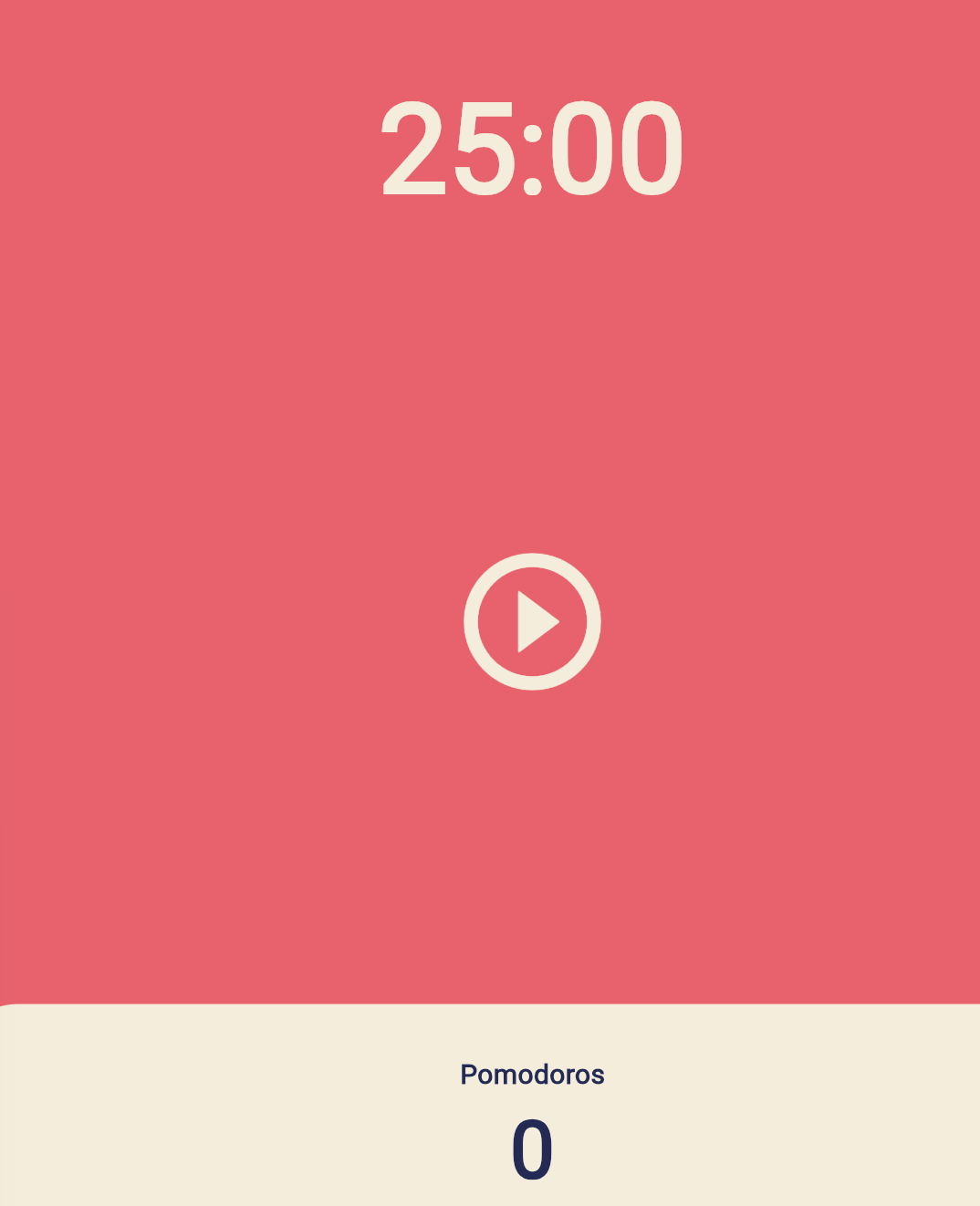
code challenge
지금 상황에서 재시작하고 싶다면? 남은 시간을 기다려야 됨.
이 문제를 해결해보자
import 'dart:async';

import 'package:flutter/material.dart';

class HomeScreen extends StatefulWidget {
  const HomeScreen({super.key});

  @override
  State<HomeScreen> createState() => _HomeScreenState();
}

class _HomeScreenState extends State<HomeScreen> {
  static const tfMin = 1500;
  int totalSeconds = tfMin;
  late Timer timer;
  bool isRunning = false;
  int totalPomodoros = 0;

  void onTick(Timer timer) {
    if (totalSeconds == 0) {
      setState(() {
        totalPomodoros += 1;
        isRunning = false;
        totalSeconds = tfMin;
      });
      timer.cancel();
    } else {
      setState(() {
        totalSeconds -= 1;
      });
    }
  }

  String format(int seconds) {
    var duration = Duration(seconds: seconds);
    return duration.toString().split(".").first.substring(2);
  }

  void onStartPressed() {
    timer = Timer.periodic(
      const Duration(seconds: 1),
      onTick,
    );
    setState(() {
      isRunning = true;
    });
  }

  void onPausePressed() {
    timer.cancel();
    setState(() {
      isRunning = false;
    });
  }

  void restart() {
    timer.cancel();
    totalSeconds = tfMin;
    setState(() {
      isRunning = false;
    });
  }

  @override
  Widget build(BuildContext context) {
    return Scaffold(
      backgroundColor: Theme.of(context).scaffoldBackgroundColor,
      body: Column(
        children: [
          Flexible(
            flex: 1,
            child: Container(
              alignment: Alignment.bottomCenter,
              child: Text(
                format(totalSeconds),
                style: TextStyle(
                  color: Theme.of(context).cardColor,
                  fontSize: 90,
                  fontWeight: FontWeight.w600,
                ),
              ),
            ),
          ),
          Flexible(
            flex: 3,
            child: Center(
              child: Column(
                mainAxisAlignment: MainAxisAlignment.center,
                children: [
                  IconButton(
                    iconSize: 120,
                    color: Theme.of(context).cardColor,
                    onPressed: isRunning ? onPausePressed : onStartPressed,
                    icon: Icon(isRunning
                        ? Icons.pause_circle_outline
                        : Icons.play_circle_outline),
                  ),
                  const SizedBox(
                    height: 10,
                  ),
                  IconButton(
                    iconSize: 50,
                    color: Theme.of(context).cardColor,
                    onPressed: restart,
                    icon: const Icon(Icons.refresh_outlined),
                  ),
                ],
              ),
            ),
          ),
          Flexible(
            flex: 1,
            child: Row(
              children: [
                Expanded(
                  child: Container(
                    decoration: BoxDecoration(
                        color: Theme.of(context).cardColor,
                        borderRadius: BorderRadius.circular(50)),
                    child: Column(
                      mainAxisAlignment: MainAxisAlignment.center,
                      children: [
                        Text(
                          'Pomodoros',
                          style: TextStyle(
                            fontSize: 20,
                            color: Theme.of(context)
                                .textTheme
                                .headlineLarge!
                                .color,
                            fontWeight: FontWeight.w600,
                          ),
                        ),
                        Text(
                          '$totalPomodoros',
                          style: TextStyle(
                            fontSize: 58,
                            color: Theme.of(context)
                                .textTheme
                                .headlineLarge!
                                .color,
                            fontWeight: FontWeight.w600,
                          ),
                        )
                      ],
                    ),
                  ),
                ),
              ],
            ),
          )
        ],
      ),
    );
  }
}

개애발