레이아웃 코드는 제외한다.
- 이전 작성글과는 상관없이 가능하긴하지만, 하고오는게 좋다!!!
- 채팅방 만들기
우선 Firebase 콘솔 접속해서 만들어야겠지??
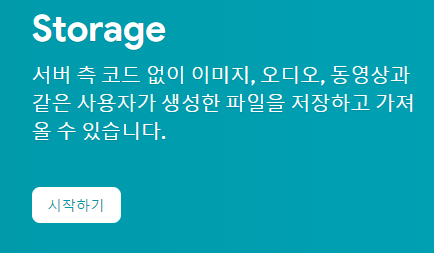
- Store는 이미지 및 동영상 등 파일이 저장이 가능하도록 해주는 공간이다!!!
1. 시작하기!!
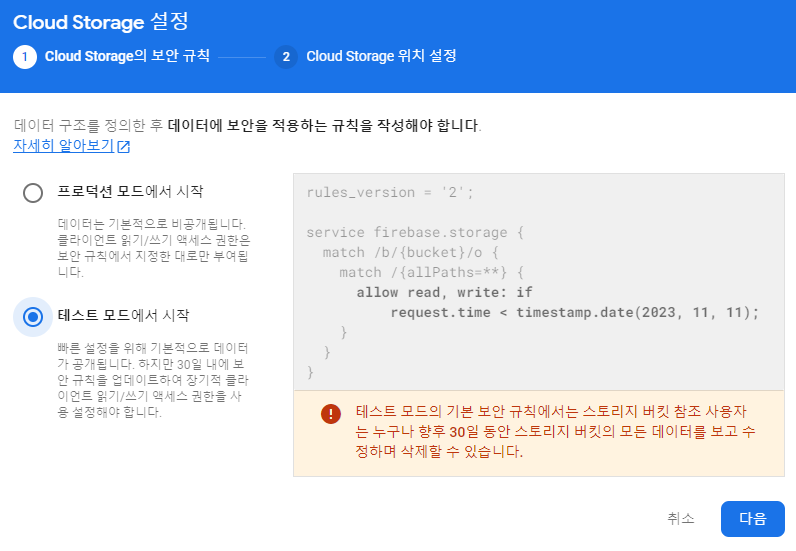
2. 보안 규칙 설정
- 테스트 모드를 사용해서 쉽게 접근이 가능하도록 설정하자!
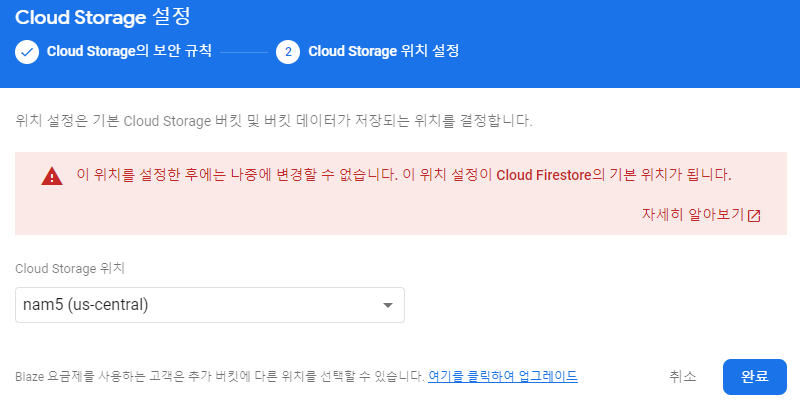
3. 지역 설정
- 서울로 설정해도 되지만, 기본 지역을 설정한 미국으로 해도된다!!
이제 사용해볼까???
- 스토리지 공식 문서를 참고하자!
1. 설정
-
Module 수준의 Gradle 파일에 라이브러리를 설치하자!
  dependencies {
    // ...

    implementation("com.google.firebase:firebase-storage")
 }
2. 선언 및 초기화
- 선언
StorageReference storageRef; - 초기화에는 최상단에는 채팅 ID를 부여해 각각의 채팅에 맞게 경로를 지정하자!!
storageRef = FirebaseStorage.getInstance().getReference(chatKey).child("images");
3. 사진 전송
- 우선 사진 처리에 관련해서는 카메라/이미지 권한 얻어 사진 출력에서 코드를 참고해서 작성하자!!
- Bitmap으로 변환된 사진을 스토리지에 넣자!!
// ImageView에 이미지를 적용하기 전에 적용되어 있는 File을 쪼개서 파이어베이스 저장소에 채팅방의 고유 키 값의 경로로 저장시킨다.
ByteArrayOutputStream baos = new ByteArrayOutputStream();
photo.compress(Bitmap.CompressFormat.JPEG, 100, baos);
byte[] imageData = baos.toByteArray();

UploadTask uploadTask = storageRef.child("/" + photoFile.getName()).putBytes(imageData);
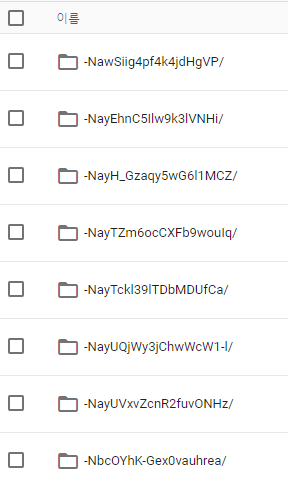
4. 저장소 확인
- 채팅창 마다 사진들이 올라간 것을 확인 할 수 있다!!
5. 아직 끝나지 않았다... - 채팅방에 사진 경로 전송
- 스토리지에 사진만 전송한다면 채팅방은 사진을 불러올 수 있지만, 정확히 언제 보냈는지 알 수 가 없다!!
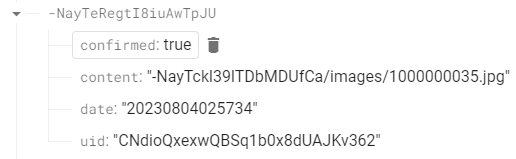
- 사진을 스토리지에 보내는 순간 채팅방에 사진 경로를 작성해서 넣자!!!!
- confirmed를 true로 변경해 메시지가 아닌 사진 경로인 것을 알려주자!!
uploadTask.addOnFailureListener(new OnFailureListener() {
    @Override
    public void onFailure(@NonNull Exception e) {

    }
}).addOnSuccessListener(new OnSuccessListener<UploadTask.TaskSnapshot>() {
    @Override
    public void onSuccess(UploadTask.TaskSnapshot taskSnapshot) {
        // 올린게 성공하면, 메시지에 해당 사진의 경로를 담아서 보내자.
        Message message = new Message(mAuth.getCurrentUser().getUid(),
                chatKey + "/images/" + photoFile.getName(), getDateTimeString(), true);

        myRef.child(chatKey).child("messages").push().setValue(message);
    }
});
6. 잘 보내진 모습

공부해보자