📱 MaterialApp 클래스란?
- Flutter 앱의 뼈대가 되는 위젯
- MaterialApp 위젯을 사용하면 구글의 Material Design 스타일을 쉽게 사용가능
주된 역할
- 앱 전체 테마 설정 (색상, 글꼴등을 설정)
- 라우팅 (화면 이동) 관리
- 홈 화면 지정
- 앱 이름, 아이콘 등 설정
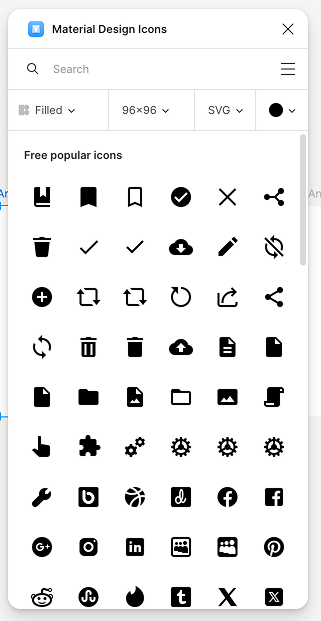
-> Figma의 Material Design Icons를 사용하면,
Google 에서 지원하는 아이콘을 활용하여 UI를 구성할 수 있음
속성
| 속성 | 설명 |
|---|---|
home | 앱이 시작할 때 처음 보여줄 화면 |
theme | 앱 전체에 적용될 테마 (색상, 글꼴) |
routes | 화면 이름과 실제 위젯을 매핑해주는 딕셔너리 |
initialRoute | 앱 시작시 보여줄 경로 (기본 / ) |
navigatorKey | 전역에서 화면 이동을 제어할 수 있는 키 |
debugShowCheckedModeBanner | 앱 우측 상단 ‘DEBUG’ 배너 표시 여부 (기본은 true) |
예시 코드
class MyApp extends StatelessWidget {
const MyApp({super.key});
// This widget is the root of your application.
Widget build(BuildContext context) {
return MaterialApp(
title: 'Flutter Demo',
routes: {
'/': (context) => SplashScreen(),
'/main': (context) => MainScreen(),
}
);
}
}

일단 하긴 합니다.