1.
package com.sparta.springauth.config;

import org.springframework.boot.autoconfigure.security.servlet.PathRequest;
import org.springframework.context.annotation.Bean;
import org.springframework.context.annotation.Configuration;
import org.springframework.security.config.annotation.web.builders.HttpSecurity;
import org.springframework.security.config.annotation.web.configuration.EnableWebSecurity;
import org.springframework.security.web.SecurityFilterChain;

@Configuration
@EnableWebSecurity // Spring Security 지원을 가능하게 함
public class WebSecurityConfig {

	@Bean
	public SecurityFilterChain securityFilterChain(HttpSecurity http) throws Exception {
		// CSRF 설정
		http.csrf((csrf) -> csrf.disable());

		http.authorizeHttpRequests((authorizeHttpRequests) ->
			authorizeHttpRequests
				.requestMatchers(PathRequest.toStaticResources().atCommonLocations()).permitAll() // resources 접근 허용 설정
				.requestMatchers("/api/user/**").permitAll() // '/api/user/'로 시작하는 요청 모두 접근 허가
				.anyRequest().authenticated() // 그 외 모든 요청 인증처리
		);

		// 로그인 사용
		http.formLogin((formLogin) ->
			formLogin
				// 로그인 View 제공 (GET /api/user/login-page)
				.loginPage("/api/user/login-page")
				// 로그인 처리 (POST /api/user/login)
				.loginProcessingUrl("/api/user/login")
				// 로그인 처리 후 성공 시 URL
				.defaultSuccessUrl("/", true)
				// 로그인 처리 후 실패 시 URL
				.failureUrl("/api/user/login-page?error")
				.permitAll()
		);

		return http.build();
	}
}
위와 같이 로그인 처리 후 메인 페이지
/로 이동을 설정하였다
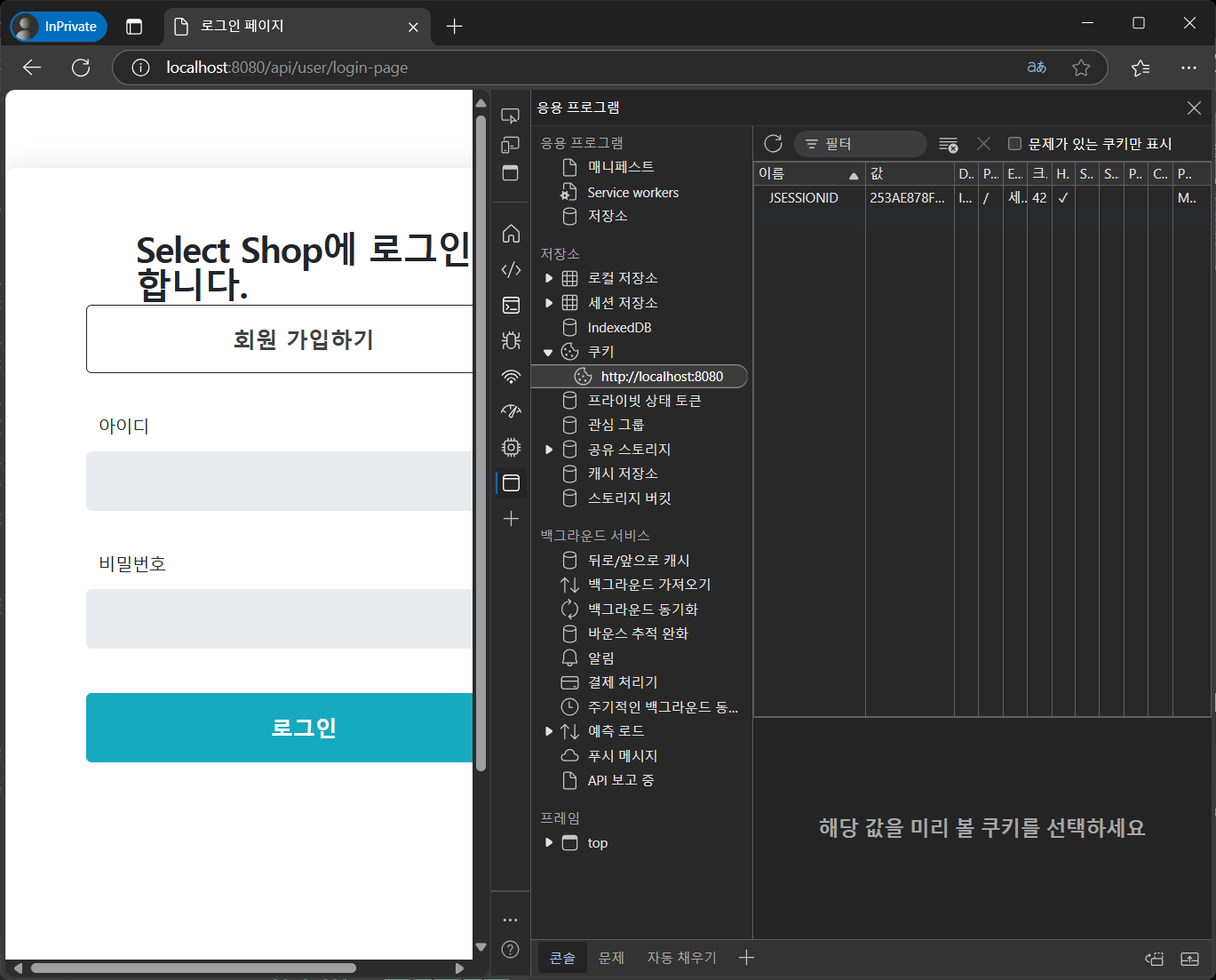
하지만 실제로 로그인을 해보니 아래와 같이 계속적으로 홈페이지가 아닌 로그인 페이지로 이동하였다.
(세션은 존재했다.)
@Controller
public class HomeController {

    @GetMapping("/")
    public String home(Model model) {
        model.addAttribute("username", "username");
        return "index";
    }
}
컨트롤러 또한 위와 같이 잘 설정을 해놓았는데도 여전히 문제가 발생하였다.
프런트 코드 확인하기
$(document).ready(function () {
    const auth = getToken();
    if(auth === '') {
        $('#login-true').show();
        $('#login-false').hide();
        //window.location.href = host + "/api/user/login-page";
    } else {
        $('#login-true').show();
        $('#login-false').hide();
    }
})
위 코드에서 문제가 발생하였다. 이전에는 토큰 값을 이용해서 로그인을 했지만 지금은 Spring Security 를 이용하여 토큰 없이 로그인 과정을 진행하므로 위 코드중에 주석된 부분을 주석처리를 해야 토큰이 없어도 원활히 인증 과정이 진행되고 페이지 이동이 되는 것을 알 수 있었다.
프로젝트 보완하기
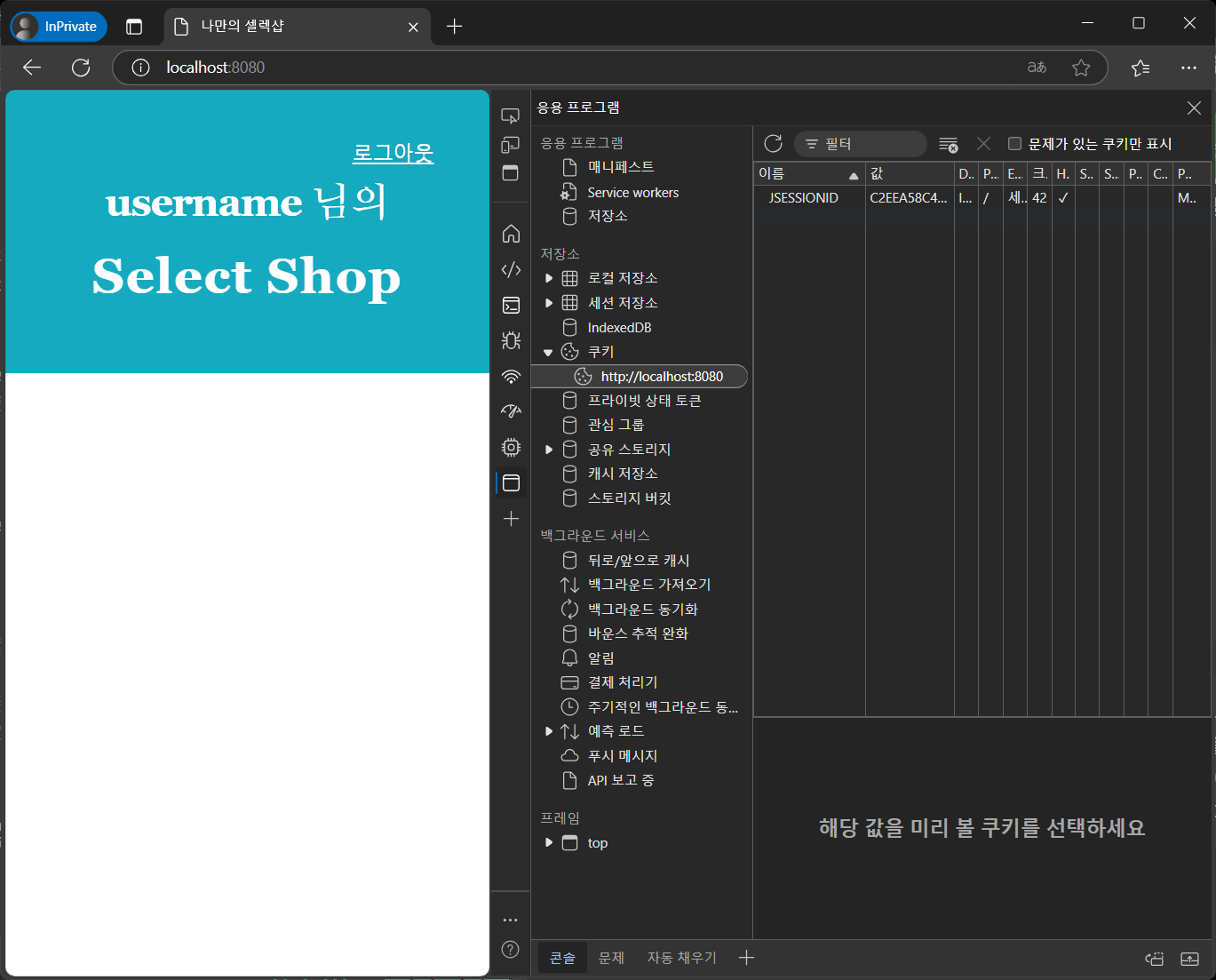
-> 현재는 위와 같이 유저의 이름에 상관없이 username 이라는 값이 나온다.
나는 이것을 유저의 닉네임으로 바꿔 보고자 한다 (현재 닉네임 : asdfasdf)
컨트롤러 현재 코드
@Controller
public class HomeController {

    @GetMapping("/")
    public String home(Model model) {
        model.addAttribute("username", "username");
        return "index";
    }
}
=> 현재는 Model 객체를 가져오고 있기는 하지만 "username" 의 값에 항상 username 이라는 상수 값이 들어가도록 하고 있었다
- 개선하기
@Controller
public class HomeController {

    @GetMapping("/")
    public String home(@AuthenticationPrincipal UserDetailsImpl userDetails,Model model) {
        User user = userDetails.getUser();
        model.addAttribute("username", user.getUsername());
        return "index";
    }
}
@AuthenticationPrincipal어노테이션을 이용하여 Spring Security 가 관리하는 유저 정보를 가지고 있는 SecurityContext 내부의 Authentication 그리고 그 중에서 Principal 을 통해 유저의 정보를 가져 올 수 있다.
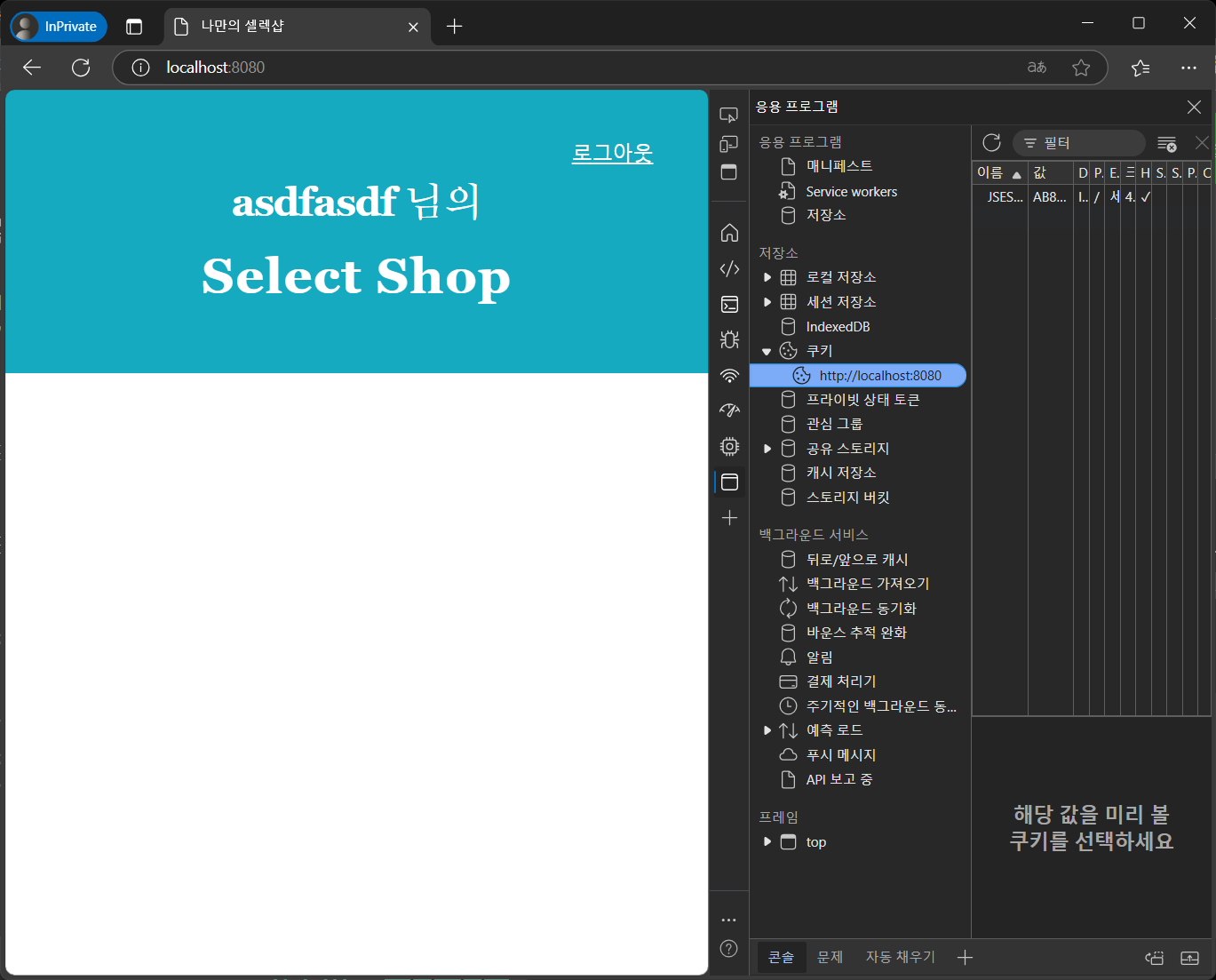
이후 Model 객체에 속성을 추가 함으로서 아래와 같이 유저 이름이 나오도록 구현하였다.

잘 부탁드립니다.