[JS] observer api
html, js 환경에서 화면 퍼블리싱 개발을 하다보면 의존성 배열의 변화를 감지해 특정 코드를 실행시키기 편리한 점에서 react의 useEffect를 사용하고싶을때가 종종 있다.
물론 특정 이벤트의 발생 조건 시점에 해당 코드를 실행한다. 처럼 구조를 따라가는게 좋겠지만 이런 방법도 알아두면 더 좋지않을까...?
그런 의미에서 순수 자바스크립트 api인 observer로 특정 요소의 변화를 감지해 이것저것 해보는 방법을 알아보았다. ദ്ദി・ᴗ・)✧
observer api의 종류는 다음과 같다.
- MutationObserver
- IntersectionObserver
- ResizeObserver
- PerformanceObserver
각 Observer는 특정 타입의 변화를 감지하고 그에 따른 작업을 수행하도록 도와준다.
1. MutationObserver
https://developer.mozilla.org/ko/docs/Web/API/Intersection_Observer_API
1. 정의
mutation... 뮤턴트가 생각나는 이 뮤테이션 옵저버는 말 그대로 DOM 트리의 형태나 구조의 변화를 감지한다.
DOM 변경이 발생하면 콜백을 호출하는 새 MutationObserver를 생성하고 반환합니다.
2. 사용 방법
const observer = new MutationObserver(callback);
observer.observe(targetNode, config)
3. 메서드
- disconnect() : observe() 호출 전까지 인스턴스가 변화 알림 수신X
- observe() : DOM 변경이 발생했을때 콜백으로 알림 수신
- takeRecords() : 알림 큐를 비우고, 대기 알림을 배열로 반환
4. config 옵션들
- attributes : 요소의 속성(attr)이 변경될 때 변형 감지
- childList : 요소의 자식 노드 추가/제거 감지
- subtree : 감시 대상 요소와 모든 하위 요소의 변화를 감지
- attributeFilter : 특정 속성의 변경만 감지(class, id)
- attributeOldValue : 속성 변경시 이전 값을 기록
- characterData : 텍스트 노드의 변경을 감지
- characterDataOldValue : 텍스트 노드 변경 시 이전 값을 기록
5. 예시
특정 dom 요소의 className이 변경될 때 이벤트를 실행하고자 했음
	// 1. MutationObserver 선언
    const observer = new MutationObserver(() => {
    // 2. 감지시 실행할 이벤트
       ~~~
    });

	// 3. observer.observe(targetNode, config)
    observer.observe(main_content_1, {
        attributes: true,					// attr이 변경될때 감지
        attributeFilter: ["class"],			// class 변경만 감지
    });
2. Intersection Observer
https://developer.mozilla.org/ko/docs/Web/API/Intersection_Observer_API
1. 정의
인터렉션 옵저버는 상위 요소 또는 html과 특정 대상 요소 사이의 변화를 감지할 수 있다.
대상 요소가 뷰포트 또는 루트 요소와 교차할때 콜백 함수를 호출한다.
(대상 스크롤 가능한 요소의 하위 요소가 아닐 경우 null)
무한 스크롤, lazy loading에 사용함!
2. 사용 방법
let options = {
  root: document.querySelector("#scrollArea"),
  rootMargin: "0px",
  threshold: 1.0,		// 타겟 요소 100% 노출시 호출
};

let observer = new IntersectionObserver(callback, options);
3. 메서드
- observe(target) : 감시 대상 지정
- unobserve(target) : 감시 중단 대상 지정
- disconnect() : 모든 감시 대상 해제
4. config 옵션들
- root : 감시할 루트 요소
- rootMargin : 루트 요소의 경계에서 얼마나 떨어져야 교차되었는지 판단하는 마진
- threshold : 교차 판단 임계값 (0~1 또는 배열)
5. 예시
// IntersectionObserver 선언
const observer = new IntersectionObserver((entries) => {
  entries.forEach(entry => {
    if (entry.isIntersecting) {
      console.log('Element is in view!');
    }
  });
}, {
  root: null, // 뷰포트를 루트로 사용
  rootMargin: '0px',
  threshold: 0.5 // 요소가 50% 보일 때 교차로 간주
});

const target = document.querySelector('.scroll-section');
observer.observe(target);
3. ResizeObserver
https://developer.mozilla.org/en-US/docs/Web/API/ResizeObserver
1. 정의
resize~ 요소의 크기 변경을 감지한다.
반응형 디자인에서 유용하게 사용한다.
2. 사용 방법
const resizeObserver = new ResizeObserver(resizeCallback);
resizeObserver.observe(target);
3. 메서드
- observe(target) : 감시 대상 지정
- unobserve(target) : 감시 중단 대상 지정
- disconnect() : 모든 감시 대상 해제
4. config 옵션들
특정 config가 없음
대신 콜백 함수(배열)의 값들을 기록
- target : 크기 변경을 감지한 요소
- contentRect : 요소의 새로운 크기와 관련된 정보(width, height, top, right ... )
5. 예시
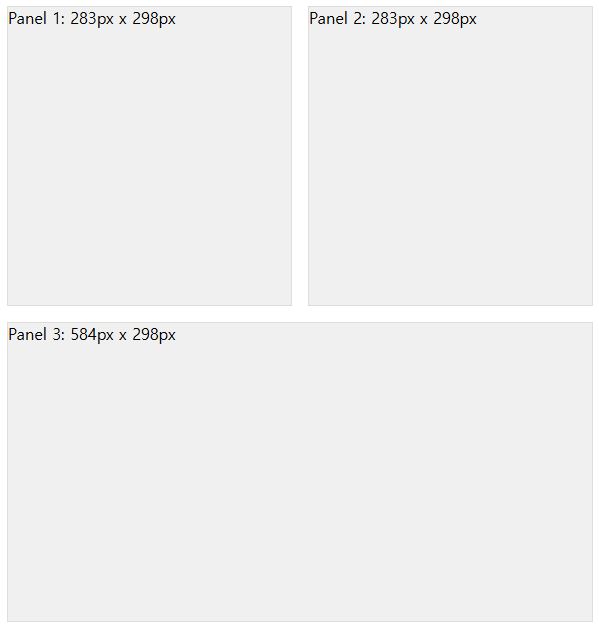
각 패널의 id 순번과 크기를 textContent로 출력