Express
Express는 기본 라이브러리가 아니기 때문에 설치가 필요하다.
Node.js와 같이 설치되는 npm 패키지 메니저로 설치하면 된다.
$ npm install express간단한 서버 만들기
localhost:3000으로 서버를 열어서 hello express를 응답하는 서버를 만들어 보자.
express를 설치한 폴더에서 js파일을 생성해준 뒤에
const express = require("express");
const app = express();

const port = 3000;

app.get("/", (req,res)=>{	// "/" 요청시 콜백 함수 실행
  res.set({"Content-type": "text/plain; charset=utf-8"});
  res.end("hello express");
});

app.listen(port, ()=>{ // 서버 듣기 상태
  console.log(`START SERVER : use ${port}`);
});
이제 실행하고 브라우저를 켜서 localhost:3000으로 접속해보자.
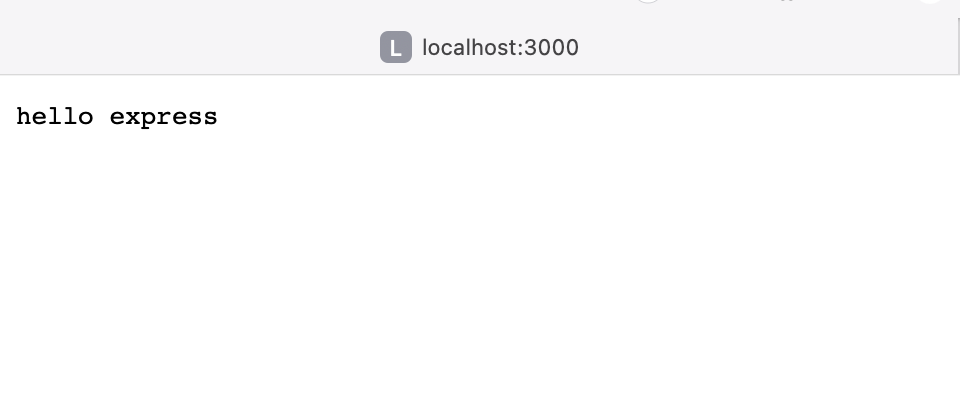
이와 같은 화면을 확인할 수 있다.
API 서버 만들기
DB가 없기 때문이 휘발성 데이터로 저장하여 API로 POST와 Delete를 해보자.
const express = require("express");
const app = express();
let posts = [];
const port = 3000;

app.use(express.json());
app.use(express.urlencoded({extended: true}));

app.get("/",(req,res)=>{
    res.json(posts);
});

app.post("/posts",(req,res)=>{
    const {title, name, text} = req.body;

    posts.push({id:posts.length + 1, title, name, text, craetedDt: Date()});
    res.json({title, name, text});
});

app.delete("/posts/:id",(req,res)=>{
    const id = req.params.id;   // app.delete에 설정한 path 정보에서 id값을 가져옴.
    const filteredPosts = posts.filter((post)=> post.id !== +id); // 글 삭제.
    const isLenthChanged = posts.length !== filteredPosts.length; // 삭제 확인
    posts = filteredPosts;
    if(isLenthChanged){
        res.json("OK");
        return;
    }

    res.json("NOT CHANGED");
})

app.listen(port, ()=>{ // 서버 듣기 상태
  console.log(`START SERVER : use ${port}`);
});
위와 같이 서버를 실행하고 curl로 요청을 보내보자.
$curl localhost:3000
처음에 그냥 요청을 보내면 posts는 빈배열이기 때문에 []만 응답하게 된다.
post요청으로 배열에 값을 넣어보자
$ curl -X POST -H "Content-type: application/x-www-form-urlencoded" -d "title=제목1&name=testman&text=테스트 중" http://localhost:3000/posts
데이터가 배열에 들어간게 확인이 된다.
$curl localhost:3000다시 확인해보자

값이 잘 들어가 있고 응답이 잘 왔다.
이제 삭제해 보자
$ curl -X DELETE localhost:3000/post/1
이미 삭제한 id로 삭제를 다시 요청했더니 NOT CHANGED를 응답 받았다.
다시 조회해보니
빈 배열로 응답받았다. 성공적으로 삭제된 것을 확인할 수 있었다.
