
여러 개의 Repository에 하나의 프로젝트 소스코드 push
1. Repository 연결
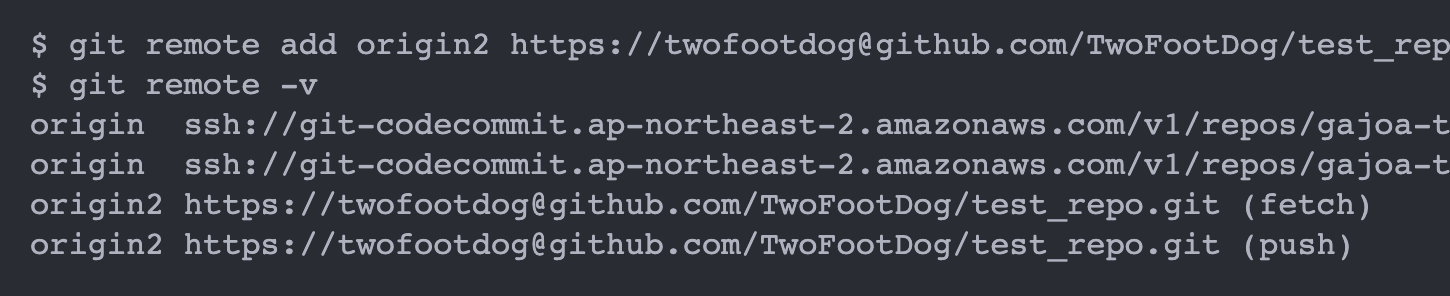
1) git remote -v
-> 현재 프로젝트와 연결된 Git Repository 확인(url까지 표시됨)
2) git remote add (단축이름) (RepositoryURL)
-> 연결할 RepositoryURL 추가
- 단축이름 : push 등 작업을 할 때 URL 대신 입력할 단축어 개념
- push할 때마다 로그인ID 입력하기 싫으면 Repository 주소 앞에 로그인ID@ 삽입(https://로그인ID@RepositoryURL)
3) Repository 연결 후 연결된 레포지토리 재확인(git remote -v)
2. 소스코드 commit 후 Repository에 Push
1) 단축이름이 다른 경우, 각각의 단축이름을 사용해 push
- commit은 한 번만 하고, push는 각각
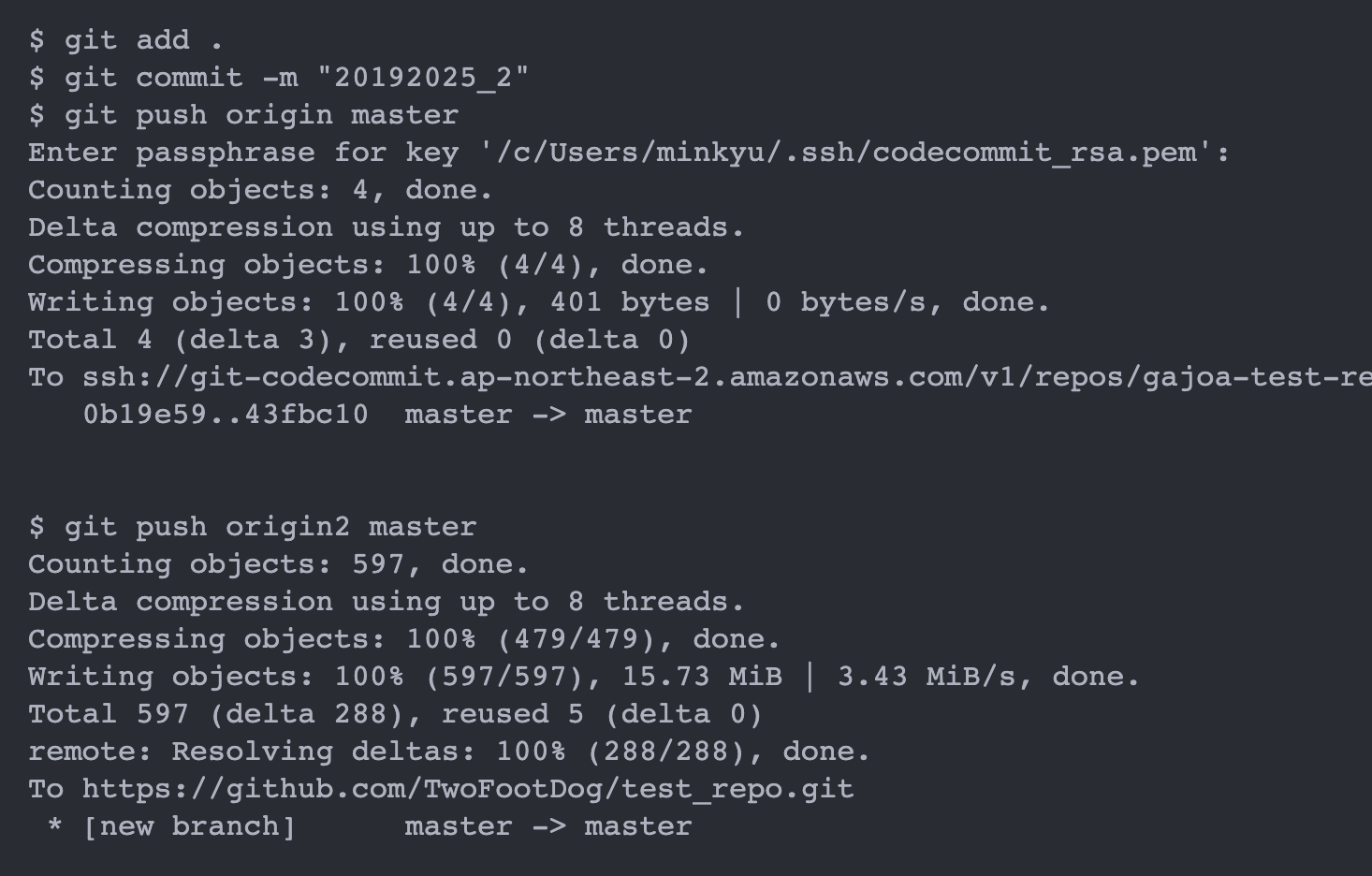
2) 한 개의 단축이름으로 여러 개의 Repository에 push
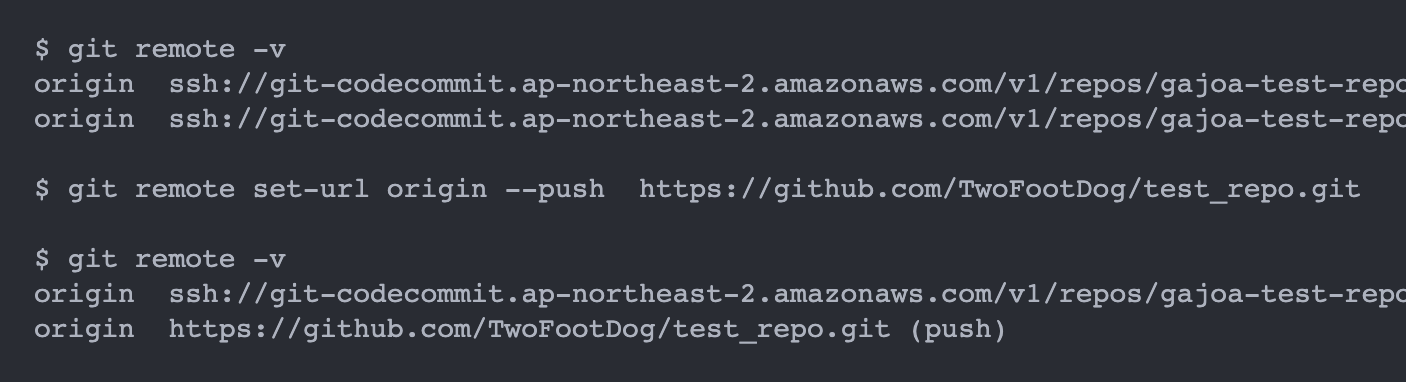
- 하나의 단축이름에 두 개의 Repository를 등록 후 push
(git remote set-url (단축이름) --push --add (RepositoryURL)
-> origin으로 한 번만 push하면 등록된 모든 Repository에 push됨
참고
1. 등록된 RepositoryURL 변경
- git remote set-url (단축이름) --push (RepositoryURL)
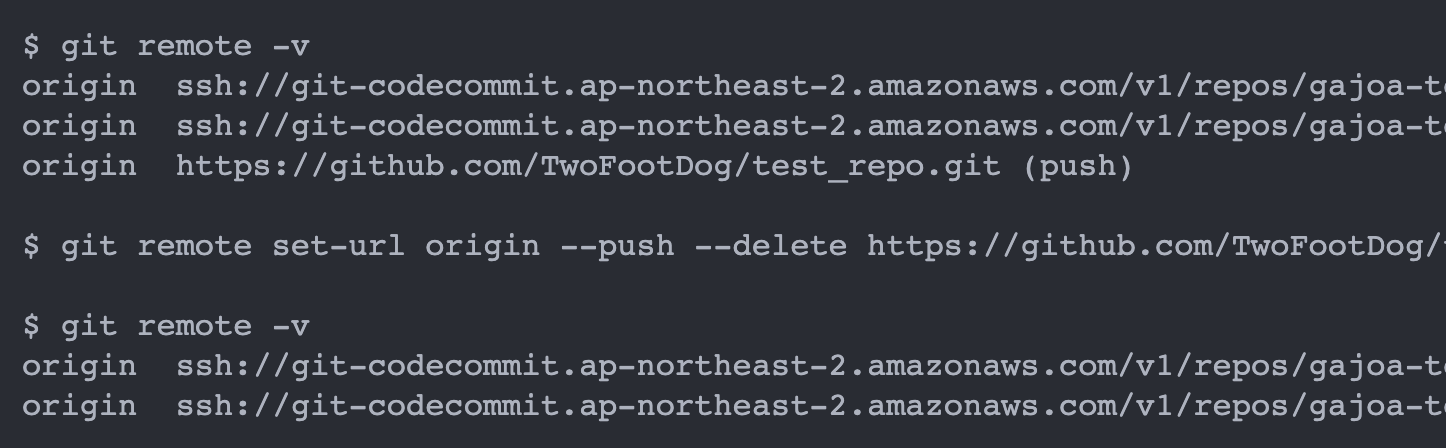
2. (단축이름)에 등록된 Repository 삭제
- git remote set-url (단축이름) --push --delete (RepositoryURL)
3. 특정 Git Repository 연동 삭제
- git remote remove (단축이름)


오늘도 YIHN