GDG 프로젝트 트랙 프론트엔드 3주차 미션 회고록
이번주는 생각보다 스무스하게 진행되었다. 2주차가 유난이었던 거겠지
미션 진행 중 발생했던 오류를 리마인드 해보려 한다.
1. tailwindcss 코드를 작성했으나 적용 되지 않음
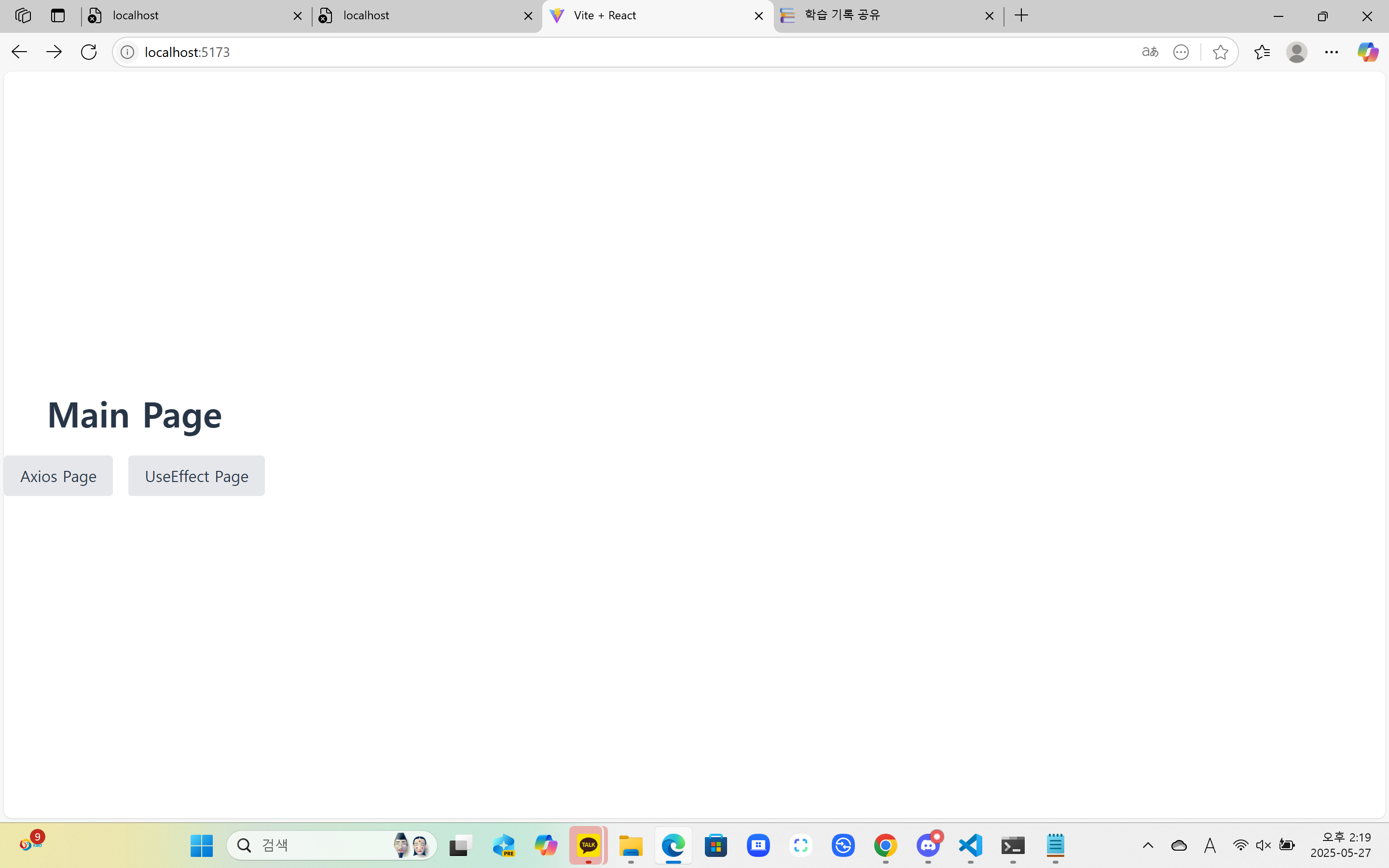
➡️신규 미션용 폴더를 만들었으나 tailwindcss를 설치하지 않았다.
매일 잊어버려 복기해보는
tailwindcss세팅 방법
(1) 프로젝트 생성
pnpm create vite@latest 프로젝트명 -- --template react
cd 프로젝트명
pnpm install
(2) TailwindCSS 3.x 설치
pnpm add -D tailwindcss@3 postcss autoprefixer설치 완료 후
npx tailwindcss init -p(3) tailwind.config.js 수정
/* @type {import('tailwindcss').Config} */
module.exports = {
  content: [
    "./index.html",
    "./src/**/*.{js,jsx,ts,tsx}",
  ],
  theme: {
    extend: {},
  },
  plugins: [],
}
(4) CSS 설정
: src/index.css 파일에 다음 내용 추가
@tailwind base;
@tailwind components;
@tailwind utilities;
(5) main.jsx 수정
import React from 'react'
import ReactDOM from 'react-dom/client'
import App from './App.jsx'
import './index.css' // ← TailwindCSS 스타일을 포함한 CSS

ReactDOM.createRoot(document.getElementById('root')).render(
  <React.StrictMode>
    <App />
  </React.StrictMode>
)
하지만 또 다른 문제에 봉착하였다.
2. tailwindcss를 적용했으나 가운데 정렬이 되지 않음
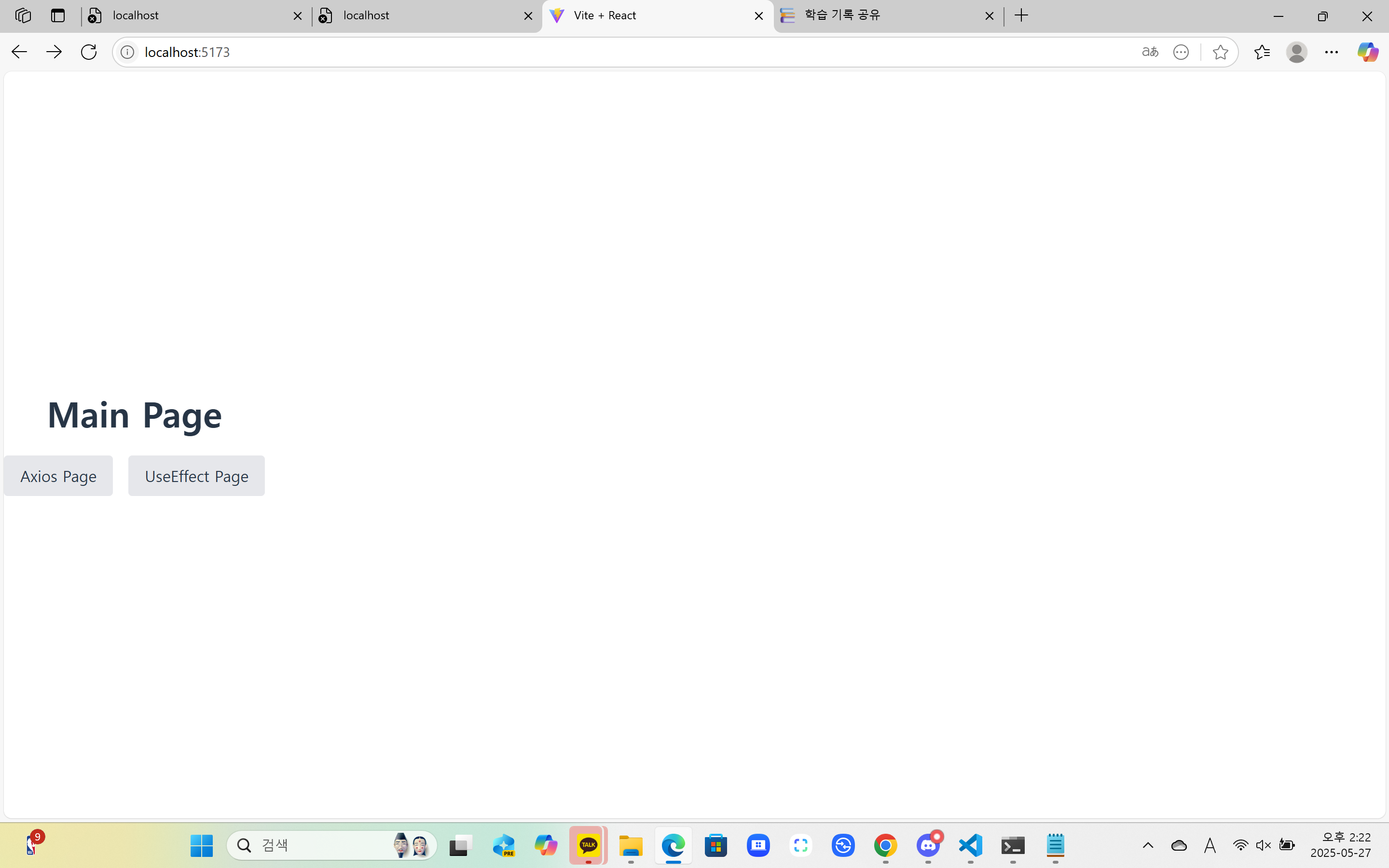
➡️index.css 내 css 코드가 tailwindcss 코드를 덮어쓰고 있어 안 보이는 것처럼 보였던 것이다.
@tailwind base;
@tailwind components;
@tailwind utilities;

.
.
button {
  border-radius: 8px;
  border: 1px solid transparent;
  padding: 0.6em 1.2em;
  font-size: 1em;
  font-weight: 500;
  font-family: inherit;
  background-color: #1a1a1a;
  cursor: pointer;
  transition: border-color 0.25s;
}
button:hover {
  border-color: #646cff;
}
button:focus,
button:focus-visible {
  outline: 4px auto -webkit-focus-ring-color;
}

.
.
1) 심플하게 css 코드를 삭제했다.
@tailwind base;
@tailwind components;
@tailwind utilities;
➡️ 가운데 정렬은 되나 Main Page / UseEffect Page 버튼 UI가 사라짐
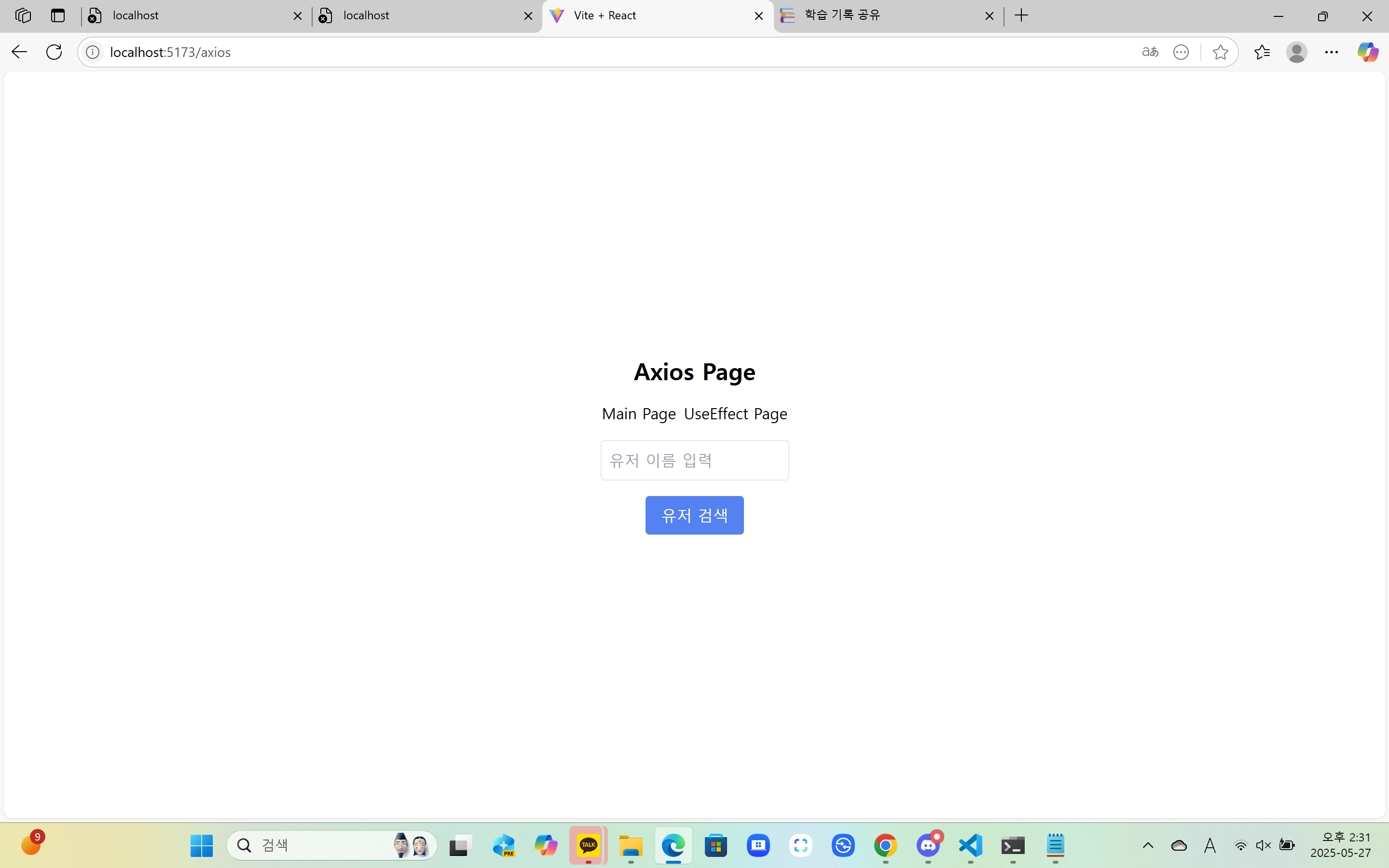
2) 그치만 가운데 정렬을 포기할 수 없어 css 코드에 의존하고 있던 버튼들을 tailwindcss로 변경하기로 했다.
- 변경 전 코드
<button onClick={() => navigate("/")}>Main Page</button>- 변경 후 코드 ⭐⭐
<button
 className="rounded-lg border border-transparent px-4 py-2 text-base font-medium bg-gray-200 hover:border-gray-400 transition" onClick={() => navigate("/")}>Main Page</button>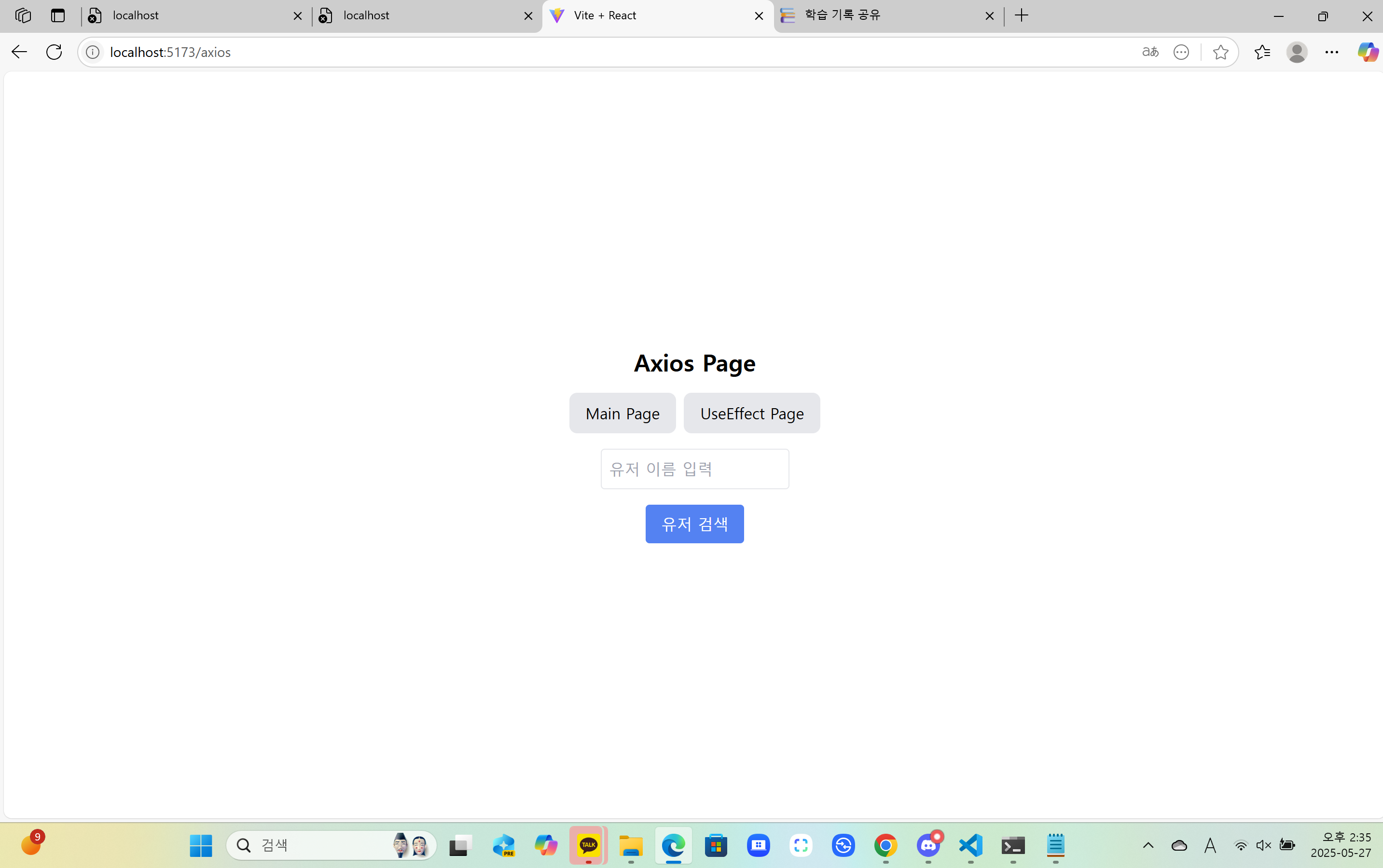
해결 완료! 🥳🥳
+) GitHub 근황 제출

지난주 강제 push 이후로 산산조각이 되었던 기록들이 여러가지 조작을 통하여 복구됨
-
몇 시간의 삽질이 도움이 되었는지 적응되어 나름 commit 메시지 형식도 맞추고 깔끔하게 진행해보려고 노력 중이다.
-
1-2주차까지는 커밋 메시지도 뒤죽박죽,,
-
이제 미션 코스는 마지막이지만 종강하고 진행될 프로젝트에서는 협업하기 좋은 방향으로 개선해보도록..!!

2개의 댓글

2025년 6월 22일
오! 결국 tailwindcss로 다 해내셨네요!
스타일을 설정하는 방법을 자세히 적으신 게 나중에 볼 때 도움이 많이 될 것 같아요 ㅎㅎ 수고하셨어요 ☺️
답글 달기
확실히 tailwind 설치하는게 매번헷갈리긴 하죠.. 저도 아직까지 조금은 헷갈리는거 같아여 조금만 더 적응한다면 tailwind로도 그냥 css 못지 않게 더 효율적으로 작성할 수 있을거 같습니당