UITableView란?
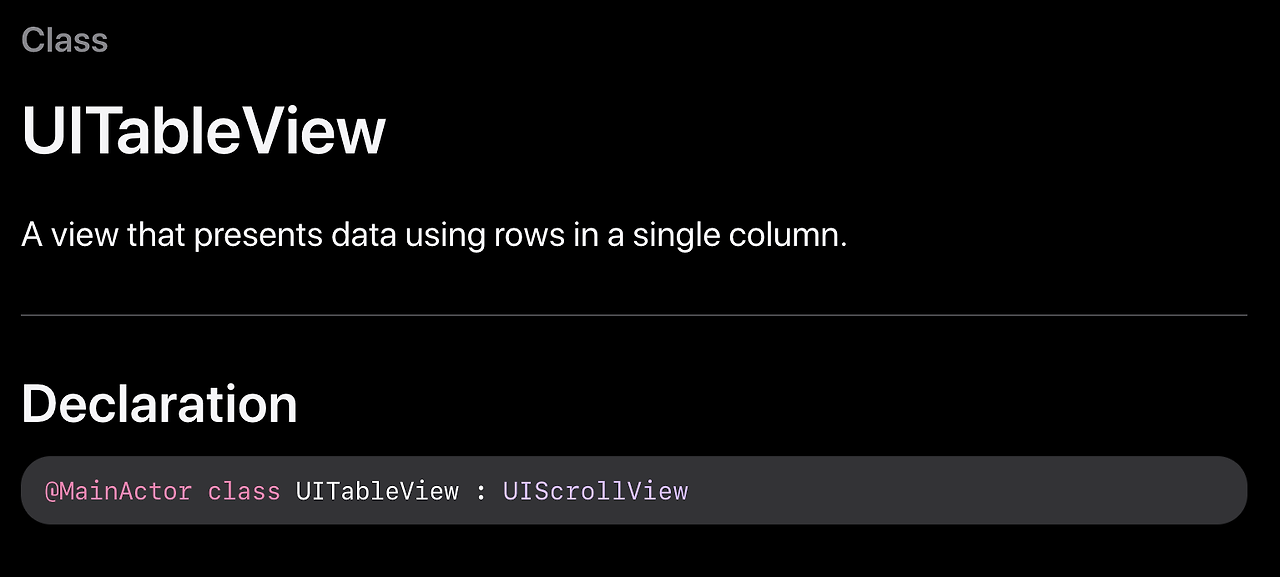
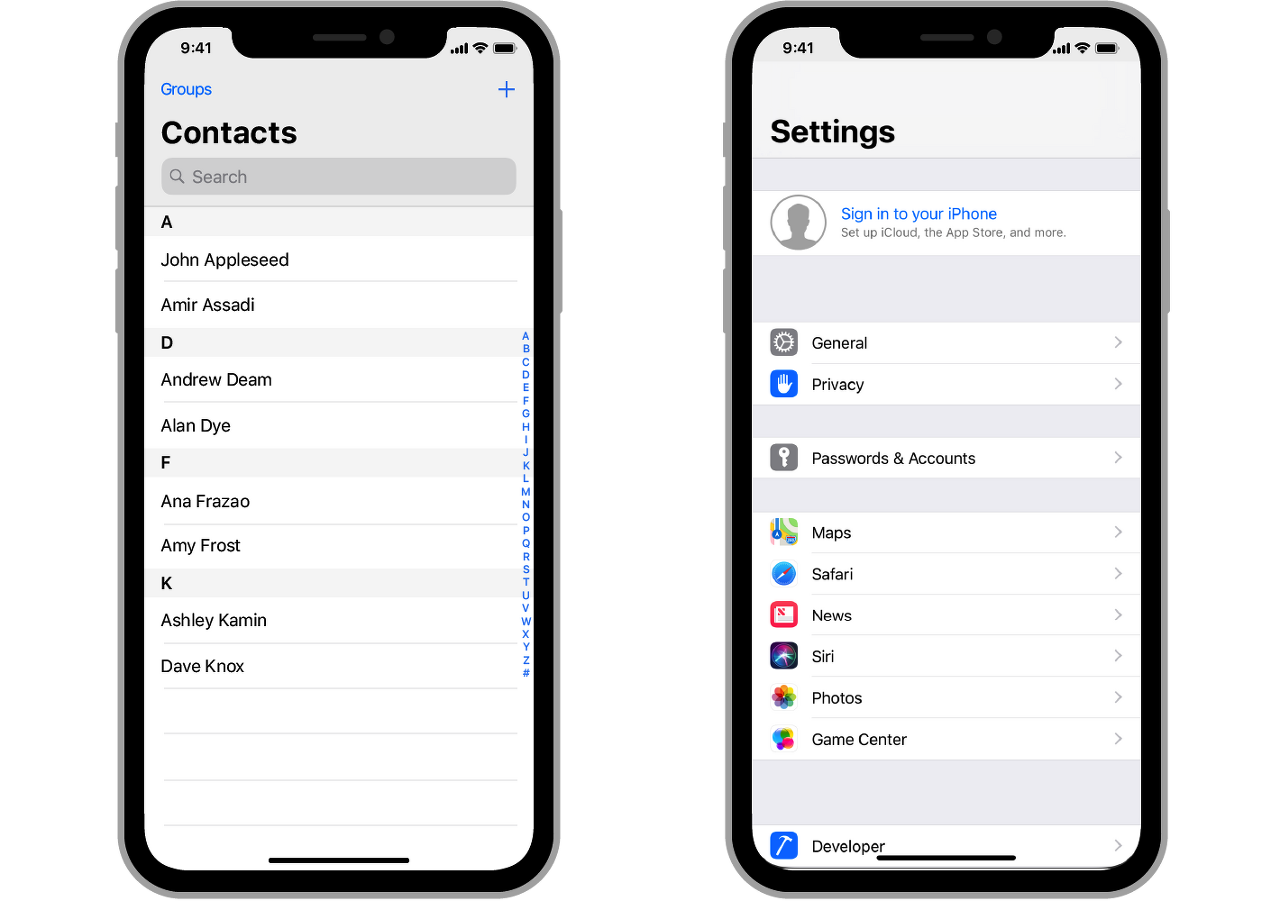
하나의 열에 세로로 스크롤 되는 콘텐츠들의 행
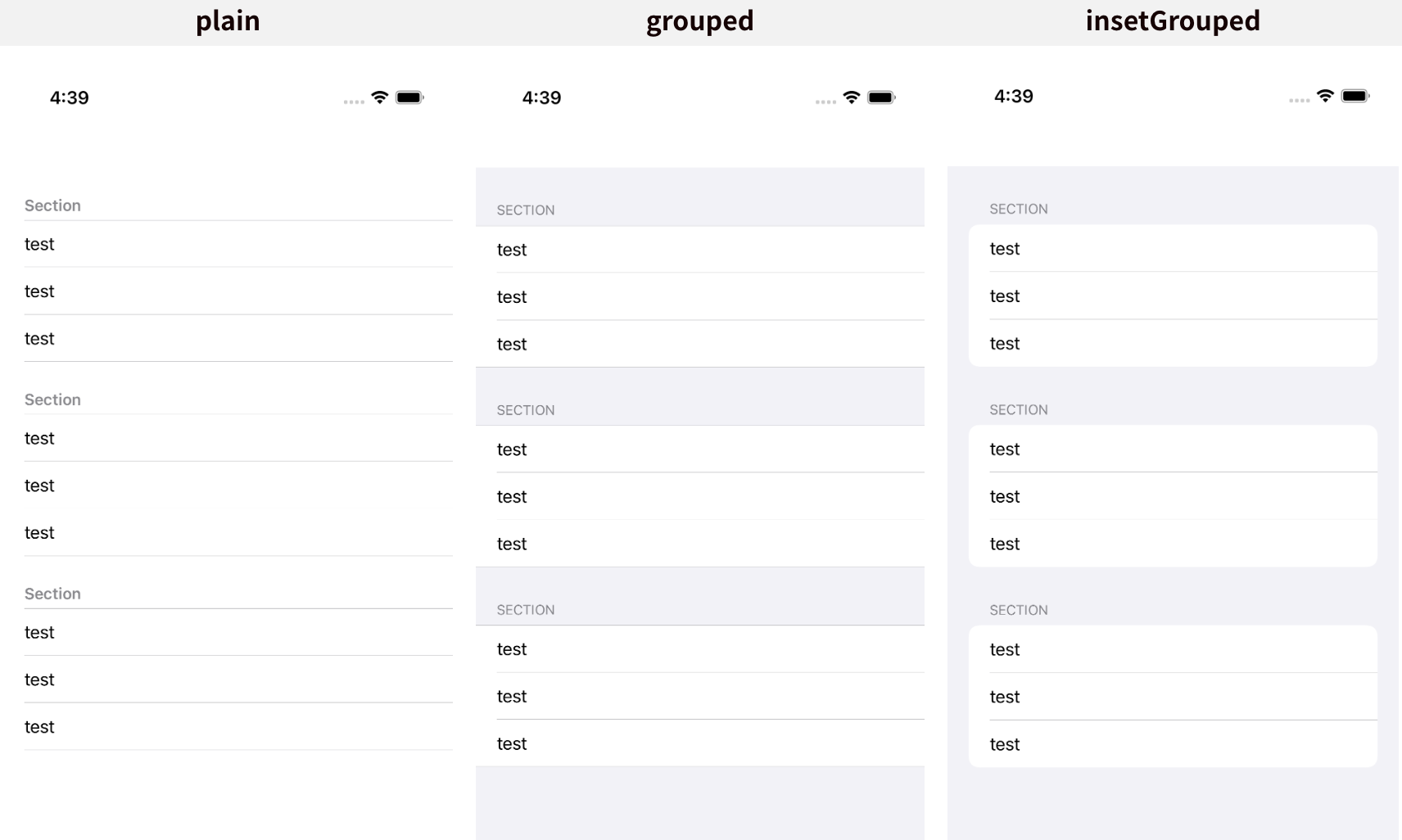
생성

init?(coder:NSCoder) → 스토리보드 기반 생성
frame = .zero AutoLayout
UITableViewCell, UITableViewDataSource
UITableViewCell : 각 행 표현
UITableViewDataSource : UITableViewCell 관리, 데이터 적용
UITableViewDataSource를 채택해주면 필수적으로 작성해야하는 메서드
self.tableView.dataSource = self//init
extension ViewController: UITableViewDataSource {
//섹션에 row 몇개
func tableView(_ tableView: UITableView, numberOfRowsInSection section: Int) -> Int {
return data[section].count
}
//cell 생성
func tableView(_ tableView: UITableView, cellForRowAt indexPath: IndexPath) -> UITableViewCell {
let cell = UITableViewCell(style: .default, reuseIdentifier: .none)
cell.textLabel?.text = data[indexPath.section][indexPath.row]
return cell
}
}
//Section 갯수
func numberOfSections(in tableView: UITableView) -> Int {
return header.count
}
//header name
func tableView(_ tableView: UITableView, titleForHeaderInSection section: Int) -> String? {
return header[section]
}Cell reuse
Problem
셀의 갯수가 기하급수적으로 증가했을 경우 이를 모두 메모리에 올릴 경우 시스템 부하가 생김.
Solution
dequeue 형식으로 화면에 표시될 cell만 메모리에 올리고 스크롤 작동시 보여져야 하는 cell을 올리는 행위를 반복
Problem
cell instance를 올리고 내리는 행위에서 오버헤드 발생
Solution
이미 생성된 cell 재사용
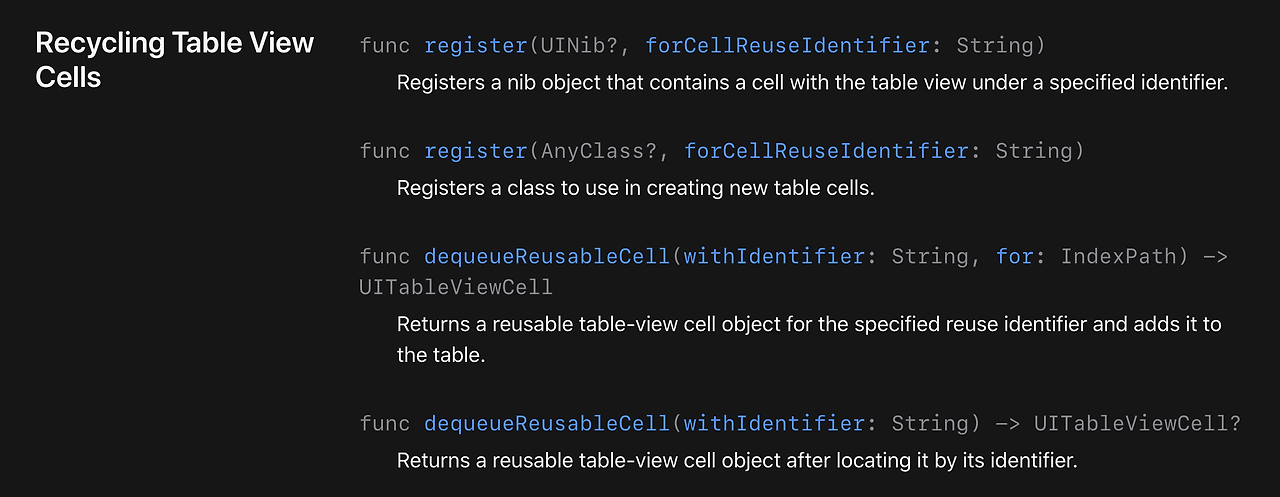
register
string type identifier로 reuse할 cell을 지정
self.tableView.register(UITableViewCell.self, forCellReuseIdentifier: "UITableViewCell")dequeueReusableCell
재사용 cell을 identifier 기준으로 가져오기
    func tableView(_ tableView: UITableView, cellForRowAt indexPath: IndexPath) -> UITableViewCell {
        let cellWithIndexPath = tableView.dequeueReusableCell(withIdentifier: "UITableViewCell", for: indexPath)
        cellWithIndexPath.textLabel?.text = data[indexPath.section][indexPath.row]
        return cellWithIndexPath
    }
UITableViewDelegate
기능 수행
- Custom header, Custom Footer View
- Row, Header, Footer Custom
- add indent in row
- reply to row selection
- reply to action (swipe etc…)
- edit table
self.tableView.delegate = self//init
extension ViewController: UITableViewDelegate {
}