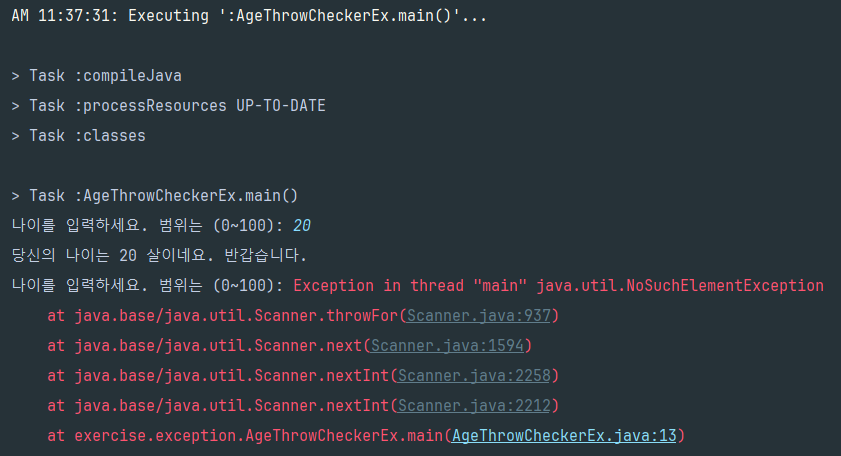
NoSuchElementException 에러가 발생한 코드
package exercise.exception;

import java.util.Scanner;

public class AgeThrowCheckerEx {
    public static void main(String[] args) {

        // 숫자 입력
        // 당신의 나이는 몇 살 이시네요. 반갑습니다.
        while(true) {
            Scanner sc = new Scanner(System.in);
            System.out.print("나이를 입력하세요. 범위는 (0~100): ");
            int age = sc.nextInt();
            if(age == -1) {
                break;
            }
            if(age < -1 || age > 100) {
                System.out.println("0~100사이로 입력해주세요.");
                break;
            }
            System.out.println(String.format("당신의 나이는 %d 살이네요. 반갑습니다.", age));
            sc.close();
        }
    }
}
무한 반복문에서 sc.close()를 넣었더니 에러가 발생하였다.

13번째 줄에서 에러가 발생하였다.
에러가 발생한 코드는 다음과 같다.

내가 생각한 해결 방법
1. 무한 반복문을 sleep을 통해 쉬면서 돌아보자
package exercise.exception;

import java.util.Scanner;

public class AgeThrowCheckerEx {
    public static void main(String[] args) {

        // 숫자 입력
        // 당신의 나이는 몇 살 이시네요. 반갑습니다.
        while(true) {
            Scanner sc = new Scanner(System.in);
            System.out.print("나이를 입력하세요. 범위는 (0~100): ");
            int age = sc.nextInt();
            if(age == -1) {
                break;
            }
            if(age < -1 || age > 100) {
                System.out.println("0~100사이로 입력해주세요.");
                break;
            }
            System.out.println(String.format("당신의 나이는 %d 살이네요. 반갑습니다.", age));
            sc.close();
            try {
                Thread.sleep(1000); //1초 대기
            } catch (InterruptedException e) {
                e.printStackTrace();
            }
        }
    }
}
sc.close()로 Scanner 종료 후 1초 쉬었다가 다시 반복문을 돌리는 방법을 취해보았다. 그러나, 동일한 에러가 발생하였다.
시간의 문제가 아닌 것을 확인하였다.
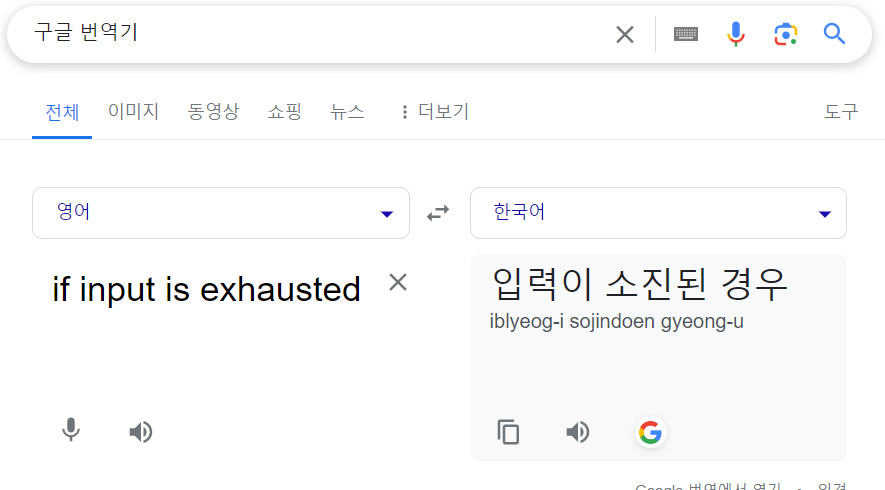
2. sc.nextInt()를 뜯어보자.
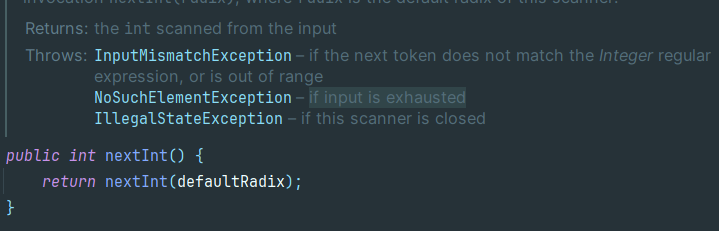
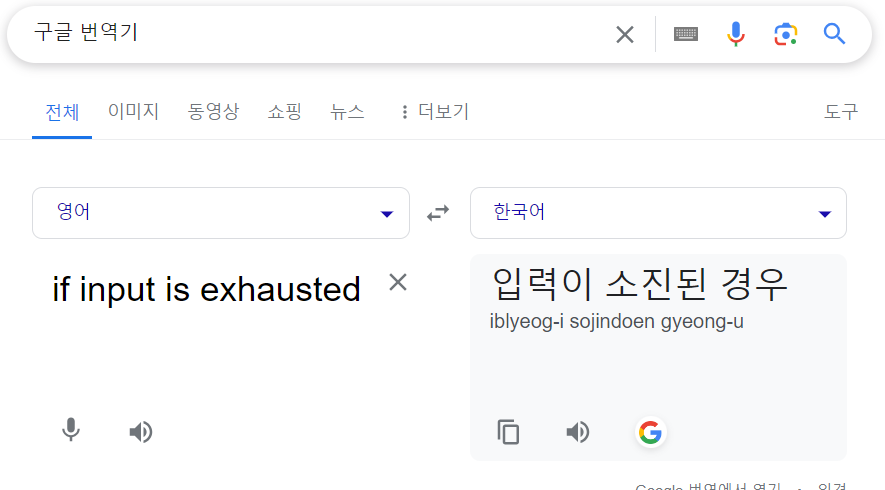
NoSuchElementException은 입력이 소진된 경우에 발생한다.
Program 4: To demonstrate NoSuchElementException


// Java program to illustrate the
// nextInt() method of Scanner class in Java
// NoSuchElementException

import java.util.*;

public class GFG1 {
    public static void main(String[] argv)
        throws Exception
    {

        try {

            String s = "Gfg";

            // create a new scanner
            // with the specified String Object
            Scanner scanner = new Scanner(s);

            // Trying to get the next Int value
            // more times than the scanner
            // Hence it will throw exception
            for (int i = 0; i < 5; i++) {

                // if the next is a Int,
                // print found and the Int
                if (scanner.hasNextInt()) {
                    System.out.println("Found Int value :"
                                       + scanner.nextInt());
                }

                // if no Int is found,
                // print "Not Found:" and the token
                else {
                    System.out.println("Not found Int value :"
                                       + scanner.next());
                }
            }
            scanner.close();
        }
        catch (Exception e) {
            System.out.println("Exception thrown: " + e);
        }
    }
}

Output:
Not found Int value :Gfg
Exception thrown: java.util.NoSuchElementException
참고자료
https://st-lab.tistory.com/41
https://st-lab.tistory.com/92
해결 방법
Scanner 객체를 scanner.close를 통해 close 될 때
scanner 객체 안에 들어있는 underlying stream도 함께 close가 된다.
이 경우 new Scanner(System.in) 로 생성했으니까 표준 입력인 System.in 이 close 되는 것이다.
다시 Scanner를 생성해도 이미 System.in은 닫혔기 때문에 에러를 일으킨다.

dev