Problem
Error : a space is required between consecutive right angle brackets (use '> >')
vscode에서 다운받은 Code Runner를 사용하여 c++ 파일을 실행하려고 할때 마다 error가 발생하였다.
reason
이유는 Code Runner에서 default값으로 c++98로 설정 되어있기 때문이다.
Solution
해결방안은 c++98로 설정되어있는 code runner를 c++11 이상의 버전으로 바꾸어 주면된다.
-
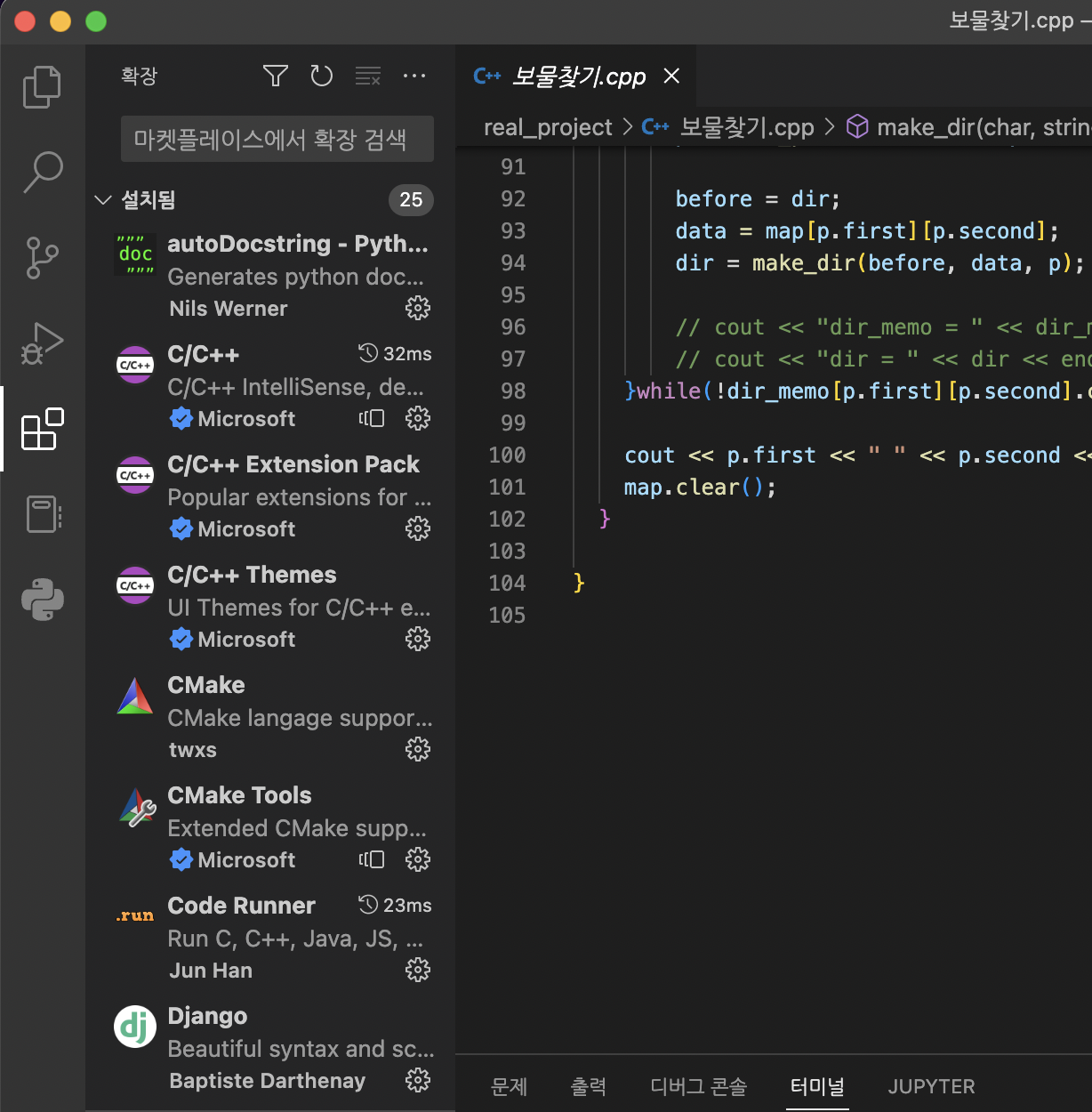
밑 화면에 보이는 Code Runner 옆에 톱니바퀴 버튼을 눌러 확장설정을 열어준다.
-
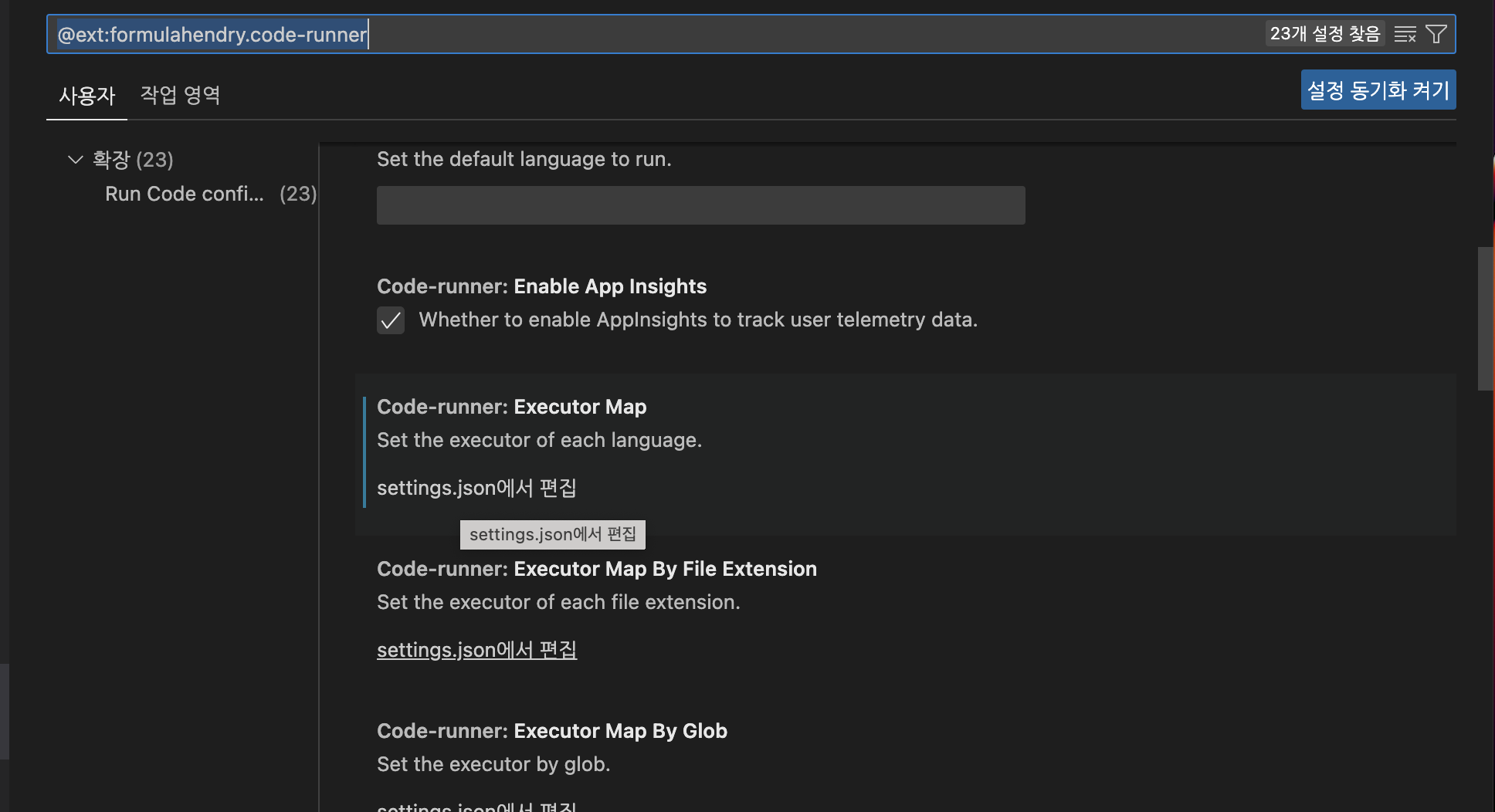
밑 화면에 보이는 Code-runner: Executor Map에서 작은 글씨로 써저있는 settings.json에서 편집을 클릭하여 열어준다.
-
code-runner.executorMap 안에코드를 밑에 코드대로 작성해준다
code-runner.executorMap": {

        "javascript": "node",
        "php": "C:\\php\\php.exe",
        "python": "python",
        "perl": "perl",
        "ruby": "C:\\Ruby23-x64\\bin\\ruby.exe",
        "go": "go run",
        "html": "\"C:\\Program Files (x86)\\Google\\Chrome\\Application\\chrome.exe\"",
        "java": "cd $dir && javac $fileName && java $fileNameWithoutExt",
        "c": "cd $dir && gcc $fileName -o $fileNameWithoutExt && $dir$fileNameWithoutExt",
        "cpp": "cd $dir && g++ -std=c++14 $fileName -o $fileNameWithoutExt && $dir$fileNameWithoutExt"
    }
이후에 실행해보면 정상 작동 하는 것을 확인 할 수 있다.

백엔드 개발자 지망생