-
Google Cloud Console(https://console.cloud.google.com)에 접속
-
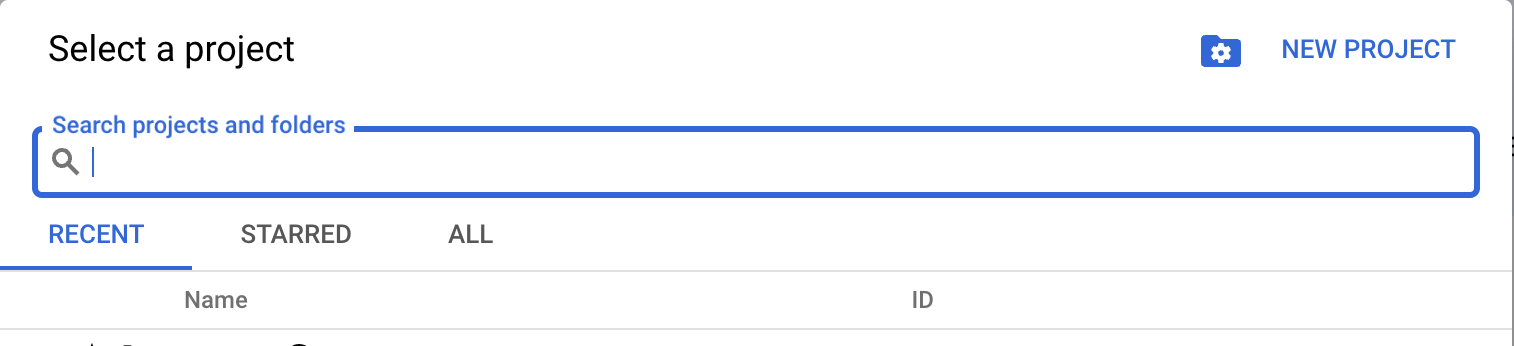
사용 중인 Firebase 프로젝트와 연결된 Google Cloud 프로젝트 선택
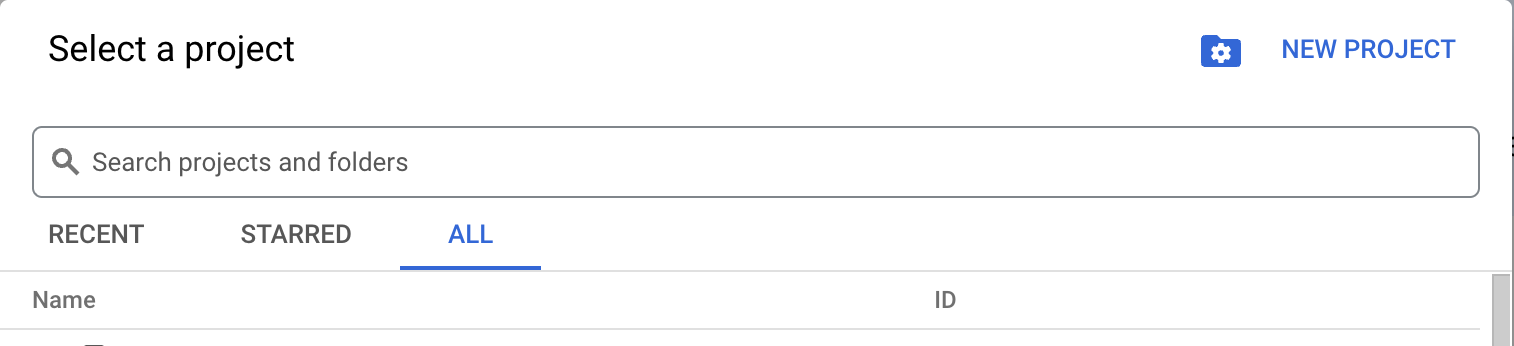
프로젝트 이름이 보이지 않으면, 프로젝트 이름을 검색해 보세요. -
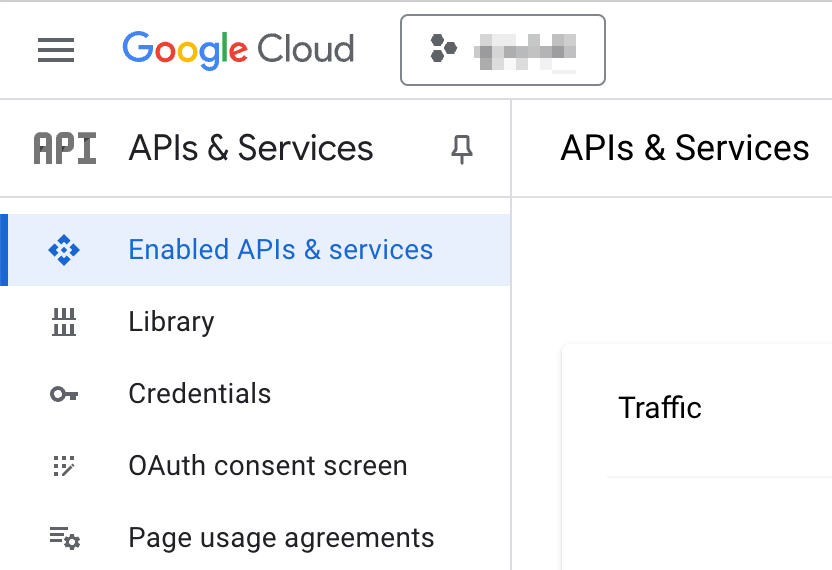
왼쪽 메뉴에서 "APIs & Services" > "Library" 선택
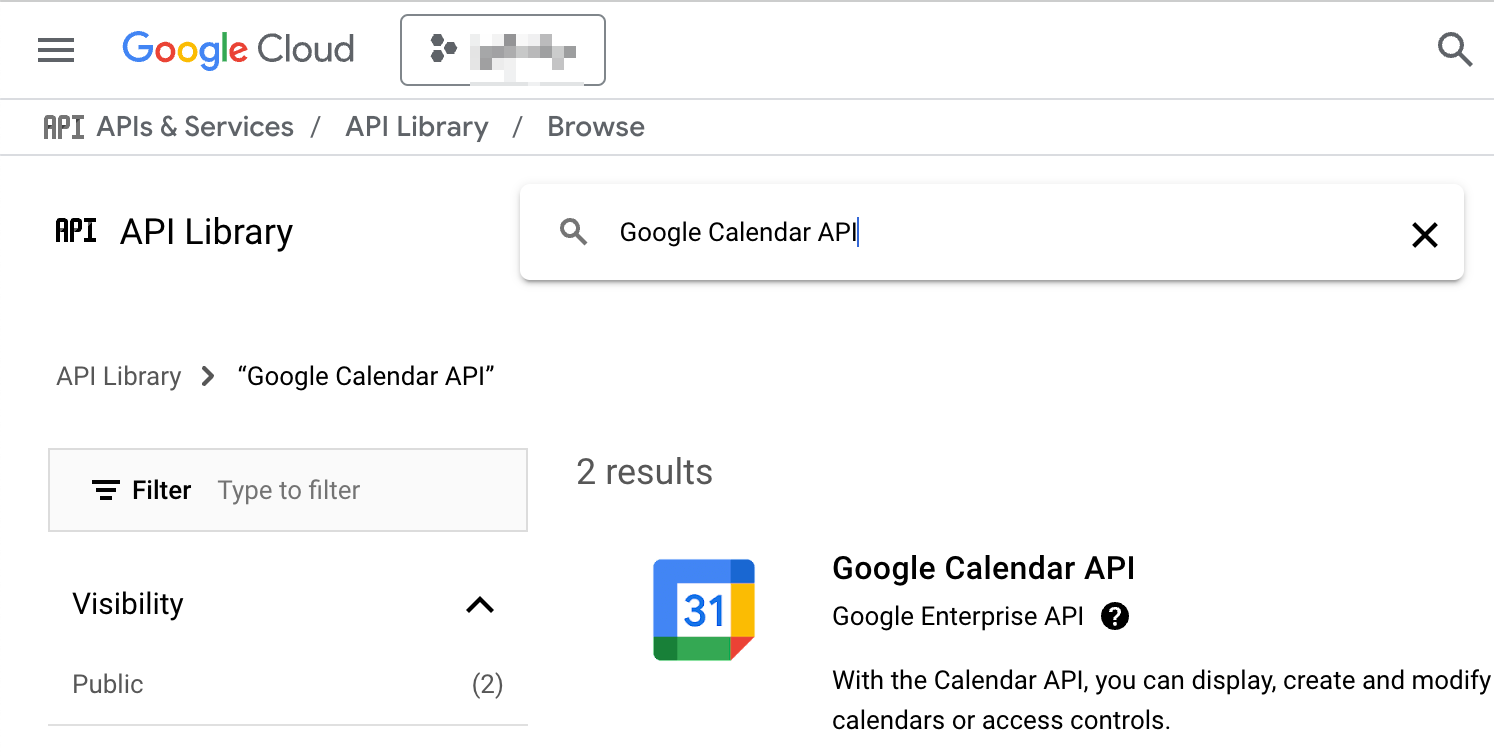
-
"ENABLE" 버튼을 클릭하여 API 활성화
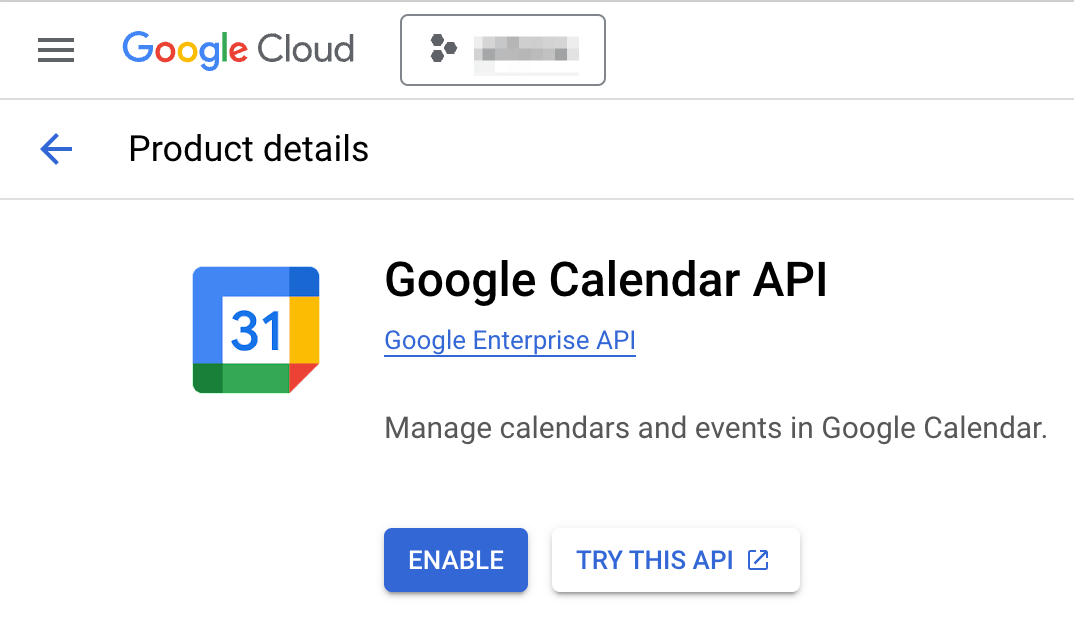
- "APIs & Services" > "OAuth consent screen"에서:
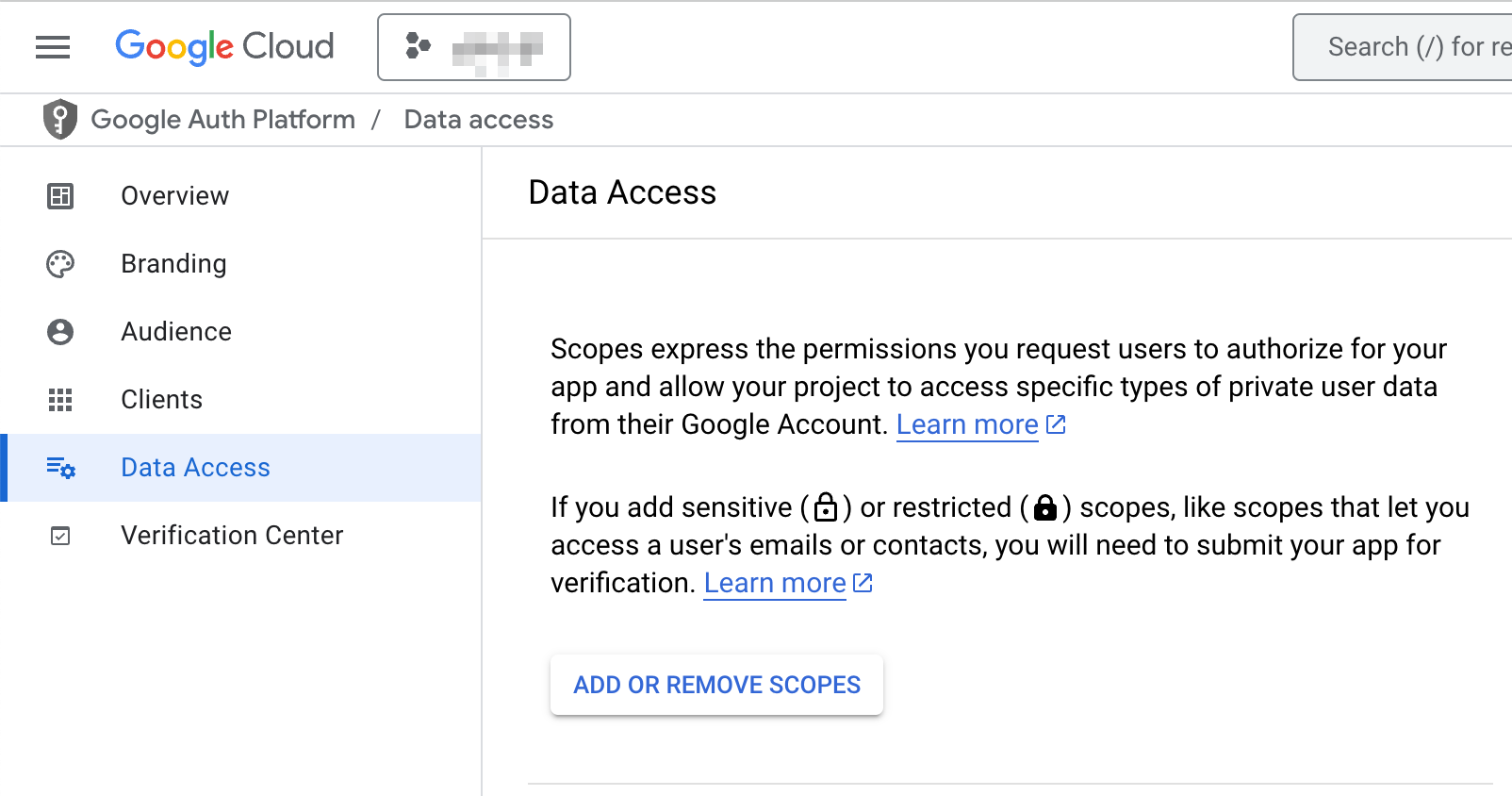
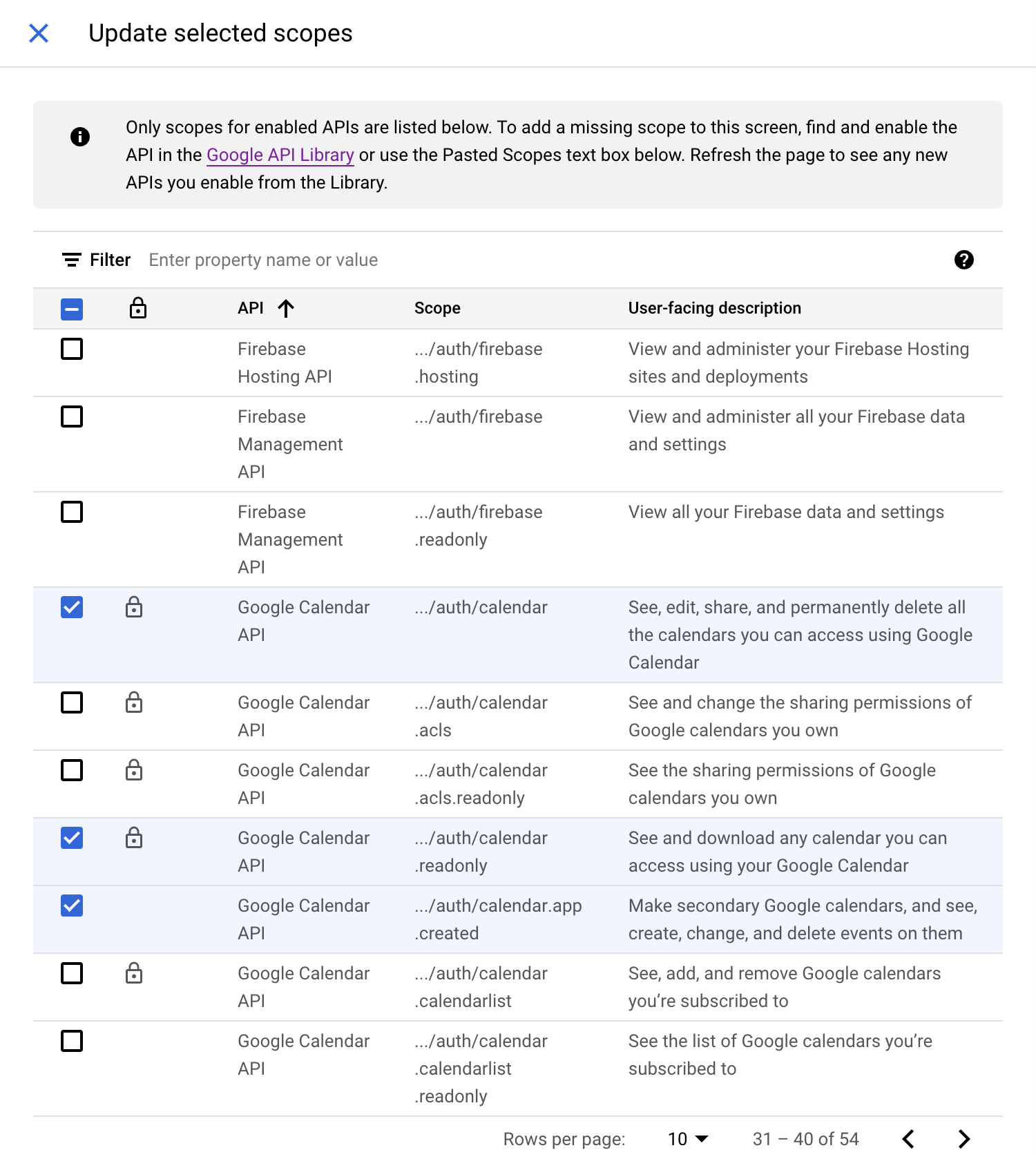
- Scopes에서 Calendar API 관련 스코프 추가