Git Mastery for Team Projects: A Step-by-Step Guide by Matias
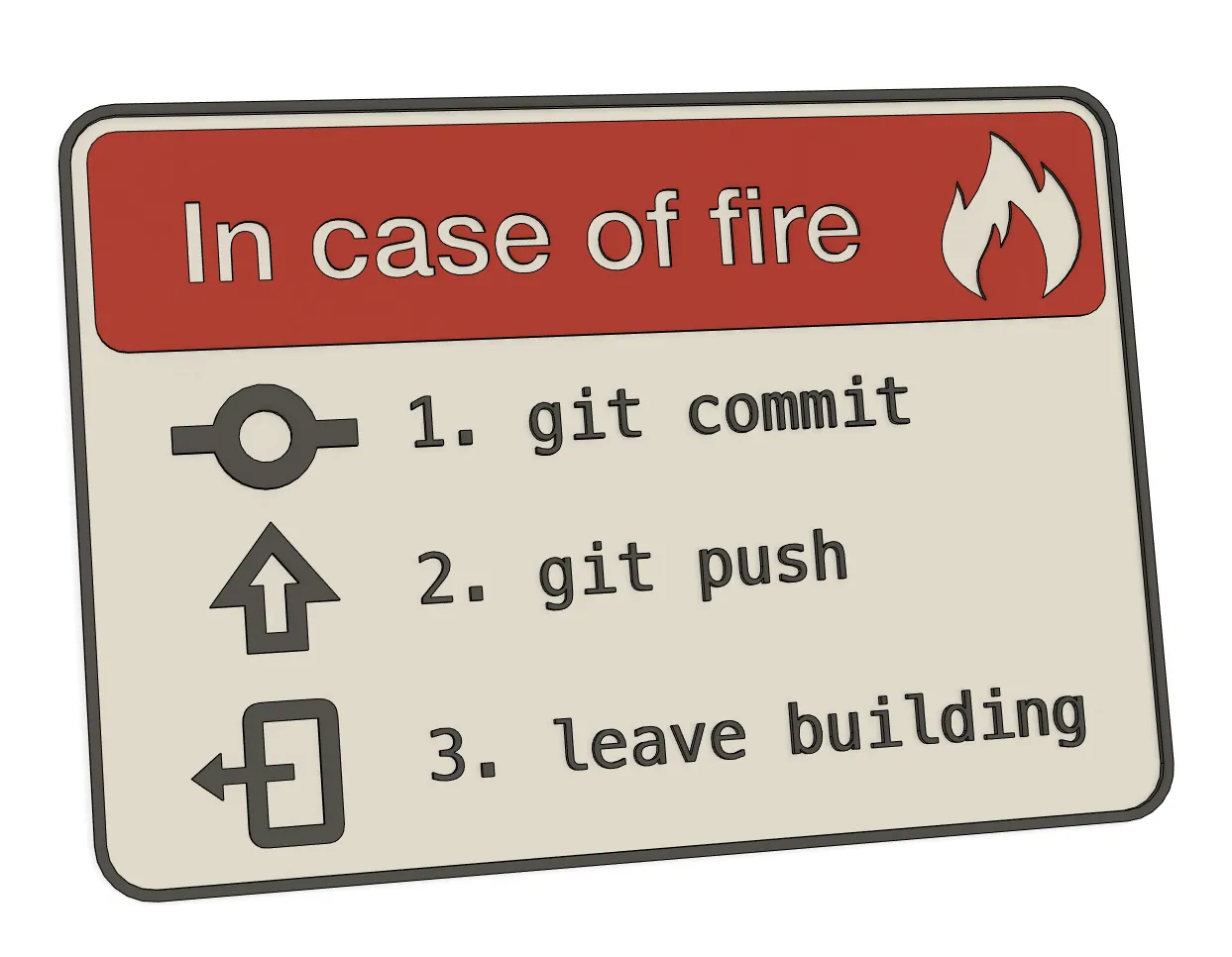
Hey there, fellow developers! It's Matias, and today we're diving into the world of collaborative coding with Git. Whether you're starting a new project or revamping your team's workflow, setting up a Git repository is a fundamental step towards efficient collaboration. Join me on this journey as we explore the key aspects of creating a seamless team project using Git.
Initialize Your Git Repository:
Let's kick things off by creating a new Git repository. If you're using a hosting platform like GitHub or GitLab, start there. Alternatively, fire up your terminal and run:
bash
Copy code
mkdir your_project
cd your_project
git init
Define Your Team's Superpowers:
Every superhero team needs roles, and your coding squad is no different. Define who's wearing the developer cape, who's the collaborator in chief, and who's steering the project ship. This sets the stage for access controls and permissions.
SSH Keys for Secure Handshakes:
To ensure secure communication between team members and the Git server, let's set up SSH keys. Run the following command to generate your key pair:
bash
Copy code
ssh-keygen -t rsa -b 4096 -C "your_email@example.com"
Share those public keys with your Git hosting platform.
Clone Party:
Time to get everyone on board! Team members can clone the repository to their local machines using:
bash
Copy code
git clone git@github.com:your_username/your_project.git
This ensures everyone starts with the same codebase.
Choose Your Branching Adventure:
Git offers branching strategies aplenty. Whether you're into Git Flow or GitHub Flow, pick one that suits your project's needs. Branching helps manage features, bugs, and releases effectively.
Feature Branches for the Win:
Developers, let's keep it clean! Work on feature branches rather than diving straight into the main branch. Once a feature is polished, submit a pull request for the team to review.
Pull Requests and Code Shenanigans:
Code reviews are the heart of collaboration. Pull requests allow your team to review changes before they dance their way into the main branch.
Continuous Integration Dance:
Time to automate! Set up a Continuous Integration/Continuous Deployment (CI/CD) pipeline with tools like Jenkins, Travis CI, or GitHub Actions to test and build your code automatically.
Documentation Station:
A well-documented project is a happy project. Create a documentation hub covering development environment setup, coding conventions, and any project-specific procedures. Future you will thank you.
Team Chat Vibes:
Communication is key. Use tools like Slack or Microsoft Teams to keep the team in the loop about updates, issues, and general banter.
Merge Conflicts: The Drama Queens of Git:
Conflicts happen, but they're not the end of the world. Resolve them like a coding detective, with a sprinkle of patience and teamwork.
Conclusion:
And there you have it, folks! Git mastery for team projects by yours truly, Matias. By implementing these steps and fostering a culture of open communication, your team is on the path to coding greatness. Happy coding!