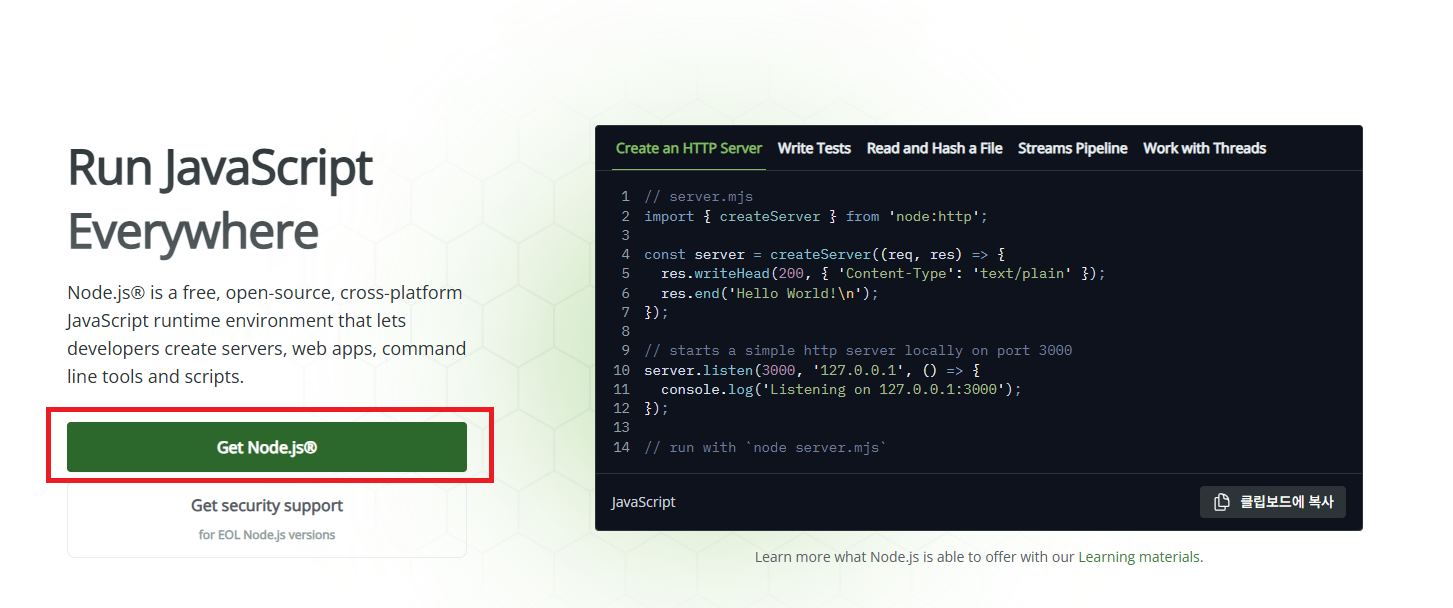
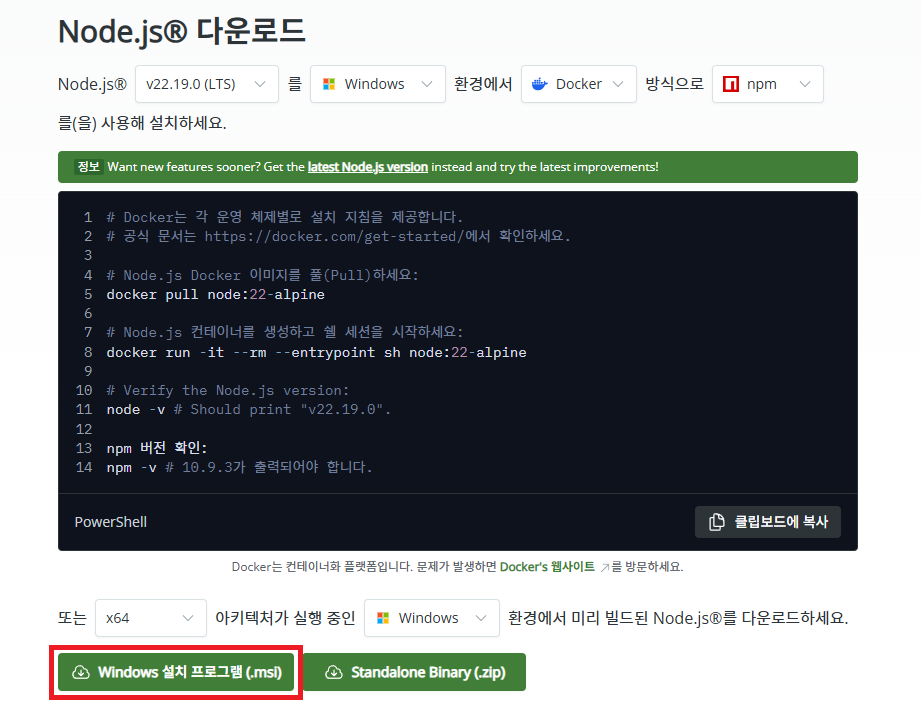
[Node.js 설치]
잘 설치 됐나 확인
node -v
npm -v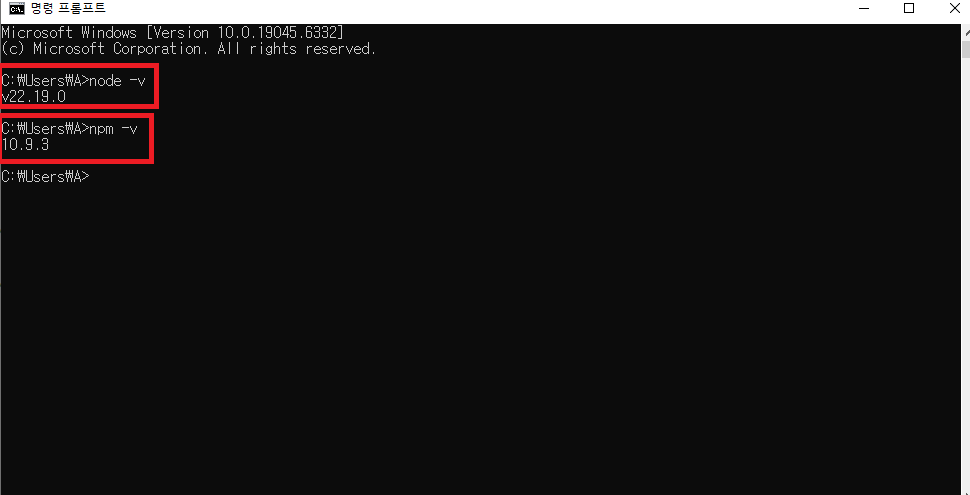
[프로젝트 생성]
프로젝트 폴더 경로에 cmd 창을 연다.
npm create vite@latest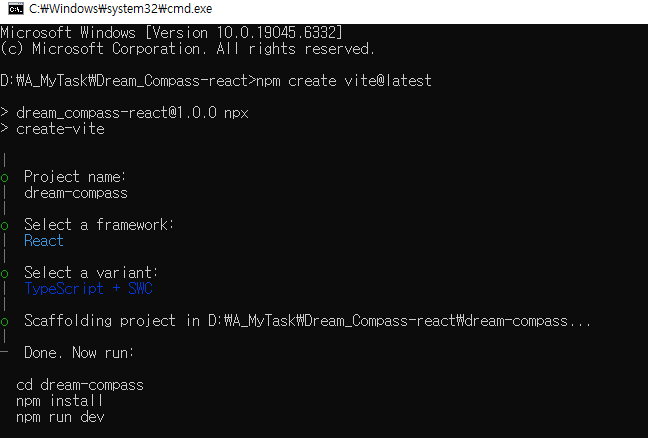
프로젝트 이름 -> 프레임워크 -> 언어 선택
npm install
npm run dev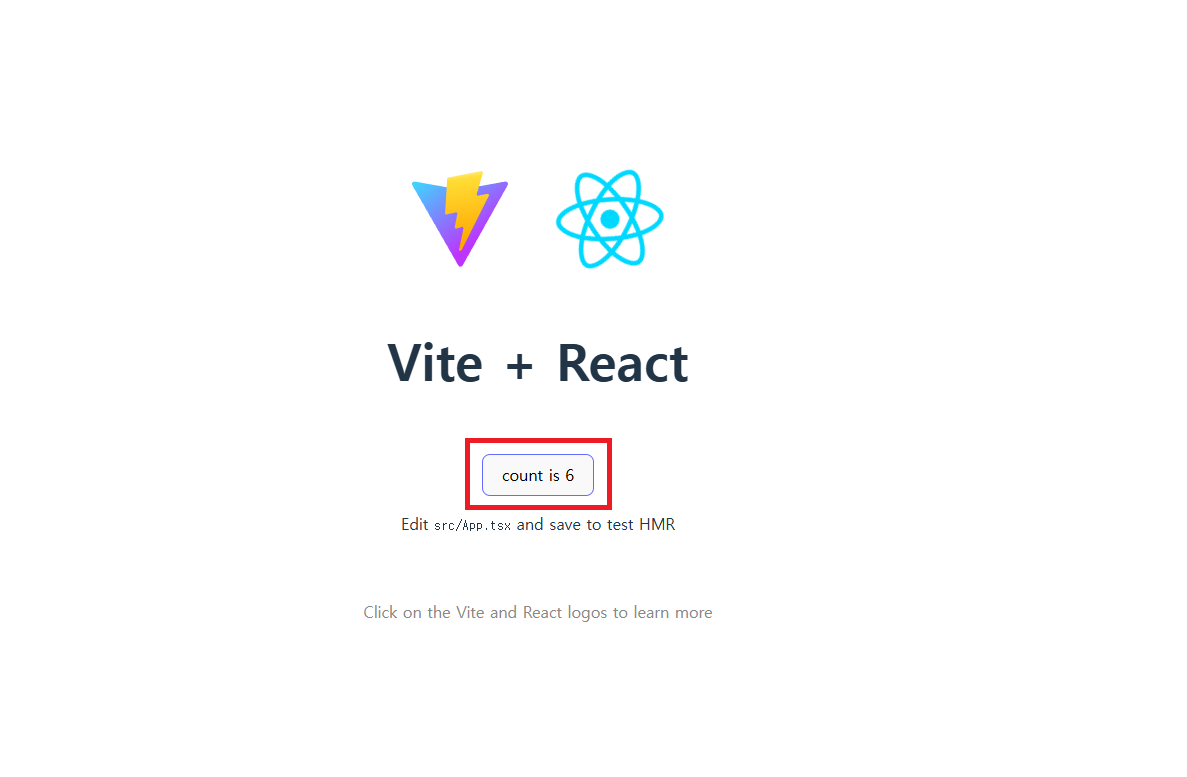
기본 페이지가 열리고 버튼 누르면 카운트가 올라간다.
// 라우팅 (페이지 이동)
npm install react-router-dom

// API 통신 (Spring Boot 연동용)
npm install axios

// UI 프레임워크 (선택)
npm install -D tailwindcss@3 postcss autoprefixer
npx tailwindcss init -p
// 위에 방법으로 설치 안되면
npx tailwindcss-cli@latest init -p

npm install -D @tailwindcss/postcss
만약 npx, npm 관련 명령어 안 되면
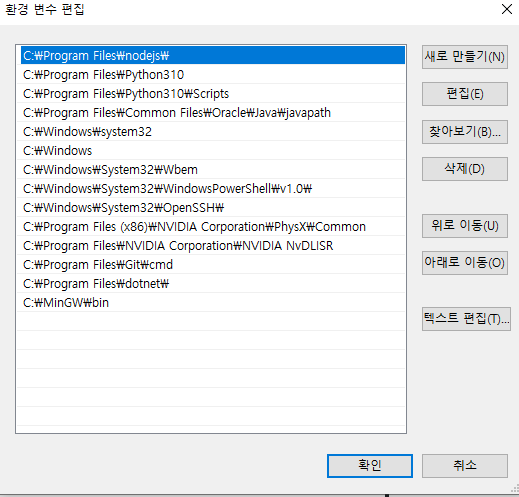
환경 변수 편집에서 nodejs를 맨 위로 하고
Window PowerShell에서
Set-ExecutionPolicy RemoteSigned -Scope CurrentUser입력하고 Y
postcss.config.js
export default {
  plugins: {
    tailwindcss: {},
    autoprefixer: {},
  },
}
tailwind.config.js
export default {
  content: [
    "./index.html",
    "./src/**/*.{js,ts,jsx,tsx}",
  ],
  theme: {
    extend: {},
  },
  plugins: [],
}
index.css
@tailwind base;
@tailwind components;
@tailwind utilities;
어찌저찌 웹 페이지는 열었다