ListView
지금까지 단일 객체에 대한 것을 다뤘는데 우리는 여러객체를 다룰 수 있는 View가 필요하다.
-> ListView , 장고가 기본적으로 제공.
Pagination
페이지화 시키는 것.
page의 객체를 생성한다는 느낌
어떤 page에서 검색할 때 1,2,3,4,5 처럼 페이지가 있는데 그것을 의미함.
무한 스크롤 형식도 존재
- facebook,instagram과 같이 스크롤을 내리면 무한으로 채워지는 형식 (이것은 다루지 않을 예정)
ListView의 형태
class ArticleListView(ListView):
	model = Article
    context_object_name = 'article_list'
    template_name = 'articleapp/list.html'
    paginate_by =25
와 같은 형태로 나타낼 수 있다.
article_list 는 게시글의 list를 의미한다.
html 에서 게시글을 뿌려주는 역할을 한다.
page_obj 는 현재 페이지를 보여주고 , 그 다음 , 전 페이지 버튼을 만들어서 이동할 수 있게 링크해주는 역할을 한다.
ListView 생성
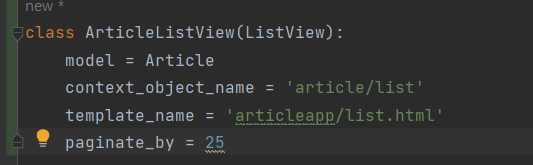
url 등록 변경

list.html 수정
{% extends 'base.html' %}
{% load static %}

{% block content %}
<style>

.container div {
  width: 250px;
  background-color: antiquewhite;
  display: flex;
  justify-content: center;
  align-items: center;
  border-radius: 1rem;
}

  .container img {
    width: 100%;
    border-radius: 1rem;
  }


</style>
    {% if article_list %}
    <div class="container">
        {% for article in article_list %}
        <a href="{% url 'articleapp:detail' pk=article.pk %}">
            {% include 'snippets/card.html' with article=article %}
        </a>
        {% endfor %}
    </div>
    <script src="{% static 'js/magicgrid.js' %}"></script>
    {% else %}
    <div class="text-center">
        <h1>No Articles YET!</h1>
    </div>
    {% endif %}

    <div style="text-align: center">
        <a href="{% url 'articleapp:create' %}" class="btn btn-dark rounded-pill col-3 mt-3">
            Create Article
        </a>
    </div>


{% endblock %}
card.html 생성
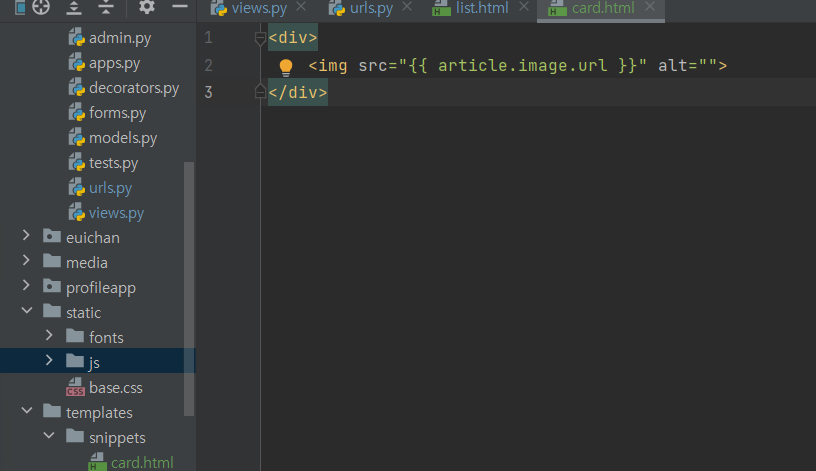
templates에 snippets에 card.html 생성
페이지 버튼 만들기
우선 우리는 자료가 많지 않기 때문에 paginate_by 의 값을 5로 설정하여 한 페이지당 article이 5개만 나오도록 한다.
그 후,
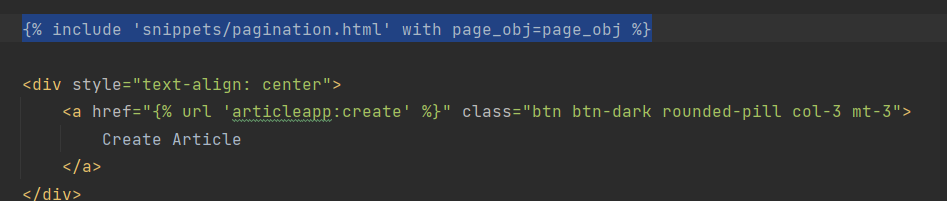
다음과 같이 list.html에 코드를 추가한 후
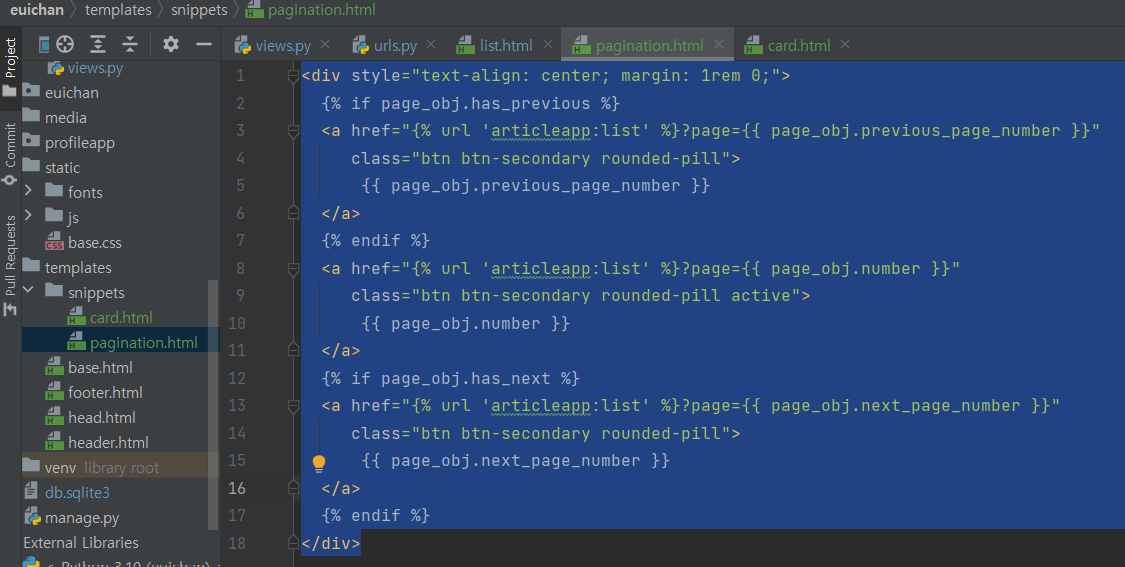
pagination.html 을 생성한다.
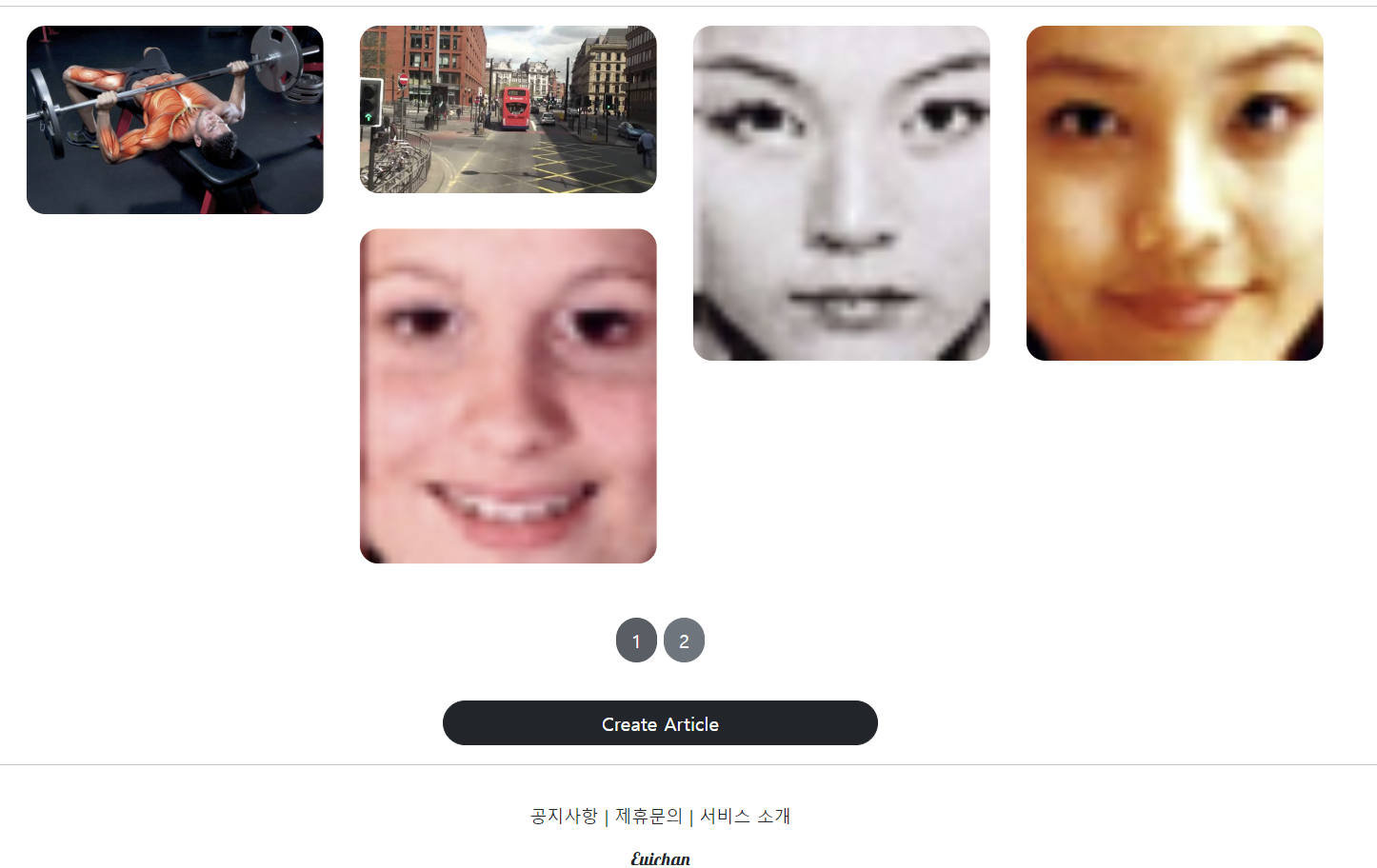
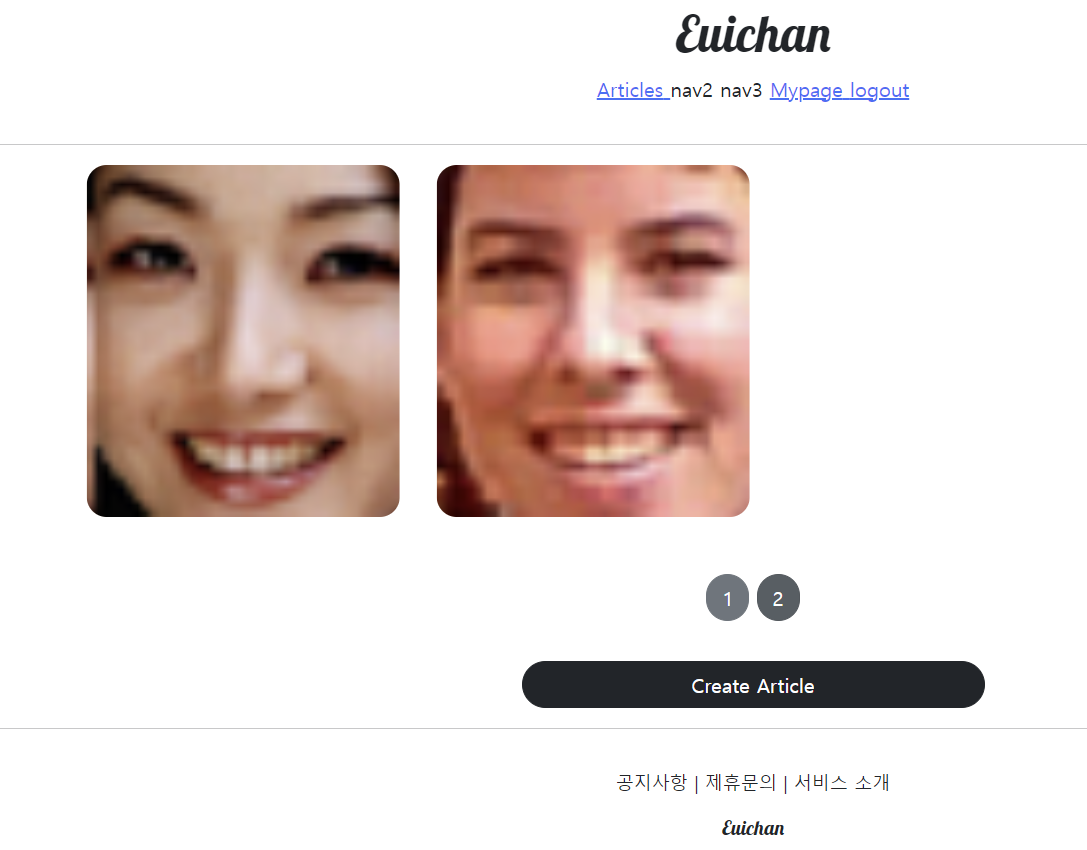
다음과 같이 페이지 버튼이 생성된 결과를 볼 수 있고
사진이 총 7개인데 1page에는 5개, 나머지 2개는 2page에 나오게 된다.
페이지 수정
article의 작성자에 해당하는 닉네임도 출력하고 , article의 크기 조정,
맨 하단에 있는 update 와 delete 버튼 수정, 텍스트를 표현할 수 있도록 마지막 하단에 공간 분리
{% extends 'base.html' %}


{% block content %}


  <div>
    <div style="text-align: center; max-width: 700px; margin: 4rem auto;">

      <h1>
        {{ target_article.title }}
      </h1>
      <h5>
        {{ target_article.writer.profile.nickname }}
      </h5>
      <hr>

      <img style="width: 100%; border-radius: 1rem; margin: 2rem 0; "
              src="{{ target_article.image.url }}" alt="">

      <p>
        {{ target_article.content }}
      </p>


      {% if target_article.writer == user %}
      <a href="{% url 'articleapp:update' pk=target_article.pk %}"
      class="btn btn-primary rounded-pill col-3">
        Update
      </a>
      <a href="{% url 'articleapp:delete' pk=target_article.pk %}"
      class="btn btn-danger rounded-pill col-3">
        Delete
      </a>
      {% endif %}
      <hr>

    </div>
  </div>

{% endblock %}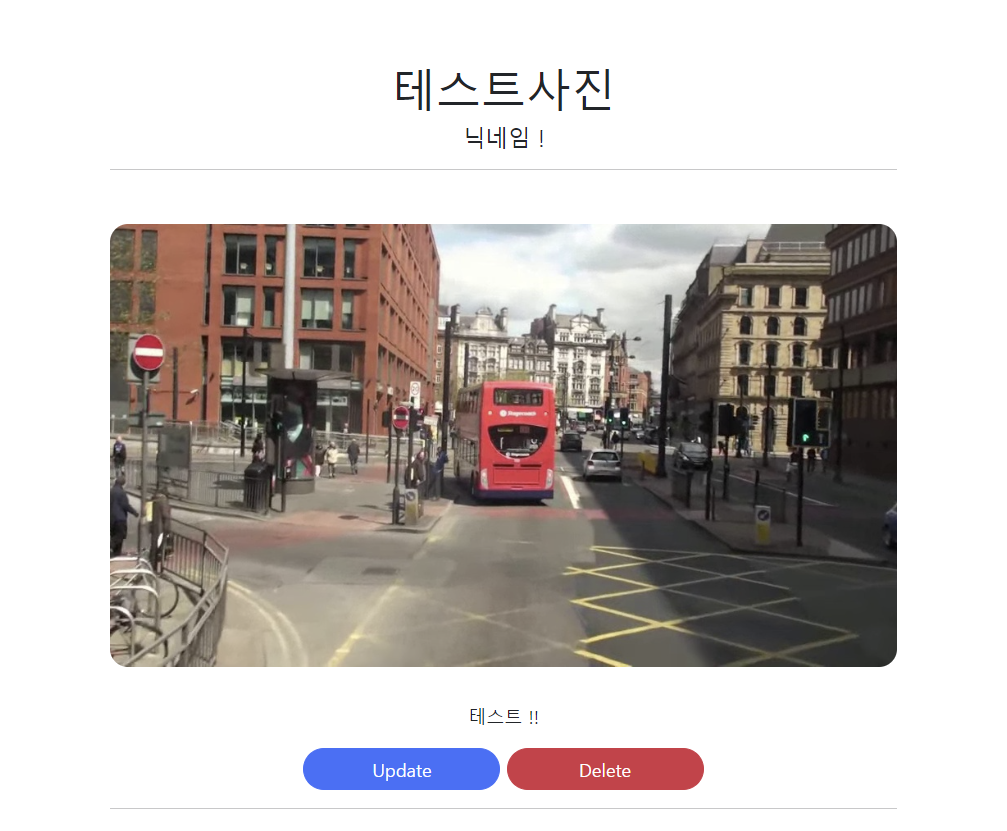

김의찬입니다