Teams Toolkit에서 ai-plugin.json 작성시에는
링크텍스트
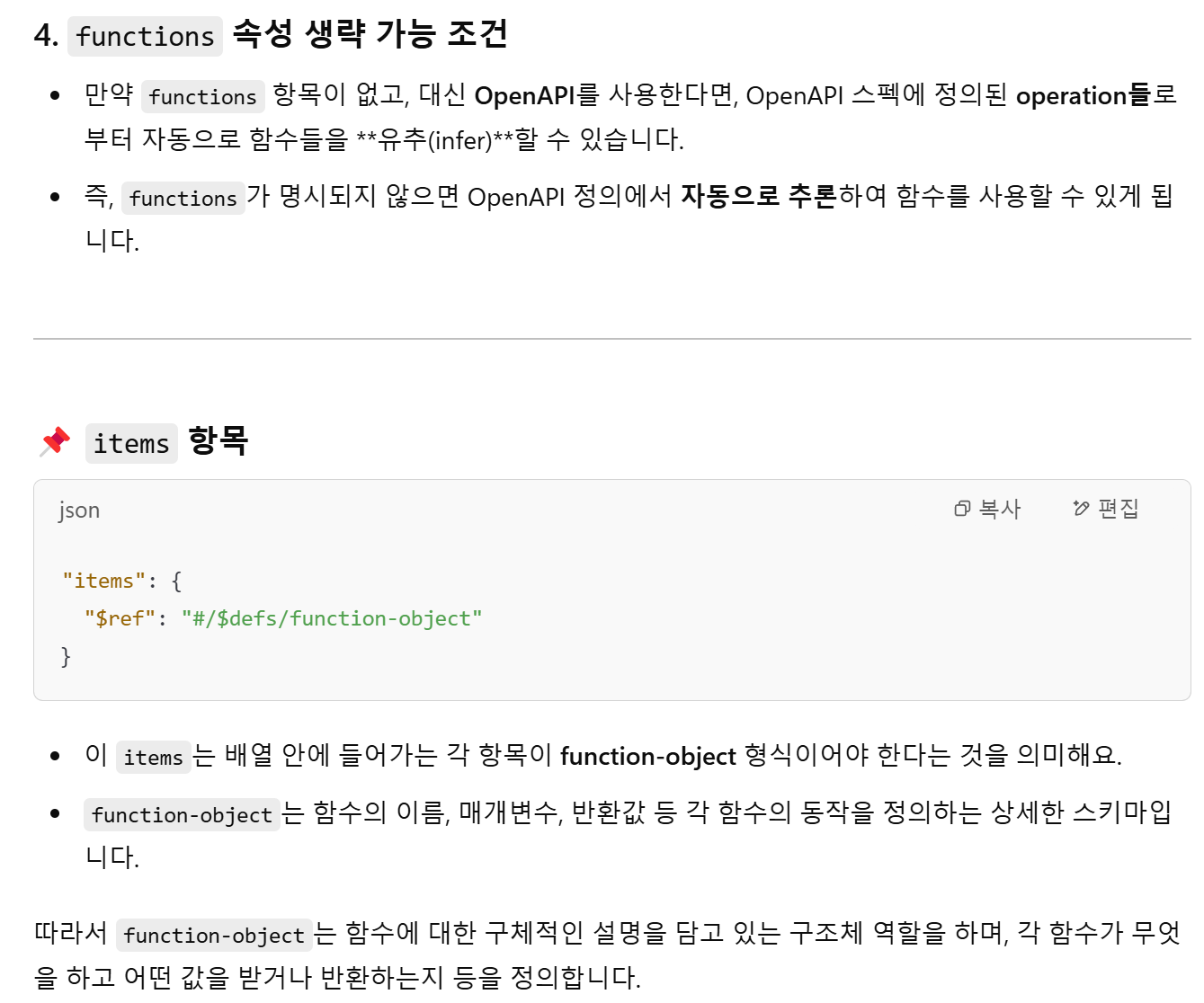
functions속성 생략 가능 조건
만약functions항목이 없고, 대신 OpenAPI를 사용한다면, OpenAPI 스펙에 정의된 operation들로부터 자동으로 함수들을 유추(infer)할 수 있습니다.
즉,functions가 명시되지 않으면 OpenAPI 정의에서 자동으로 추론하여 함수를 사용할 수 있게 됩니다.
📌 items 항목
"items": {
  "$ref": "#/$defs/function-object"
}-
이 items는 배열 안에 들어가는 각 항목이 function-object 형식이어야 한다는 것을 의미해요.
function-object는 함수의 이름, 매개변수, 반환값 등 각 함수의 동작을 정의하는 상세한 스키마입니다. -
따라서
function-object는 함수에 대한 구체적인 설명을 담고 있는 구조체 역할을 하며, 각 함수가 무엇을 하고 어떤 값을 받거나 반환하는지 등을 정의합니다.
functions 함수 사용 예시
`.json'
"functions": [
  {
    "name": "get_weather",
    "description": "Fetches the current weather information for a given location.",
    "parameters": {
      "type": "object",
      "properties": {
        "location": {
          "type": "string",
          "description": "The location (city name or coordinates)"
        }
      },
      "required": ["location"]
    },
    "returns": {
      "type": "object",
      "properties": {
        "temperature": { "type": "number" },
        "condition": { "type": "string" }
      }
    }
  },
  {
    "name": "add_event",
    "description": "Adds a new event to the calendar.",
    "parameters": {
      "type": "object",
      "properties": {
        "event_name": { "type": "string" },
        "event_date": { "type": "string", "format": "date-time" }
      },
      "required": ["event_name", "event_date"]
    },
    "returns": {
      "type": "string",
      "description": "Confirmation message"
    }
  }
]
동작 방식
1. 사용자 요청:
사용자가 Teams Copilot에서 "공시 목록 조회"와 같은 요청을 입력합니다.
2. Adaptive Card 표시:
adaptiveCards/getApiListJsonInput.json 템플릿에 따라 입력 폼이 표시됩니다.
사용자는 crtfc_key와 corp_code를 입력합니다.
*adaptiveCards/getApiListJsonInput.json 파일은 Teams Copilot에서 사용자에게 표시할 UI 템플릿을 정의
3. API 호출 및 응답 처리:
입력값이 getApiListJson 함수로 전달되고, API가 호출됩니다.
API 응답 데이터는 data_path에 따라 처리됩니다.
4.결과 표시:
응답 데이터를 기반으로 또 다른 Adaptive Card를 생성하거나, 결과를 사용자에게 표시합니다.