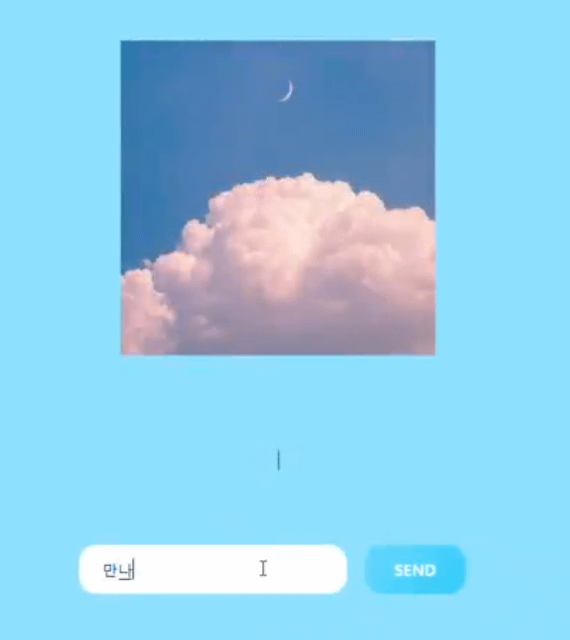
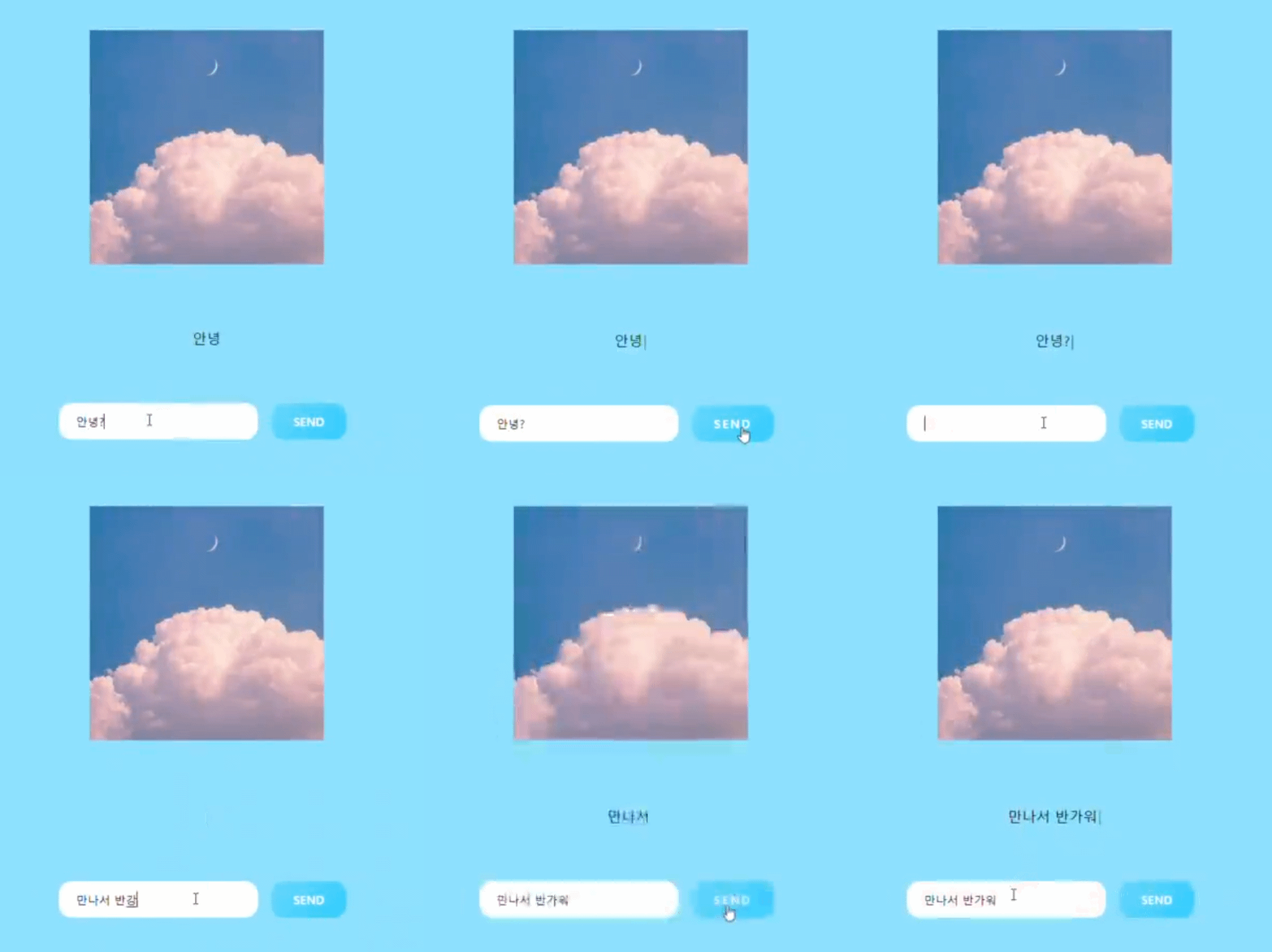
SEND 버튼을 누르면 내가 쓴 input값이 쓰여진다.
<index.html 코드>
<!DOCTYPE html>
<html lang="ko">
    <head>
        <title>Message</title>
        <link rel="stylesheet" href="typewrite.css"/>
        <script src="https://unpkg.com/typewriter-effect@latest/dist/core.js"></script>
    </head>
     <body>
        <div class="imgs">
            <img src="IMAGE/cloud.jpg" alt="" >
        </div>
        <p class="msg" id="result"></p>
        <input type="text" id="write" class="type">
        <button class="w-btn w-btn-gra1" id="btn" type="button" onclick="sendbtn()">SEND</button>
    </body>
    <script>

    function sendbtn(){
        var app = document.getElementById("result");
        var msg = document.getElementById("write").value;

        var typewriter = new Typewriter(app, {
            loop: false,
        });


        typewriter
        .typeString(msg)
        .pauseFor(2000)
        .deleteAll()
        .start();
    }
    </script>
</html>
<index.css 코드>
@import url("https://fonts.googleapis.com/css?family=Poppins:200,300,400,500,600,700,800,900&display=swap");

* {
    text-align: center;
    vertical-align: middle;
    margin: 0;
    padding: 0;
    box-sizing: border-box;
    text-align: center;
}

body {
    text-align: center;
    padding: 100px;
    background: #8de1fe;
    /* display: table-cell; */
}

.imgs > img{
    text-align: center;
    vertical-align: middle;
    width: 20%;
    margin-bottom: 20px;
}

.msg{
    font-family: "paybooc-Light", sans-serif;
    margin: 4%;
}

input:focus {
    outline: none;
}

.type{
    width: 17%;
    text-align: left;
    position: relative;
    border: none;
    display: inline-block;
    padding: 12px 20px;
    border-radius: 15px;
    font-family: "paybooc-Light", sans-serif;
    text-decoration: wavy;
    font-size:small;
}

button {
    margin: 10px;
}

.w-btn {
    position: relative;
    border: none;
    display: inline-block;
    padding: 12px 25px;
    border-radius: 15px;
    font-family: "paybooc-Light", sans-serif;
    /* box-shadow: 0 15px 35px rgba(0, 0, 0, 0.2); */
    text-decoration: none;
    font-weight: 600;
    transition: 0.25s;
}

.w-btn:hover {
    letter-spacing: 2px;
    transform: scale(1.0);
    cursor: pointer;
}

.w-btn:active {
    transform: scale(1.5);
}


.w-btn-gra1 {
    background: linear-gradient(-45deg, #33ccff 10%, #65d7fd 90%);
    color: white;
}

.w-btn-gra-anim {
    background-size: 400% 400%;
    animation: gradient1 5s ease infinite;
}
yuulee112