TypeScript는 문서 객체와 관련 타입을 자동으로 인지합니다.
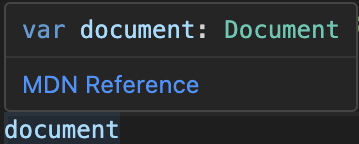 document의 type은 Document입니다.
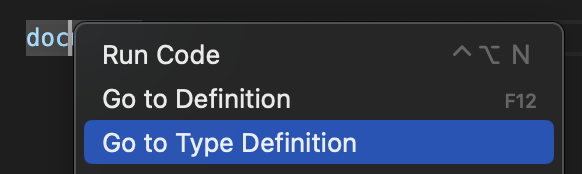
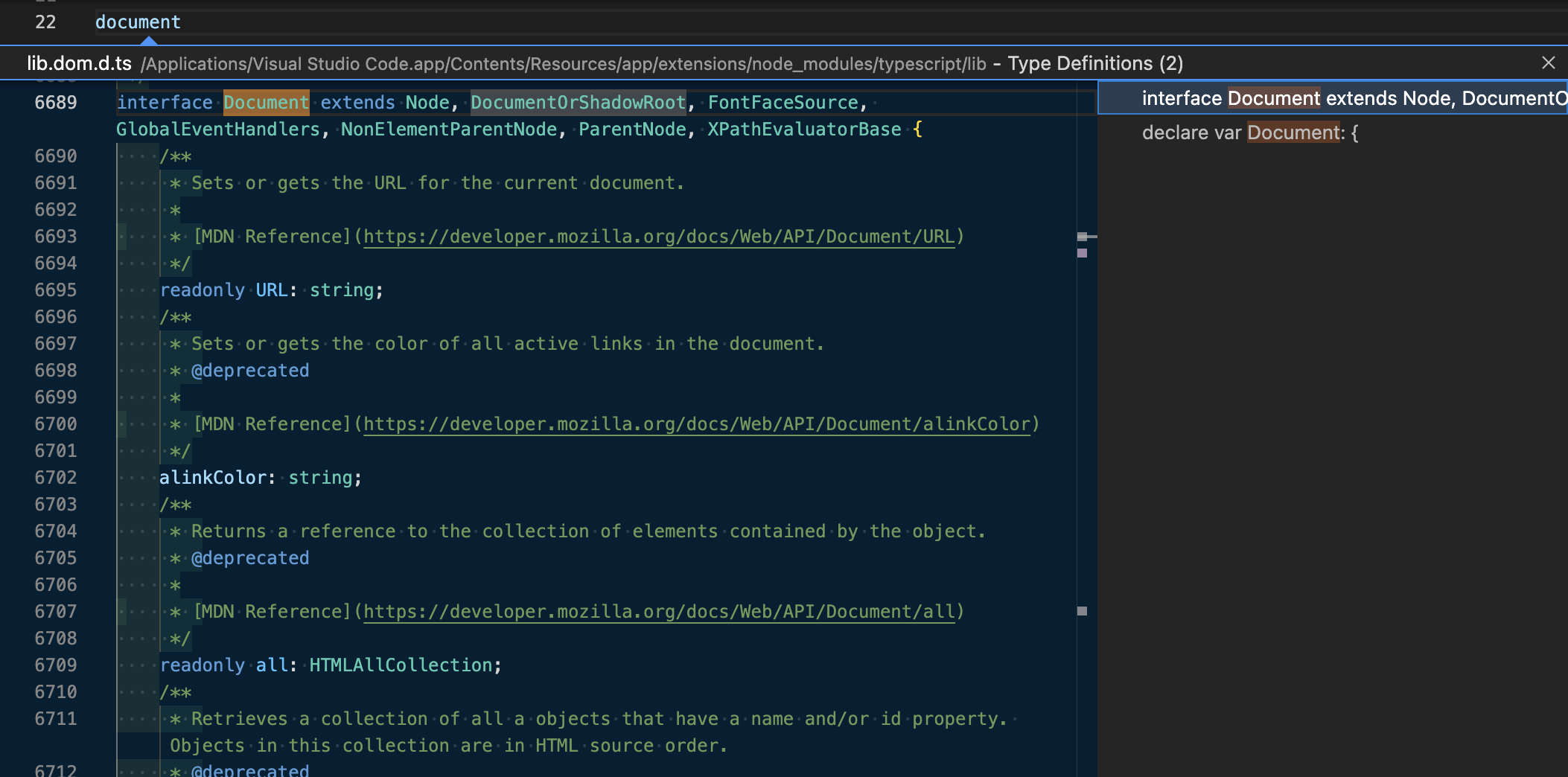
'Go to Type Definition'을 통해 document에 관련된 타입 정의를 확인할 수 있습니다.
DOM 프로퍼티
예를 들어 getElementById가 어떤 요소를 가져오는지 ID 만으로는 TypeScript가 알 수 없습니다.
TypeScript는 getElementById가 반환하는 게 제네릭 HTML 요소인 것만 인지하여, document.getElementById는 HTML 요소를 반환하거나 찾지 못한다면 null을 반환합니다.
// (method) Document.getElementById(elementId: string): HTMLElement | null
document.getElementById("")!;
따라서 만약 이벤트 리스너를 실행하고 클릭을 수신하면 '객체가 null일 수도 있습니다'라는 오류가 나타납니다.
"btn"이란 id가 없어서 getElementById가 null을 반환하면 addEventListener은 실행될 수 없으니까요.
const btn = document.getElementById("btn")

// Object is possibly 'null'
btn.addEventListener("click")
이때 오류를 해결할 몇 가지 방법이 있습니다.
물음표 연산자(옵셔널 체이닝)
?연산자는 객체의 속성에 접근하는 경우 사용합니다.
?연산자의 앞 평가 대상이 undefined나 null이면 평가를 멈추고 undefined를 반환합니다.
const btn = document.getElementById("btn");

// btn이 존재하면 진행, 없다면 멈춤
btn?.addEventListener("click");
Non-Null 단언 연산자(!)
코드 줄 뒤에 !를 붙임으로써 절대 null이 되지 않는다고 TypeScript에 약속을 합니다.
// getElementById의 반환 값은 null 타입이 되지 않음을 알림
const btn = document.getElementById("btn")!;

btn?.addEventListener("click");
Type Assertion(타입 단언, 타입 표명)
as를 사용하여 타입을 강제적으로 지정해 주는 것입니다.
예시
length 메서드는 배열이나 문자 타입에 사용할 수 있습니다.
따라서 변수 mystery은 배열이나 문자 타입이 아니기 때문에 경고가 발생합니다.
하지만 변수 mystery에 담긴 값이 "Hello World"라는 문자열임을 알고 있습니다.
이때 타입 단언을 사용하면 해당 컨텍스트 내에서는 단언한 타입으로 취급하여 해결할 수 있습니다.
let mystery: unknown = "Hello World";

// 'mystery' is of type 'unknown'.
const numChars = mystery.length;

// as를 사용한 컨텍스트 내에서 string으로 취급
const numChars = (mystery as string).length;


// 하지만 string 타입으로 바뀐 것은 아님
// mystery: unknown
mysterybtn을 클릭하면 input에 입력한 값을 알림창에 띄우려고 합니다.
const btn = document.getElementById("btn")!
const input = document.getElementById("todoinput")!

btn.addEventListener("click", function() {
  // Property 'value' does not exist on type 'HTMLElement'.
  alert(input.value);
});
하지만 TypeScript는 getElementById로 가져온 input이 반환하는 게 제네릭 HTML 요소인 것만 인지하여, value를 가지고 있는지도 모릅니다.
따라서 input이 단순히 HTML 요소가 아니라고 TypeScript에게 알려줘야 합니다.
Go to Type Definition을 사용하여 lib.dom.d.ts 파일에서 HTMLInput을 찾아보면 input의 타입인 HTMLInputElement를 찾을 수 있습니다.
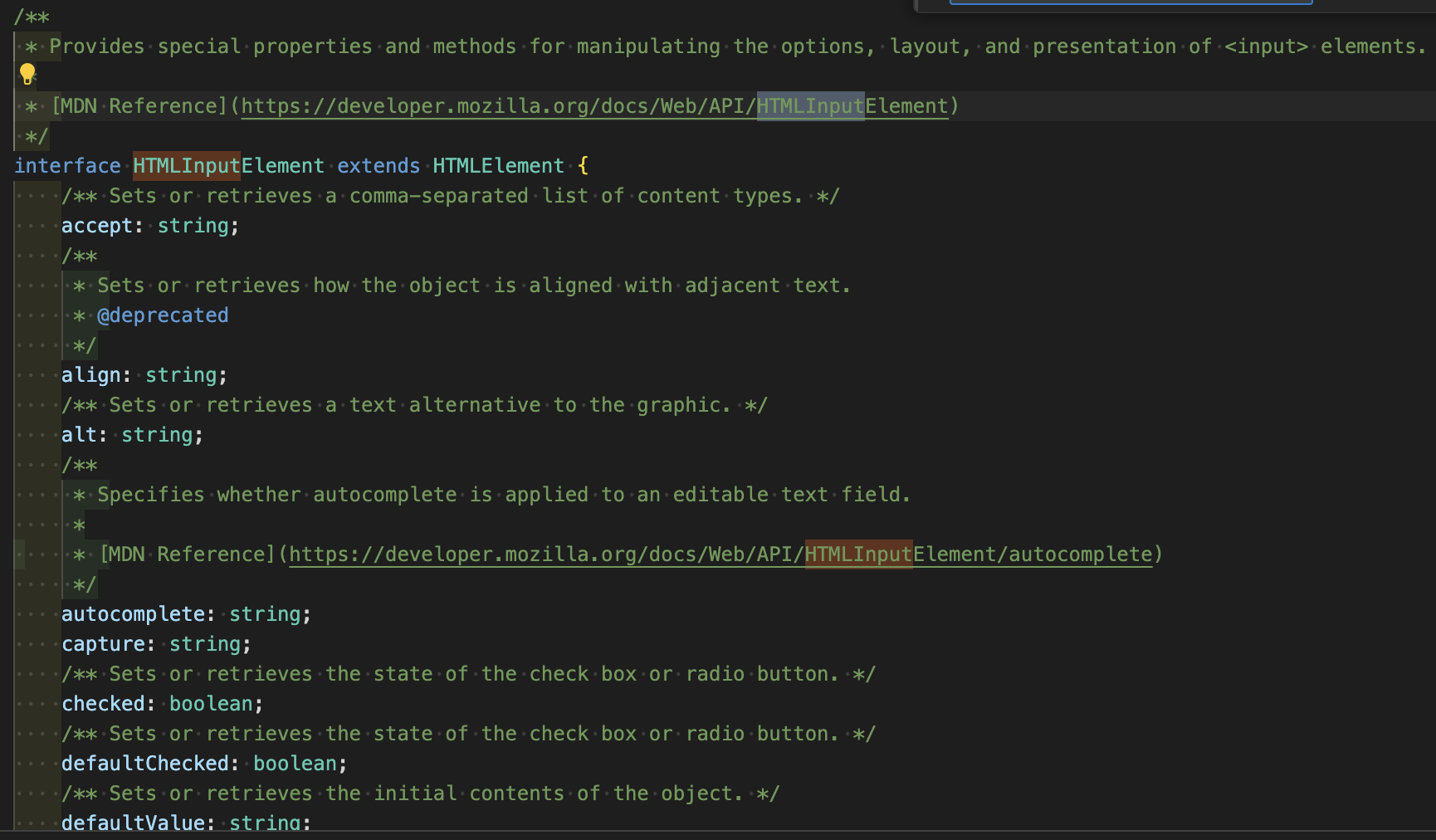
또한 console.dir(input)을 하게되면 [[Prototype]]: HTMLInputElement을 찾을 수 있습니다.
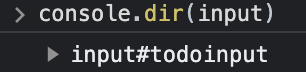

input의 타입을 알게 되었다면 타입 단언을 사용해서 해결할 수 있습니다.
const btn = document.getElementById("btn")!
const input = document.getElementById("todoinput")! as HTMLInputElement;

btn.addEventListener("click", function() {
  alert(input.value);
});
타입 선언 vs 타입 표명
interface User {
  email: string;
}

// 타입 선언
const zima: User = {email: 'zima@email.com'}

// 타입 표명
const zima = {email: 'zima@email.com'} as User
타입 선언은 변수에 타입 선언을 하여서 초기화할 값의 타입이 맞는지 컴파일러가 확인합니다.
타입 표명은 코드 작성자가 '초기화할 값의 타입은 무엇이다'라고 컴파일러에게 얘기를 해주는 맥락입니다.
일반적으로 타입 선언이 타입 표명보다 효율적입니다.
interface User {
  email: string;
}

// 타입 선언
const zima: User = {}
// Property 'email' is missing in type '{}' but required in type 'User'

// 타입 표명
const zima = {} as User
User interface를 사용하려면 email이 있어야만 합니다.
변수 zima에게 email프로퍼티가 없을 때 타입 선언은 잘못된 것을 확인해주지만, 타입 표명은 확인해주지 않습니다.
지정된 타입과 다르게 속성 값이 있거나 없을 때 타입 표명은 에러가 발생하지 않기 때문에 뜻하지 않은 버그가 발생할 수도 있습니다.
이벤트
만약 ID 또는 Class가 아닌 선택자 요소를 사용한다면 TypeScript도 알아낼 수 있습니다.
// form: HTMLFormElement
const form = document.querySelector("form")!;addEventListener를 사용했을 때 TypeScript는 콜백 함수에서 받는 e가 무엇인지 추론해낼 수 있습니다.
const form = document.querySelector("form")!;

// (parameter) e: SubmitEvent
form.addEventListener("submit", function (e) {
  e.preventDefault();
});
하지만 콜백 함수를 분리하여 사용하면 e가 무엇인지 모르게 되고, 암묵적 any타입이라고 생각합니다.
const form = document.querySelector("form")!;

// Parameter 'e' implicitly has an 'any' type
function handleSubmit(e) {
  e.preventDefault();
}

form.addEventListener("submit", handleSubmit);
이럴때는 e의 타입을 작성해주어야 합니다.
const form = document.querySelector("form")!;

function handleSubmit(e: SubmitEvent) {
  e.preventDefault();
}

form.addEventListener("submit", handleSubmit);