HTML과 CSS 코드
<!DOCTYPE html>
<html lang="ko">
<head>
    <meta charset="UTF-8">
    <meta name="viewport" content="width=device-width, initial-scale=1.0">
    <title>Document</title>
    <style>
        table, tr, td {
            border: 3px double;
            width: 200px;
            height: 50px;
            text-align: left;
            border-color: black;
            border-collapse: collapse;
        }
        td {
            padding: 10px;
        }
        ol {
            padding-left: 20px;
        }
        ol li {
            margin-bottom: 10px;
        }
        a {
            text-decoration: none;
            color: black;
        }
        a:hover {
            text-decoration: underline;
        }
    </style>
</head>
<body>
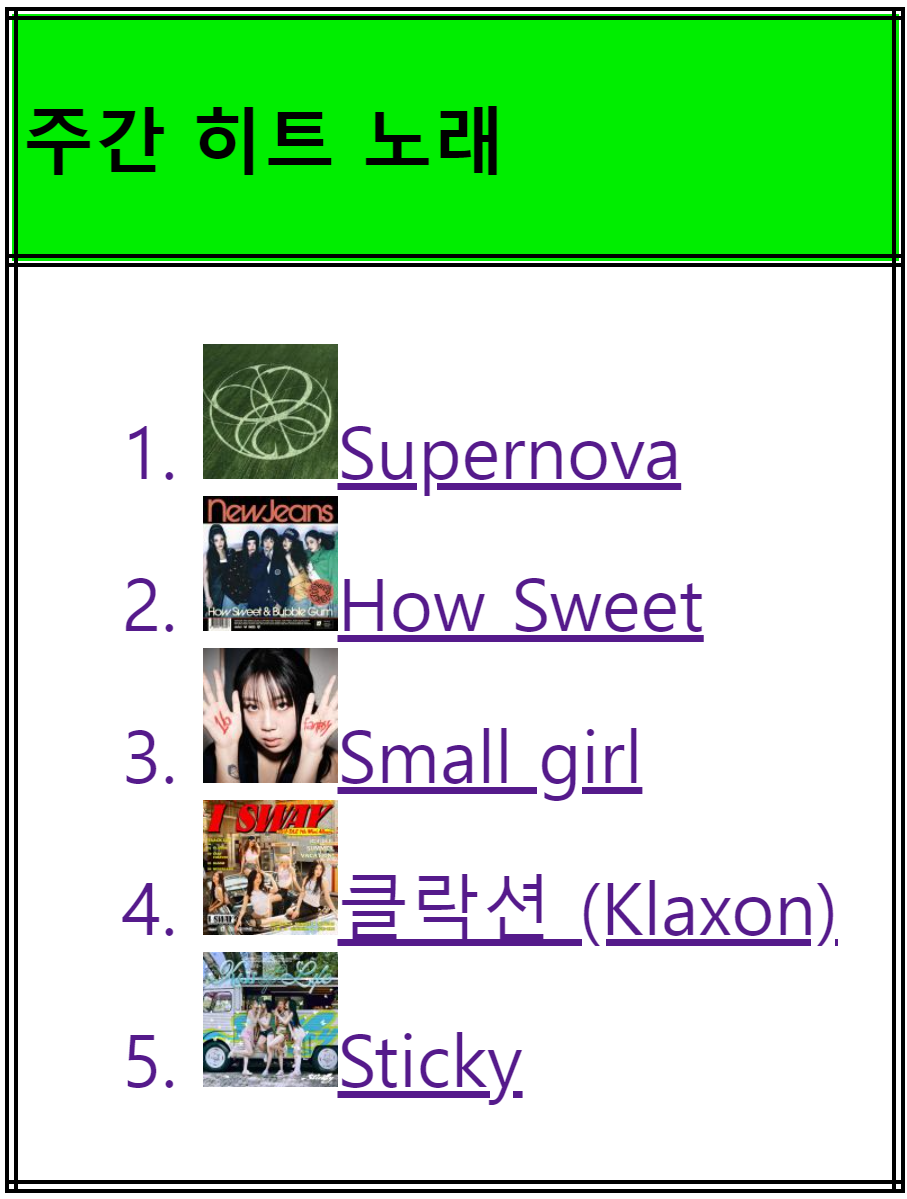
    <table>
        <tr>
            <td bgcolor="green">
                <b>주간 히트 노래</b>
            </td>
        </tr>
        <tr>
            <td>
                <ol>
                    <li>
                        <a href="<https://www.melon.com/song/detail.htm?songId=37524037>">
                            <img alt="asepa" src="../images/music1.jpg" width="30" height="30"/> Supernova
                        </a>
                    </li>
                    <li>
                        <a href="<https://www.melon.com/song/detail.htm?songId=37563682>">
                            <img alt="NewJeans" src="../images/music2.jpg" width="30" height="30"/> How Sweet
                        </a>
                    </li>
                    <li>
                        <a href="<https://www.melon.com/song/detail.htm?songId=37657039>">
                            <img alt="이영지" src="../images/music3.jpg" width="30" height="30"/> Small girl
                        </a>
                    </li>
                    <li>
                        <a href="<https://www.melon.com/song/detail.htm?songId=37737619>">
                            <img alt="(여자)아이들" src="../images/music4.jpg" width="30" height="30"/> 클락션 (Klaxon)
                        </a>
                    </li>
                    <li>
                        <a href="<https://www.melon.com/song/detail.htm?songId=37693124>">
                            <img alt="KISS OF LIFE" src="../images/music5.jpg" width="30" height="30"/> Sticky
                        </a>
                    </li>
                </ol>
            </td>
        </tr>
    </table>
</body>
</html>
코드 설명
- 표 스타일링:
table,tr,td요소에 3중 경계선과 너비, 높이, 텍스트 정렬 등을 지정했습니다.border-collapse: collapse;를 사용해 테이블 경계선이 중복되지 않도록 했습니다.
- 목록 스타일링:
ol요소의 왼쪽 패딩을 추가해 목록의 들여쓰기를 설정했습니다.li요소에 하단 마진을 추가해 목록 아이템 간의 간격을 설정했습니다.
- 링크 스타일링:
a요소의 기본 텍스트 장식을 제거하고, 호버 시 밑줄을 추가했습니다.

넙-죽