what is DOM
system?way? of organizing web document for approach it effectively
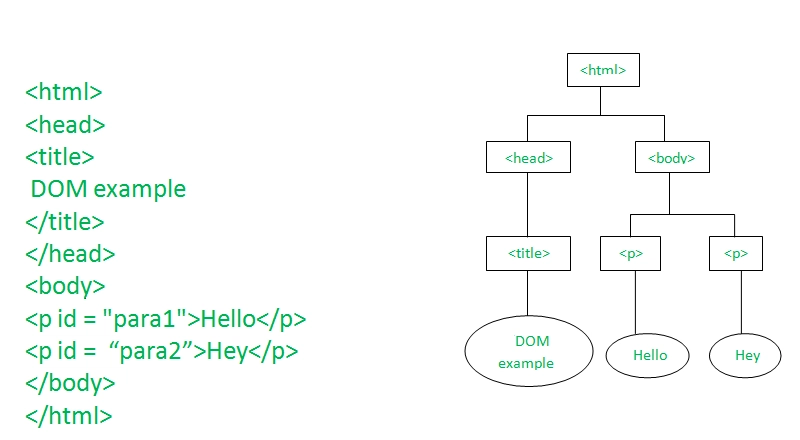
above pic is example of DOM tree
querySelector()
querySelector() is taking element form html,css,js...etc like all of them in source
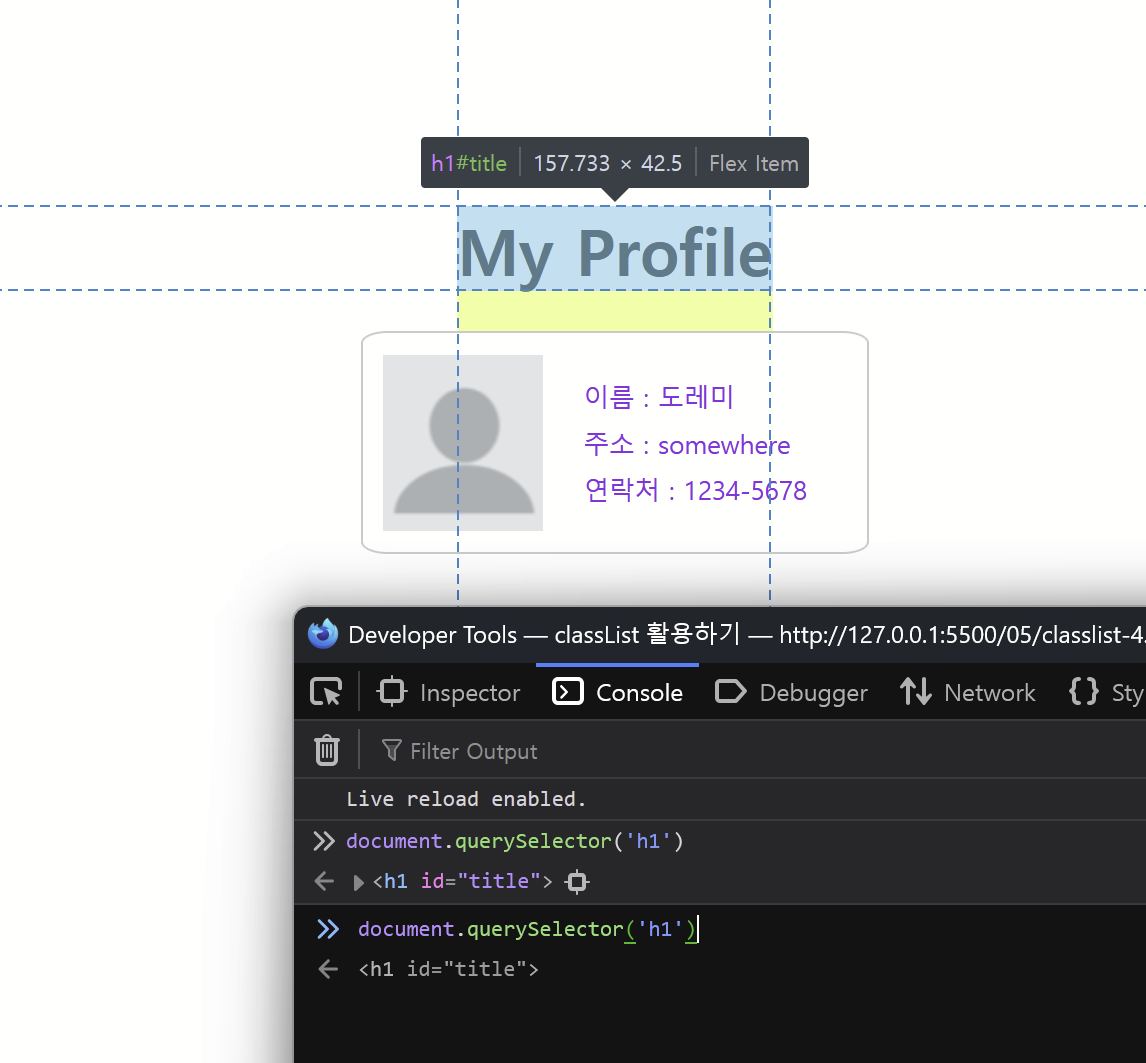
also below code also get element from source
querySelectAll()
getElement*
hooking web element and modifying it
// hook
<web element>.innerText
<web element>.innerHtml
<web element>.textContent

// modifying
<web element>.innerText = <content>
<web element>.innerHtml = <content>
<web element>.textContent = <content>

//ing change
<image element>.src = <new image file>
accessing CSS and edit(modifying it)
// USAGE = <element>.style.<propertie name>

//ex
const title = document.querySelector("#title");

title.onclick = () => {
  title.style.backgroundColor = "black";
  title.style.color = "white";
};
classlist properties
document.querySelector("??").classlist

//EX usage

const title = document.querySelector("#title");

// title.onclick = () => {
//   title.classList.add("clicked");
// }

title.onclick = () => {
  if(!title.classList.contains("clicked")){
    title.classList.add("clicked");
  } else {
    title.classList.remove("clicked");
  }
}

// adding style & removing example
<element>.classlist.add(<class_name>)
<element>.classlist.remove(<class_name>)
<element>.classlist.contains(<class_name>)
<element>.classlist.toggle(<class_name>)
handling form inside of DOM
//get key form <element>
<element>.value
You can retrieve objects by inheriting them through the dot notation("."), starting from Dom's parent elements and proceeding down to child elements.
//basic format
<document, ...etc>.<1-level low object in dom>.<2-level...>.<3-level>.value

//example
document.order.price.value
when html has id value you can use querySelector("#<id name>") like this
// access uisng checked element
document.querySelector("input[name='subject']:checked")
-> this is for checkbox

hehehe fk u