Nexus 5 옛날 버전으로 하는 이유
→ 속도가 좀 더 빠름
실습(1)
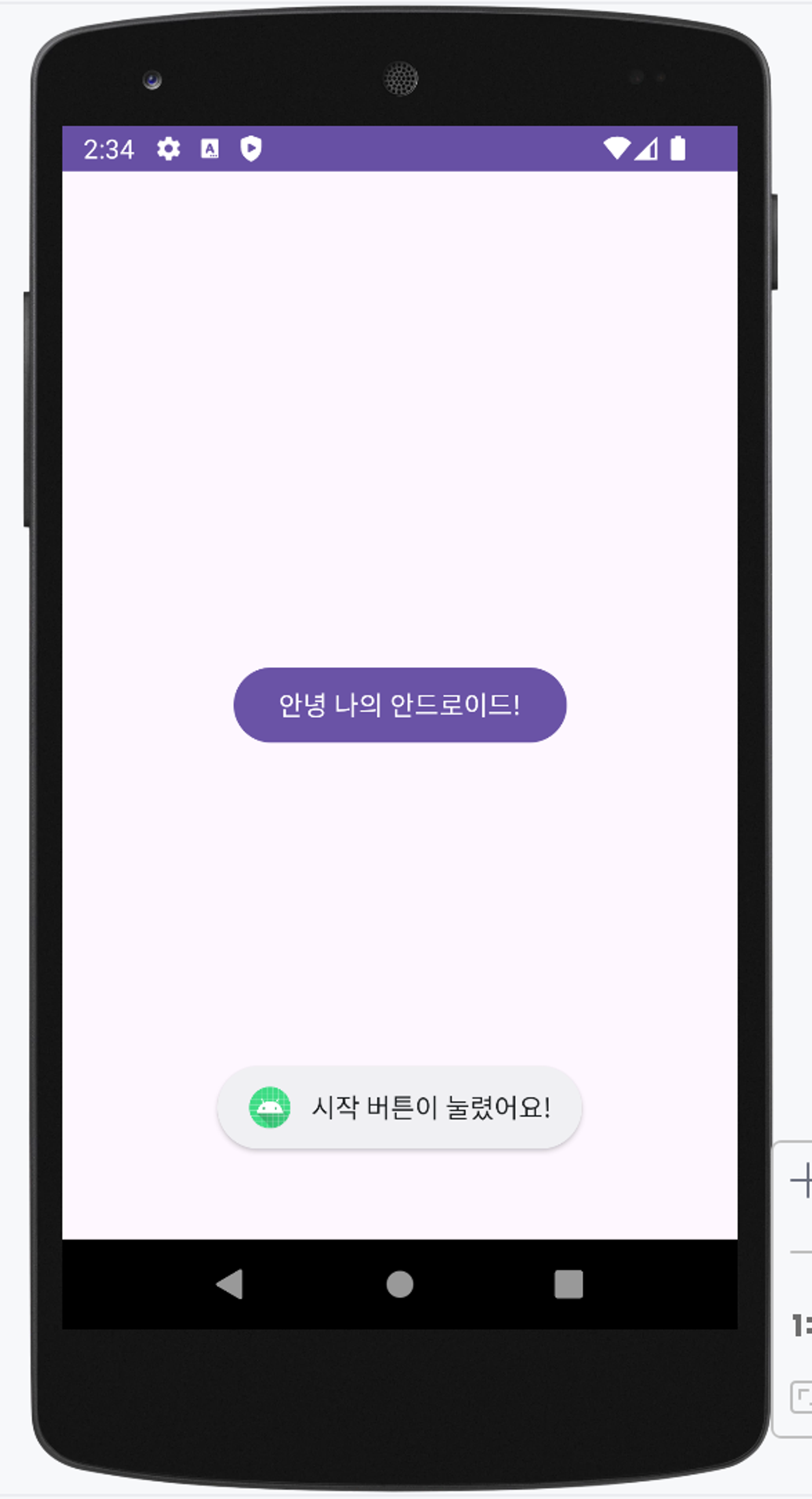
디자인에서 onClick 설정

android:onClick="onButten1Clicked"이 클릭 됐을 때 아래 함수를 실행시켜라
fun onButton1Clicked(v : View)
{
	Toast.makeText(this, "시작 버튼이 눌렸어요!", Toast.LENGTH_SHORT).show()
}
리소스 파일 재정의
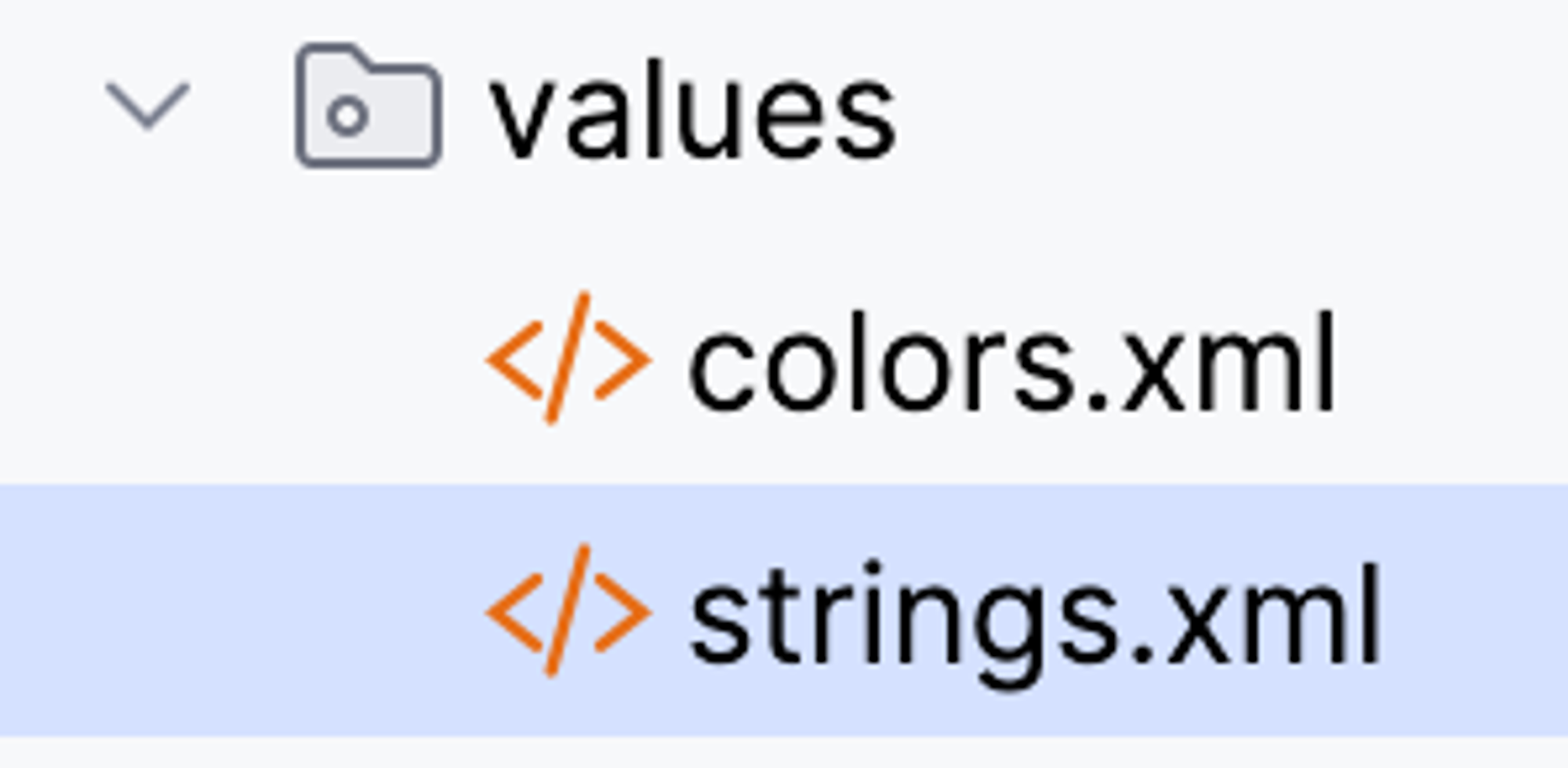
<resources>
    <string name="app_name">My Android App</string>
</resources>
My Android App -> 앱 이름 변경
TextView에 텍스트 작상하는 방법
- 하드 코딩

- 텍스트 불러서 쓰기 <- 추천
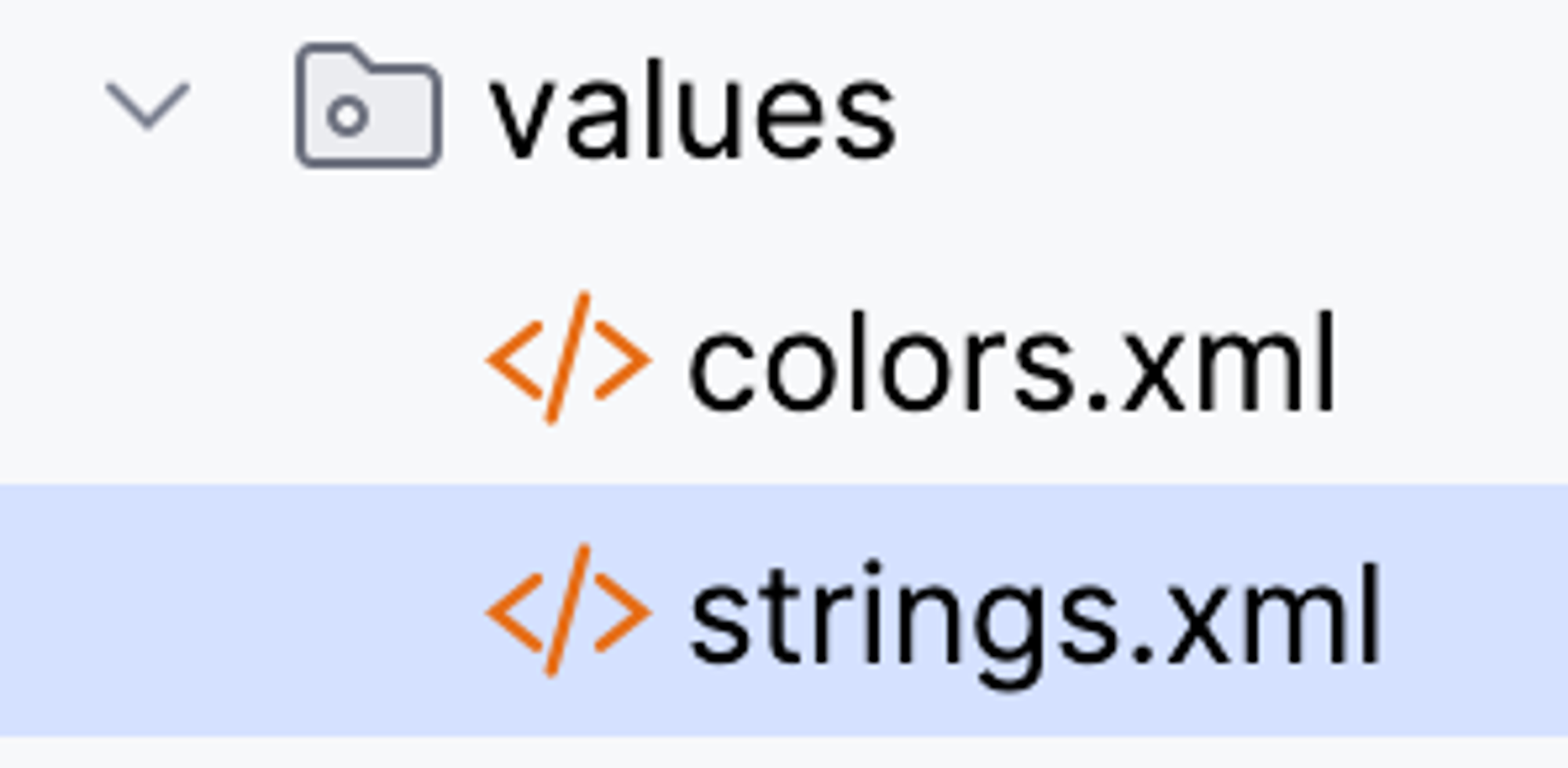
👀 values - string에 따로 정의하는 이유
- 다국어 지원
android:text="안녕하세요"여기에 한국어 박아버리면 다국어 지원 안됨- 그래서 한국어 파일이면 string_kr 리소스 만듬
- 리소스 이름은 똑같은 걸로 만들면 디바이스의 언어 상태에 따라서 읽음
- 한국어만 지원되는 앱을 만들거다
- 크게 상관 없음
실습(2)
XML
 <TextView
        android:id="@+id/tv_number"
        android:layout_width="wrap_content"
        android:layout_height="wrap_content"
        android:text="Roll the Dice!!"
        android:textSize="40dp"
        android:textStyle="bold"
        app:layout_constraintBottom_toBottomOf="parent"
        app:layout_constraintEnd_toEndOf="parent"
        app:layout_constraintStart_toStartOf="parent"
        app:layout_constraintTop_toTopOf="parent" />

    <Button
        android:id="@+id/btn_roll"
        android:layout_width="wrap_content"
        android:layout_height="wrap_content"
        android:layout_margin="30dp"
        android:text="ROLL"
        app:layout_constraintEnd_toEndOf="parent"
        app:layout_constraintStart_toStartOf="parent"
        app:layout_constraintTop_toBottomOf="@+id/tv_number" />
android:id="@+id/tv_number" 아이디 지정
android:text="Roll the Dice!!" 텍스트 입력
android:textSize="40dp" 텍스트 사이지
android:textStyle="bold" 텍스트 스타일(굵기)
Activity
가장 먼저 xml와 연결하기, 아이로 찾을거임 → 연결 후 변수 이름을 사용할 수 있음
val tv_num = findViewById<TextView>(R.id.tv_number)
val btn_dice = findViewById<Button>(R.id.btn_roll)
버튼 늘렸을 때를 표현하는 방법
	btn_dice.setOnClickListener{

		//버튼이 눌렸을 때 랜덤 값을 하나 갖고 옴
		val random = Random
        //0부터 시작하기 때문에 +1해줘야함
		val num = random.nextInt(6) + 1

		//num을 문자열로 변환해서 TestView에 다시 넘겨줌
        //Int로 받아오기 때문에, 텍스트에 넣으면 toString해줘야 함
		tv_num.text = num.toString()
	}
logcat
Log.d("MainActivity", "num = ${num.toString()}")
왼쪽이 태그 값, 오른쪽 메시지 값