{{ form }} 들을 bootstrap 을 이용해서 디자인
django-bootstrap4 라이브러리 설치
pip install django-bootstrap4라이브러리 사용
- settings.py 의 INSTALLED_APPS 에 특정 라이브러리가 설치 되었음을 입력
# pragmatic/pragmatic/settings.py
INSTALLED_APPS = [
...
'bootstrap4',
...
]- 라이브러리 가져오기
{%%}을 사용하여 form 을 수정해주면 다음과 같은 정갈한 디자인을 볼 수 있다.
<!--accountapp/templates/accountapp/login.html-->
...
{% load bootstrap4 %}
...

<!--{{ form }} 를 사용하는 것이 아닌 구문을 사용 -->
<!--bootstrap 이 적용된 form 사용 -->
{% bootstrap_form form %}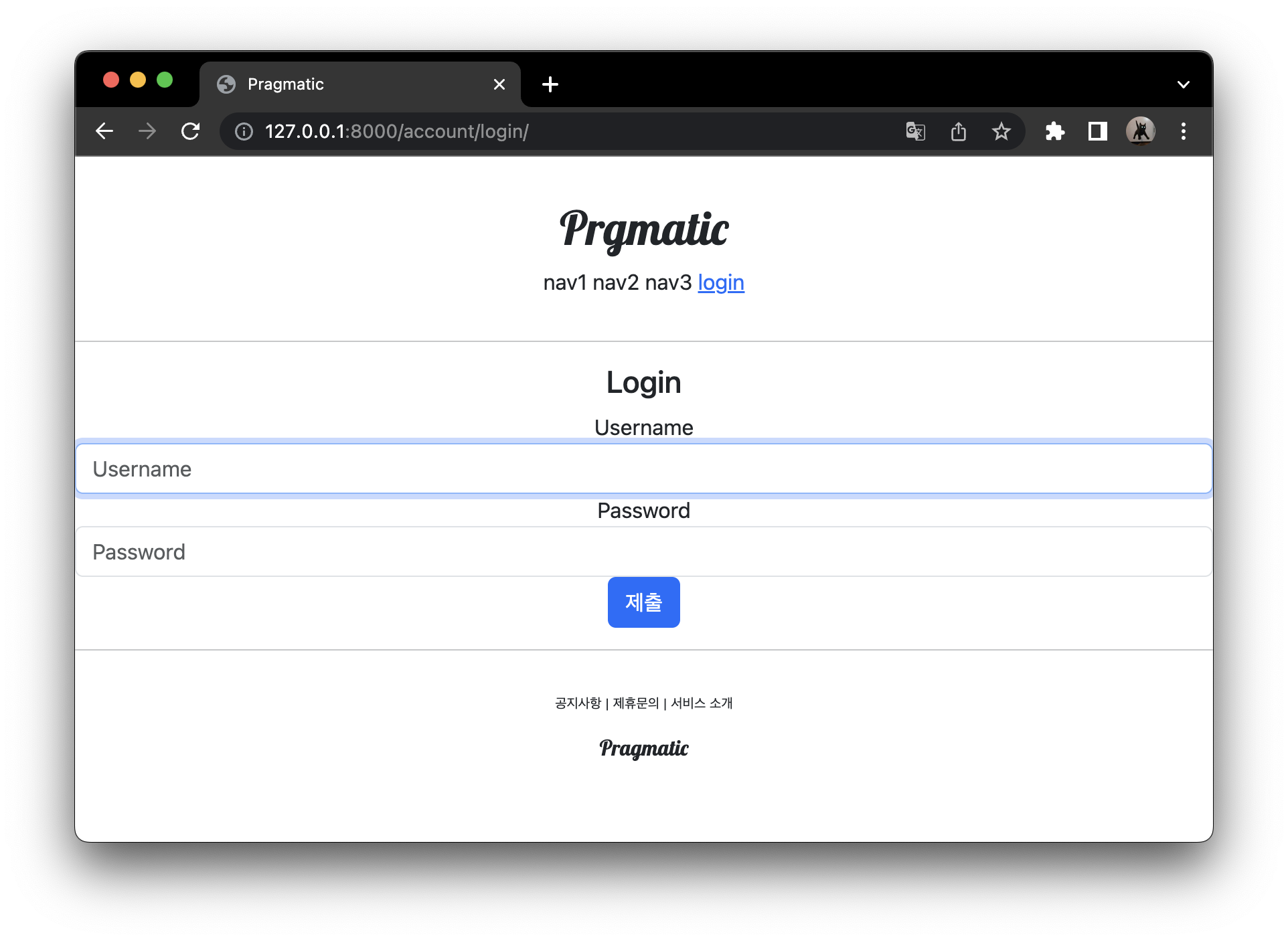
<div style="text-align: center; max-width: 500px; margin: 4rem auto; ">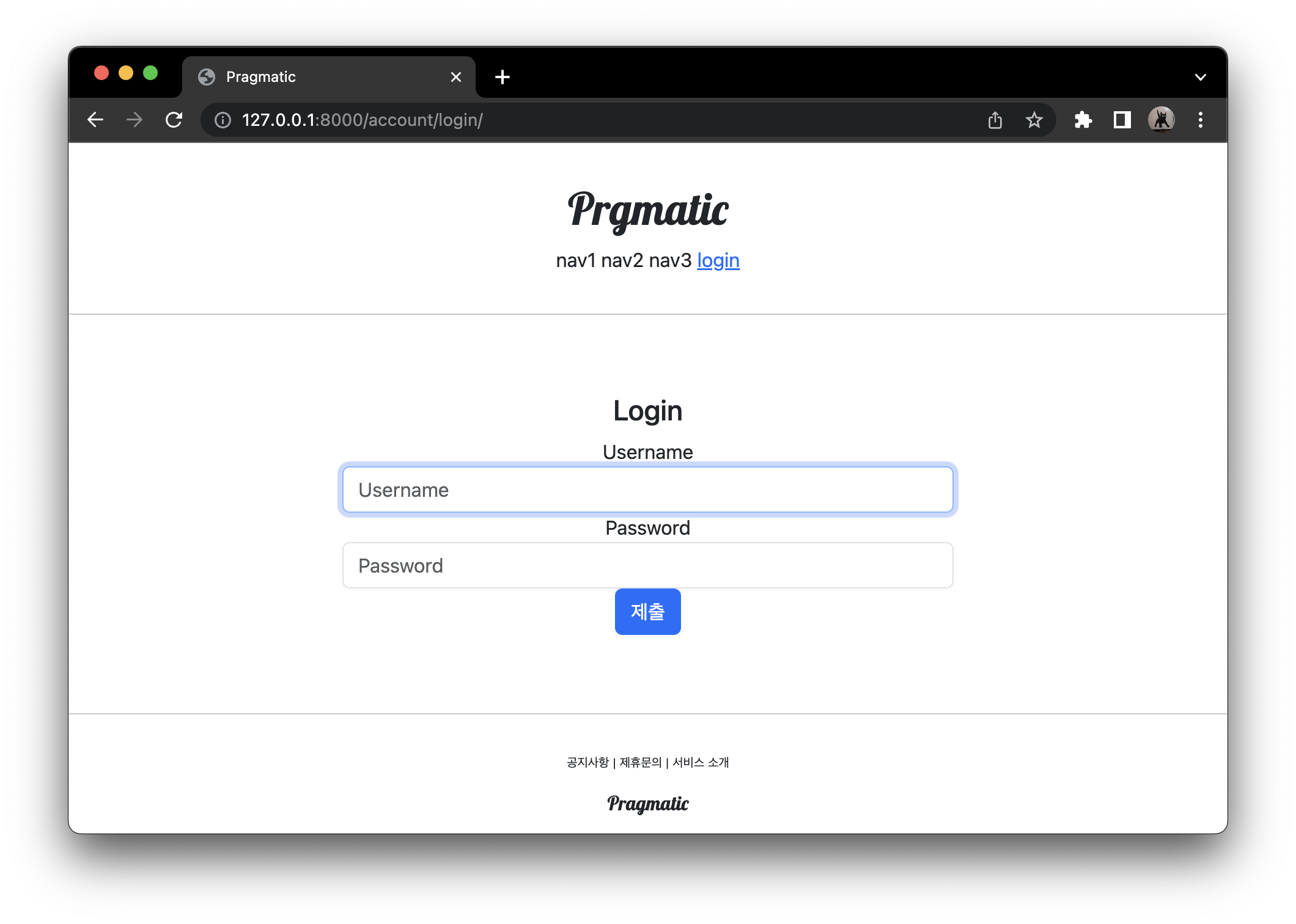
<input type="submit" class="btn btn-dark">- mt-3 : margin top 의 3배로 만들어주기
- col-6 : 버튼이 가진 너비가 최대가 12 가 부모의 너비의 100%인데 그것의 절반은 50%
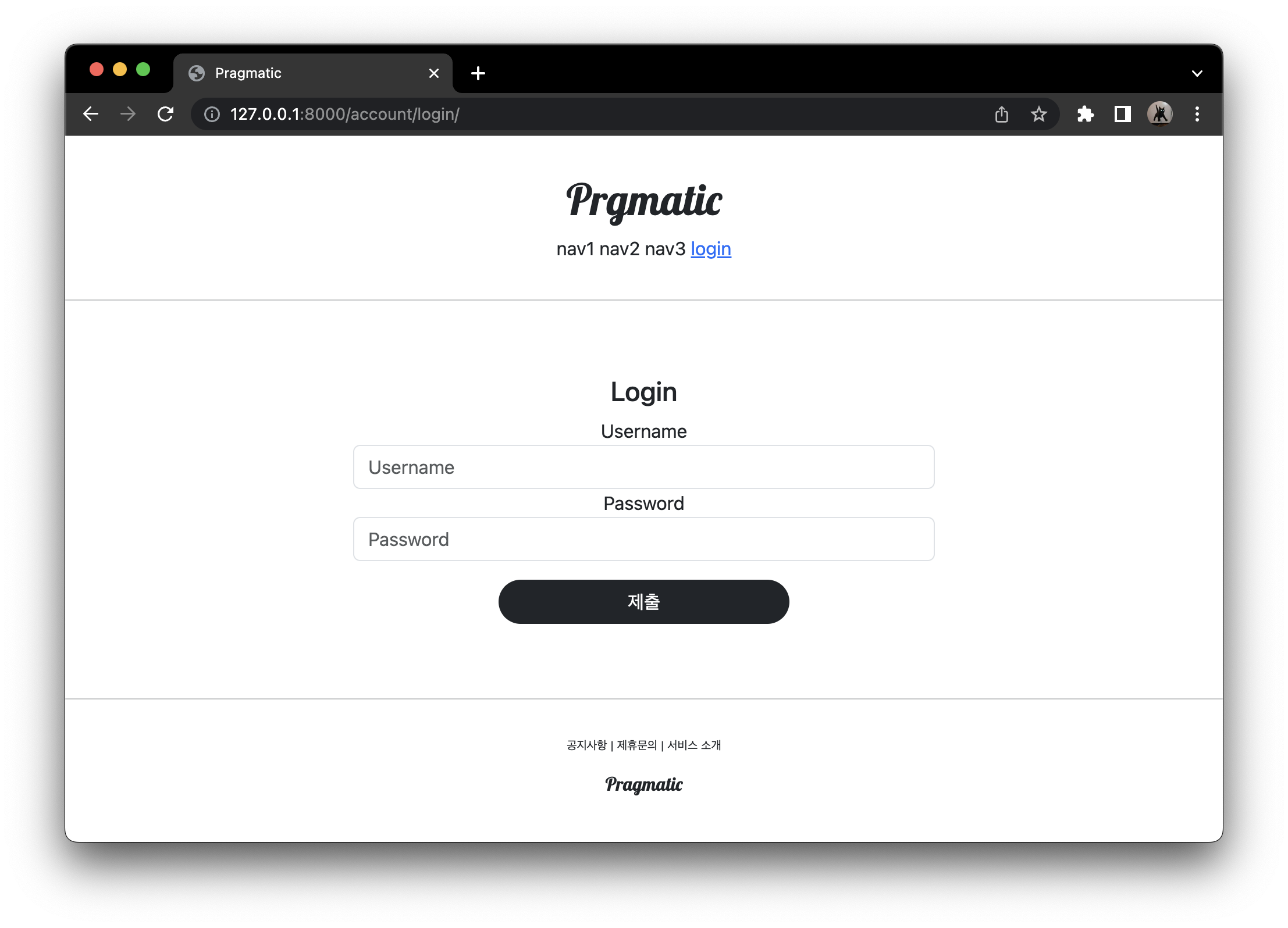
login.html 전체 코드
{% extends 'base.html' %}
{% load bootstrap4 %}

{% block content %}

  <div style="text-align: center; max-width: 500px; margin: 4rem auto;">
    <div>
      <h4>Login</h4>
    </div>
    <div>
      <form action="" method="post">
        {% csrf_token %}
        {% bootstrap_form form %}
        <input type="submit" class="btn btn-dark rounded-pill col-6 mt-3">
      </form>
    </div>
  </div>

{% endblock %}
create.html도 똑같이 코드 수정
{% extends 'base.html' %}
{% load bootstrap4 %}

{% block content %}

  <div style="text-align : center; max-width: 500px; margin: 4rem auto;">>
    <div class="mb-4"> <!-- margin bottom 해서 4배 -->
      <h4>SignUp</h4>
    </div>
    <form action="{% url 'accountapp:create' %}" method="post">  <!--url 일원화, post 방식 으로 전송 -->
      {% csrf_token %}  <!-- csrf_token 은 항상 들어 가야 하는 것 -->
      {% bootstrap_form form %}
      <input type="submit" class="btn btn-dark rounded-pill col-6 mt-3">
    </form>
  </div>

{% endblock %} 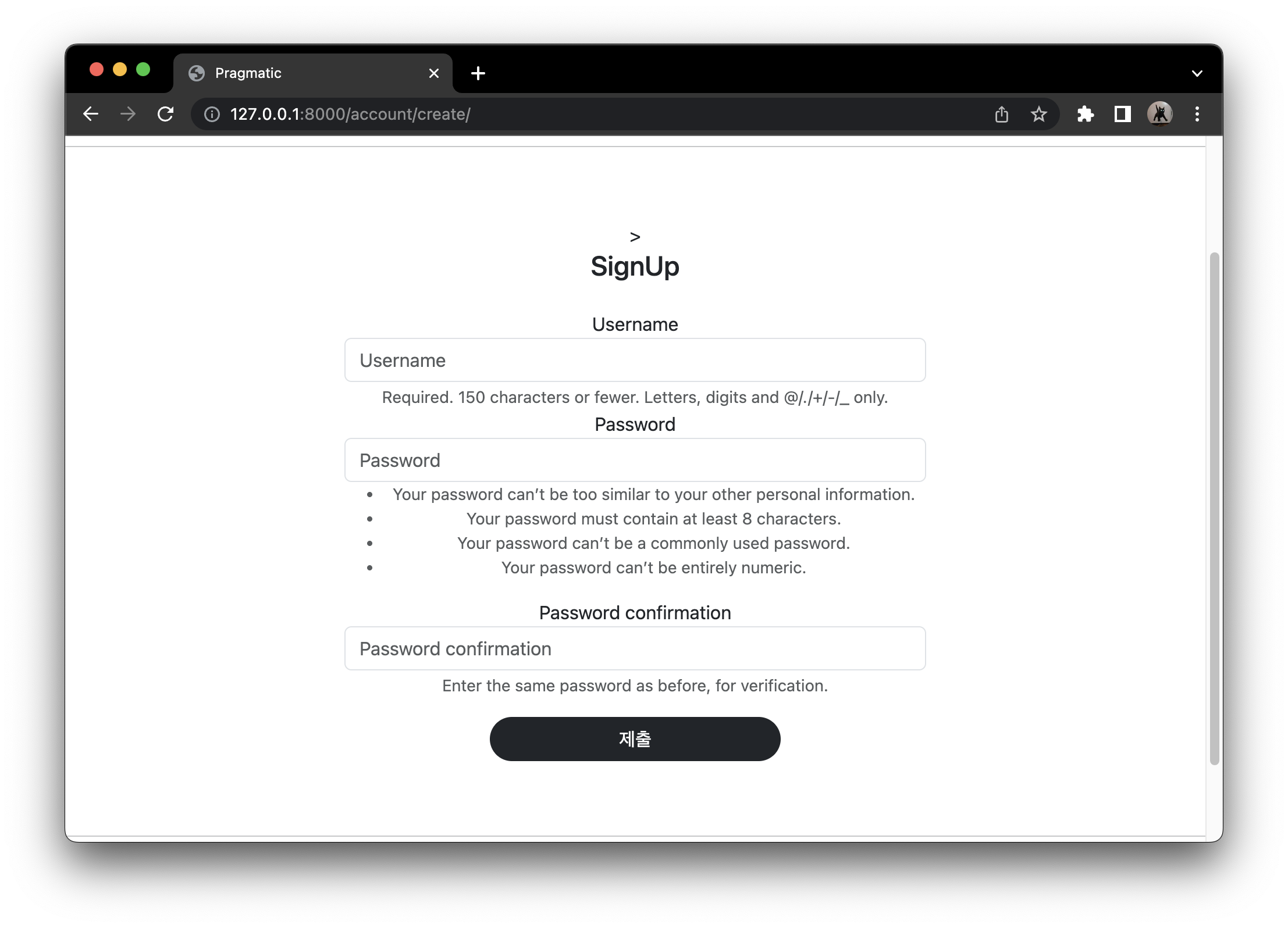
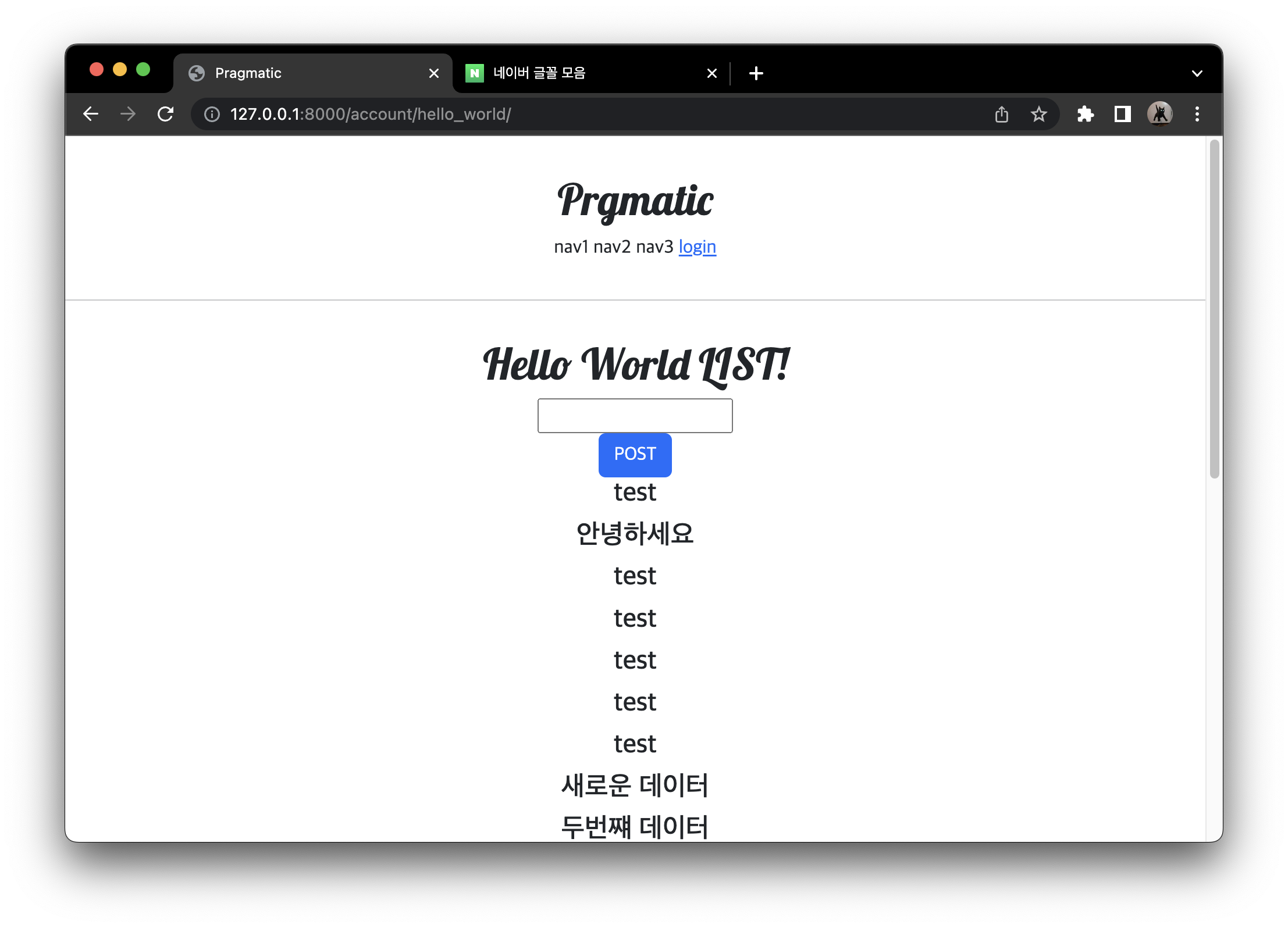
account/hello_world 폰트 변경
네이버 '나눔스퀘어' 폰트를 적용 시킬 것
- static 폴더 안에 fonts 폴더를 만들고 그 안에 폰트 otf 파일들을 복사
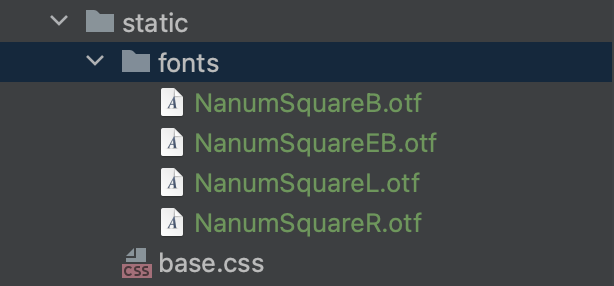
- 폰트를 불러오는 작업이 필요 templates head.html
- NanumSquareEB 등과 같은 font-family 를 작성, static 으로 경로 확인, 우리 프로젝트 내부의 어떤 경로에서든 이 font 들을 전부 사용할 수 있게 되는 것이다.
- 이 폰트들을 html 전체에서 base 폰트로 지정 base.html
<!--pragmatic/templates/head.html-->
{% load static %}

<head>
  <meta charset="UTF-8">
  <title>Pragmatic</title>
  <!--BOOTSTRAP LINK-->
  <!--GOOGLE FONTS LINK-->
  <!--DEFAULT CSS LINK-->
  <style>
  	@font-face {
    	font-family : 'NanumSquareR'';
        src: local('NanumSquareR'),
        url("{% static 'fonts/NanumSquareR.otf' %}") format("opentype");
    }
    @font-face {
        font-family : 'NanumSquareEB'';
        src: local('NanumSquareEB'),
        url("{% static 'fonts/NanumSquareEB.otf' %}") format("opentype");
    }
    @font-face {
        font-family : 'NanumSquareB'';
        src: local('NanumSquareB'),
        url("{% static 'fonts/NanumSquareB.otf' %}") format("opentype");
    }
    @font-face {
        font-family : 'NanumSquareL'';
        src: local('NanumSquareL'),
        url("{% static 'fonts/NanumSquareL.otf' %}") format("opentype");
    }
  </style>
</head>- 모든 폰트 수정, body 태그 안에 style 속성 지정
<!--pragmatic/templates/base.html-->

<body style="font-family='NanumSquareR';">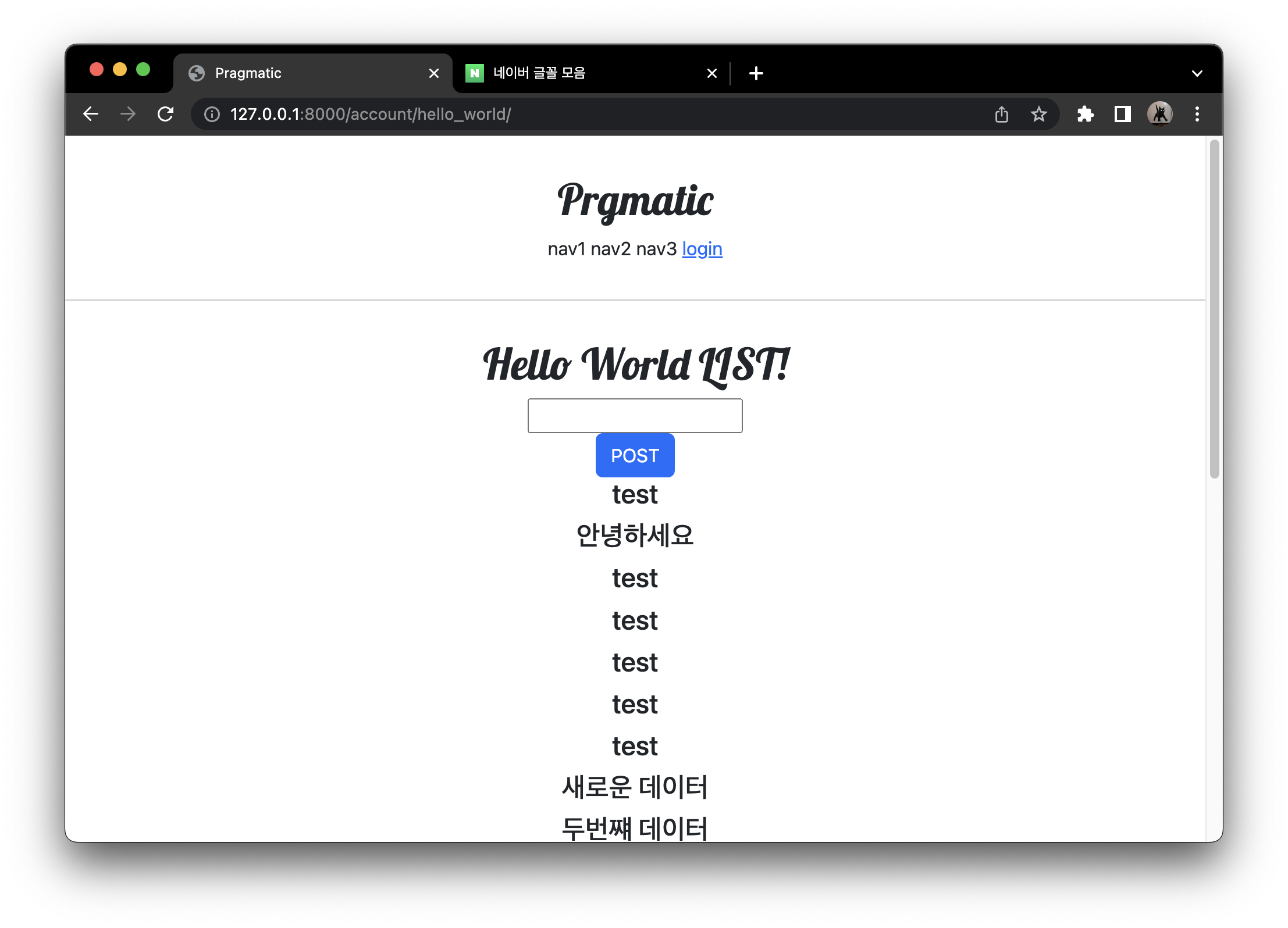
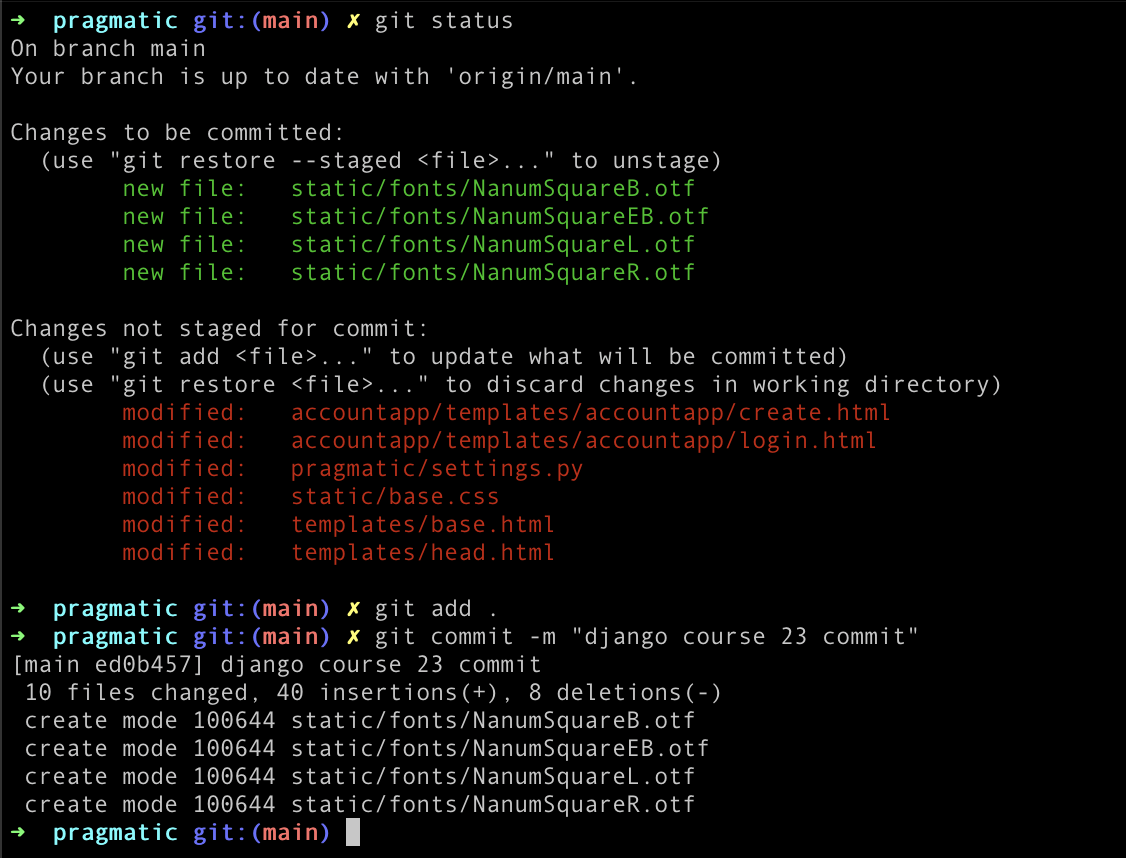
commit

공부한 것 기록용