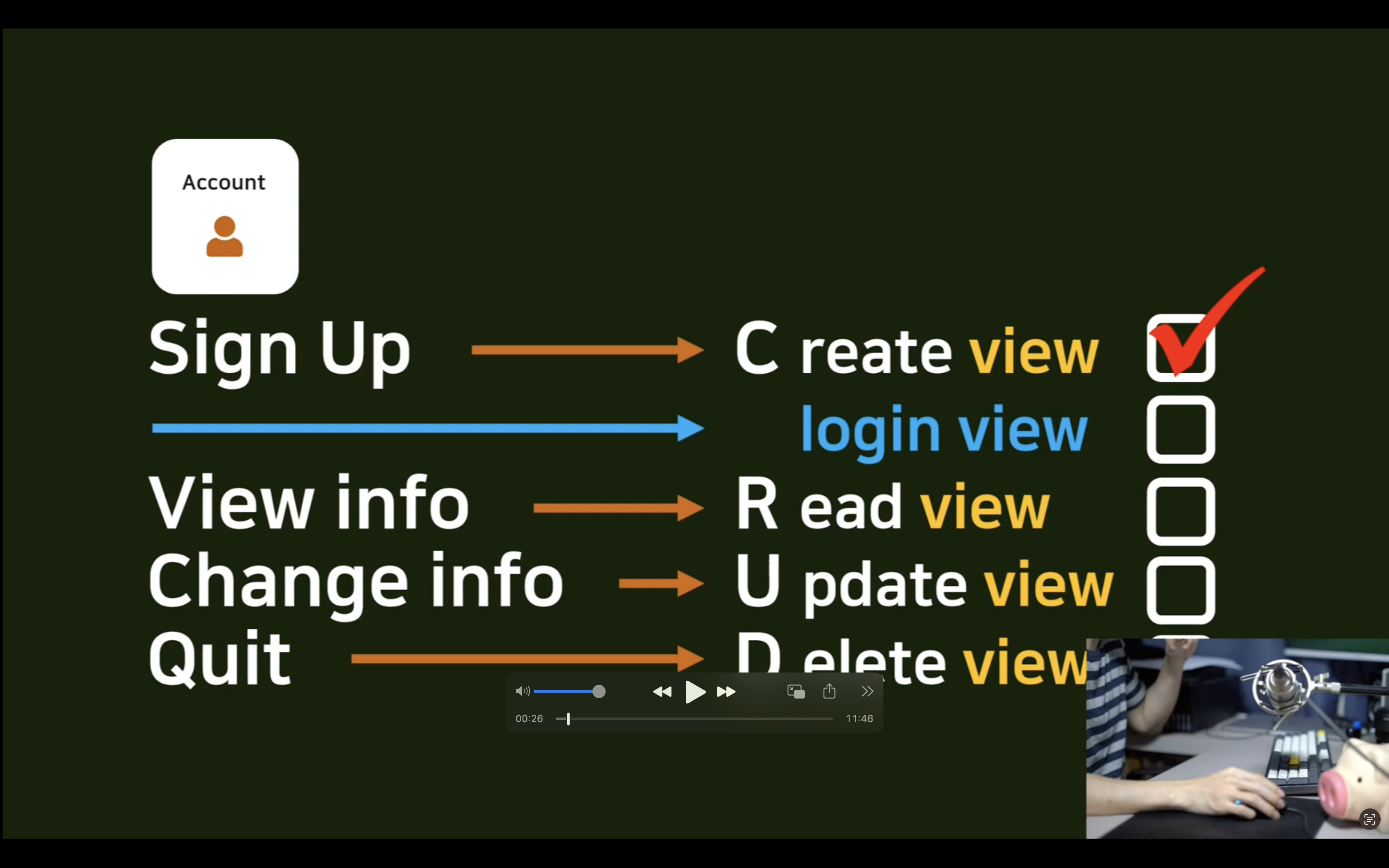
1. Login view & Logout view 사용
- AccountCreateView 와 같이 원래는 어떤 특정 view 를 상속 받은 다음에 설정할 파라미터를 넘겨주는 식으로 진행하였다
- Login, Logout view 따로 거창하게 작성해줘야할 필요는 없다.
- 바로 urls.py 로 장고에서 제공해주는 login view, logout view 를 가져와서 작성해도 된다.
- AccountCreaView 와는 다르게 login, logout view 는 직접 만들 template 을 따로 지정을 해줘야 한다.
- 장고에서 기본적으로 제공해주는 'User' 를 사용한다면 다음과 같이 간단하게 작성이 가능.
# pragmatic/accountapp/urls.py
from django.contrib.auth.views import LoginView, LogoutView
from django.urls import path
from accountapp.views import hello_world, AccountCreateView

app_name = "accountapp"

urlpatterns = [
    path('hello_world/', hello_world, name='hello_world'),

    path('login/', LoginView.as_view(template_name = 'accountapp/login.html'), name='login'), # 추가

    path('logout/', LogoutView.as_view(), name='logout'), # 추가

    path('create/', AccountCreateView.as_view(), name='create'),
]
2. html 만들기
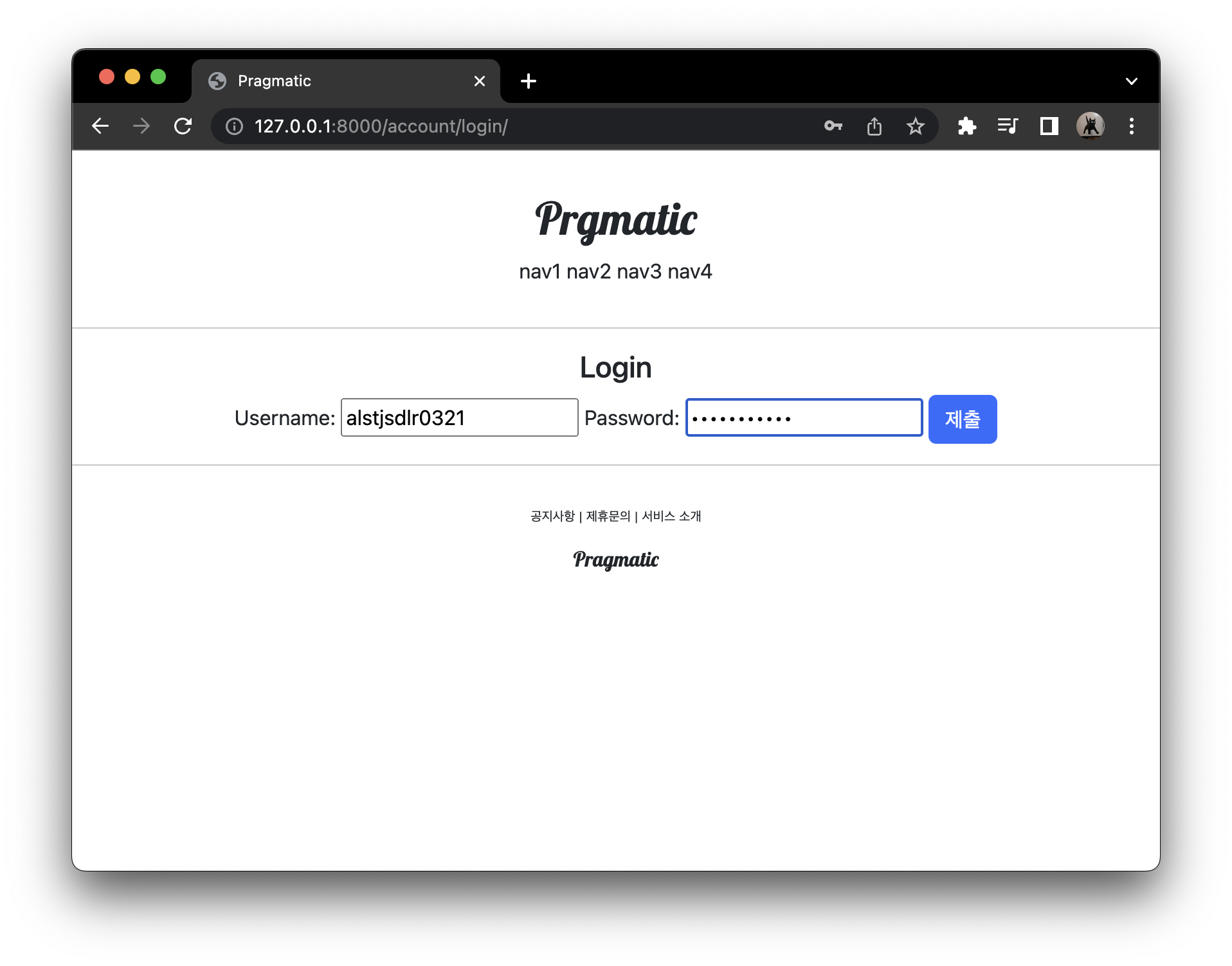
- login.html 작성
- 계정 접속을 하기 위해서 일단 account/create 로 가서 계정을 만든 이후 로그인
{% extends 'base.html' %} <!-- extends 를 이용하여 base 가져오기 -->

{% block content %}

<div style="text-align: center">
  <div>
    <h4>Login</h4>
  </div>
  <div>
    <form action="" method="post">
      {% csrf_token %}
      {{ form }}
      <input type="submit" class="btn btn-primary">
    </form>
  </div>
</div>

{% endblock%}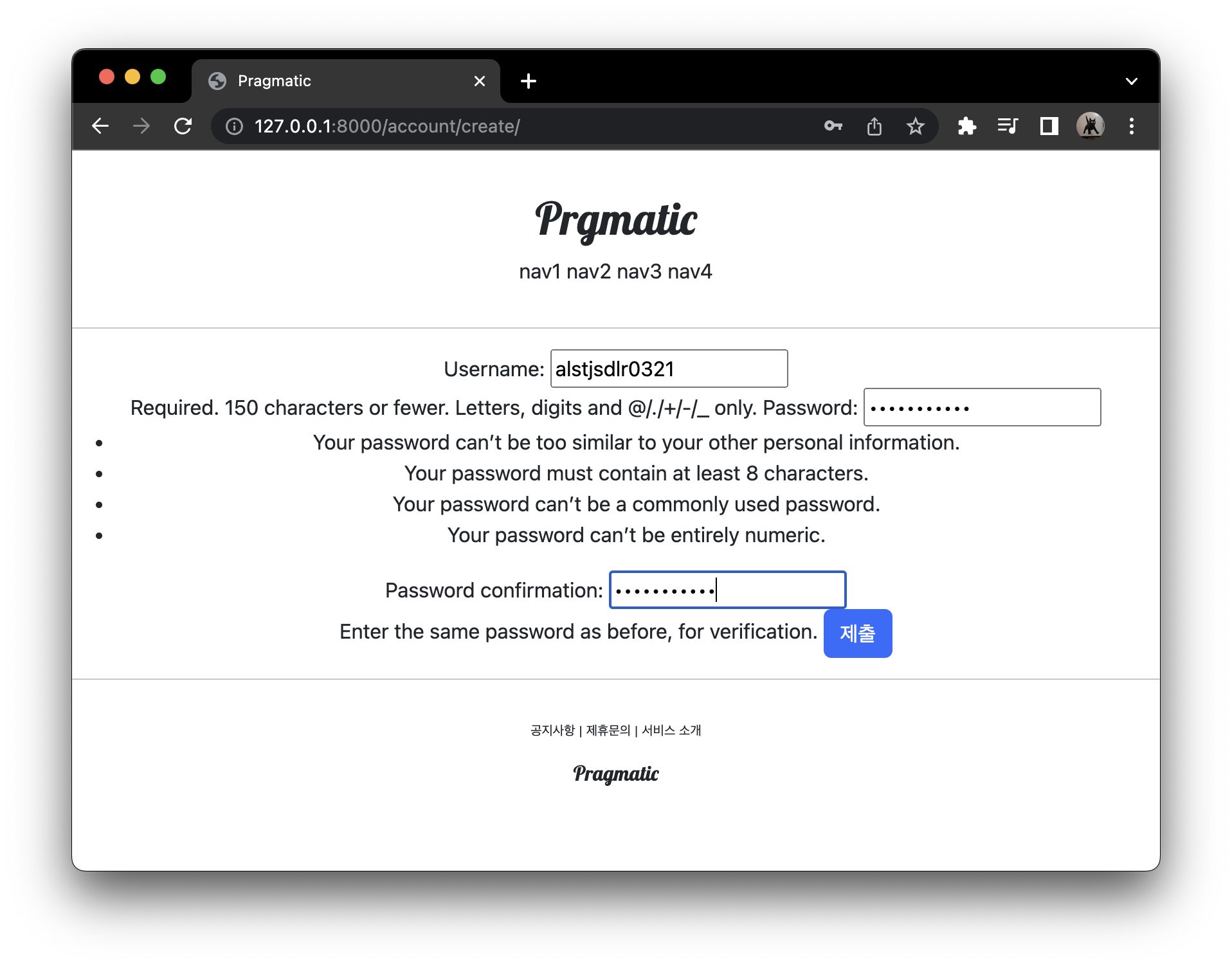
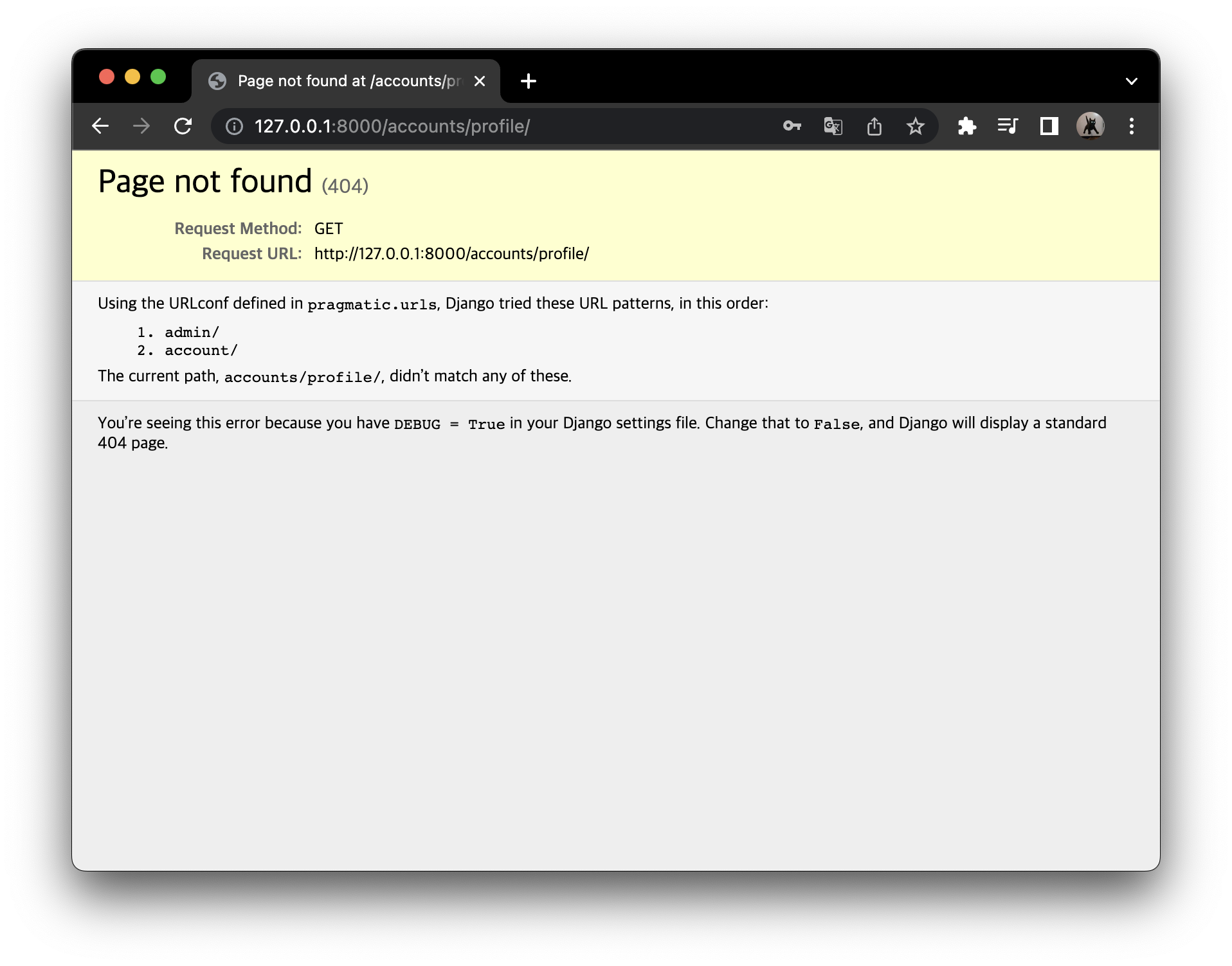
- 아무런 설정을 하지 않았다면 로그인을 한 이후 account/profile 로 이동
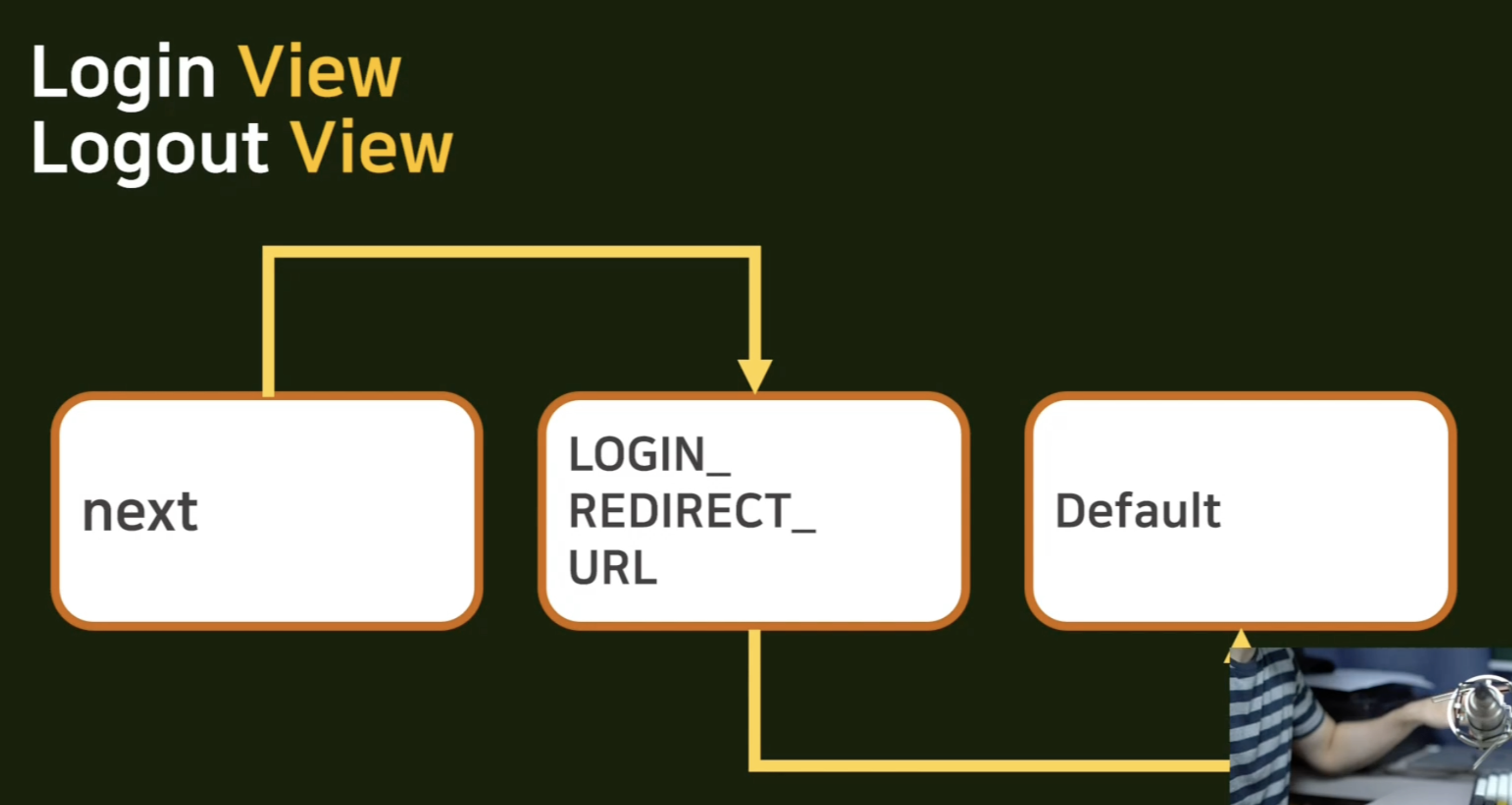
login, logout 에서 redirect 경로를 찾는 매커니즘
- get, post 파라미터 중에서 next 라는 이름을 가진 value 를 찾는다.
- next 가 존재한다면 그곳으로 간다.
- 하지만, next 가 존재하지 않는다면, 우리의 프로젝트 폴더인 pragmatic 에서 setting 안에 있는 LOGIN_REDIRECT_URL 라는 부분의 경로가 있다면 그곳으로 간다.
- LOGIN_REDIRECT_URL 도 없다면, Default 로 적용된 곳으로 간다. (우리의 예제에서는 'account/profile')
로그인 창으로 들어가는 것을 만들어주기
-
header.html 파일에서 nav4 를 login 으로 변경해준다.
-
그 Login 을 a(anchor) 태그로 감싸 우리가 만든 login 페이지 경로로 갈 수 있도록 url 기입
{% url 'accountapp:login' %}<a href="{% url 'accountapp:logout' %}">
-
분기문을 넣어주어 유저라는 것을 판단해주고 is_authenticated 구문 사용
- 유저가 로그인이 되어있지 않다면, login 을 화면에 보여주고 :
{% if not user.is_authenticated %} - 유저가 로그인이 되어있다면, logout 을 화면에 보여준다. :
{% else %}
- 유저가 로그인이 되어있지 않다면, login 을 화면에 보여주고 :
-
login, logout 을 완성하고 나서 다시 갈 경로 next 를 얻어줘야 하기 떄문에 get 방식으로 next 라는 값을 넘겨준다.
?next= {{ request.path }}: request.path 라는 인자를 넘겨줄것- 우리가 만든 모든 페이지에서 그 url 을 next 라는 인자로 넘겨주므로써, login 한 이후 우리가 원래 있었던 자리로 돌아올 수 있는 것이다.
<!-- pragmatic/templates/header.html -->

    <div class="pragmatic_header">
       <div>
            <h1 class="pragmatic_logo">Prgmatic</h1>
       </div>
        <div>
            <span>nav1</span>
            <span>nav2</span>
            <span>nav3</span>

            {% if not user.is_authenticated %}
            <a href="{% url 'accountapp:login' %}?next= {{ request.path }}">
                <span>login</span>
            </a>
            {% else %}
            <a href="{% url 'accountapp:logout' %}?next= {{ request.path }}">
                <span>logout</span>
            </a>
            {% endif %}
        </div>
    </div>
-
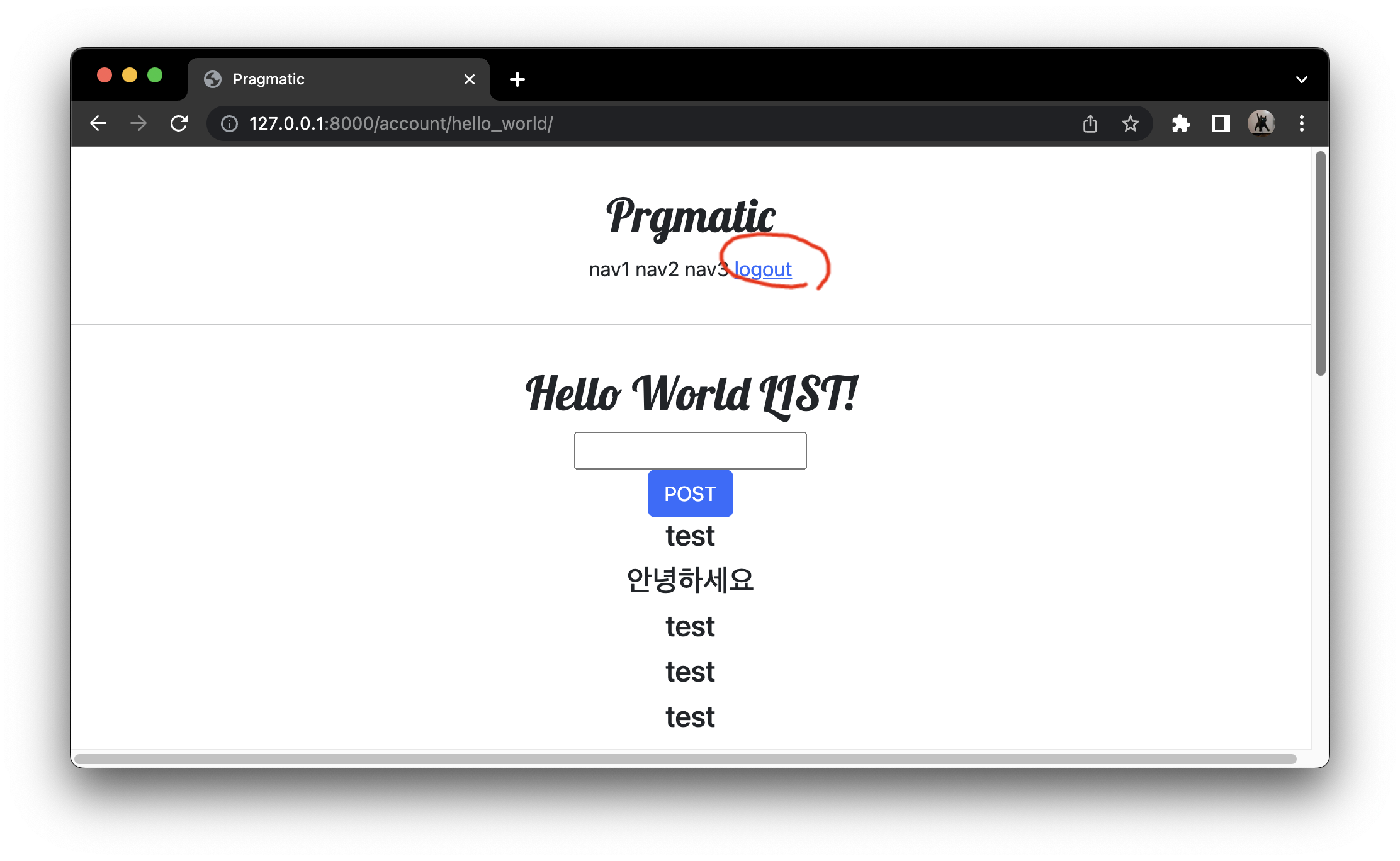
logout 을 누르기
-
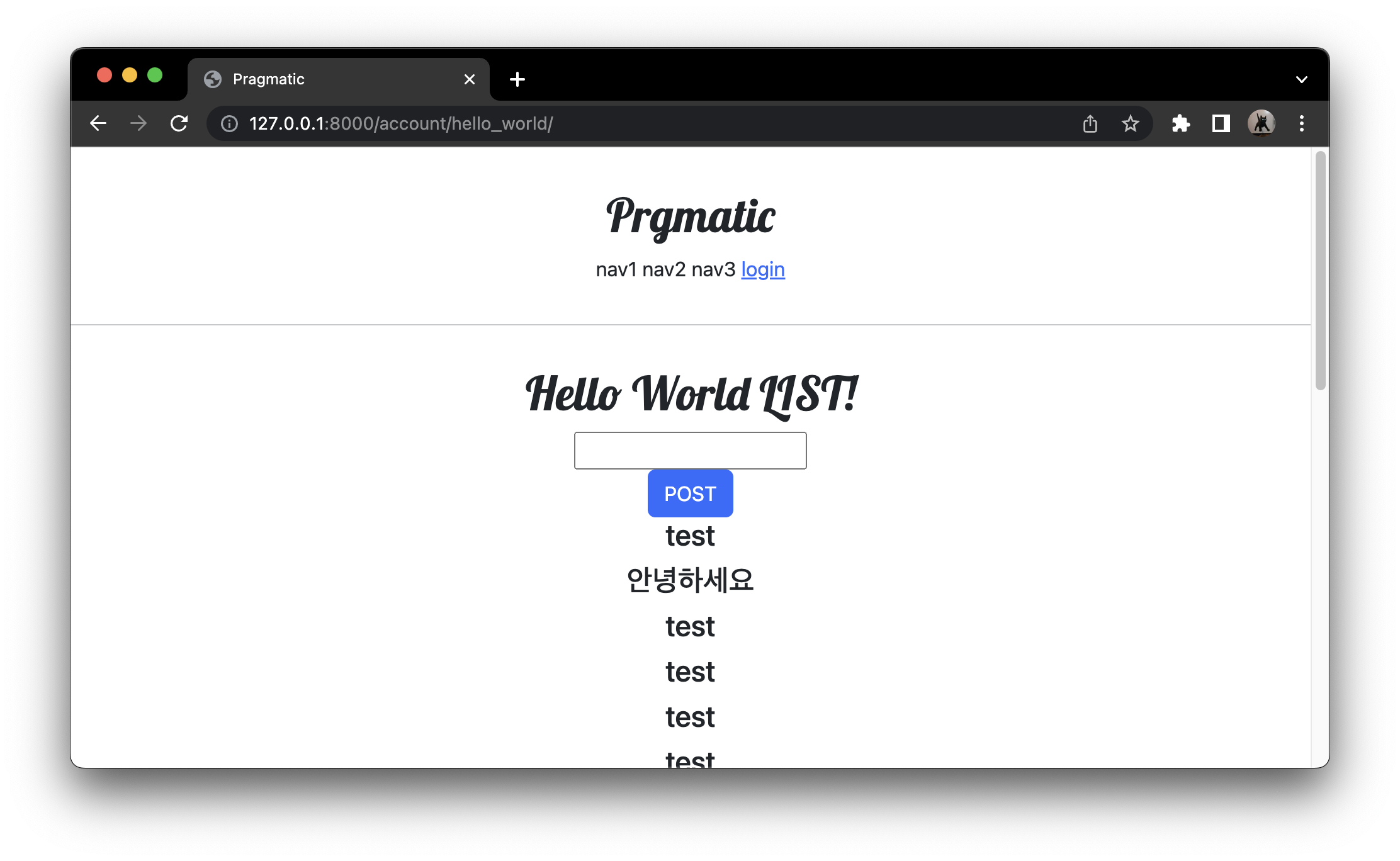
원래 있었던 곳 hello_world 로 돌아오는 것을 볼 수 있다.
-
url 부분의 ?next= 뒤에 우리가 원래 있었던 경로 (account/hello_world/) 가 넘겨졌음을 볼 수 있다.
-
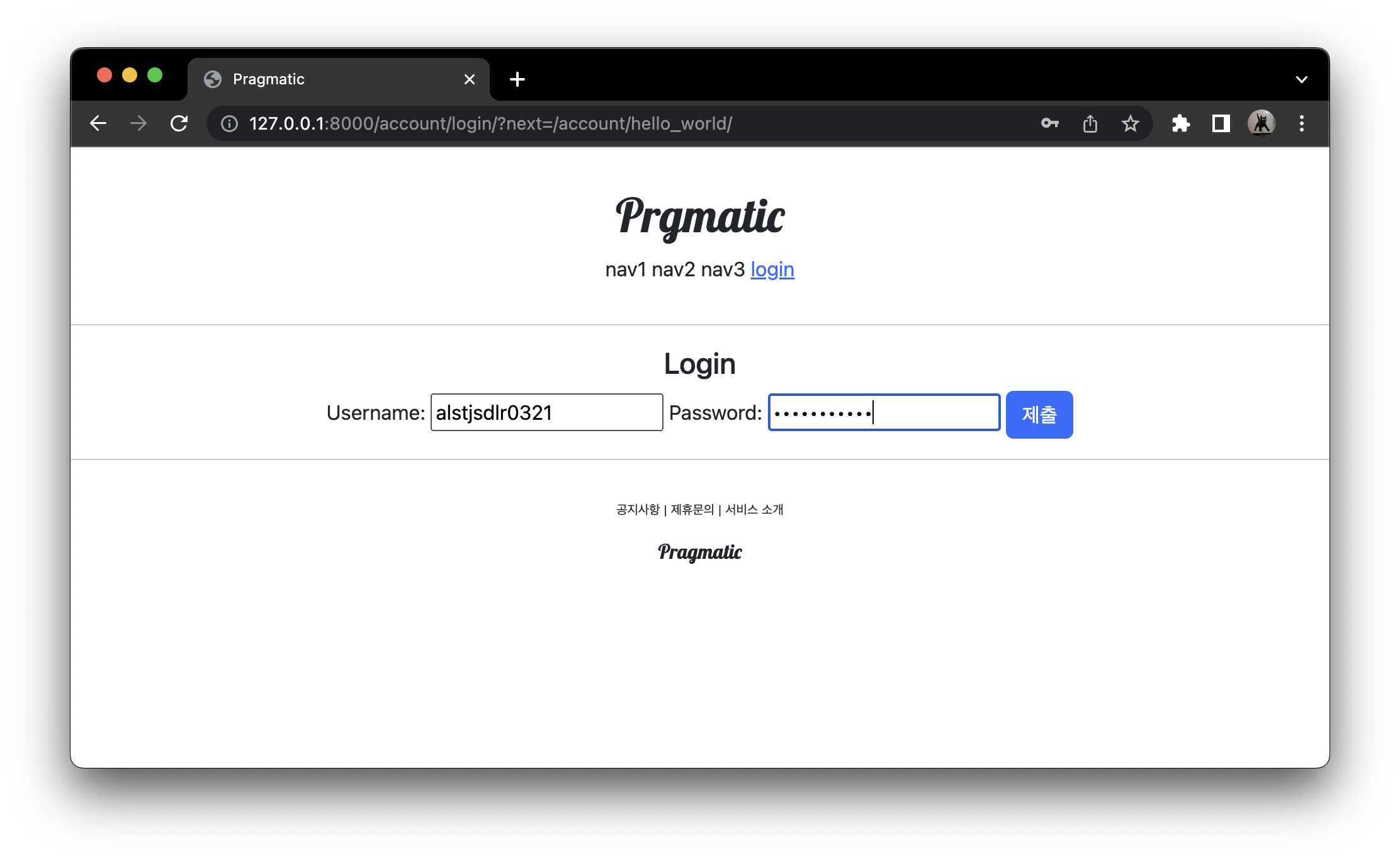
로그인 누르면 로그인 페이지로 이동
-
다시 로그인을 하기
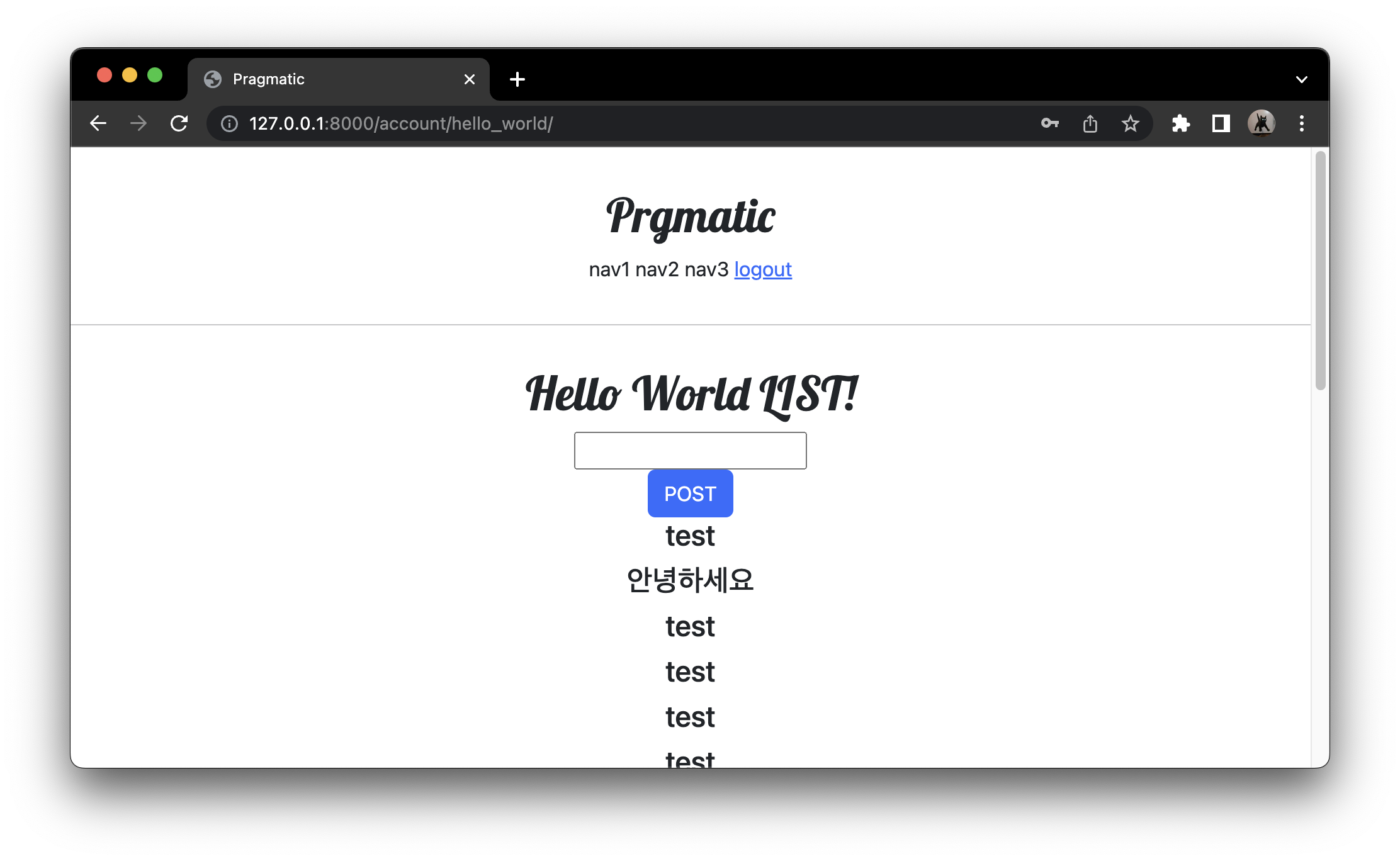
문제
- next 라는 인자 없이 직접 account/login 이라는 경로로 로그인을 시도했을떄 여전히 account/profile 이라는 디폴트 값의 경로로 가지는 문제가 발생.
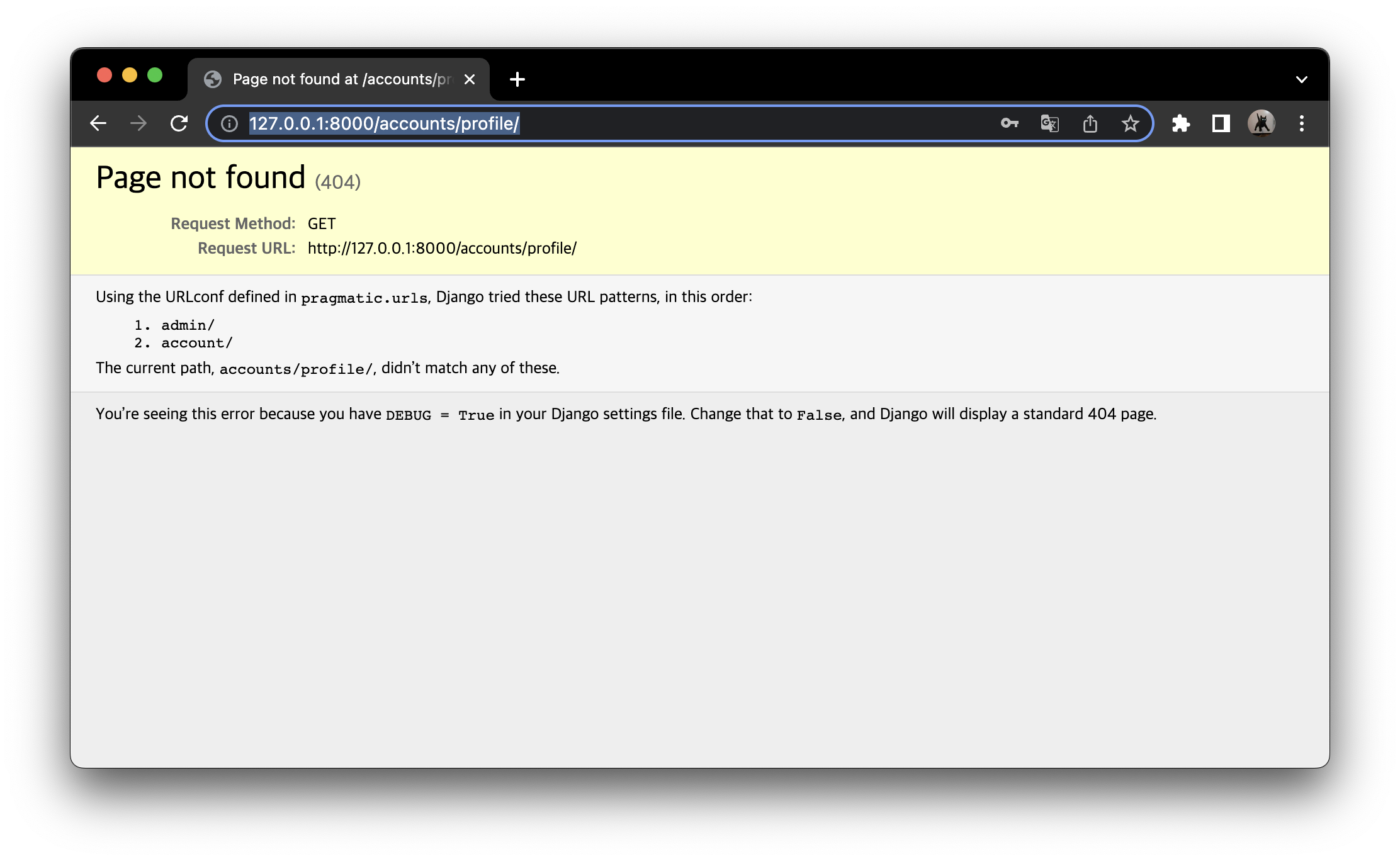
LOGIN_REDIRECT_URL 설정으로 해결
# pragmatic/pragmatic/settings.py
from django.urls import reverse_lazy

...

# 맨 아래에 다음 코드 추가
LOGIN_REDIRECT_URL = reverse_lazy('accountapp:hello_world')
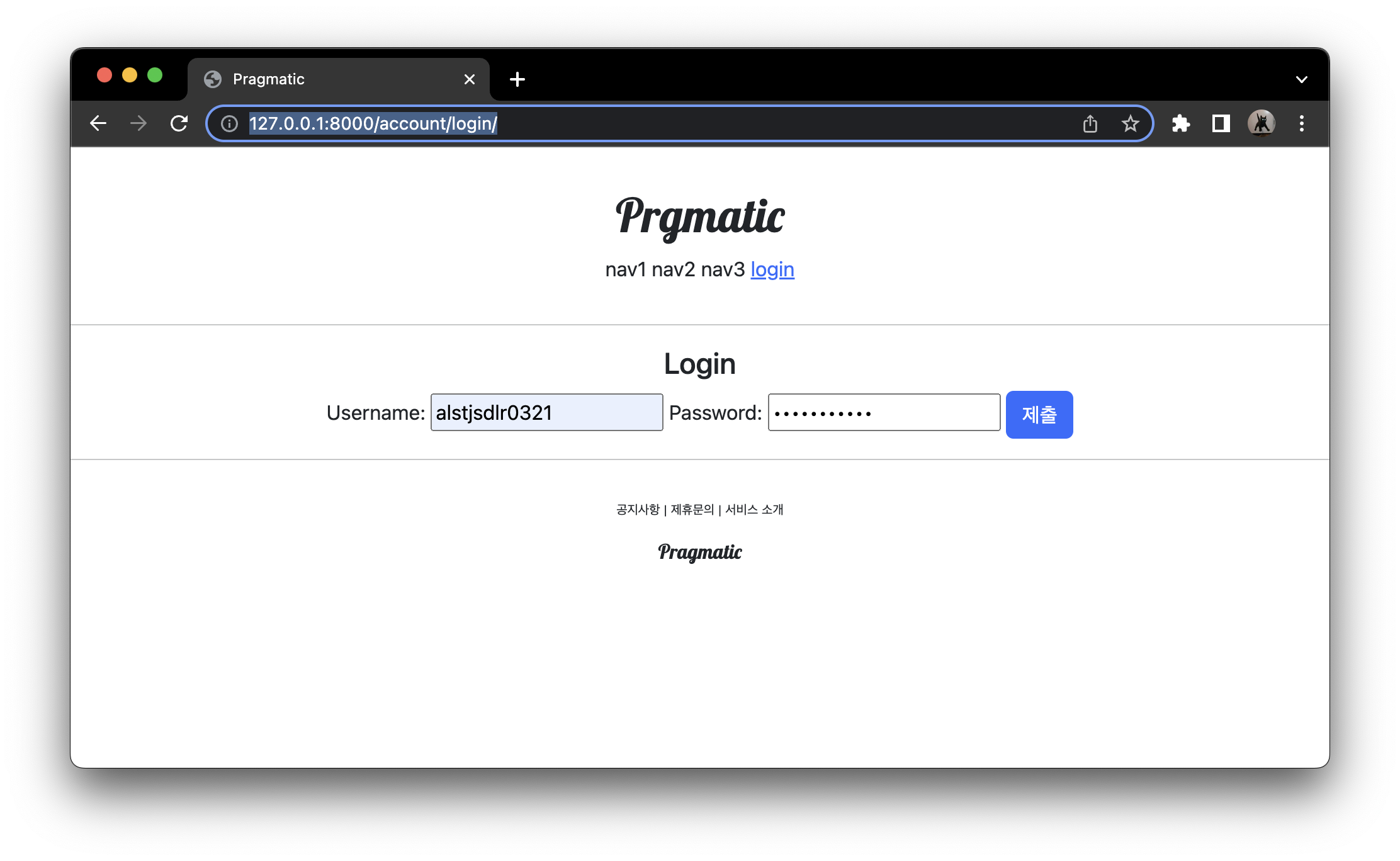
LOGOUT_REDIRECT_URL = reverse_lazy('accountapp:login')- account/login 이라는 url 로 바로 접속 후 로그인 시도
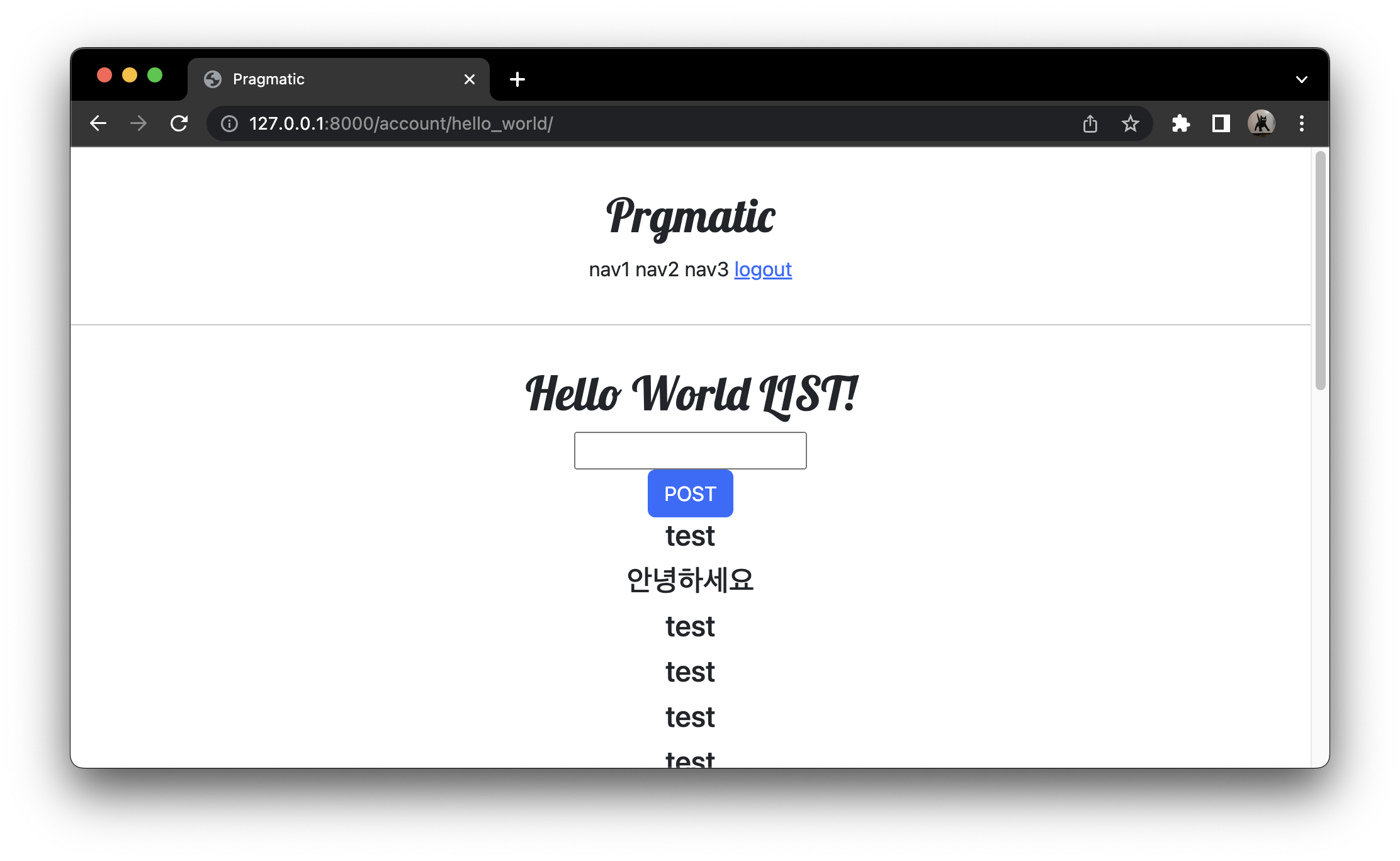
- settings.py 에 설정해두었던 hello_world 로 돌아오는 것을 확인할 수 있었다.
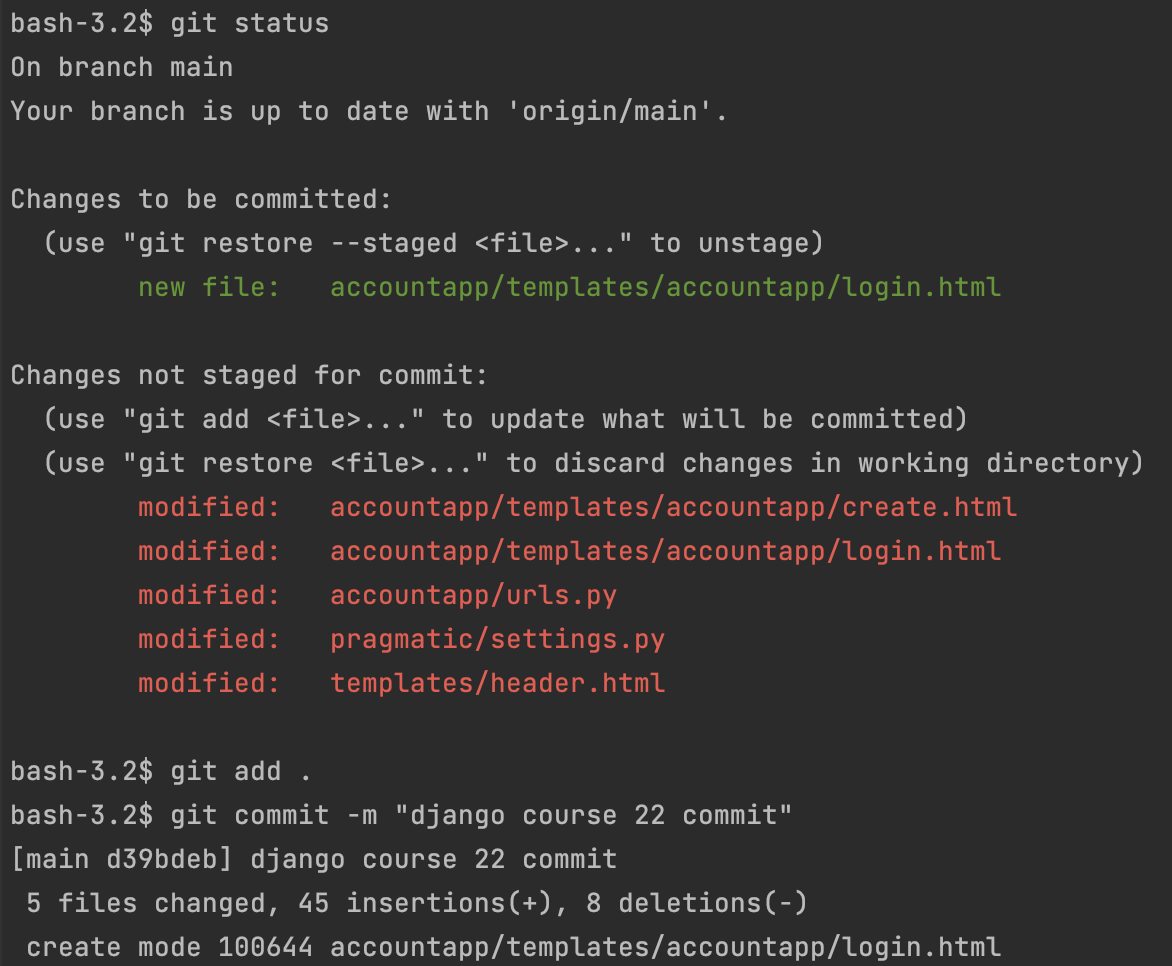
Commit
실수
path('login/', LoginView.as_view(template_name = 'accountapp/login.html'), name='login'),
# 중간에 template_name 부분에서 띄어쓰기 제거 -> 정상 작동
공부한 것 기록용