[1] makemigration
# pragmatic/profileapp/models.py

from django.contrib.auth.models import User
from django.db import models

class Profile(models.Model):
    user = models.OneToOneField(User, on_delete=models.CASCADE, related_name='profile')
    image = models.ImageField(upload_to='profile/', null=True)
    nickname = models.CharField(max_length=20, unique=True, null=True)
message = models.CharField(max_length=100, null=True)- 우리가 만든 위의 모델을 DB 에 반영시켜주는 작업
- 아래 명령어를 터미널에 입력해 "migrations 파일" 을 하나 만들어주고 이후 migrate
- migrate 를 해야지 우리가 만든 Model 이 적용된다.
# 터미널 명령 실행
python manage.py makemigrations

python manage.py migrate 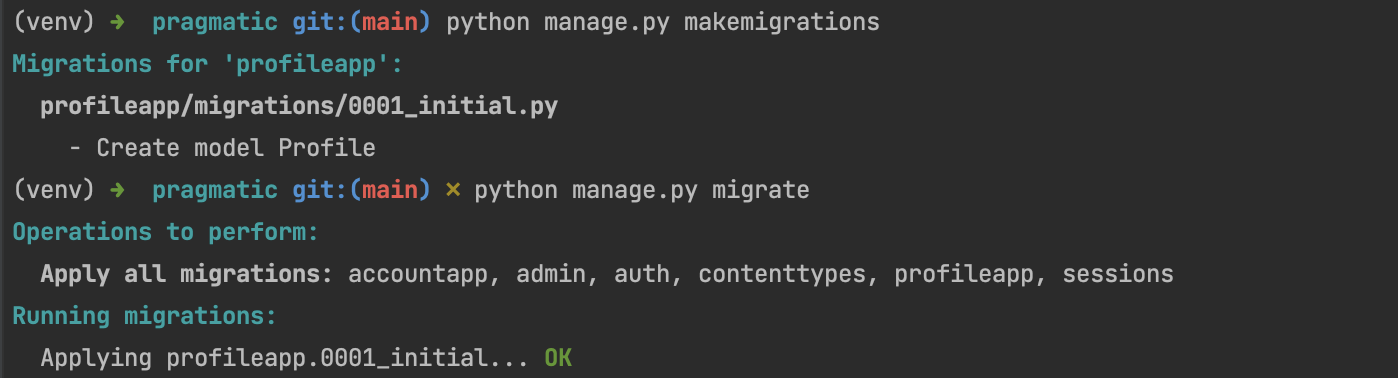
[2] view 작성
# pragmatic/profileapp/views.py

from django.shortcuts import render
from django.urls import reverse_lazy
from django.views.generic import CreateView
from profileapp.forms import ProfileCreationForm
from profileapp.models import Profile
# Create your views here.

class ProfileCreateView(CreateView):
    model = Profile # 모델은 우리가 만든 Profile 사용
    context_object_name = 'target_profile'
    form_class = ProfileCreationForm # 우리가 만든 ModelForm
    success_url = reverse_lazy('accountapp:hello_world')
    template_name = 'profileapp/create.html'
[3] Create.html
- pragmatic/profileapp/templates/profileapp 디렉토리 생성
- accountapp 에서 만들었던 create.html 복사 붙여넣기
- form 에서 요청을 보낼 url 을
profileapp:create로 변경 - 이름을 Profile 로 변경
<!--pragmatic/profileapp/templates/profileapp/create.html-->
{% extends 'base.html' %}
{% load bootstrap4 %}

{% block content %}

  <div style="text-align : center; max-width: 500px; margin: 4rem auto;">>
    <div class="mb-4">
      <h4>Profile Create</h4>
    </div>
    <!-- acoountapp:create -> profileapp:create  -->
    <form action="{% url 'profileapp:create' %}" method="post">  <!--url 일원화, post 방식 으로 전송 -->
      {% csrf_token %}
      {% bootstrap_form form %}
      <input type="submit" class="btn btn-dark rounded-pill col-6 mt-3">
    </form>
  </div>

{% endblock %}
[4] urls.py 설정
# pragmatic/profileapp/urls.py
from django.urls  import path

from profileapp.views import ProfileCreateView

app_name = 'profileapp'

urlpatterns = [
    path('create/', ProfileCreateView.as_view(), name='create')
]http://127.0.0.1:8000/profiles/create/로 접속
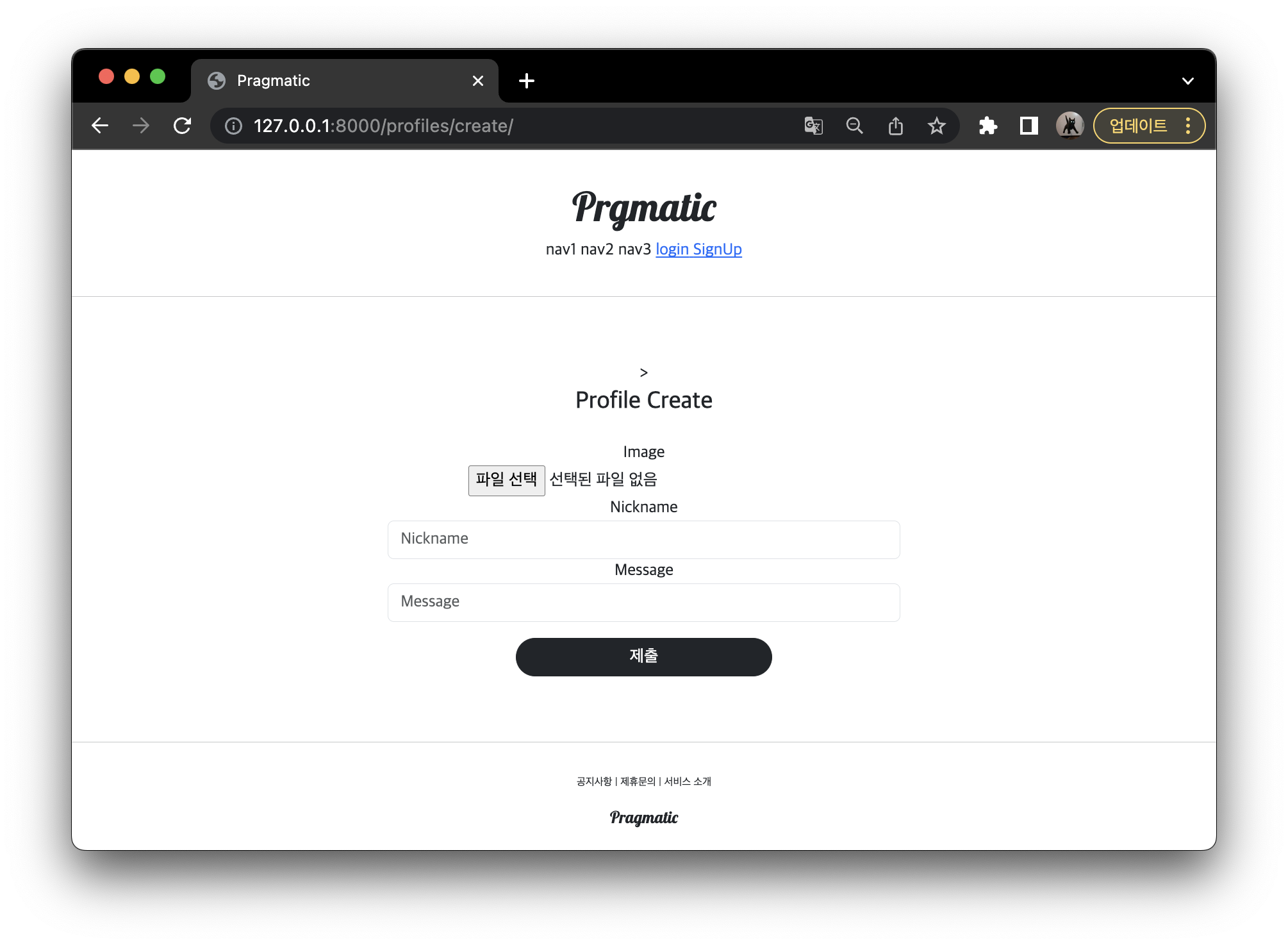
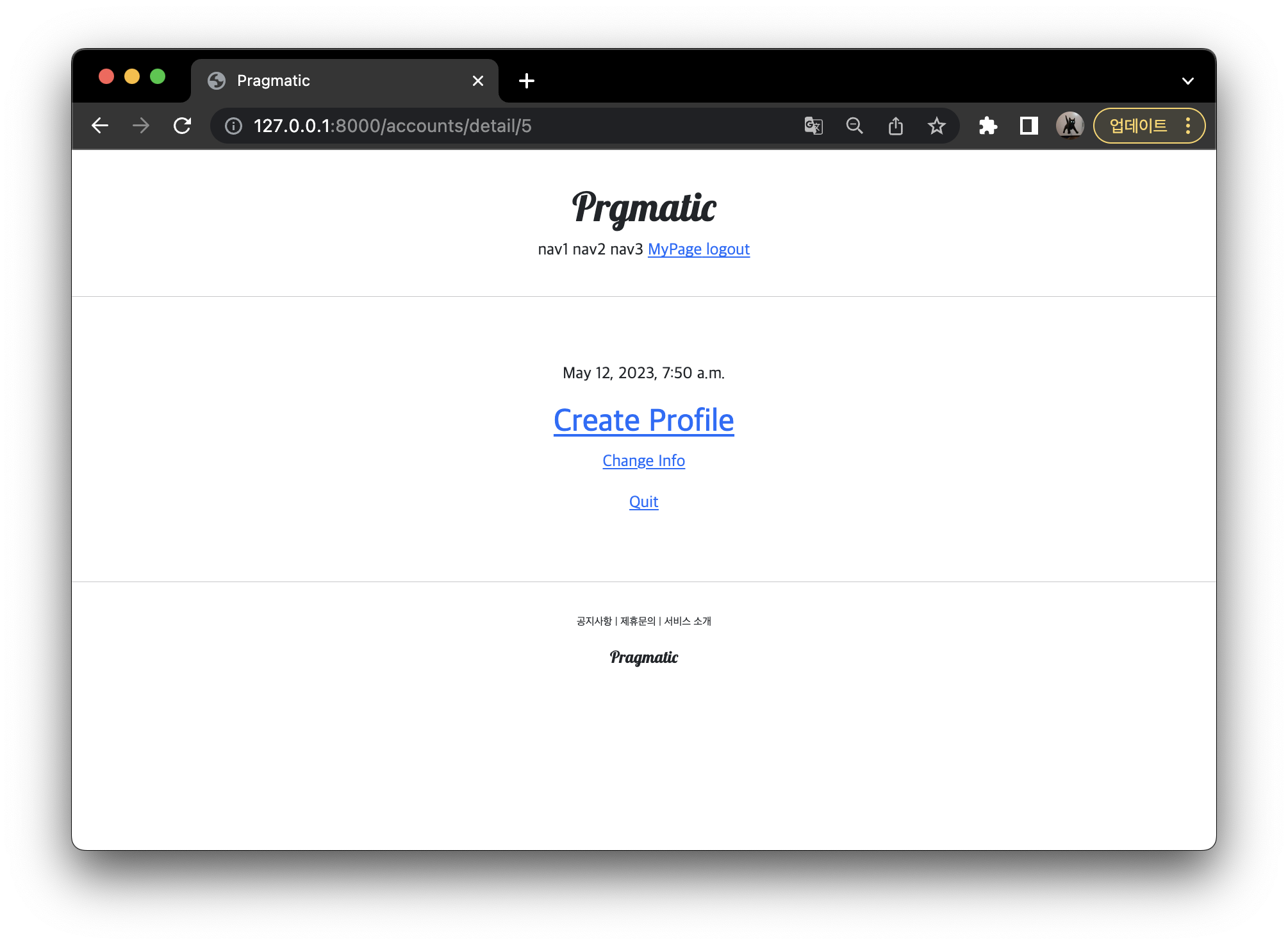
profiles/create/ 로 가는 링크 만들어주기
- acoountapp -> detail.html
- username 이 그대로 노출되는 것이 문제였기 떄문에 nickname 이 있다면 (if문) 그것을 보여주도록 작성
- 아닌 경우, 프로필을 만들 수 있는 페이지로 이동하도록 경로 설정
<!--pragmatic/accountapp/templates/accountapp/detail.html-->
{% extends 'base.html'%}

{% block content %}

  <div>
    <div style="text-align: center; max-width: 500px; margin: 4rem auto;">
      <p>
        {{ target_user.date_joined }}
      </p>

      <!-- 추가 -->
      {% if target_user.profile %} <!--target_user 의 profile 이 존재한다면 -->
      <h2 style="font-family: 'NanumSquareB'">
        {{ target_user.profile.nickname }}  <!--target_user 의 profile 의 nickname 보여주도록-->
      </h2>
      {% else %} <!-- 아닌경우 create profile 로 향하는 url 로 -->
      <a href="{% url 'profileapp:create'  %}">   <!--프로필을 만들수 있는 페이지로-->
        <h2 style="font-family: 'NanumSquareB'">
          Create Profile
        </h2>
      </a>
      {% endif %}
      <!-- 추가 끝 -->

      {% if target_user == user %}
      <a href="{% url 'accountapp:update' pk=user.pk%}">
        <p>
          Change Info
        </p>
      </a>
      <a href="{% url 'accountapp:delete' pk=user.pk%}">
        <p>
          Quit
        </p>
      </a>
      {% endif %}
    </div>
  </div>

{% endblock %}
프로필 생성하기
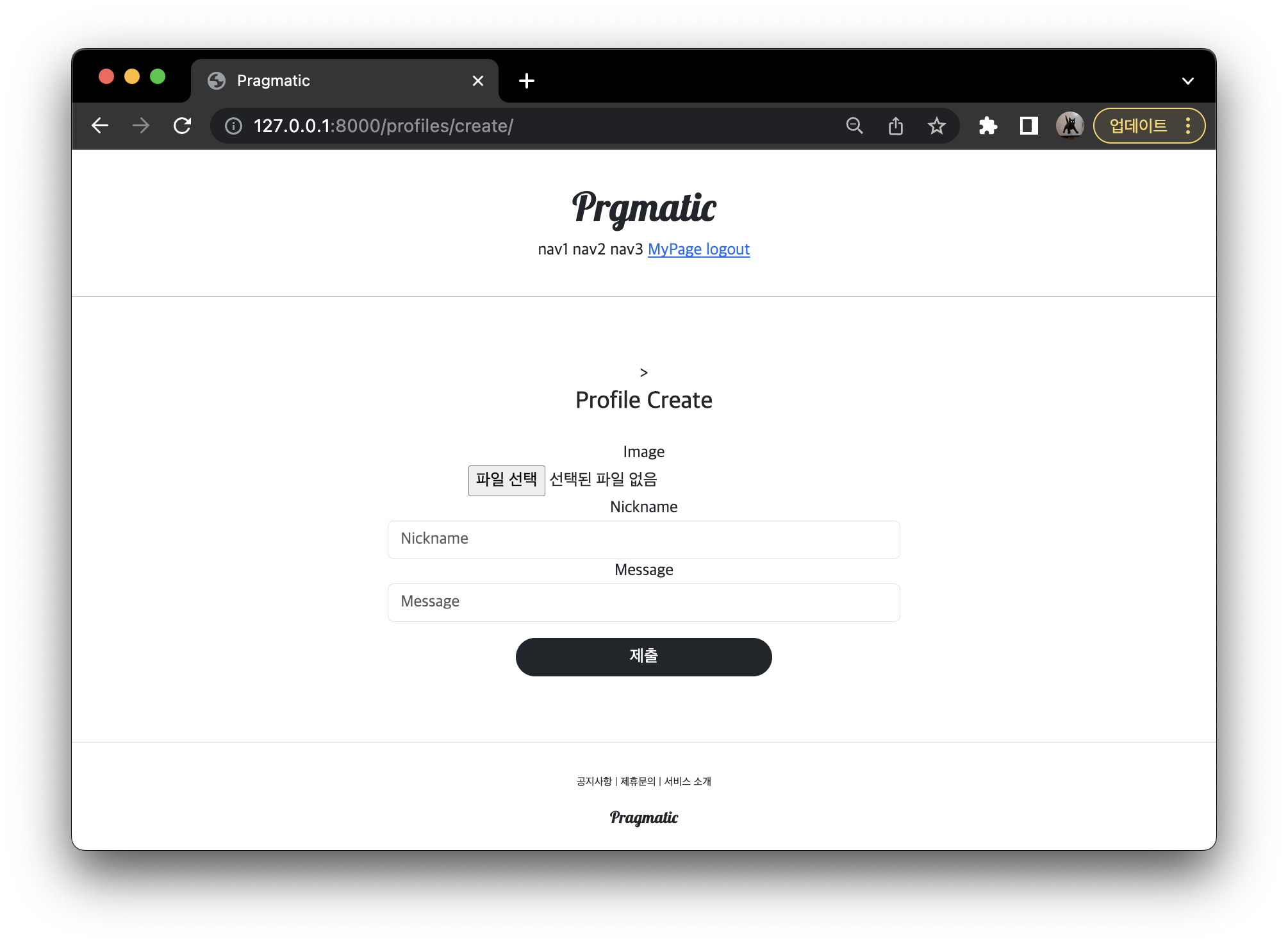
- 이미지 파일을 드래프 하여 넣어주고 Nickname 과 Message 를 작성 후 제출을 누르면 오류가 발생
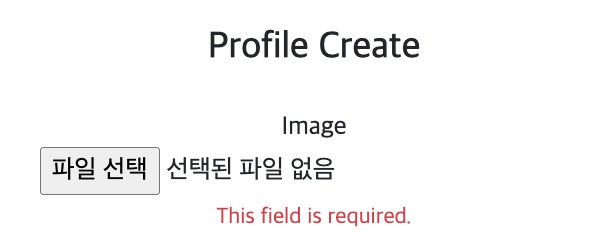
문제 1
<!--pragmatic/profileapp/templates/prolfileapp/create.html-->

<form action="{% url 'profileapp:create' %}" method="post" enctype="multipart/form-data"> - pragmatic/profileapp/templates/prolfileapp/create.html 안에 form 의 문제가 있다.
- 이미지 파일을 전송할 때 form 태그의 옵션중
enctype="multipart/form-data"를 명시해야 한다.- 정상적으로 우리가 전송한 이미지를 서버가 받을 수 있게 된다.
문제 2
- 문제 1 을 해결하고 나서 다시 Profile Create 를 진행하면 또 다른 오류 발생 ->
[NOT NULL constrain failed profileapp_profile user_id] - models.py 안을 들여다 보면, 분명히 user 라는 필드가 있는데
user = models.OneToOneField(User, on_delete=models.CASCADE, related_name='profile') - form 에서는 이 user 라는 필드를 사용하지 않음.
fields = ['image','nickname','message'] - 이것의 문제점
- 남의 profile 을 만들어줄 수 있는 가능성이 있기 떄문에 이 부분은 서버 내에서 구현하도록 함.
- 구현
- forms.py 에서 날라온 데이터가 form_valid 인자인 form 안에 들어가있음.
.save(commit=FALSE): 실제 DB 에 저장하지는 않고 임시 데이터가 저장되는 것.- 우리가 보낸 3가지의 데이터 (model, nickname, messgae) 는 있는데, user 라는 데이터가 아직 없기 때문에
- temp_profile.user = self.request.user # request 를 보낸 그 당사자 user 로 전해주줄것.
- 그뒤 최종적으로 저장
from django.shortcuts import render
from django.urls import reverse_lazy
from django.views.generic import CreateView

from profileapp.forms import ProfileCreationForm
from profileapp.models import Profile
# Create your views here.

class ProfileCreateView(CreateView):
    model = Profile # 모델은 우리가 만든 Profile 사용
    context_object_name = 'target_profile'
    form_class = ProfileCreationForm
    success_url = reverse_lazy('accountapp:hello_world')
    template_name = 'profileapp/create.html'

    # 추가한 부분
    def form_valid(self, form):
        temp_profile = form.save(commit=False)
        temp_profile.user = self.request.user
        temp_profile.save()
        return super().form_valid(form)
테스트
-
새로고침을 하고 파일을 선택 후 제출을 누르면
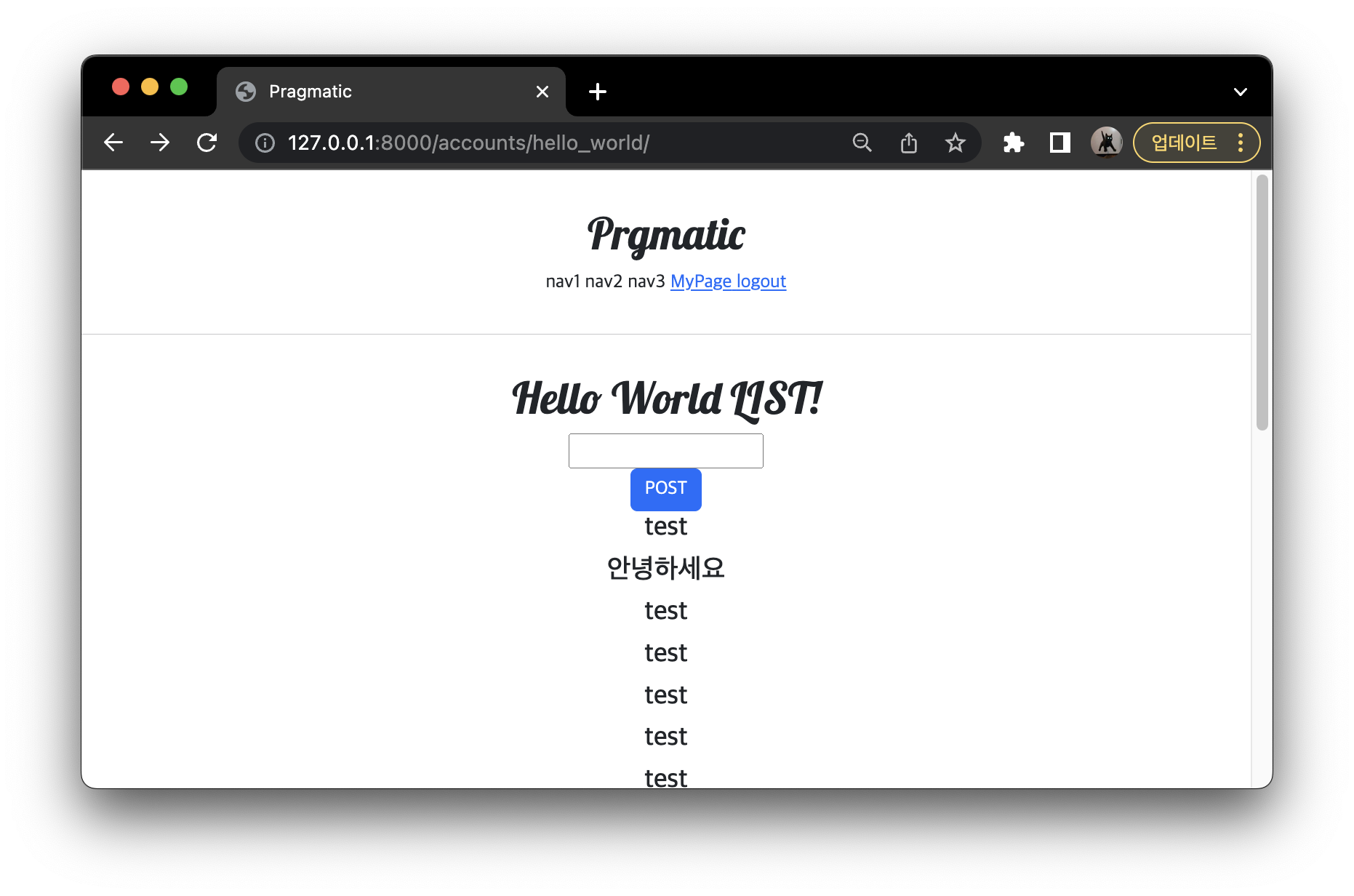
-
마이페이지로 이동한다면
- accountapp 에서 detai view (detail.html)에서 profile 이 있다면 nickname 을 보여주도록 설정해줬기 떄문에 다음과 같은 화면이 나오는 것이다.
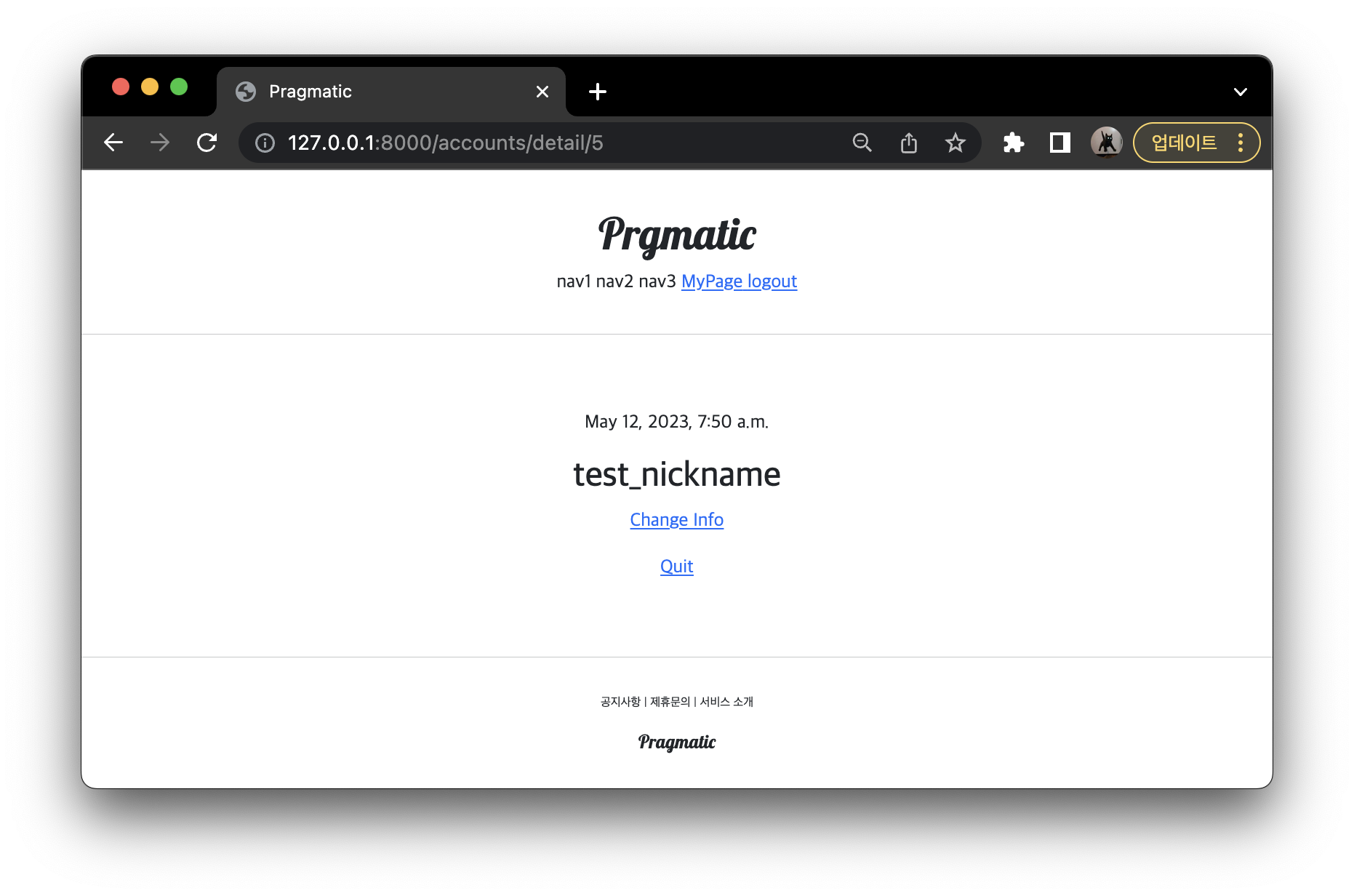
- accountapp 에서 detai view (detail.html)에서 profile 이 있다면 nickname 을 보여주도록 설정해줬기 떄문에 다음과 같은 화면이 나오는 것이다.
Commit
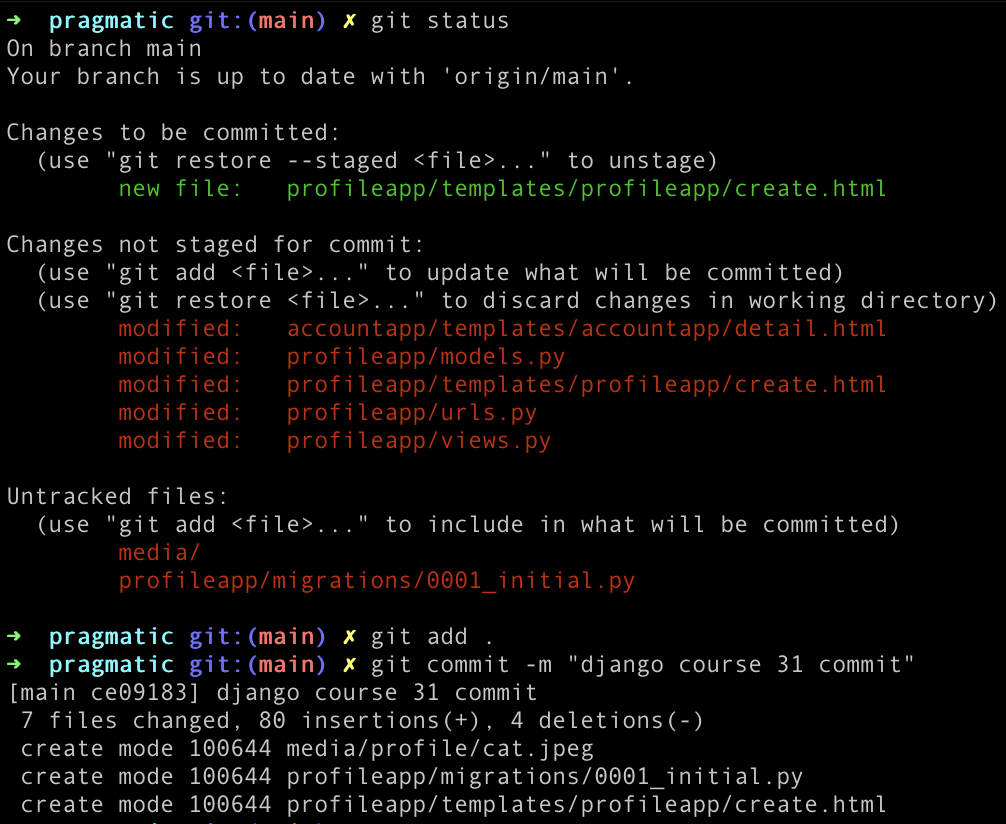

공부한 것 기록용