UpdateView 만들기
- ProfileCreateView 에 이어서 ProfileUpdateView 도 만들어주기
# /pragmatic/profileapp/views.py
from django.views.generic import CreateView, UpdateView

...

class ProfileUpdateView(UpdateView):
    model = Profile
    context_object_name = 'target_profile'
    form_class = ProfileCreationForm
    success_url = reverse_lazy('accountapp:hello_world')
    template_name = 'profileapp/Update.html'
경로 설정
- 어떤 profile 에 접근해야하는지를 알려줘야 하므로 int:pk 추가
# /pragmatic/profileapp/urls.py
from profileapp.views import ProfileCreateView, ProfileUpdateView

app_name = 'profileapp'

urlpatterns = [
    path('create/', ProfileCreateView.as_view(), name='create'),
    path('update/<int:pk>', ProfileUpdateView.as_view(), name='update'), # 추가한 부분
]
update.html 작성
<!--/pragmatic/profileapp/templates/profileapp/update.html-->
{% extends 'base.html' %}
{% load bootstrap4 %}

{% block content %}

  <div style="text-align : center; max-width: 500px; margin: 4rem auto;">>
    <div class="mb-4"> <!-- margin bottom 해서 4배 -->
      <h4>Update Profile</h4>
    </div>
    <!--profileapp 으로 정보 요청 -->
    <!--업데이트도 이미지 파일이 들어있기 떄문에 enctype 지정-->
    <form action="{% url 'profileapp:update' pk=target_profile.pk %}" method="post" enctype="multipart/form-data">
      {% csrf_token %}
      {% bootstrap_form form %}
      <input type="submit" class="btn btn-dark rounded-pill col-6 mt-3">
    </form>
  </div>

{% endblock %}
accountapp/templates/accountapp/detail.html 수정
1) 프로필 수정 링크 만들기 :
<a href="{% url 'profileapp:update' pk=target_user.profile.pk %}">
	edit
</a>
2) 프로필 사진 띄우기 :
<img src="{{ target_user.profile.image.url }}" alt=""
style="height: 10rem; width: 10rem; border-radius: 10rem; margin-bottom: 2rem;">- 단순히 이런식으로는 img 가 보이지 않는다 Routing 필요
- 이를 해결하기 위해서
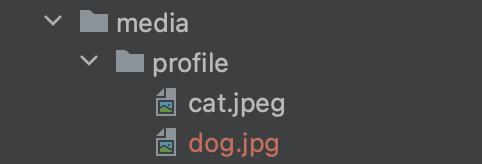
/pragmatic/pragmatic/urls.py에서 Media 에 관련한 setting 필요- settings 가져오기 : pragmatic/settings.py 안에 적었던 모든 값들을 가져와 사용 가능하다.
- settings 의 MEIDA_URL 가져오기
urlpatterns뒤에+ static(settings.MEDIA_URL, document_root=settings.MEDIA_ROOT)를 추가하므로서- urlpatterns 에 담긴 path 들 뿐만 아니라 추가로 MEDIA_URL 과 MEDIA_ROOT 를 연결시켜 서버가 img 를 불러올 수 있게 된다
-
/pragmatic/urls.py 수정
 # /pragmatic/pragmatic/urls.py
from django.conf import settings
from django.conf.urls.static import static
...

urlpatterns = [
    path('admin/', admin.site.urls),
    path('accounts/', include('accountapp.urls')),
    path('profiles/', include('profileapp.urls')),
] + static(settings.MEDIA_URL, document_root=settings.MEDIA_ROOT) # 추가
# urlpatterns 에 담긴 path 들 뿐만 아니라 추가로 MEDIA_URL 과 MEDIA_ROOT 를 연결시켜
# 서버가 img 를 불러올 수 있게 되어 img 가 보이게 된다
3) 대화명 보이기
<h5 style="margin-bottom: 3rem;">
   {{ target_user.profile.message }}
</h5
accountapp/templates/accountapp/detail.html 전체 코드
<!--pragmatic/accountapp/templates/accountapp/detail.html-->
<!--닉네임을 바꾸고 싶을 떄 ProfileUpdateView 로 Routing 을 해줄 a 태그 삽입-->
{% extends 'base.html'%}

{% block content %}

  <div>
    <div style="text-align: center; max-width: 500px; margin: 4rem auto;">
      <p>
        {{ target_user.date_joined }}
      </p>
      <!-- 추가 : 프로필 이미지가 보이도록-->
	  <img src="{{ target_user.profile.image.url }}" alt=""
         style="height: 12rem; width: 12rem; border-radius: 20rem; margin-bottom: 2rem;">

      {% if target_user.profile %} <!--target_user 의 profile 이 존재한다면 -->
      <h2 style="font-family: 'NanumSquareB'">
        {{ target_user.profile.nickname }}  <!--target_user 의 profile 의 nickname 보여주도록-->
        <!--추가한 부분-->
        <a href="{% url 'profileapp:update' pk=target_user.profile.pk %}}">
          edit
        </a>
        <!------------>
      </h2>
      {% else %} <!-- 아닌경우 create profile 로 향하는 url 로 -->
      <a href="{% url 'profileapp:create' %}">   <!--프로필을 만들수 있는 페이지로-->
        <h2 style="font-family: 'NanumSquareB'">
          Create Profile
        </h2>
      </a>
      {% endif %}

      <h5 style="margin-bottom: 3rem;">
         {{ target_user.profile.message }}
      </h5>

      {% if target_user == user %}
      <a href="{% url 'accountapp:update' pk=user.pk%}">
        <p>
          Change Info
        </p>
      </a>
      <a href="{% url 'accountapp:delete' pk=user.pk%}">
        <p>
          Quit
        </p>
      </a>
      {% endif %}
    </div>
  </div>

{% endblock %}
결과 확인
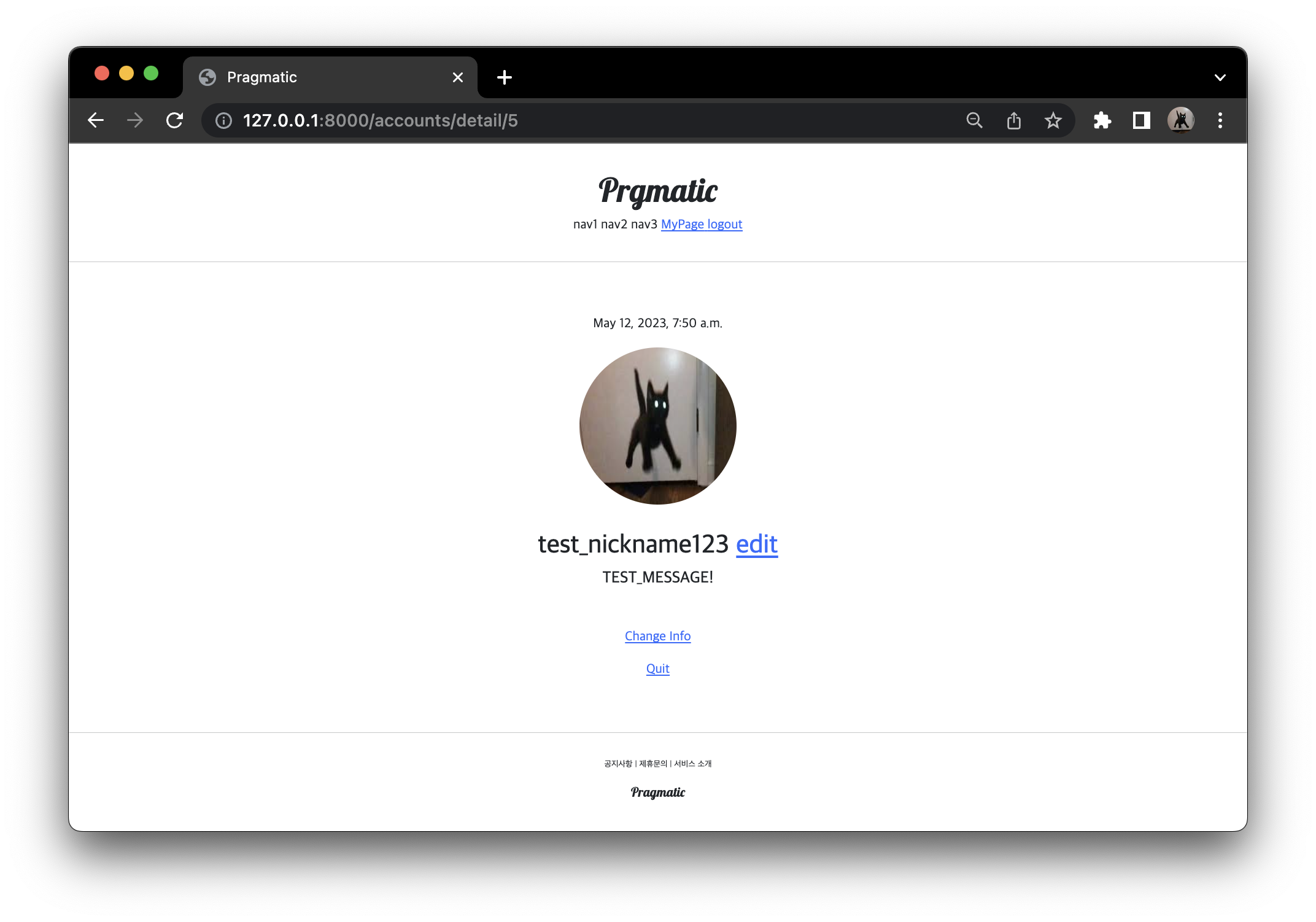
- 프로필 수정 링크 edit 확인
- 원래 사용하던 닉네임과 메세지를 확인
- 수정 가능 test_nickname123
- 프로필 사진 띄우기
- 둥글둥글한 스타일 형태
- 대화명 출력
decorator 만들기
accountapp 의 decorators.py 복사하여 profileapp 밑에 붙여넣기
profileapp/decorators.py 작성
#profileapp/decorators.py
from django.http import HttpResponseForbidden
from profileapp.models import Profile

def profile_ownership_required(func): # decorator 정의 (이 계정의 소유권이 필요하다는 이름)
    def decorated(request, *args, **kwargs): # request 를 받아
        # 우리가 원하는 작업 - 본인인지 확인하는 작업
        # get, post 등의 요청을 받으면서 pk 로 받은 값을 가지고 있는 Profile 객체가 profile 가 되는 것
        # urls 에서 update<int:pk> 로 받는 이 pk 로 이 profile 의 주인을 학인하고
        profile = Profile.objects.get(pk=kwargs['pk'])
        # pk 를 확인해서 이 profile 의 유저가 요청 보낸 유저와 같지 않다면
        if not profile.user == request.user:
            return HttpResponseForbidden() # 페이지를 표시할 수 없음을 내보내기
        return func(request, *args, **kwargs) # 아닌 경우는 그대로 보내주기
    return decorated
    # proflle_ownership_required 라는 decorator 를 만들었으니까 이를 views.py 에 적용하기
profileapp/views.py 에 decorator 적용
# profileapp/views.py
from django.utils.decorators import method_decorator
from profileapp.decorators import profile_ownership_required
...

class ProfileCreateView(CreateView):...

@method_decorator(profile_ownership_required, 'get') # 추가
@method_decorator(profile_ownership_required, 'post') # 추가
class ProfileUpdateView(UpdateView):
    model = Profile
    context_object_name = 'target_profile'
    form_class = ProfileCreationForm
    success_url = reverse_lazy('accountapp:hello_world')
    template_name = 'profileapp/Update.html'
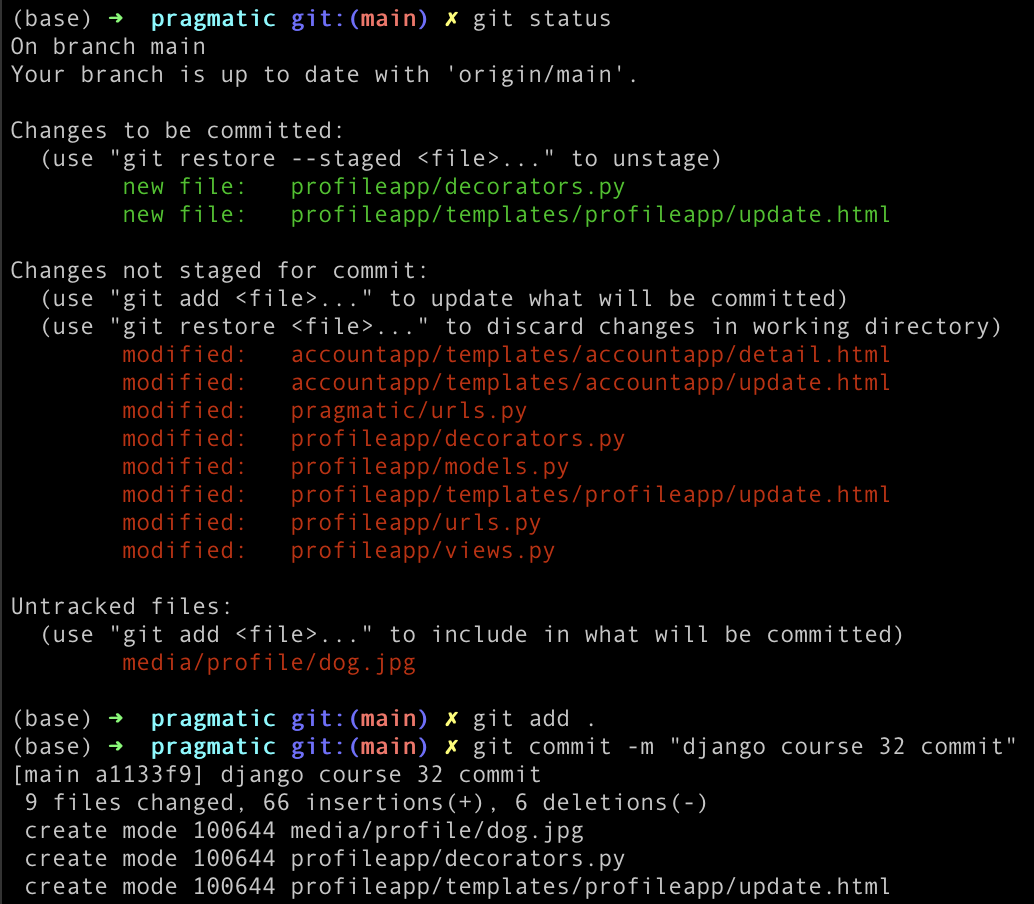
commit

공부한 것 기록용