"농부는 대체되었다" 리버스 엔지니어링 학습 보고서
개요
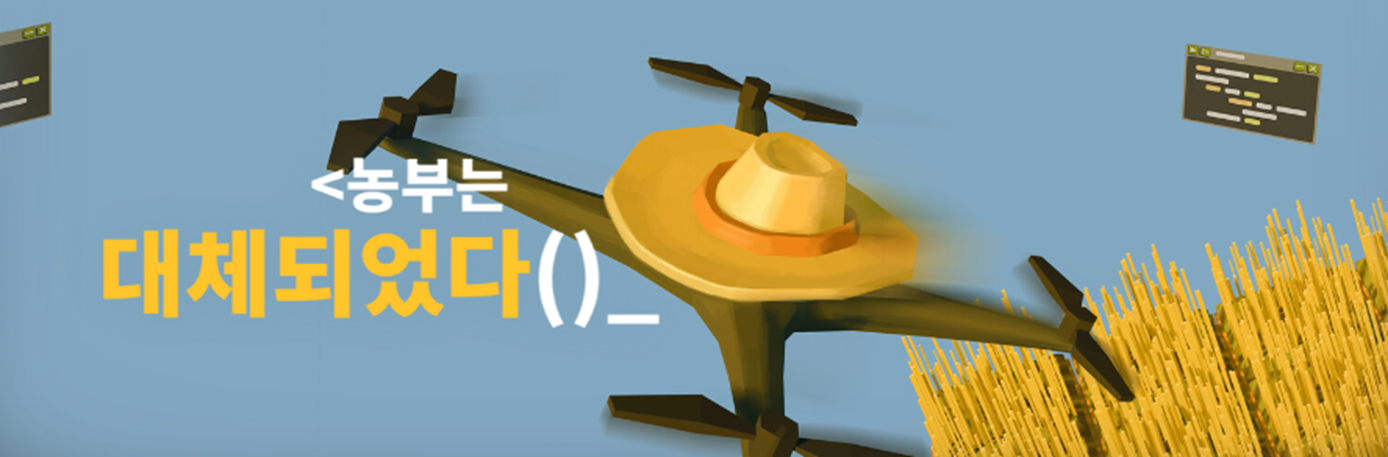
Steam 게임 "농부는 대체되었다 (The Farmer Was Replaced)"는 Python 유사 언어로 드론을 프로그래밍하여 농장을 자동화하는 게임이다. 이 게임의 API 구조를 분석하고 직접 구현해보면서 Python의 여러 기능을 학습했다.
1. 게임 API 구조 분석
게임에서 제공하는 함수들:
move(direction)- 드론 이동plant(entity)- 작물 심기harvest()- 수확swap(direction)- 작물 위치 교환measure(direction)- 주변 값 측정get_entity()- 현재 위치 작물 확인can_harvest()- 수확 가능 여부
핵심 포인트: 게임은 내부 변수(position, array 등)에 직접 접근을 막고, 오직 제공된 API만 사용하게 한다. 이것이 게임의 퍼즐 요소다.
2. Python에서 접근 제한 구현하기
2.1 exec을 활용한 샌드박스
Python은 진정한 private가 없다. _variable은 관례일 뿐, 접근이 가능하다.
게임처럼 완전한 접근 제한을 구현하려면 exec의 두 번째 인자를 활용한다:
# 내부 변수 (유저 접근 불가)
_position = (0, 0)
_array = [[None for _ in range(16)] for _ in range(16)]

# API 함수
def move(dir):
    global _position
    # 이동 로직...

def measure():
    return _array[_position[1]][_position[0]]

# 허용할 것만 노출
allowed = {
    'move': move,
    'measure': measure,
    'North': 'North',
    'South': 'South',
    'print': print,
    'range': range,
}

# 유저 코드 실행
user_code = """
move(North)
print(measure())
print(_position)  # NameError!
"""

exec(user_code, allowed)
exec(code, globals) 형태로 실행하면, 유저 코드는 allowed 딕셔너리에 있는 것만 접근할 수 있다. _position이나 _array는 아예 보이지 않는다.
2.2 래퍼 클래스로 속성 접근 막기
get_entity()가 작물 객체를 직접 반환하면, 유저가 .grow_time 같은 속성에 접근할 수 있다. 이를 막기 위해 래퍼 클래스를 사용한다:
class EntityRef:
    """비교만 가능한 래퍼"""
    def __init__(self, entity):
        self._entity = entity

    def __eq__(self, other):
        if isinstance(other, EntityRef):
            return type(self._entity) == type(other._entity)
        return type(self._entity) == other
이렇게 하면:
get_entity() == Entities.Carrot  # ✅ 비교 가능
get_entity().grow_time           # ❌ AttributeError
3. 클래스 상속과 중첩 클래스
3.1 Entities 구조
작물들을 중첩 클래스로 구현하여 Entities.Carrot 형태로 접근한다:
class Entities:
    class Crop:
        grow_time = 1
        value = 1

        def __init__(self):
            self._age = 0

        def grow(self, amount=1):
            self._age += amount

        def is_grown(self):
            return self._age >= self.grow_time

    class Carrot(Crop):
        grow_time = 3
        value = 5

    class Pumpkin(Crop):
        grow_time = 5
        value = 10
3.2 다형성 활용 - get_measure()
작물마다 measure() 반환값이 다르다:
- Cactus, Flower →
measure속성값 - Pumpkin →
id값 - 나머지 →
None
각 클래스에서 get_measure() 메서드를 오버라이드하여 구현:
class Crop:
    def get_measure(self):
        return None  # 기본값

class Cactus(Crop):
    measure = random.randint(1, 10)

    def get_measure(self):
        return self.measure

class Pumpkin(Crop):
    def get_measure(self):
        return self.id
4. 틱 시스템 구현
게임은 행동(move, plant, harvest 등)마다 시간이 흐른다. 이를 틱 시스템으로 구현했다:
_tick = 0
_tick_speed = 1      # 레벨업 시 증가 가능
_grow_speed = 1      # 작물 성장 속도

def _advance_time():
    global _tick
    _tick += _tick_speed
    for y in range(_size):
        for x in range(_size):
            crop = _array[y][x]
            if hasattr(crop, 'grow'):
                crop.grow(_grow_speed)

def move(dir):
    _advance_time()  # 매 행동마다 시간 흐름
    # 이동 로직...
5. 배운 점 정리
| 주제 | 배운 내용 |
|---|---|
exec 샌드박스 | 두 번째 인자로 접근 가능한 범위 제한 |
| 래퍼 클래스 | __eq__ 오버라이드로 비교만 허용 |
| 중첩 클래스 | Entities.Carrot 형태의 네임스페이스 |
| 상속 | 기본 Crop 클래스를 상속받아 확장 |
| 다형성 | get_measure() 메서드 오버라이드 |
| 인스턴스 vs 클래스 | plant(Entities.Carrot) → 내부에서 entity() 호출 |
type() 비교 | 인스턴스의 클래스 타입으로 비교 |
@staticmethod | 클래스 내부에서만 사용 가능 |
6. 프로젝트 구조
farmer-was-replaced-study/
├── core.py        # 게임 엔진 (샌드박스, API 함수)
├── Entities.py    # 작물 클래스 정의
├── main.py        # 유저 스크립트
├── sort.py        # 정렬 알고리즘 (버블, 머지)
└── output.txt     # print 로그 파일
7. 결론
게임 하나를 리버스 엔지니어링하면서 Python의 다양한 기능을 자연스럽게 학습할 수 있었다. 특히 exec을 활용한 샌드박스 구현은 보안과 접근 제어 관점에서 흥미로운 주제였다.
게임을 즐기면서 코딩 실력도 늘릴 수 있는 "농부는 대체되었다", 추천한다!