목표
  var a by remember {
    mutableStateOf(0)
  }
  Column(
    modifier = Modifier
      .fillMaxSize()
      .background(Color.Yellow)
      .padding(top = 40.dp),
    horizontalAlignment = Alignment.CenterHorizontally
  ) {
    Text(text = "속")
    Button(onClick = { a++ }) {
      Text(text = a.toString())
    }
  }
  Box(
    Modifier
      .fillMaxSize()
      .background(
        color = Color.Black.copy(alpha = 0.6f)
      ),
    contentAlignment = Alignment.Center
  ) {
    Text("겉", color = Color.White, fontSize = 16.sp)
  }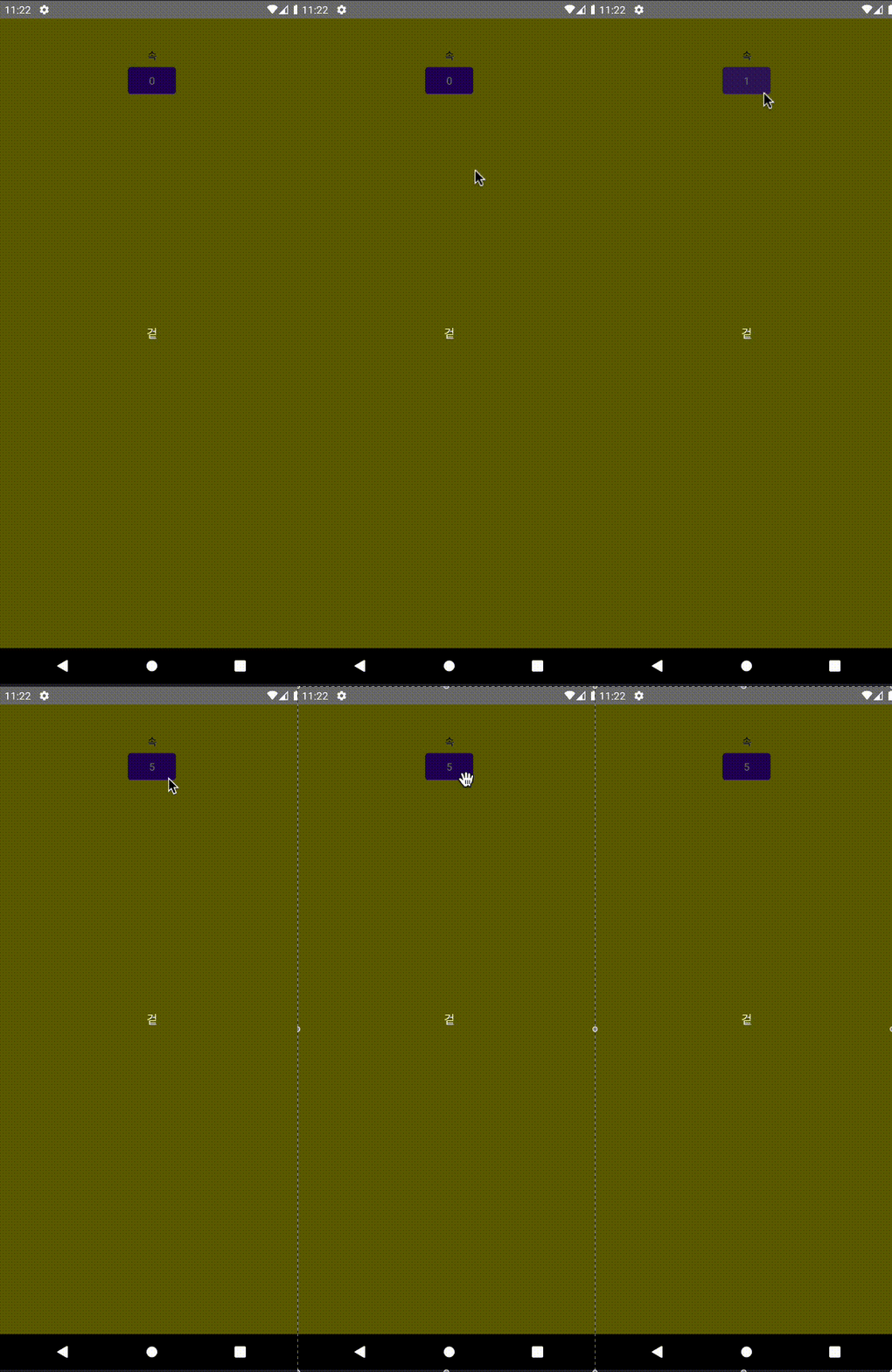
박스 영역 뒷 부분(속)에 대한 원하지 않는 터치를 막고 싶다
해결
Modifier.clickable 추가
방법
  var a by remember {
    mutableStateOf(0)
  }
  Column(
    modifier = Modifier
      .fillMaxSize()
      .background(Color.Yellow)
      .padding(top = 40.dp),
    horizontalAlignment = Alignment.CenterHorizontally
  ) {
    Text(text = "속")
    Button(onClick = { a++ }) {
      Text(text = a.toString())
    }
  }
  Box(
    Modifier
      .fillMaxSize()
      .background(
        color = Color.Black.copy(alpha = 0.6f)
      )
      .clickable(enabled = true, onClick = {}),
    contentAlignment = Alignment.Center
  ) {
    Text("겉", color = Color.White, fontSize = 16.sp)
  }
}
clickable의 enabled를 false로 설정하면 clickable 자체가 비활성 되어 클릭 이벤트가 무시됨.
따라서 enabled를 true로 설정해주고, onClick 람다식에 아무것도 하지 않도록 설정하면 박스에 투명한 터치 막이 생기고 그 뒤 요소들은 터치할 수 없게 됨
문제
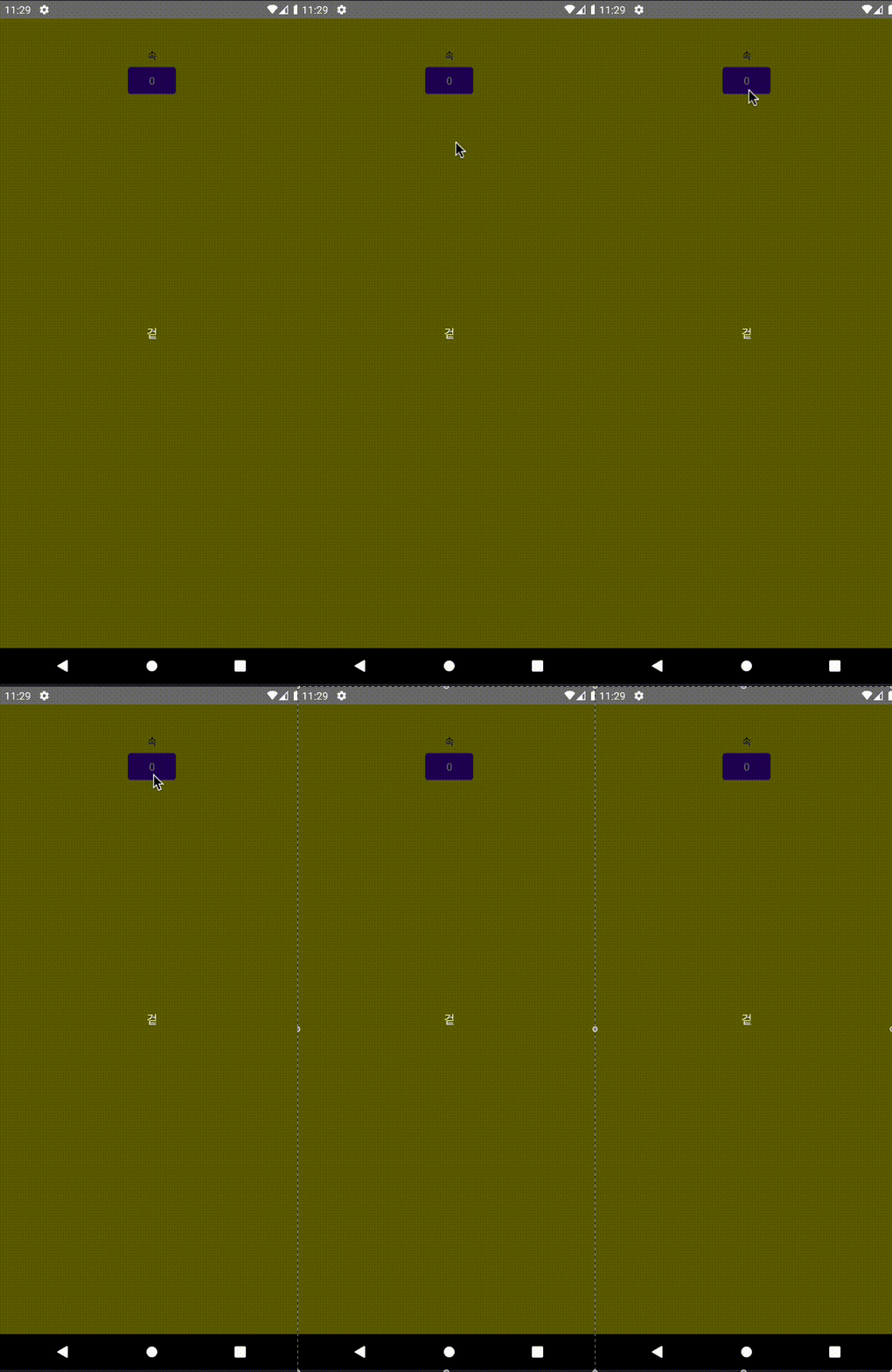
뒤 영역에 접근할 수 없게는 됐지만 터치시 깜빡 깜빡하는 클릭 애니메이션이 생김
Modifier.pointerInput 추가
방법
  var a by remember {
    mutableStateOf(0)
  }
  Column(
    modifier = Modifier
      .fillMaxSize()
      .background(Color.Yellow)
      .padding(top = 40.dp),
    horizontalAlignment = Alignment.CenterHorizontally
  ) {
    Text(text = "속")
    Button(onClick = { a++ }) {
      Text(text = a.toString())
    }
  }
  Box(
    Modifier
      .fillMaxSize()
      .background(
        color = Color.Black.copy(alpha = 0.6f)
      )
      .pointerInput(Unit) {
        detectTapGestures {
        }
      },
    contentAlignment = Alignment.Center
  ) {
    Text("겉", color = Color.White, fontSize = 16.sp)
  }
pointerInput으로 포인터 이벤트를 수신하게 하고, detectTapGestures에 아무것도 정의하지 않으면 터치 이벤트가 발생해도 아무런 동작하지 않도록 설정
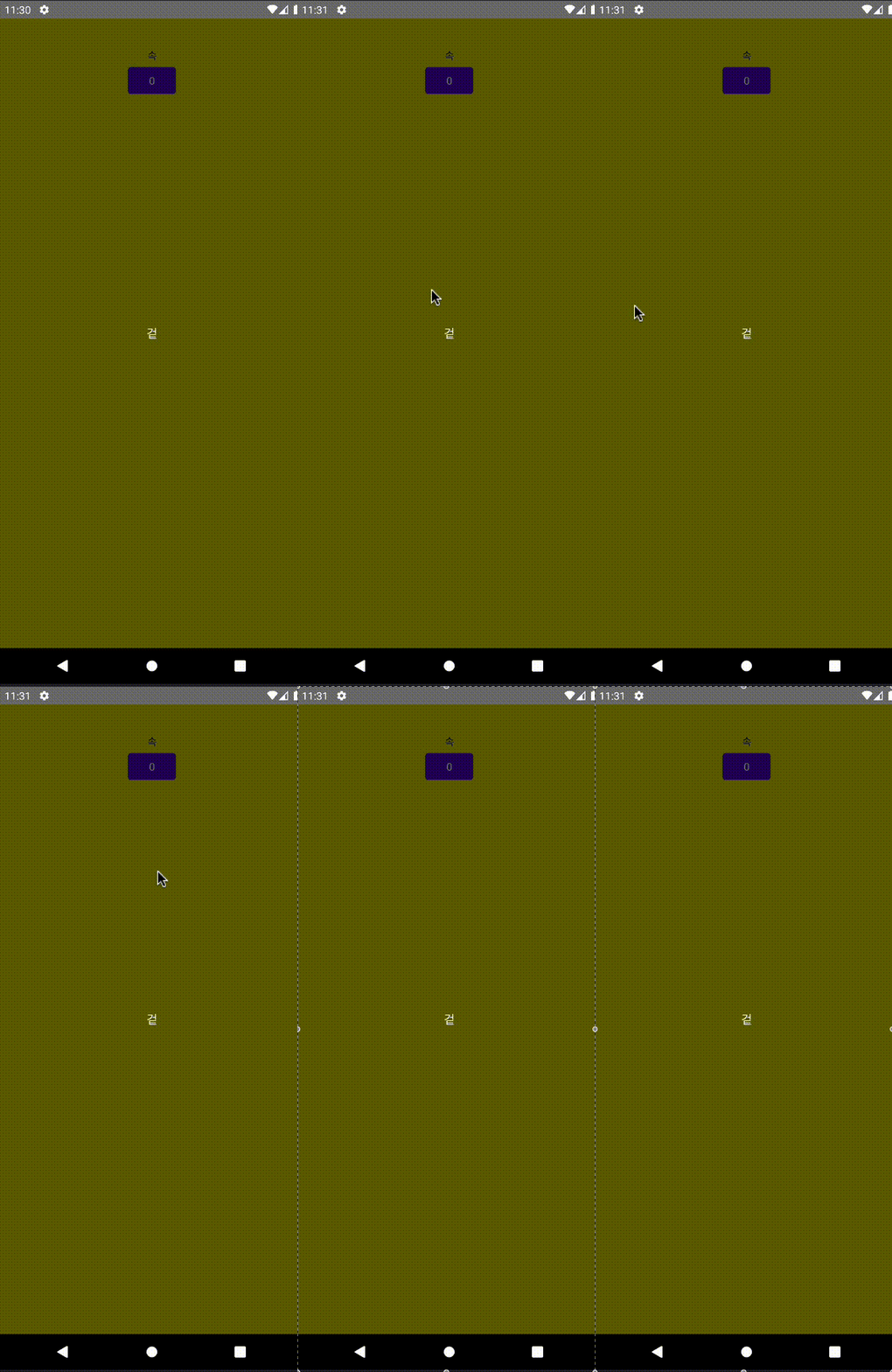
위 clickable과 같은 원리로 터치를 무시하게 함. 그리고 클릭 애니메이션 없음!