0. SceneManager란?
SceneManager는
UnityEngine.SceneManagement네임스페이스에서 제공하는 클래스이며 씬(Scene)의 로드, 언로드 및 전환을 관리하는 역할을 수행한다.
Unity로 게임을 개발하다보면 씬(Scene)을 한 개가 아닌 여러 개의 씬을 사용하게 되는데
이때 SceneManager를 활용하면 프로그래밍적으로 씬을 제어할 수 있게됩니다.
1. SceneManager의 주요 기능
1) 씬 로드 및 전환
1-1. 싱글 씬 로드 (LoadScene)
- 특정 씬을 새로운 씬으로 교체하고 기존 씬을 메모리에서 제거
using UnityEngine.SceneManagement;

// 씬 이름으로 로드
SceneManager.LoadScene("SceneName");

// 씬 인덱스로 로드
SceneManager.LoadScene(1);- 씬의 이름을 문자열로 지정
- 씬의 빌드 인덱스를 숫자로 지정 (빌드 세팅에서 확인 가능)
- 빌드 세팅 : File-> Build Settings -> Scenes In Build
1-2. 씬을 추가적으로 로드 (병렬 로드, Additive 모드)
- 기존 씬을 유지한 채로 새로운 씬을 추가적으로 로드
// 기존 씬을 언로드하고 새 씬을 로드 (기본값)
SceneManager.LoadScene("GameScene", LoadSceneMode.Single);

// 기존 씬을 유지하면서 새 씬을 추가로 로드
SceneManager.LoadScene("GameScene", LoadSceneMode.Additive);- LoadSceneMode.Single (기본값): 기존 씬을 언로드하고 새 씬으로 교체
- LoadSceneMode.Additive: 기존 씬을 유지한 채 새로운 씬을 추가로 로드
1-3. 비동기 씬 로드 (LoadSceneAsync)
LoadScene()은 기본적으로 동기적으로 실행되기에 로딩 중에 게임이 중단될 수 있음
이를 방지하기 위해서는 비동기 방식 (LoadSceneAsync)을 사용
// 비동기 로드
SceneManager.LoadSceneAsync("GameScene");- 이렇게 하면 씬이 백그라운드에서 로드되므로 프레임이 끊기지 않고 자연스럽게 전환이 가능
2) 현재 활성화된 씬 확인
- 현재 활성화되어 있는 씬 정보 가져오기
Scene currentScene = SceneManager.GetActiveScene();
Debug.Log("현재 씬 이름: " + currentScene.name);
3) 특정 씬 언로드 (제거)
- 씬이 Additive 모드로 로드되었을 경우, 불필요해진 씬을 메모리에서 제거할 때 사용
SceneManager.UnloadSceneAsync("SceneName");4) 씬 변경 감지 이벤트
- 씬이 변경되었을 때 이벤트를 발생시킬 때 사용
using UnityEngine.SceneManagement;

void Start()
{
    SceneManager.sceneLoaded += OnSceneLoaded;
    SceneManager.sceneUnloaded += OnSceneUnloaded;
}

void OnSceneLoaded(Scene scene, LoadSceneMode mode)
{
    Debug.Log("씬이 로드됨: " + scene.name);
}

void OnSceneUnloaded(Scene scene)
{
    Debug.Log("씬이 언로드됨: " + scene.name);
}- sceneLoaded: 씬이 로드되면 호출됨
- sceneUnloaded: 씬이 언로드되면 호출됨
2. 주요 메서드 정리
| 메서드 | 설명 |
|---|---|
SceneManager.LoadScene(string sceneName) | 해당 씬을 로드하고 기존 씬을 제거함 |
SceneManager.LoadScene(string sceneName, LoadSceneMode mode) | 특정 모드(Single 또는 Additive)로 씬을 로드함 |
SceneManager.LoadSceneAsync(string sceneName) | 비동기적으로 씬을 로드 |
SceneManager.UnloadSceneAsync(string sceneName) | 특정 씬을 메모리에서 제거 |
SceneManager.LoadScene(string sceneName) | 현재 활성화된 씬을 가져옴 |
SceneManager.GetActiveScene() | 특정 씬을 활성화된 씬으로 설정 |
SceneManager.sceneLoaded | 씬이 로드될 때 실행되는 이벤트 |
SceneManager.sceneUnloaded | 씬이 언로드될 때 실행되는 이벤트 |
3. 씬 전환 예제
1) 씬 생성
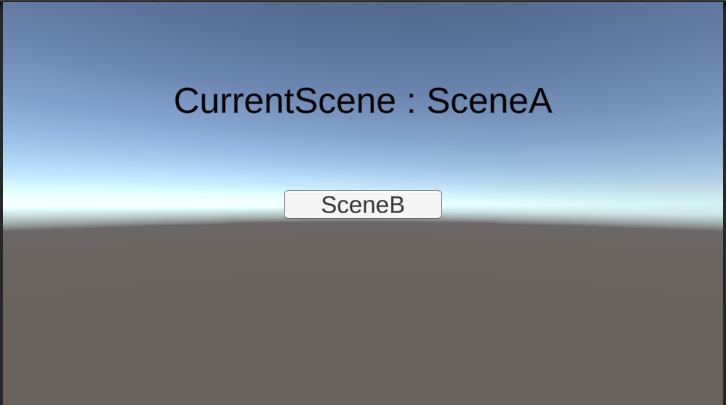
- SceneA: A 씬
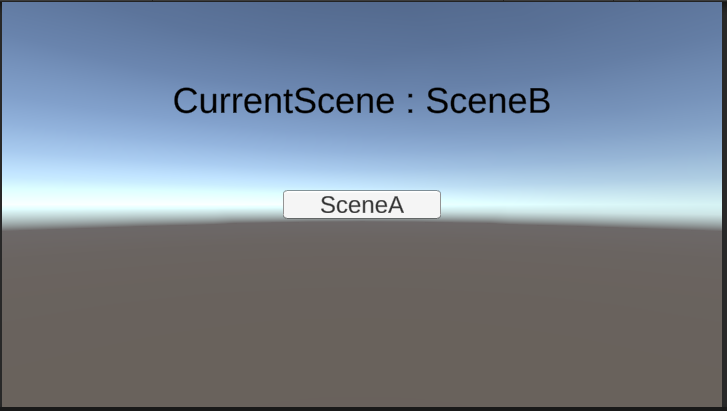
- SceneB: B 씬
- LoadingScene: 로딩화면 구성 씬
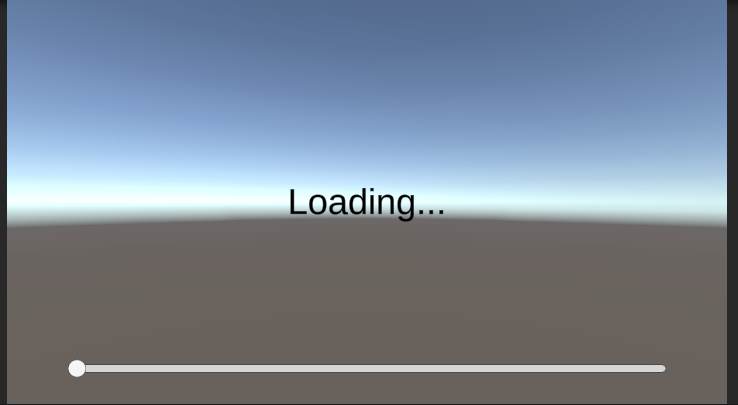
위처럼 3가지의 씬을 가지고 버튼을 누르면 씬을 전환하는 예제를 진행해보자.
2) 스크립트 작성
2-1. SceneController
- UI 버튼 클릭 시 씬 전환을 위한 SceneController.cs 생성 및 버튼 OnClick()이벤트에 추가
public class SceneController : MonoBehaviour
{
    public string SceneName;

    public void ChangeScene()
    {
        PlayerPrefs.SetString("changeSceneName", SceneName);

        SceneManager.LoadScene("LoadingScene");
    }
}
2-2. SceneLoader
- 로딩 씬에서 로딩 진행사항 파악 및 씬 전환을 위한 SceneLoader.cs 추가
public class SceneLoader : MonoBehaviour
{
    public Slider progressBar;

    private float _minLoadingTime = 5.0f; // 최소 로딩 시간 (초)
    private float _elapsedTime = 0f; // 경과 시간

    public void Start()
    {
        string sceneName = PlayerPrefs.GetString("changeSceneName");
        StartCoroutine(LoadSceneAsync(sceneName));
    }

    private IEnumerator LoadSceneAsync(string sceneName)
    {
        AsyncOperation operation = SceneManager.LoadSceneAsync(sceneName);
        operation.allowSceneActivation = false;  // 씬 로드를 완료하지 않도록 설정

        while (!operation.isDone)
        {
            // 경과 시간 업데이트
            _elapsedTime += Time.deltaTime;

            // 로딩 진행도 업데이트
            float progress = Mathf.Clamp01(operation.progress / 0.9f);
            progressBar.value = Mathf.Lerp(progressBar.value, progress, Time.deltaTime);

            // 최소 로딩 시간이 지나고 씬 로드가 완료되었을 때
            if (progress >= 1f && _elapsedTime >= _minLoadingTime)
            {
                operation.allowSceneActivation = true;  // 씬 전환 허용
            }

            yield return null;
        }
    }
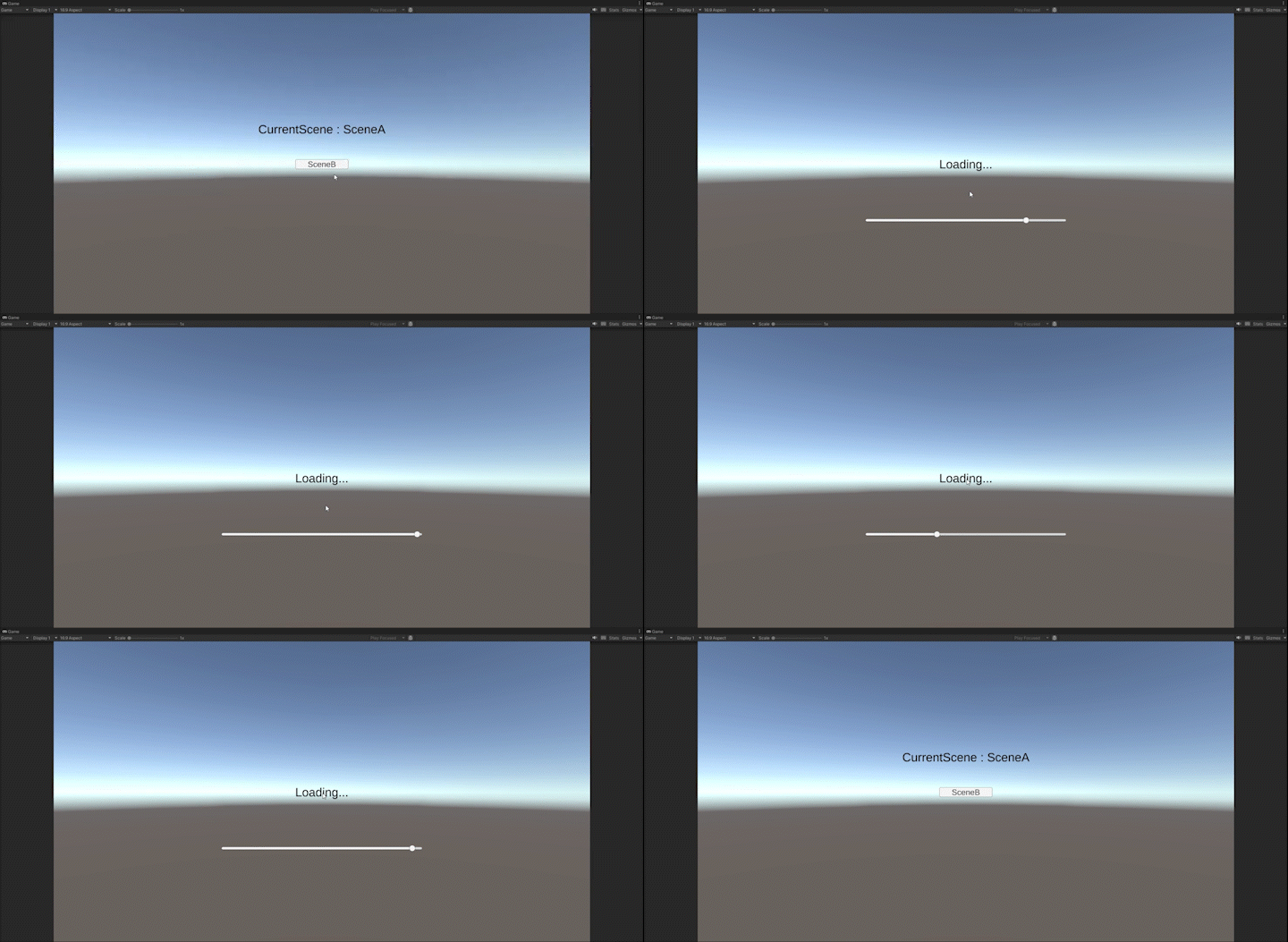
}- 현재 씬이 너무 가벼워 버튼을 누르자마자 전환되기에 타이머를 추가하여 이동 제한
2-3. 실행화면
- SceneA -> LoadingScene -> SceneB -> LoadingScene -> SceneA 이동
4. 결론
- SceneManager는 Unity에서 씬을 관리하고 전환하는 주요 클래스
- 씬 로드, 언로드, 비동기 로딩, 이벤트 감지 등 다양한 기능을 제공

성장하는 개발자가 되기 위한 기록 일지