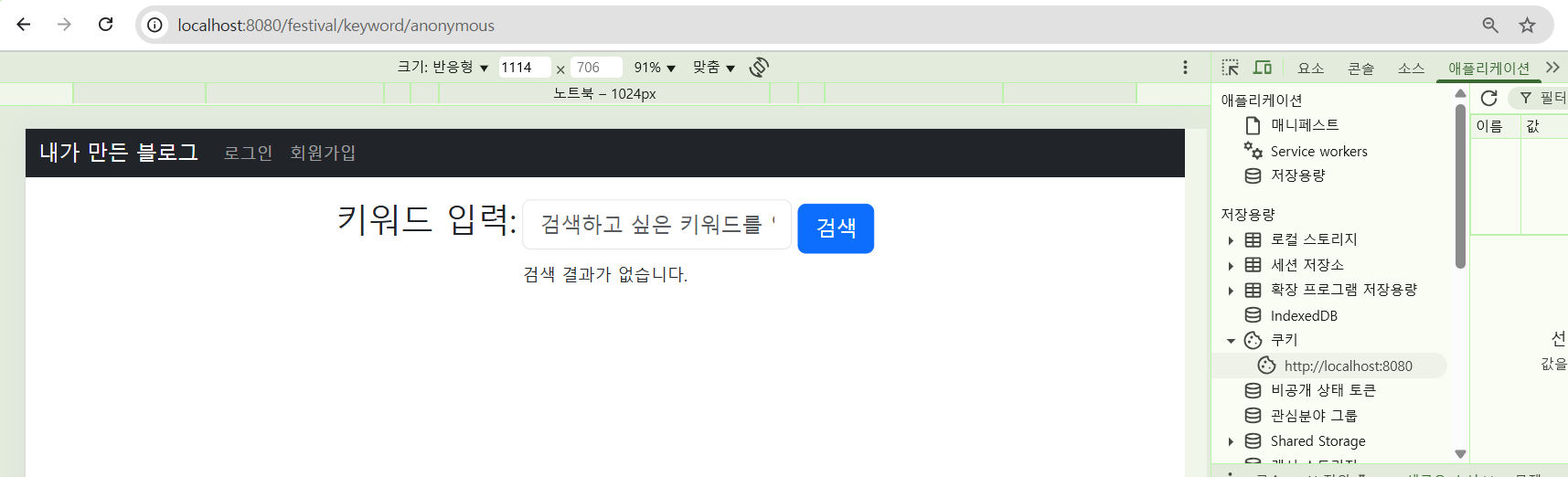
쿠키에서 이용하게 된 이유는 사용자 정보를 화면에 표시하고 싶었다.
Authentication
우선 나는 Controller간에 이동을 하고 싶어서 Authentication을 처음에 이용했었다.
postman에서 사용할 때에는 header에 Authorization(key) jwt(value)을 추가하면 되었다.
thymeleaf를 사용할 때에는 jwt를 어떻게 보내는지가 관건이었다.
jwt를 보내는 방법
검색을 해보니 header or cookie 방법이 있었다.
난 cookie를 이용해보기로 했다.
구현하려는 기능은 login -> festival/keyword로 리다이렉트
->@CookieValue로 jwt값 가져와서 -> JwtTokenUtil에 저장된 이름을 가져오기
LoginController
 @PostMapping("/login")
    public String login(UserLoginRequest loginRequest,HttpServletResponse response) { //requestbody제거!
        User user = userService.login(loginRequest);

        if (user == null) {
            return  "정보를 입력하세요!";
        }
        //토큰 생성
        String jwtToken= jwtTokenUtil.createToken(user.getLoginId(),user.getRole(),user.getName());
        Cookie cookie = new Cookie("jwt", jwtToken);
        cookie.setHttpOnly(true);
        cookie.setPath("/");
        cookie.setMaxAge(60 * 60); // 1시간
        response.addCookie(cookie);

        return "redirect:/festival/keyword";

}- 다음과 같이 생성된 토큰을 Cookie에 담아준다! 한시간동안 쿠키는 존재하게 된다.
FestivalController
   @GetMapping("/keyword")
    public String keywordPagewithCookie(@CookieValue("jwt") String jwt,Model model){

        String userName=jwtTokenUtil.getName(jwt);
        log.info(userName);
        model.addAttribute("userName",userName);
        return  "searchkeyword";
}- 생성된 쿠키에서 이름 가져온다.
구현하려는 두번째 기능은
logout->cookie삭제->festival/keyword/anonymous로 이동
    @GetMapping("/logout")
    public String logout(HttpServletResponse response,Model model)
    {
        expiredCookie(response);
        System.out.println(model.getAttribute("userName"));

        return "redirect:/festival/keyword/anonymous";
    }

    private void expiredCookie(HttpServletResponse response){
        Cookie refreshCookie=new Cookie("jwt",null);
        refreshCookie.setHttpOnly(true);
        refreshCookie.setPath("/");
        refreshCookie.setMaxAge(0);
        response.addCookie(refreshCookie);
    }
구현 결과
로그인 화면
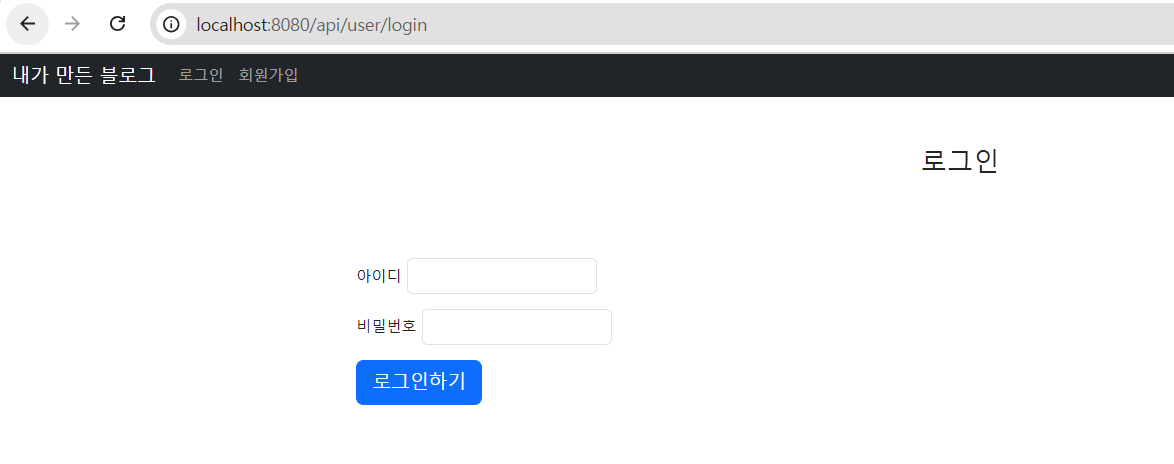
헤더에 사용자 이름 표시
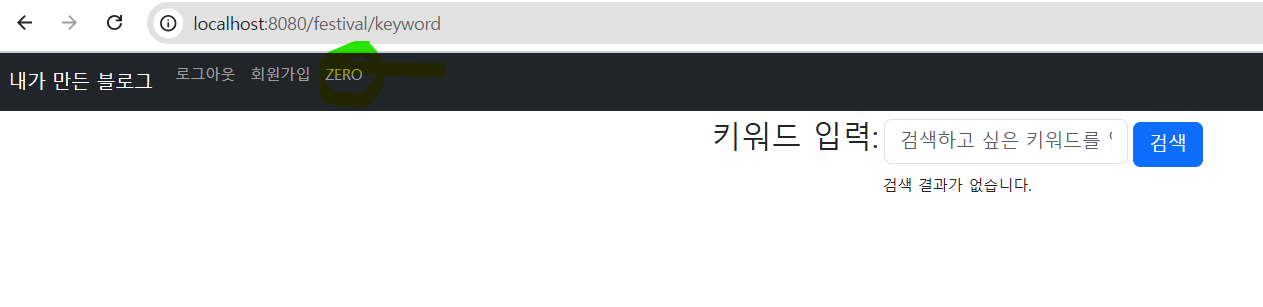
검색어 결과 화면(로그인한 사용자)
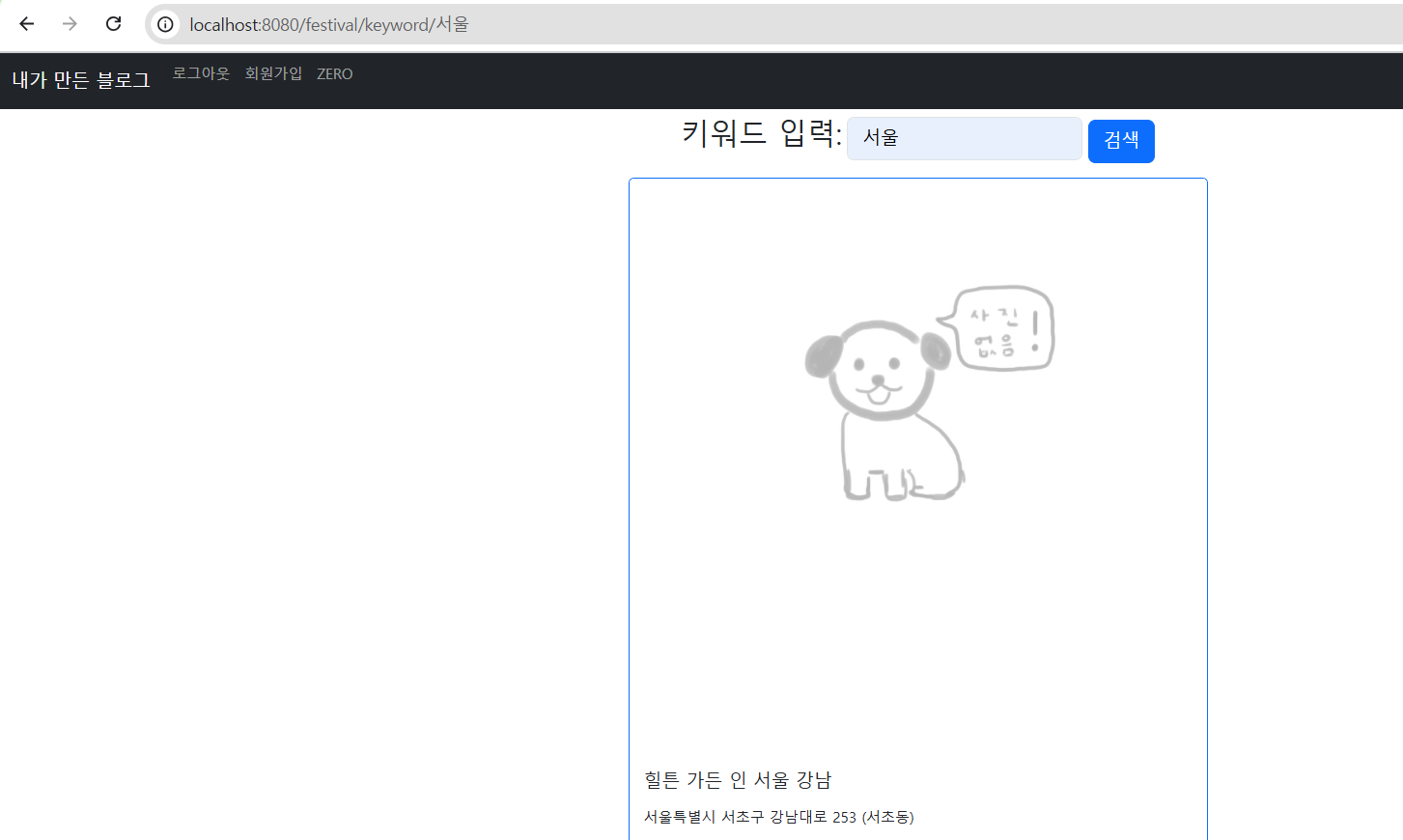
쿠키 정보(로그인한 사용자)
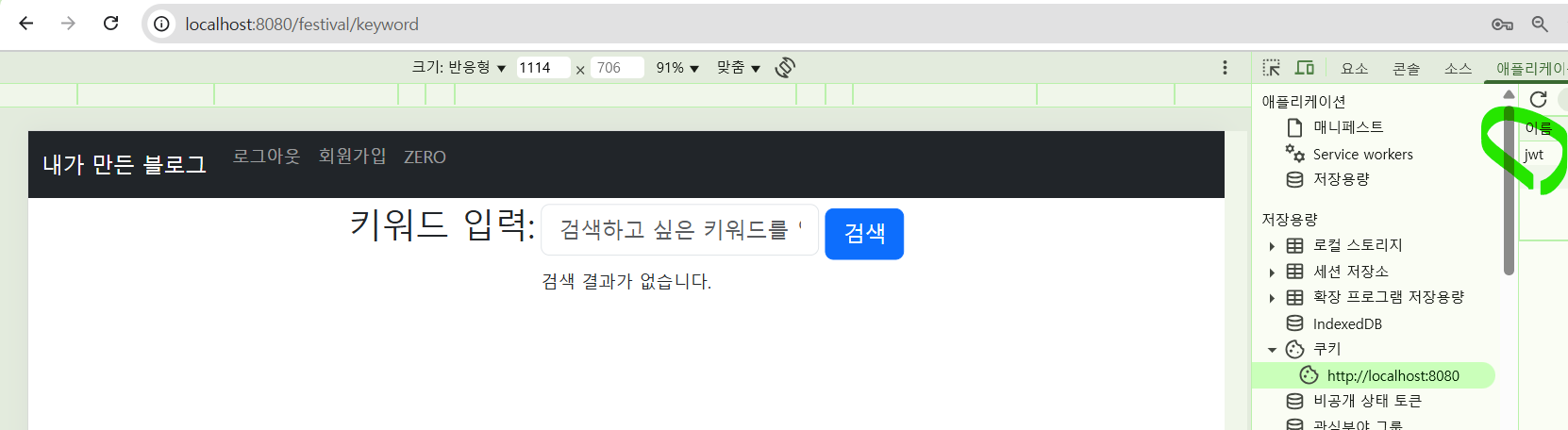
헤더에 로그아웃 버튼 클릭후

검색어 결과 화면(로그아웃한 사용자)
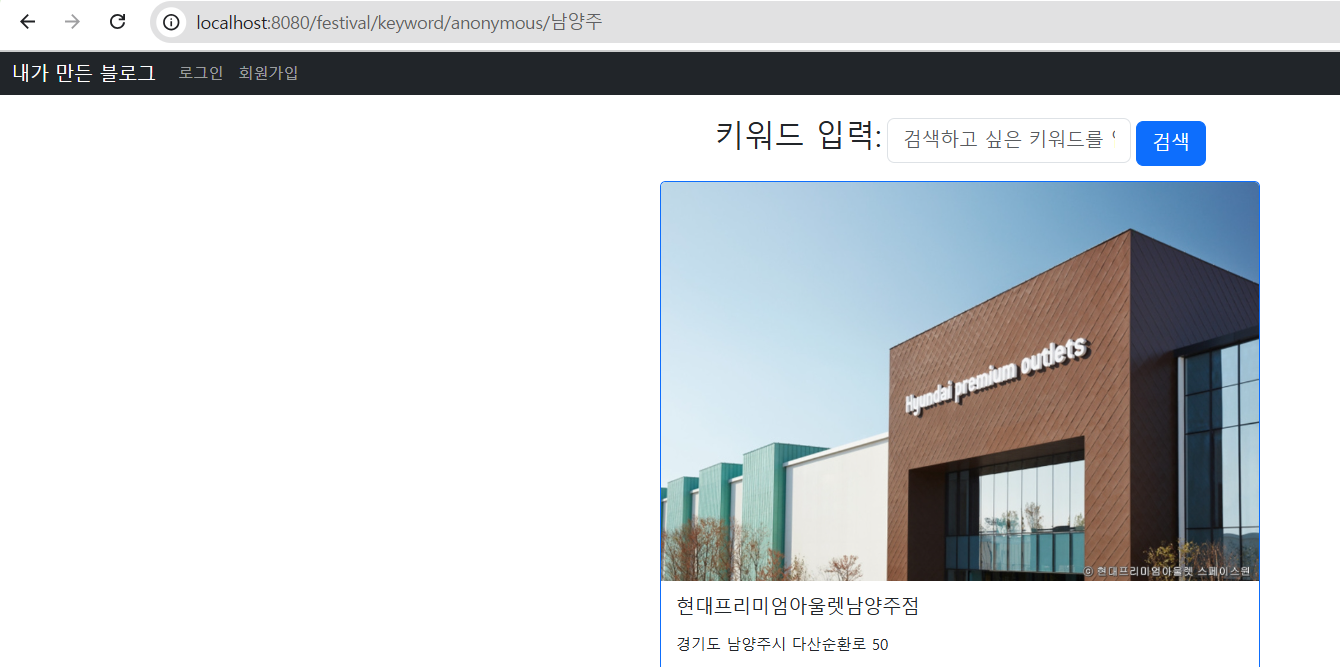
쿠키정보(로그아웃한 사용자)