1. Selenium
- Selenium : 웹 페이지 테스트 자동화를 할 수 있는 프레임워크
- 웹 애플리케이션 테스트, 크로스 브라우징 테스트, 웹 스크래핑, 웹 페이지의 성능 측정, 웹 UI 자동화 등에 활용됨
Selenium 설치
pip install selenium
크롬 드라이버 설치 없이 실행하기
- 크롬 버전을 직접 확인하여 설치 후 해당 드라이버로 실행하기는 번거롭기도 하고 버전이 다른 드라이버로 실행하면 오류가 발생할 수 있음
- 그러므로 ChromeDriverManager().install()로 컴퓨터에 설치된 Chrome 버전과 같은 버전의 드라이버를 설치함
from selenium import webdriver
from selenium.webdriver.chrome.service import Service as ChromeService
from webdriver_manager.chrome import ChromeDriverManager
from selenium.webdriver.chrome.options import Options

chrome_options = Options()
chrome_options.add_experimental_option("detach", True)

browser = webdriver.Chrome(service=ChromeService(ChromeDriverManager().install()), options=chrome_options)
browser.get("https://www.naver.com")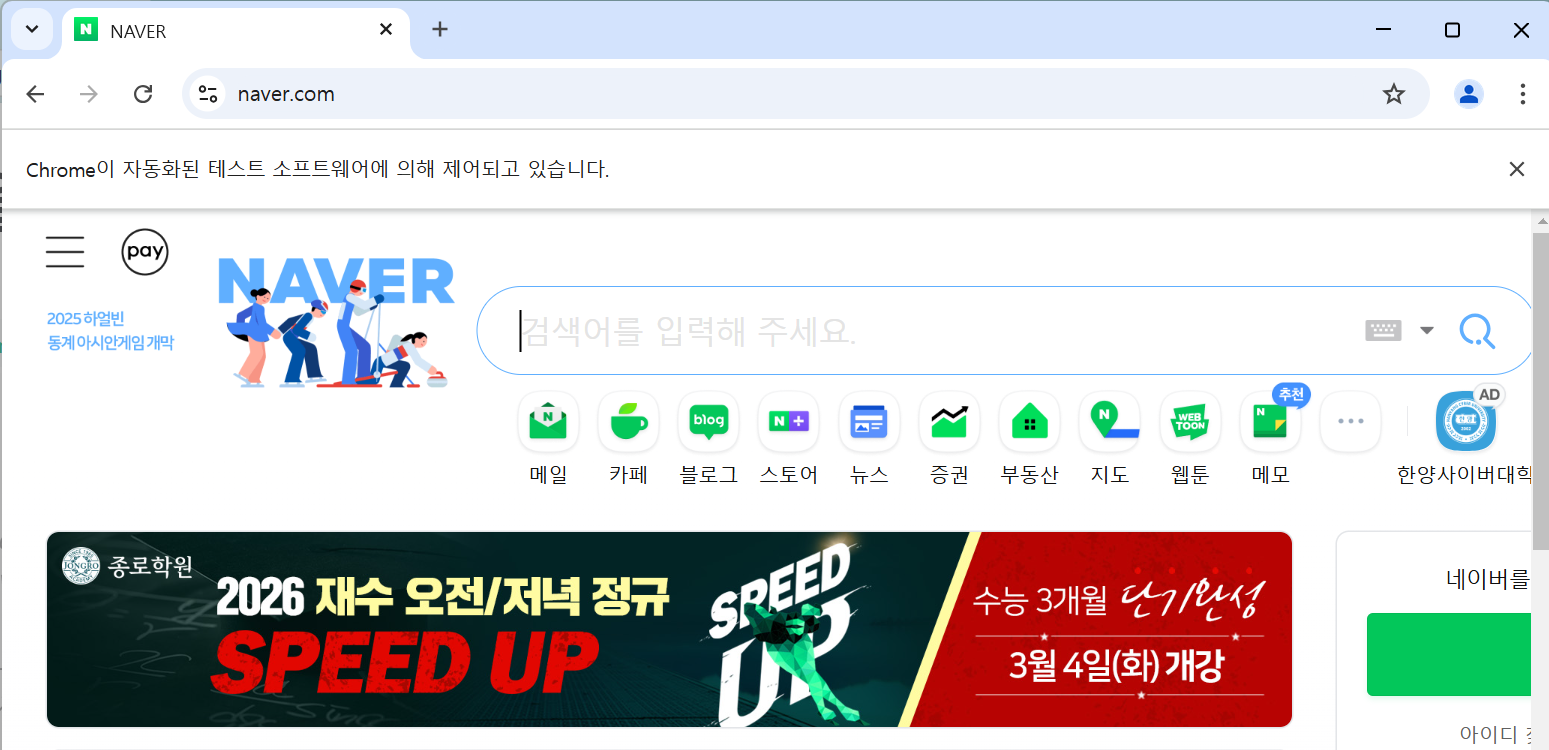
★ 문제 및 해결
- 실행했을 때, chrome이 실행 된 후 바로 꺼져버리는 문제가 발생함
- chrome에 option으로 브라우저가 닫히지 않도록 detach 옵션을 걸어준다.
- 참고 https://rimeestore.tistory.com/entry/%EC%85%80%EB%A0%88%EB%8B%88%EC%9B%80-%EB%B8%8C%EB%9D%BC%EC%9A%B0%EC%A0%80%EA%B0%80-%EA%B3%84%EC%86%8D-%EA%BA%BC%EC%A7%88-%EB%95%8C
브라우저 조작하기
- 터미널에
python라고 입력하고 인터프리터로 실행하면 편하게 실습할 수 있음
from selenium import webdriver
from selenium.webdriver.chrome.service import Service as ChromeService
from webdriver_manager.chrome import ChromeDriverManager
from selenium.webdriver.chrome.options import Options
from selenium.webdriver.common.by import By

chrome_options = Options()
chrome_options.add_experimental_option("detach", True)

browser = webdriver.Chrome(service=ChromeService(ChromeDriverManager().install()), options=chrome_options)
browser.get("https://www.naver.com")

browser.back()
browser.forward()
browser.refresh()- .back() : 이전 페이지로 돌아가기
- .forward() : 다음 페이지로 가기
- .refresh() : 새로고침 하기
검색 창에 검색어 입력하기
from selenium import webdriver
from selenium.webdriver.chrome.service import Service as ChromeService
from webdriver_manager.chrome import ChromeDriverManager
from selenium.webdriver.chrome.options import Options
from selenium.webdriver.common.by import By
from selenium.webdriver.common.keys import Keys

chrome_options = Options()
chrome_options.add_experimental_option("detach", True)

browser = webdriver.Chrome(service=ChromeService(ChromeDriverManager().install()), options=chrome_options)
browser.get("https://www.naver.com")

search_bar = browser.find_element(By.ID, "query")
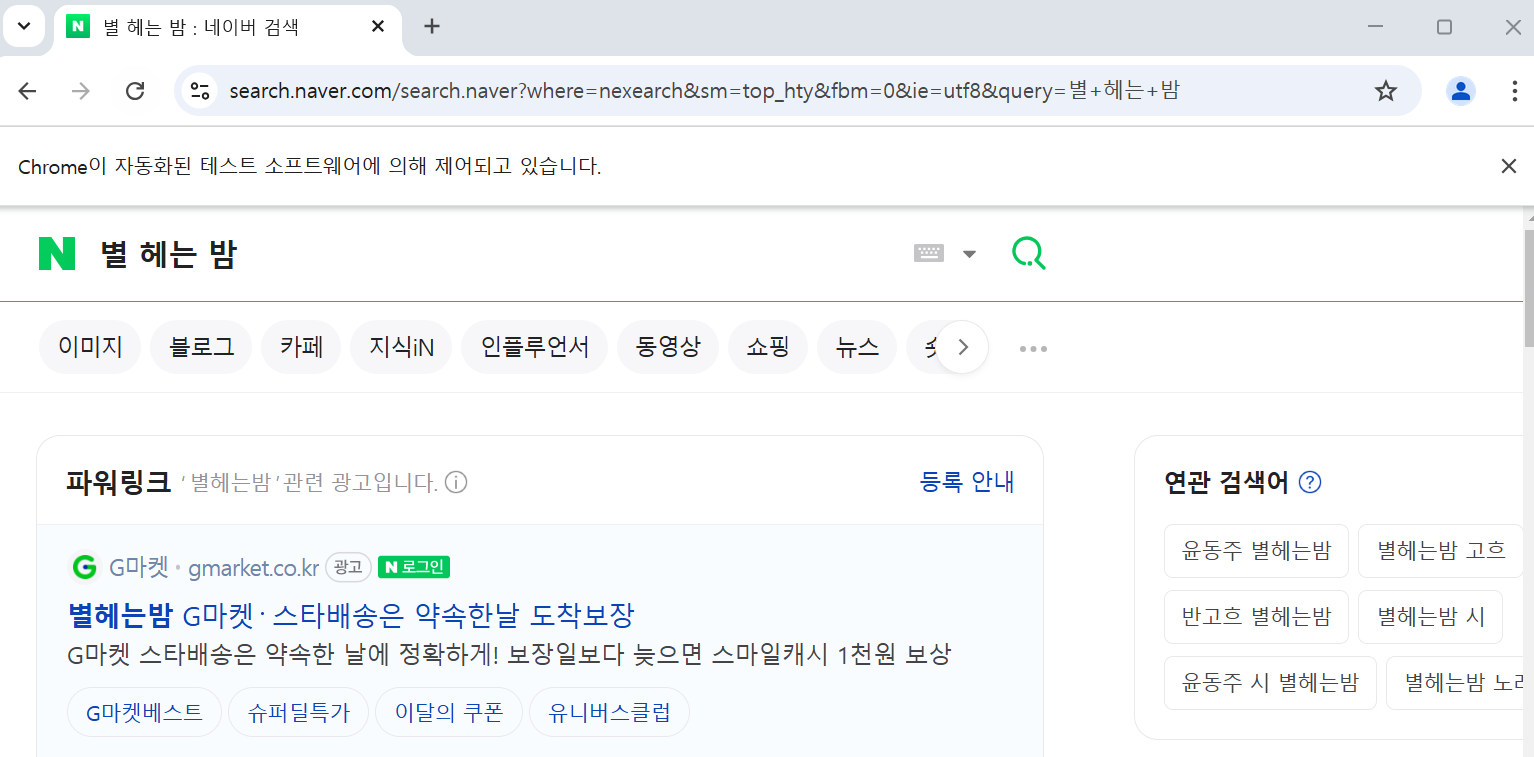
search_bar.send_keys("별 헤는 밤")
search_bar.send_keys(Keys.ENTER)- find_element(element, value) : 해당 값이 일치하는 첫번째 요소를 찾음
- By.element : 요소를 지정함 (By 모듈을 import해야지 사용할 수 있음)
- send_keys(내용 or Keys.키보드 값) : 안의 내용을 입력함
해당 검색 결과 화면에 있는 모든 a 태그 가져오기
from selenium import webdriver
from selenium.webdriver.chrome.service import Service as ChromeService
from webdriver_manager.chrome import ChromeDriverManager
from selenium.webdriver.chrome.options import Options
from selenium.webdriver.common.by import By
from selenium.webdriver.common.keys import Keys

chrome_options = Options()
chrome_options.add_experimental_option("detach", True)

browser = webdriver.Chrome(service=ChromeService(ChromeDriverManager().install()), options=chrome_options)
browser.get("https://www.naver.com")

search_bar = browser.find_element(By.ID, "query")
search_bar.send_keys("별 헤는 밤")
search_bar.send_keys(Keys.RETURN)

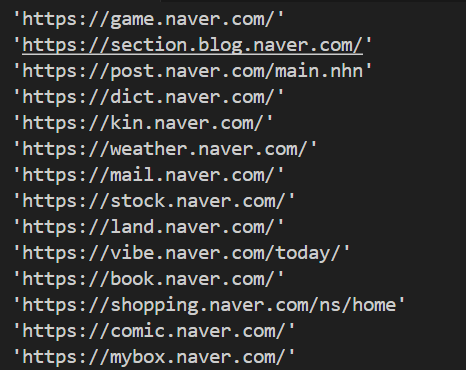
link = browser.find_elements(By.TAG_NAME, "a")
for l in link:
l.get_attribute("href")- find_elements(element, value) : 해당 값이 일치하는 모든 요소를 찾음
- .get_attribute(속성) : 해당 속성 값을 가지고 옴
다른 브라우저로 이동하여 검색창 사용하기 (XPATH 사용하기)
from selenium import webdriver
from selenium.webdriver.chrome.service import Service as ChromeService
from webdriver_manager.chrome import ChromeDriverManager
from selenium.webdriver.chrome.options import Options
from selenium.webdriver.common.by import By
from selenium.webdriver.common.keys import Keys

chrome_options = Options()
chrome_options.add_experimental_option("detach", True)

browser = webdriver.Chrome(service=ChromeService(ChromeDriverManager().install()), options=chrome_options)
browser.get("https://www.naver.com")

browser.get("https://www.daum.net")

daum_search_bar = browser.find_element(By.NAME, "q")
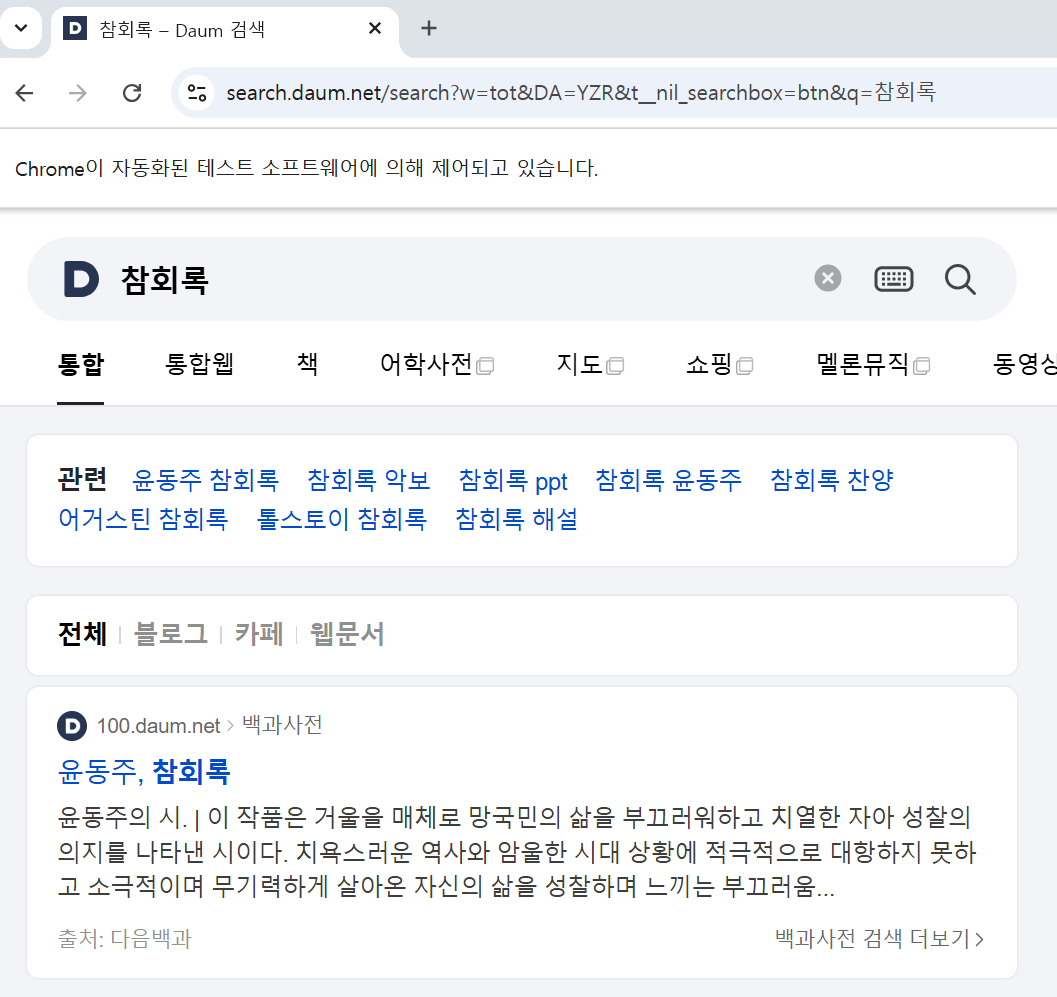
daum_search_bar.send_keys("참회록")

daum_search_button = browser.find_element(By.XPATH, "//*[@id='daumSearch']/fieldset/div/div/button[3]") # " -> '로 수정
daum_search_button.click()- .click() : 요소에 해당되는 것을 클릭함
브라우저 끄기
from selenium import webdriver
from selenium.webdriver.chrome.service import Service as ChromeService
from webdriver_manager.chrome import ChromeDriverManager
from selenium.webdriver.chrome.options import Options

chrome_options = Options()
chrome_options.add_experimental_option("detach", True)

browser = webdriver.Chrome(service=ChromeService(ChromeDriverManager().install()), options=chrome_options)
browser.get("https://www.naver.com")

browser.quit()- .quit() : 모든 session을 종료함
로그인 하고 html 파일 가져오기
from selenium import webdriver
from selenium.webdriver.chrome.service import Service as ChromeService
from webdriver_manager.chrome import ChromeDriverManager
from selenium.webdriver.chrome.options import Options
from selenium.webdriver.common.by import By

chrome_options = Options()
chrome_options.add_experimental_option("detach", True)

browser = webdriver.Chrome(service=ChromeService(ChromeDriverManager().install()), options=chrome_options)
browser.get("https://www.naver.com")

login_button = browser.find_element(By.CSS_SELECTOR, ".MyView-module__link_login___HpHMW")
login_button.click()

browser.find_element(By.ID, "id").send_keys("wrong_id")
browser.find_element(By.ID, "pw").send_keys("wrong_passwd")
browser.find_element(By.ID, "log.login").click()

time.sleep(3)

browser.find_element(By.ID, "id").clear()
browser.find_element(By.ID, "id").send_keys("correct_id")
browser.find_element(By.ID, "pw").send_keys("correct_passwd")
browser.find_element(By.ID, "log.login").click()

print(browser.page_source) # 현재 페이지에 있는 모든 html 파일을 출력함

#browser.quit()- clear() : 해당하는 것에 있는 내용을 모두 삭제함
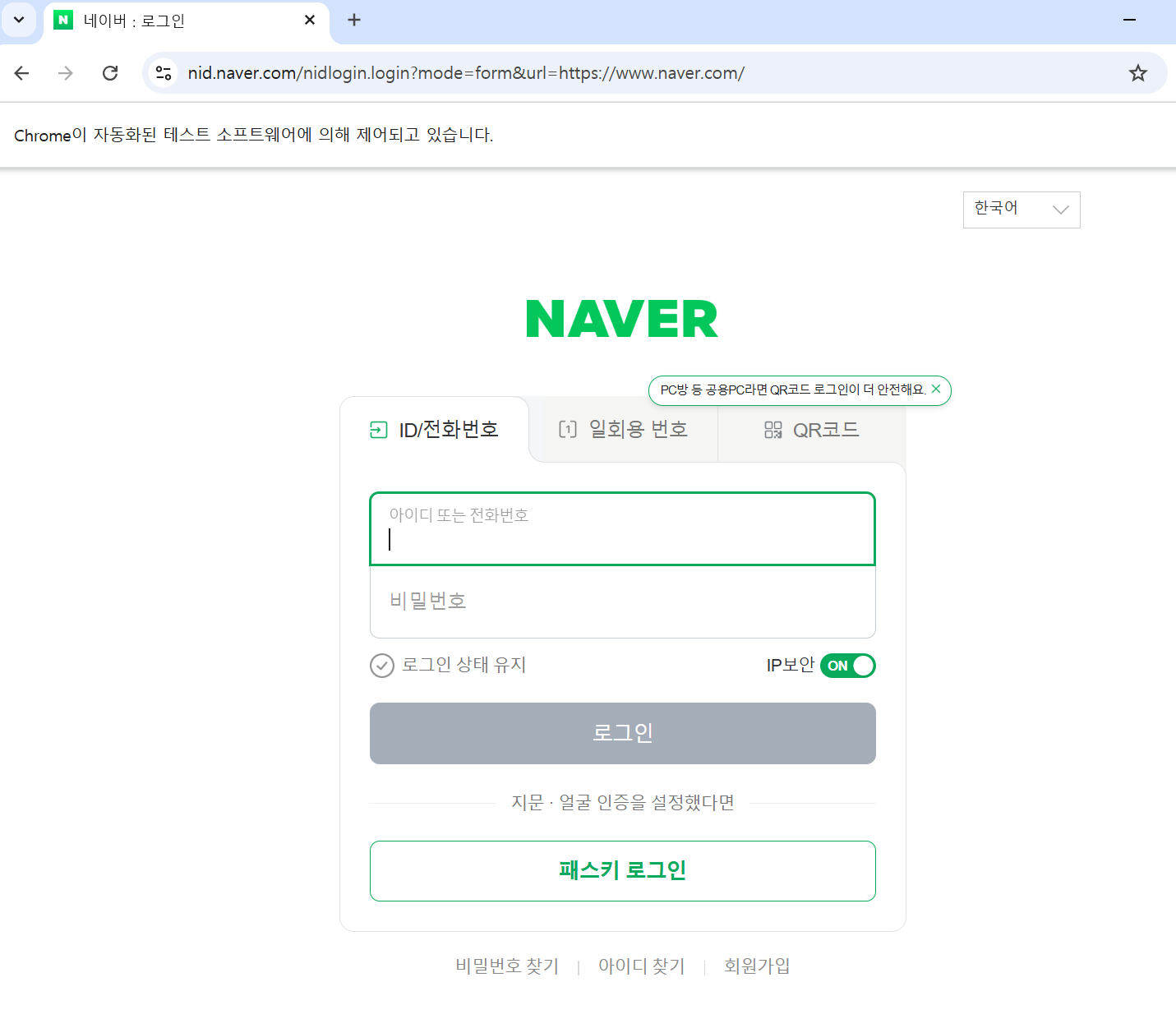
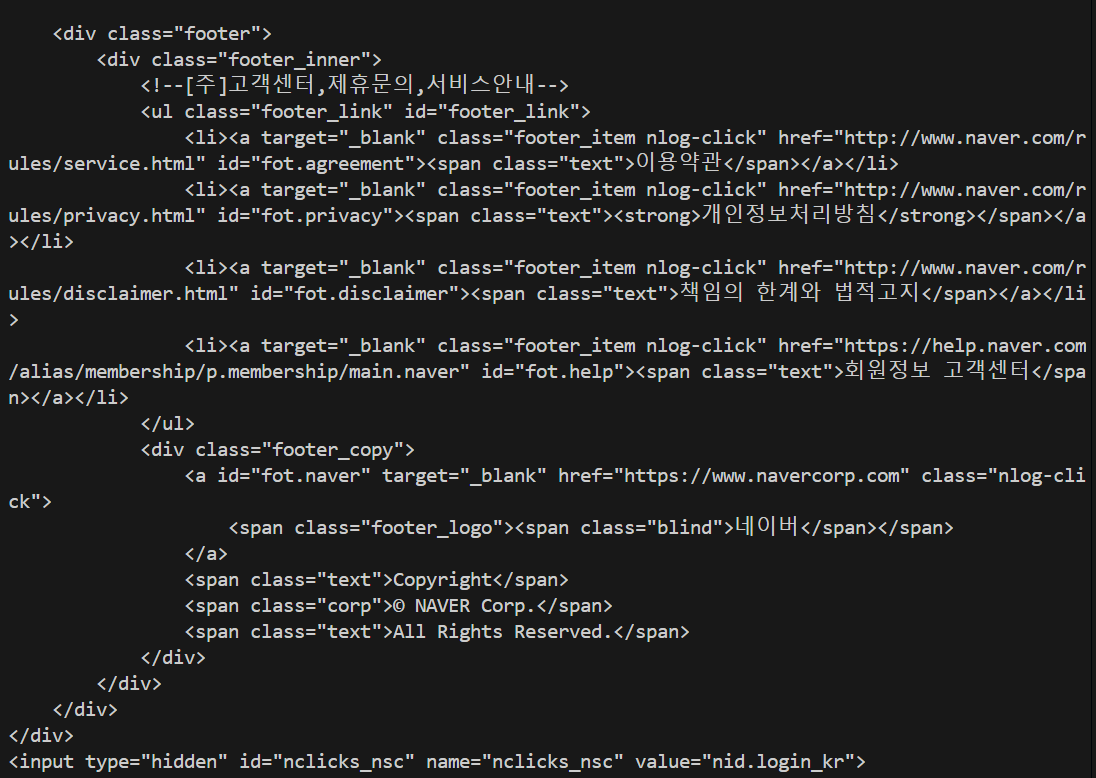
※ 네이버 자동 인증 방지 기능으로 인해 로그인이 되지 않음
2. Selenium 활용
예제 (네이버 항공권)
한달 살기를 위해서 10.27에 인천에서 출발하고 11.28에 바르세로나에서 출발하는 비행기 표를 검색하기
from selenium import webdriver
from selenium.webdriver.chrome.service import Service as ChromeService
from webdriver_manager.chrome import ChromeDriverManager
from selenium.webdriver.chrome.options import Options
from selenium.webdriver.common.by import By
from selenium.webdriver.support.ui import WebDriverWait
from selenium.webdriver.support import expected_conditions as EC
import time

chrome_options = Options()
chrome_options.add_experimental_option("detach", True)

browser = webdriver.Chrome(service=ChromeService(ChromeDriverManager().install()), options=chrome_options)
browser.maximize_window() # 창 최대화
browser.get("https://flight.naver.com")

depart_date = browser.find_element(By.XPATH, '//button[text() = "가는 날"]')
depart_date.click()

time.sleep(1)
start_day = browser.find_elements(By.XPATH, '//b[text() = "27"]')
start_day[8].click() # 글을 작성할 때는 2월이므로 2월이 [0]에 해당 됨

end_day = browser.find_elements(By.XPATH, '//b[text() = "28"]')
end_day[9].click()

arrival = browser.find_element(By.XPATH, '//b[text() = "도착"]')
arrival.click()

time.sleep(1)
barcelona = browser.find_element(By.XPATH, '//button[contains(text(), "바르셀로나")]')
barcelona.click()

search = browser.find_element(By.XPATH, '//span[contains(text(), "항공권 검색")]')
search.click()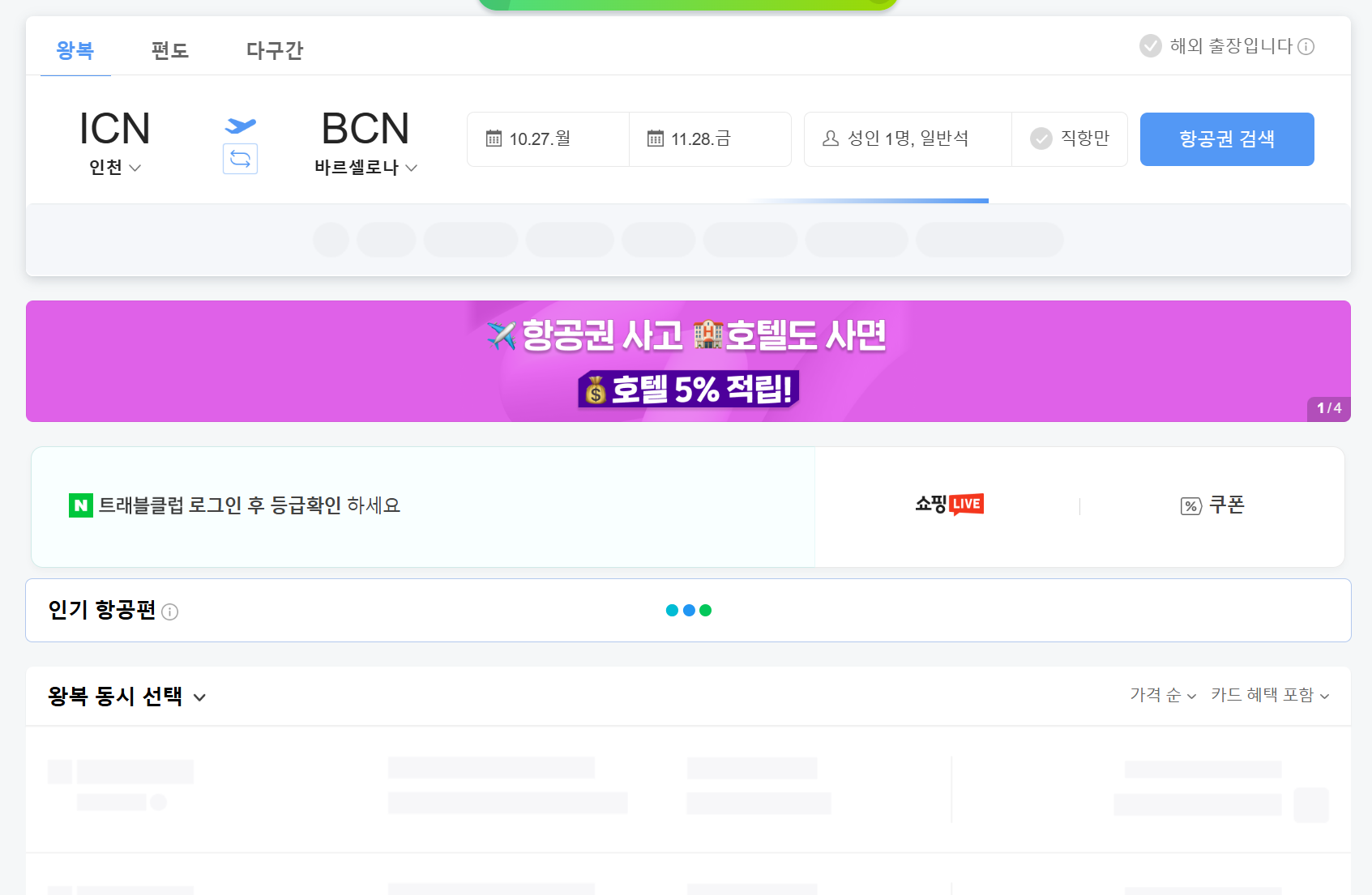

코딩하는 찍찍이 🐀