기본적인 프로필 페이지 만들기
간단한 스타일 넣는 법
<p style="font-size : 20px; color : red"> 글자 </p>-> 스타일 여러 개 적용 시, 세미콜론 필수!
자주 사용하는 스타일
font-size : 20px;
font-family : 'gulim';
color : black;
letter-spacing : -1px; /*글자 간 여백*/
text-align : center;
font-weight : 600;
이미지 가운데 정렬
display : block;
margin-left : auto;
margin-right : auto;
텍스트의 일부만 스타일을 변경하고 싶을 때
<p>안녕하세요 저는 <span style="color : red;">뛰어난</span> 개발자입니다.</p>큰 의미가 없는 span 태그로 감쌈.
(참고) span 태그는 display : inline 이라는 스타일 속성을 내포.
display : inline을 가지고 있는 요소는 폭, 높이 등을 단독으로 결정할 수 없음!
실습 코드
	<img src="profile.png" style="width: 20%;
    border-radius: 70%;
    border: 2px solid black;
    display: block; margin-left: auto; margin-right: auto;">
    <h1 style="text-align: center;">Lee Been</h1>
    <p style="
    text-align: center;
    font-size: 25px;">Front-end Developer</p>
    <p style="text-align: center;
    line-height: 40px;
    width: 400px;
    height: 40px;
    font-size: 18px;
    background-color: #F0F8FF;
    margin-left: auto; margin-right: auto;">안녕하세요, 이빈입니다. 웹개발 공부 중입니다.
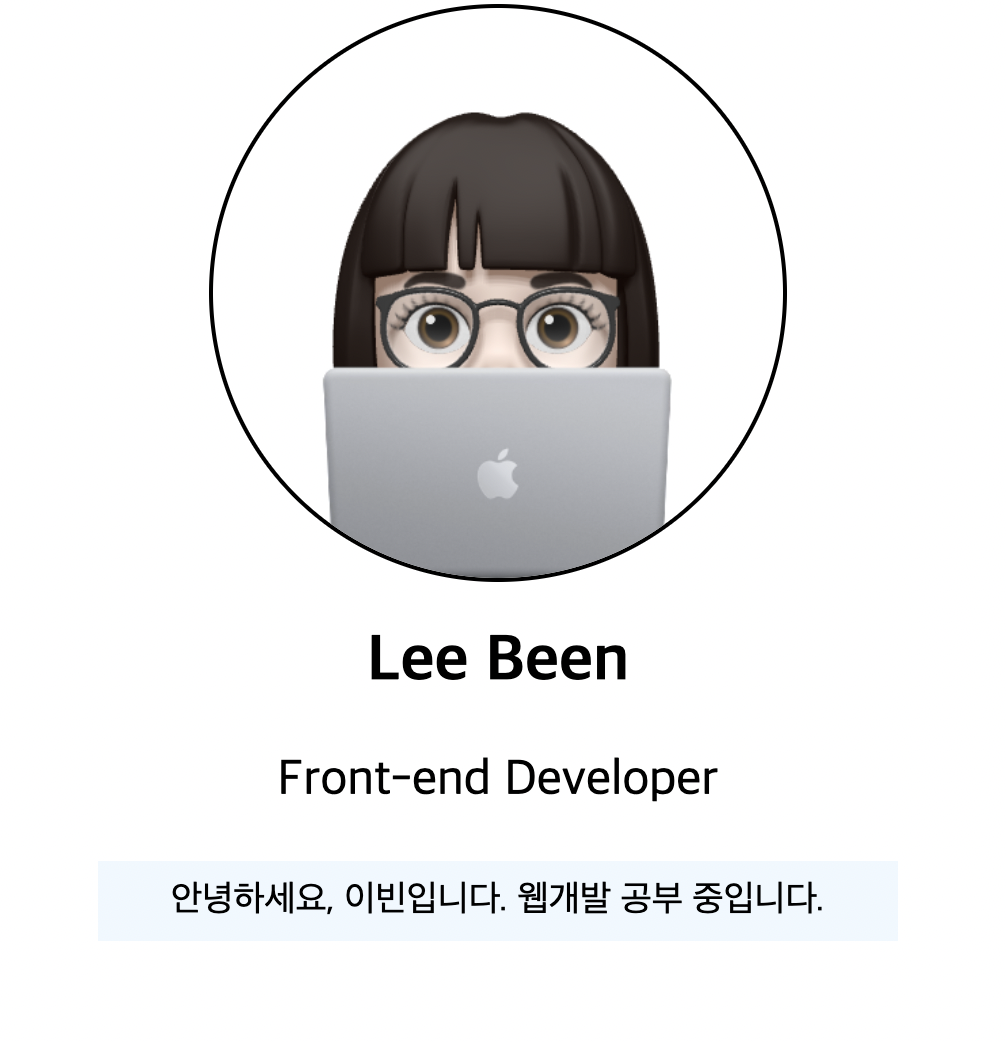
</p>- 이미지 넣고 border-radius: 70% 로 이미지 둥글게 만들기.
- 이미지 굵기 주기
- text-align으로 가운데 정렬
결과
🔗 링크
https://studyprofile.leebin0603.repl.co