AWS SSH

How to connect to the inside of instance to perform maintenance and actions?
Command Line Interface Utility
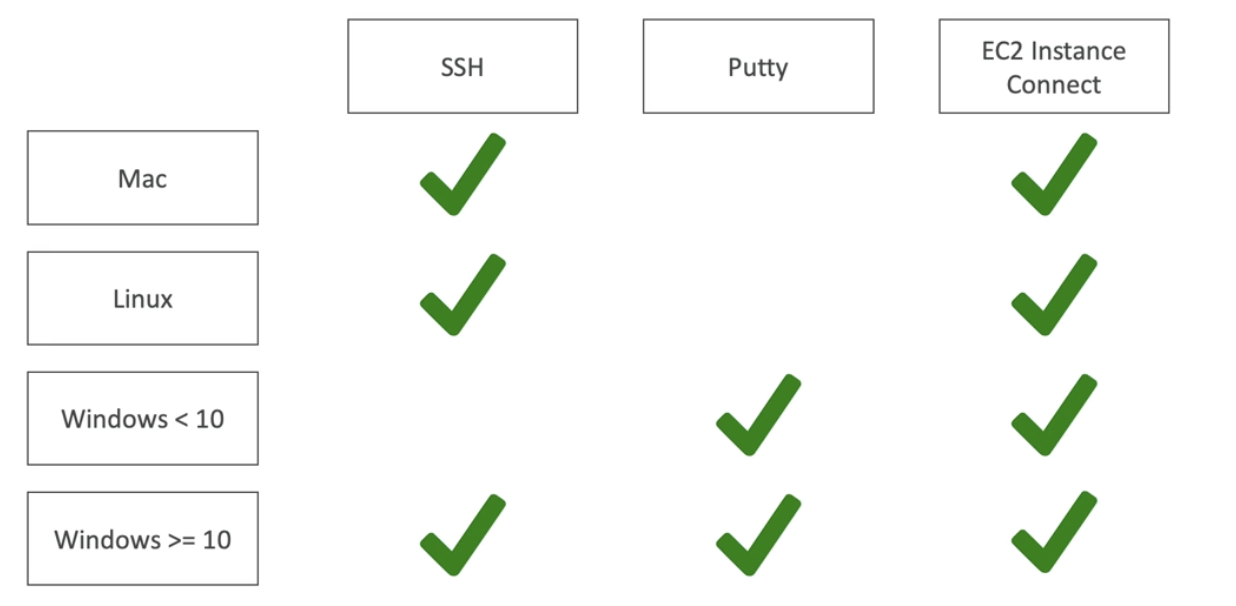
SSH in Linux / Mac
- SSH allows you to control a remote machine using the command line
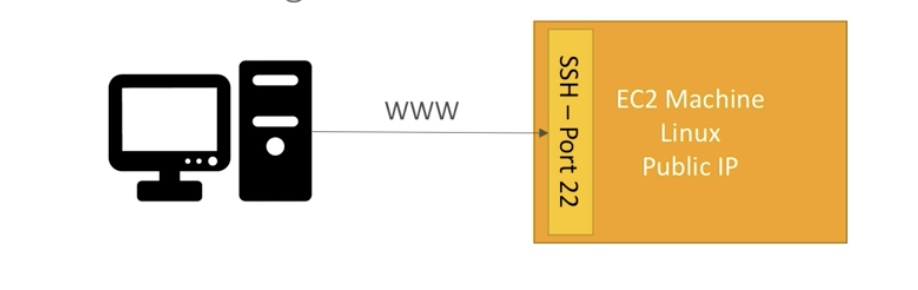
- A local machine controls it through web port 22
- Command line interface is going to be just as if we are inside the remote machine
ssh -i XXX.pem ec2-user@x.xxx.xx.xxx
- The command should be executed where .pem file is located
- -i: identity file
- ec2-user: Amazon has already set up this user
- @x.xxx.xx.xxx: Public IP of a instance we are trying to access

- .pem should have limited permission
- 0644: can read and write the file or directory and other users can only read it
chmod 0400 XXX.pem
- 0400: owner has read permission only
Browser based SSH
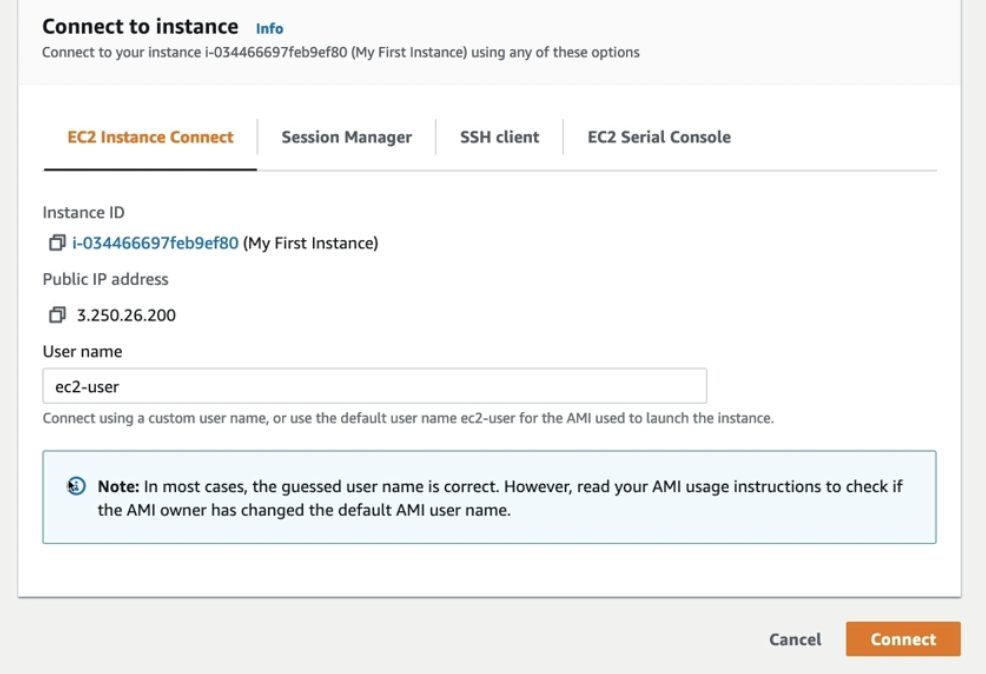
- EC2 Instance Connect
- SSH key is not needed as it uploads temporary key automatically
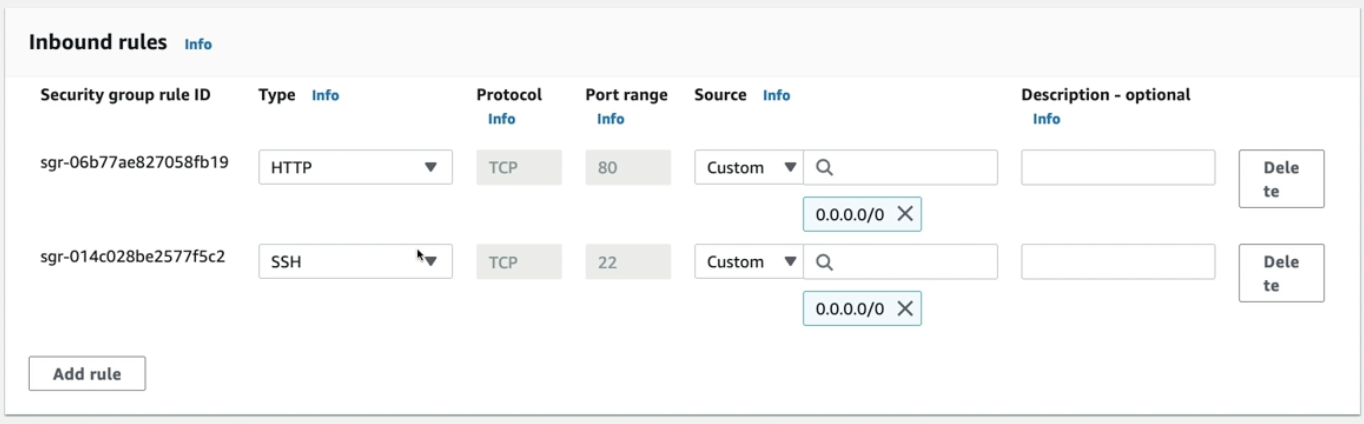
- 22 port must be opened in the inbound rules
Instance Roles
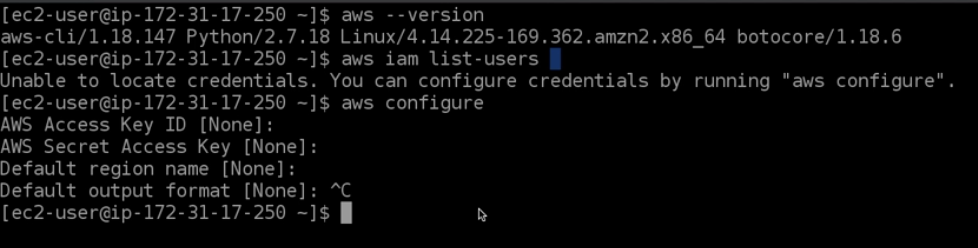
- When using SSH, do not configure credentials through an instance since the values can be retrieved
- Use IAM Roles to give permission to an instance

2023.08.21~