✅ What I did today
- Project BCA
📝 Things I Learned
🏷️ Unity :: Why is SendMessage() slow?
Why is SendMessage() Slow in Unity?
SendMessage() is slow because it uses reflection to call methods at runtime. Here’s why:
-
No Compile-time Method Resolution:
- Unlike direct method calls,
SendMessage()does not know the target method at compile time. Instead, Unity must search for the method by name at runtime, which is significantly slower.
- Unlike direct method calls,
-
Reflection Overhead:
- Unity uses reflection (
System.Reflection) to find and invoke the method dynamically. Reflection is much slower than direct method calls because:- It searches through the component hierarchy.
- It checks if the method exists.
- It invokes the method dynamically.
- Unity uses reflection (
-
Inefficient Parameter Passing:
SendMessage()allows passing a single optional argument of typeobject. Since it uses reflection, it requires boxing/unboxing when dealing with value types, which can slow things down.
-
Applies to All Components in a GameObject:
- It sends the message to all components on the GameObject, meaning that Unity has to iterate over all components and check each one for a matching method, making it even less efficient.
🏷️ Unity 6 Lightmapping Tutorial: Modular Room Workflow
https://www.youtube.com/watch?app=desktop&v=-nqZfFUzAL8
라이팅 베이크했는데 보기 싫은 선 생기면
- Probuilderize
- 겹치는 면 제거
- 다 선택 후 Merge Objects
🎮 Project BCA
Level modeling
- 타일 후보 : https://ambientcg.com/view?id=Tiles040
- 타일 후보 2 : https://ambientcg.com/view?id=Tiles052
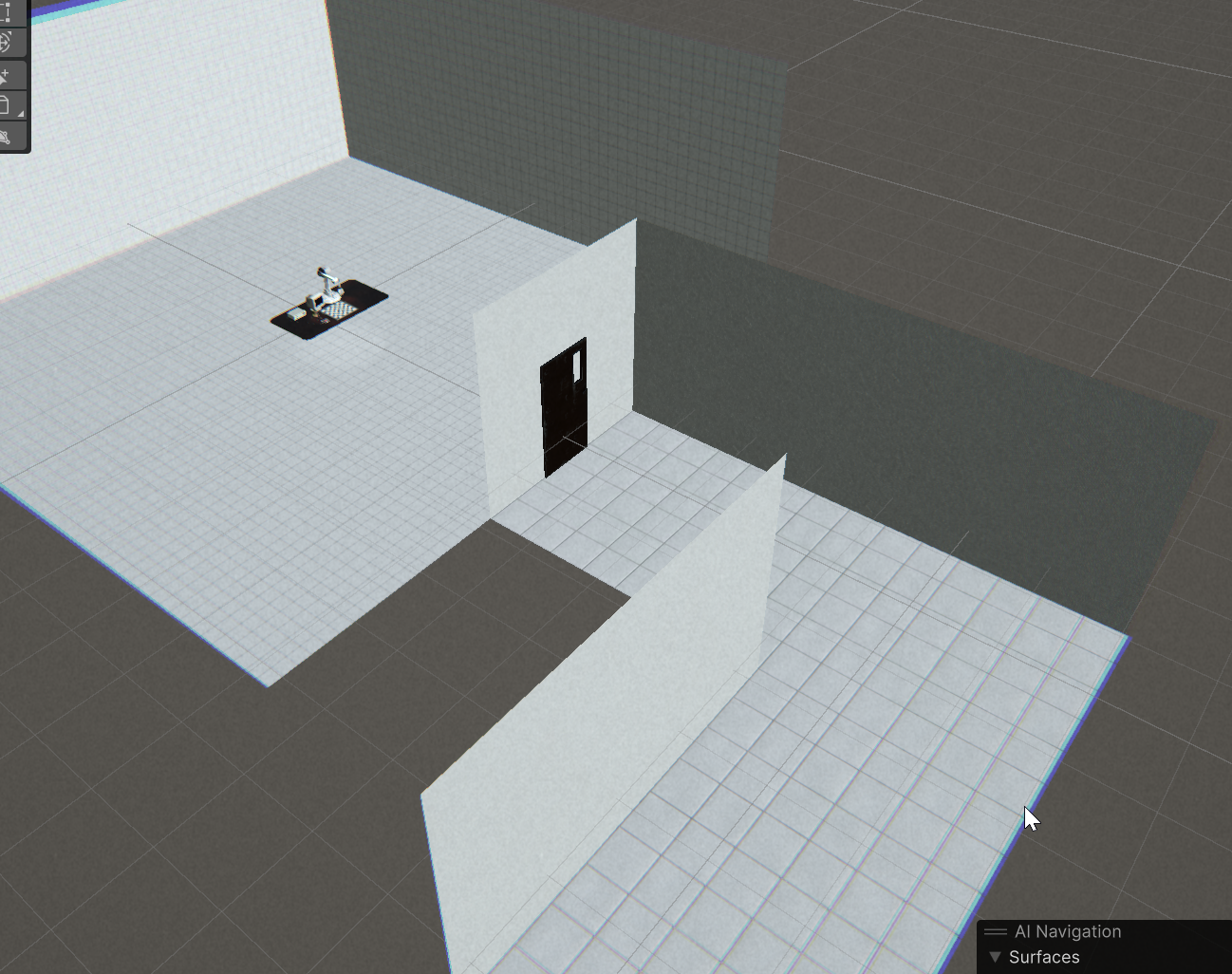
플레이어 크기 1.7을 170cm로 기준으로 두고 측량을 잘 해보려고 다시 만들었는데,
만들면서 정보를 더 찾다보니 성능에 아무 의미 없는 짓이라는 걸 알게 됨.
작업만 괜히 한 번 더했다.
Making a metal door
- fbx 열었더니 아무것도 안 보임. Shading에서 노드 연결해도 안 보임. 알고보니 어째선지 alpha 값이 0으로 돼있었음.
- 유리 머테리얼 어쩔 수 없이 하나 추가. 텍스쳐에서 일부만 투명으로 해놓고 UV Edit할 수도 있긴 하겠지만 테스트 해볼 가치가 그렇게 크진 않은듯
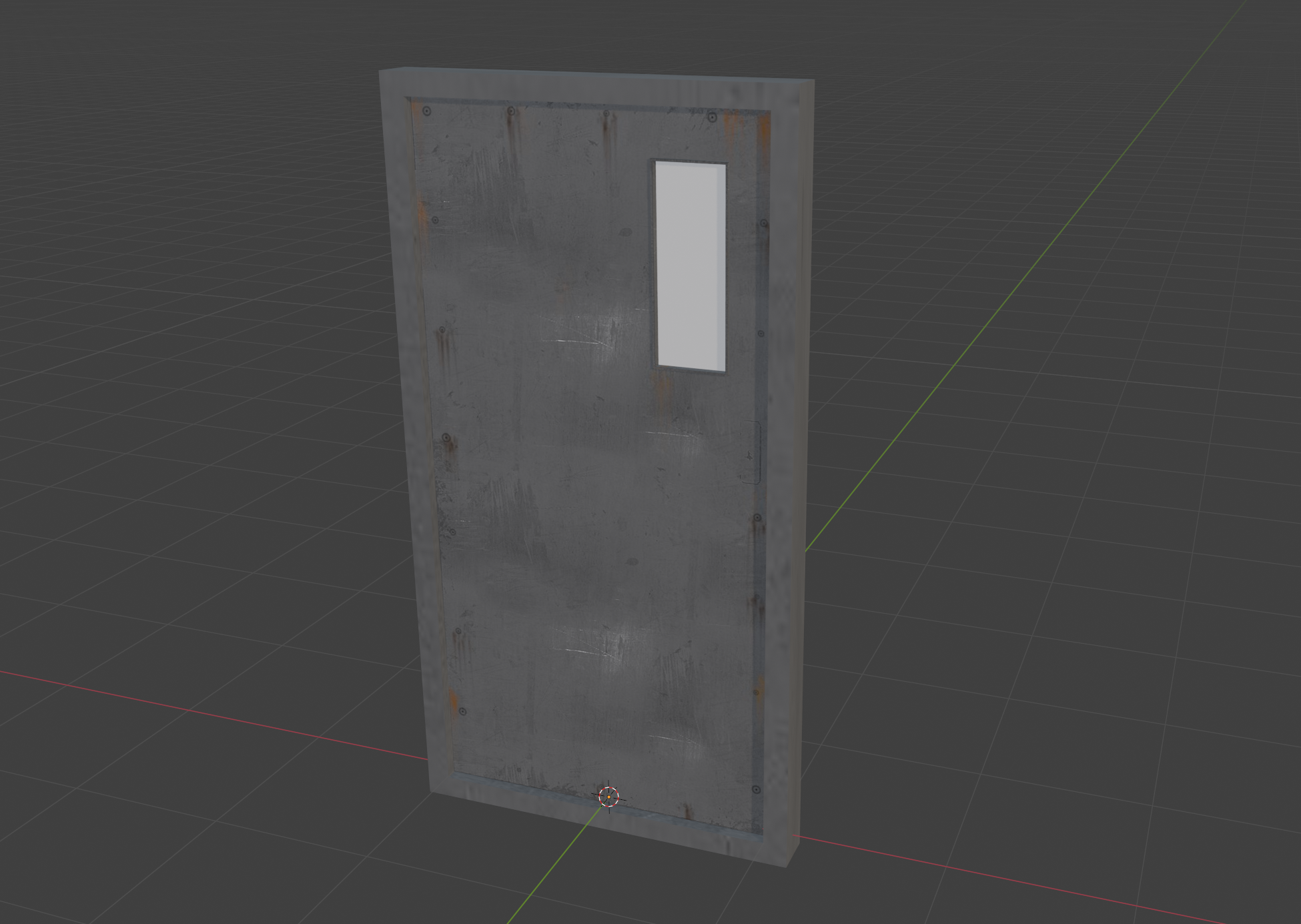
여닫이문을 자동 미닫이문이 될 수 있게 편집
Making a wooden door
Make the door to get light
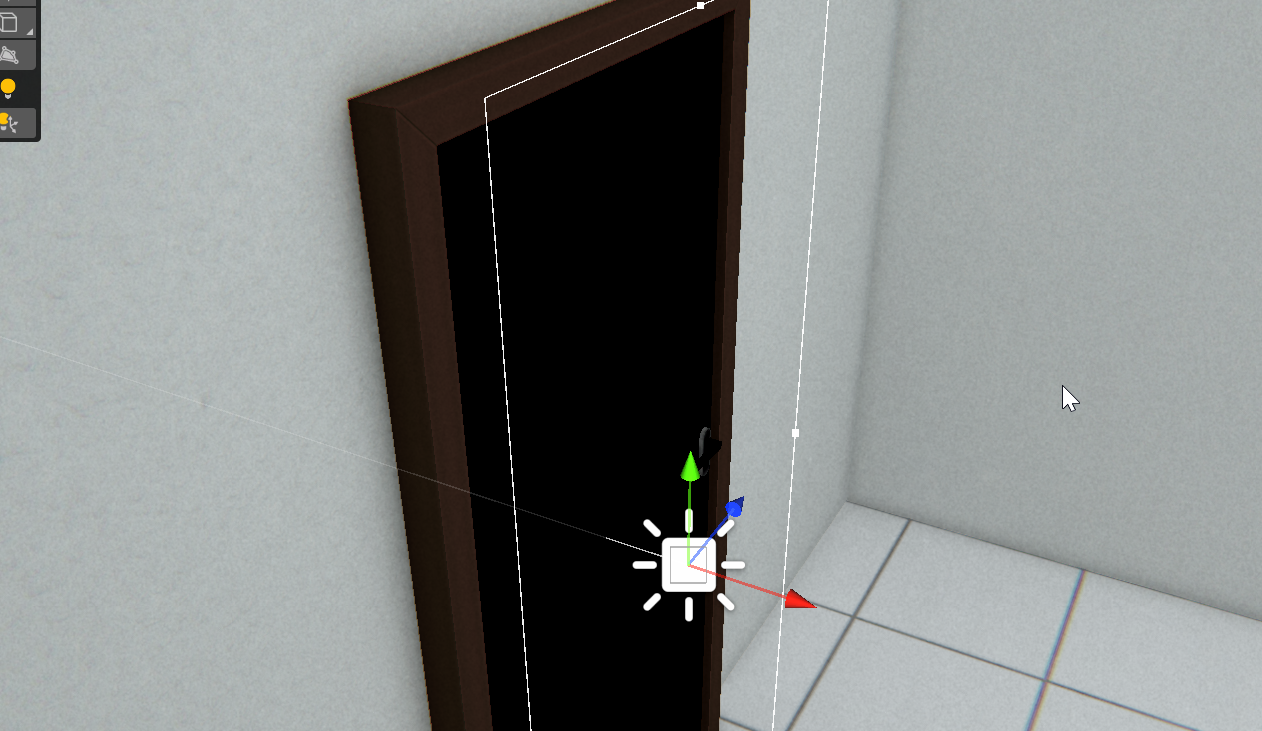

- 문제의 메시(FBX, OBJ 등) 파일을 선택
Inspector창에서Model탭 선택Generate Lightmap UVs체크 활성화 (Mesh Importer설정)
✅ Unity가 자동으로 Lightmap UV를 생성하여 겹치는 문제 해결 가능!
Door knob modeling
문 : https://assetstore.unity.com/packages/3d/props/interior/free-wood-door-pack-280509
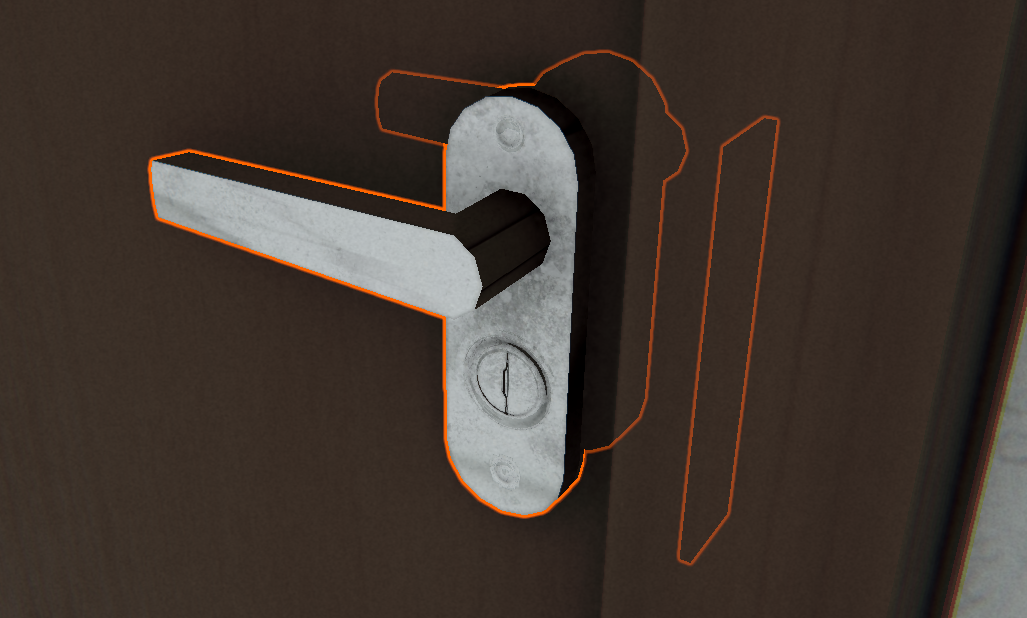
손잡이가 돌아갈 수 있게 분리

하려 했는데 mesh 파일이 안 열림
https://convert3d.org/convert/fbx
dae로 convert 후 blender import하여 매시 분리 후 피벗도 수정

Door stuck animation
    public void OnRaycastHit()
    {
        if (!isMoving)
        {
            isMoving = true;
            audioSource.Play();
            Sequence sequence = DOTween.Sequence();
            sequence.Append(
                    door.transform.DOLocalRotate(new Vector3(0, -2, 0), doorTime))
            .Join(handle.transform.DOLocalRotate(new Vector3(0, 0, 35), doorTime))
            .Append(door.transform.DOLocalRotate(Vector3.zero, doorTime))
            .Join(handle.transform.DOLocalRotate(Vector3.zero, doorTime))
            .OnComplete(() => isMoving = false);
        }
    }
rayLength 7
Intro sequence
Player movement
    void Update()
    {
        Vector3 direction = Vector3.zero;

        if (Input.GetKey(KeyCode.W))
        {
            direction += player_vcam.transform.forward;
        }
        if (Input.GetKey(KeyCode.S))
        {
            direction += -player_vcam.transform.forward;
        }
        if (Input.GetKey(KeyCode.A))
        {
            direction += -player_vcam.transform.right;
        }
        if (Input.GetKey(KeyCode.D))
        {
            direction += player_vcam.transform.right;
        }

        direction.y = 0f; // 점프를 구현하지 않는 이상 y 축 이동 방지 (중력 유지)
        direction.Normalize();

        if (direction != Vector3.zero) shakify.Shake();

        characterController.Move(direction * moveSpeed * Time.deltaTime);
    }
cinemachine pan tilt와 character controller 사용
움직이면 shakify 기존 update()문 호출
Opening door
버저 : https://freesound.org/people/hypocore/sounds/164089/
문 열리는 소리 : https://freesound.org/people/Hampusnoren/sounds/564876/
    void OnTriggerEnter(Collider other)
    {
        buzzDelayTime = doorOpenSounds[0].length;
        Sequence doorSequence = DOTween.Sequence();

        doorSequence.AppendCallback(() =>
        {
            audioSource.clip = doorOpenSounds[0];
            audioSource.Play();
        });

        doorSequence.AppendInterval(buzzDelayTime + 0.1f);

        doorSequence.AppendCallback(() =>
        {
            door.DOLocalMoveX(4.3f, doorOpenTime);
            audioSource.clip = doorOpenSounds[1];
            audioSource.Play();
        });

        Destroy(this);
    }
부서지면 바로 회수하게 Dotween 시퀀스 사용
코루틴 쓰면 트리거 여러 번 밟을 수 있게 되는데
따로 플래그 세워서 그거 못하게 하는거 귀찮
