✅ What I did today
- C++ 스크립트를 활용한 언리얼 엔진 5 게임 개발
- Prototyping : P007
📖 C++ 스크립트를 활용한 언리얼 엔진 5 게임 개발
예제를 다운받아서 열어봤는데 별도의 c++을 작성하지 않고 Actor를 override하기만 해서 게임을 만들어놓음
https://github.com/tomlooman/ActionRoguelike 이거 읽어보면 best practices 확인할 수 있을듯
Visual Studio에서 Unreal 폴더 옮기기
선요약 : 폴더 추가하지 말고 visual studio에선 필터로 관리해라
폴더는 탐색기에서 만들어야되고,
클래스는 에디터에서 등록해야 되고,
visual studio에서 할 수 있는건 코드 편집밖에 없다.
파일을 다른 폴더로 옮기는 건 에디터에서 안 해도 된다.
폴더 만들고 파일 옮긴 후엔
해당 언리얼 프로젝트 폴더 가서
sln 삭제한 후에 Generate Visual Studio project files
(추가로 만진게 있거나 이상해졌다면 Intermediate, Binaries까지 삭제)
빌드까지 한 후에 에디터 열기
를 하면 안되는 이유 : include 경로는 자동으로 업데이트되지 않음. 이를 해결하려면 resharper 같은 유료 툴을 써야 함.
💡 Prototyping : P007
Portal
https://youtu.be/cWpFZbjtSQg?si=bk11mGlxkWUCUbs1&t=578
// Sets the thickness of the portal screen so as not to clip with camera near plane when player goes through
void ProtectScreenFromClipping() {
    float halfHeight = playerCam.nearClipPlane * Mathf.Tan(playerCam.fieldOfView * 0.5f * Mathf.Deg2Rad);
    float halfWidth  = halfHeight * playerCam.aspect;
    float dstToNearClipPlaneCorner = new Vector3(halfWidth, halfHeight, playerCam.nearClipPlane).magnitude;

    Transform screenT = screen.transform;
    bool camFacingSameDirAsPortal = Vector3.Dot(transform.forward,
                                                transform.position - playerCam.transform.position) > 0;
    screenT.localScale    = new Vector3(screenT.localScale.x,
                                        screenT.localScale.y,
                                        dstToNearClipPlaneCorner);
    screenT.localPosition = Vector3.forward * dstToNearClipPlaneCorner *
                            (camFacingSameDirAsPortal ? 0.5f : -0.5f);
}
- fieldOfView (FOV) : 세로로 얼마나 보이는지 결정하는 각도
- nearClipPlane : 카메라에서 near clip plane까지의 거리
halfHeight: near clip plane의 세로 반절 높이
- 카메라.aspect : 스크린 너비를 높이로 나눈 값
dstToNearClipPlaneCorner: 카메라에서 스크린 모서리까지의 거리
screenT.localScale = ...: 포탈 스크린(큐브)의 z축 크기를dstToNearClipPlaneCorner만큼 늘린다screenT.localPosition = ...: 큐브를 늘려놨으면 그것의 반절만큼 포탈의 방향 기준 뒤로 빠진다. 플레이어에게는 평면으로 보이도록.
즉, 절두체 피라미드의 잘려진 앞부분만큼 크기를 늘려준다는 의미.
이렇게 하면 코를 박아도 절단면이 보이지 않는다.
양면 모두에서 포탈이 비쳐보인다는 문제가 있다.
뒷면이면 아예 꺼버리는 식으로 해결하기.
강의에선 큐브로 만들어서 유니티 단위를 맞춰줄 필요 없었는데,
직접 만든 모델이다보니 좀 귀찮게 유니티 단위도 맞춰줘야 함.
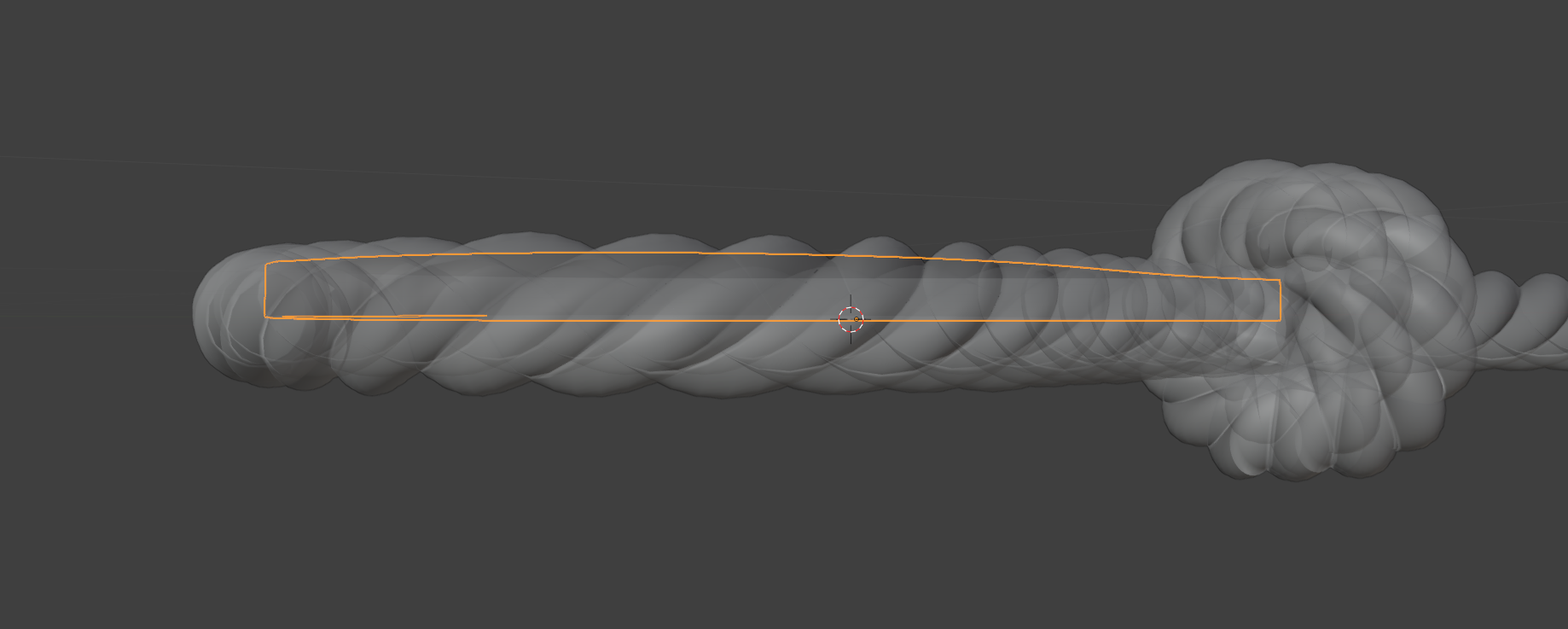
늘린 후에 그대로 적용해봤더니 skybox만 비춤.
UV 문제?
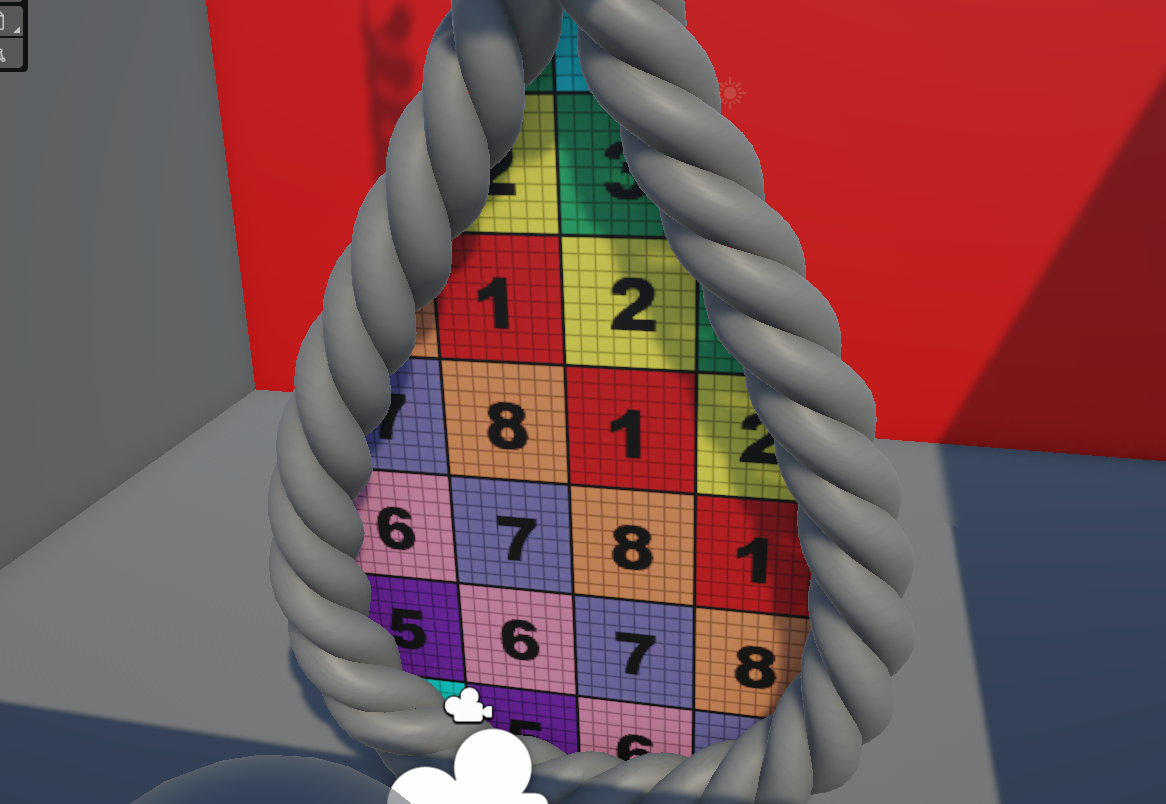
는 아니었다.
평면에서 입체가 되면서 뭔가 문제가 생겼다는 뜻.

cube와 plane을 테스트해봤는데 문제없다.
그거와 별개로 개신기.

얼핏 보였는데, 포탈 부분만 이상하게 skybox가 뚫려보인다.
반대편 포탈에서 튀어나온 부분이 skybox를 비추고 있기 때문.
뒷면일 때 꺼버리는 로직 적용하면 해결될듯.
    void Update()
    {
        bool camFacingSameDirAsPortal = Vector3.Dot(transform.forward, transform.position - otherPortalCam.transform.position) < 0;

        if (camFacingSameDirAsPortal) mr.enabled = true;
        else mr.enabled = false;
    }
near clip plane을 0.1로 줄이고
portal renderer의 z축 scale도 적절히 늘려서 해결 완료
smooth한 포탈 구현 끝
이 아니라 near plane 더 줄여야 됨.
뒷면일 때 꺼버리는 로직도 자리 옮기니까 망가짐.
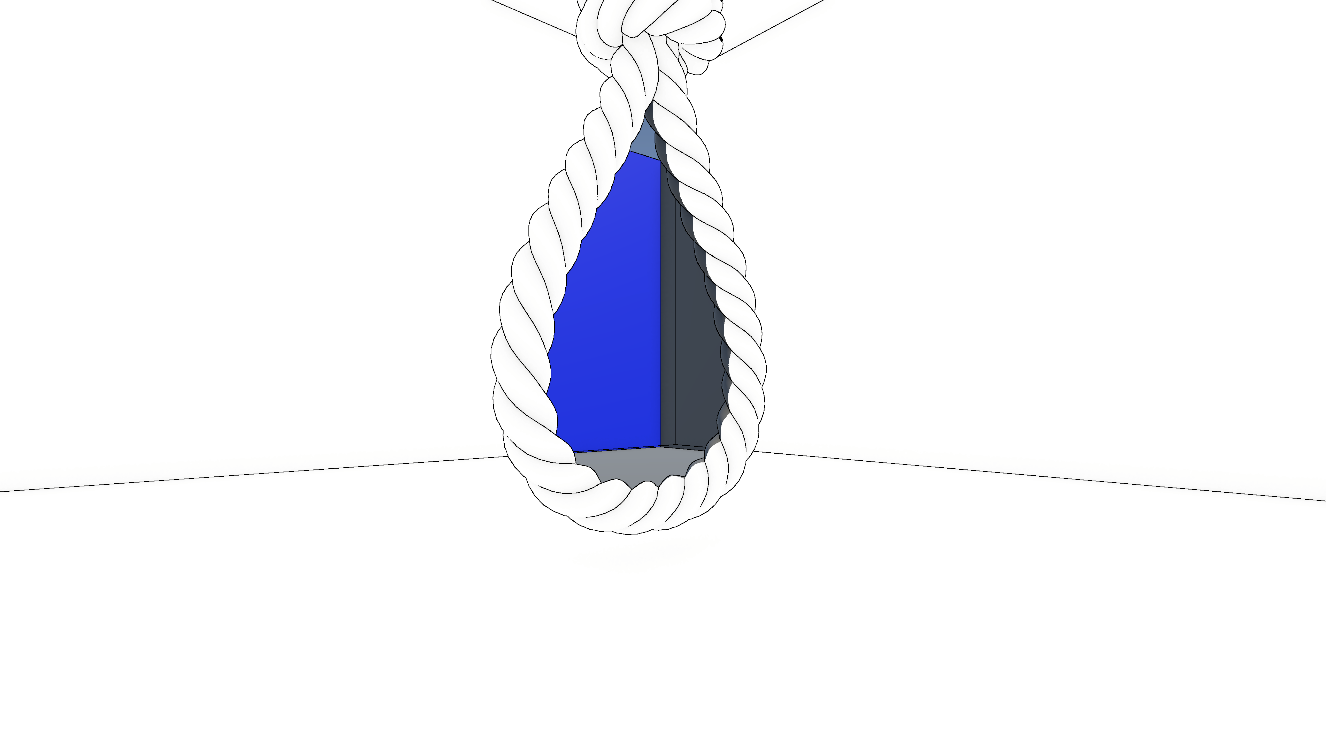
보기 이상하면 슬슬 유기하려고 했는데
셰이더 넣어보니까 그럴듯해서 계속 해보기로
🎨 Art Practice : Drawing