6/12 Git TIL
How to use Git
Headings
To create a heading, add number signs (#) in front of a word or phrase. The number of number signs you use should correspond to the heading level. For example, to create a heading level three (
), use three number signs (e.g., ### My Header).
Heading level 1
Heading level 2
Heading level 3
Heading level 4
To turn texts bold:
Use **
I just love bold text**.
Italic:
* : Italicized text is the cat's meow*.
_ : Italicized text is the _cat's meow.
Italic Best Practices
Markdown applications don’t agree on how to handle underscores in the middle of a word. For compatibility, use asterisks to italicize the middle of a word for emphasis.
✅ Do this ❌ Don't do this
Acatmeow A_cat_meow
Windows에서 Gitbit 사용한다
Linux 명령어
cd:경로
vd: 경로 장소
touch: file 만들 때 쓴다
rm : 지우고 싶은 file name을 쓰면 된다
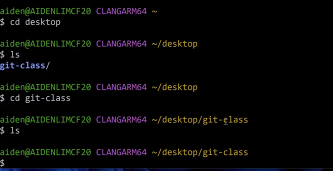
file에 Space 넣지 말고 한글 넣지 마라
Repository: 저장소
Git: folder 단위로 동작
desktop에서 말고 폴더에서 하기
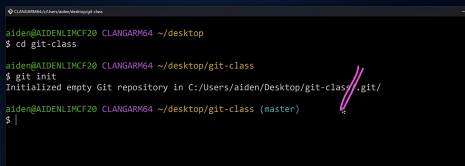
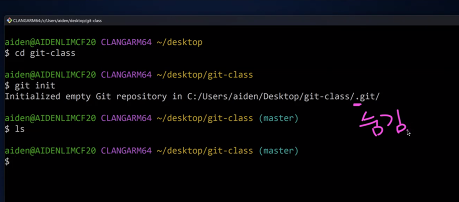
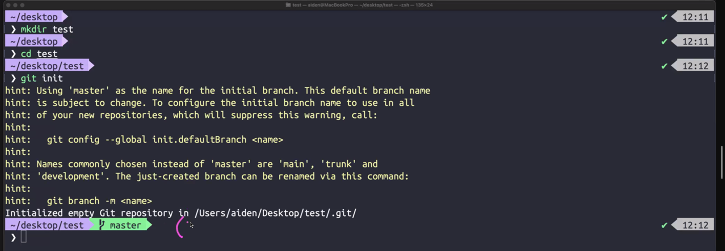
main이라고 떠도 아무 상관 없다