배열에서 data 존재 여부 알아보기
🔓 결과
🔑 코드
<script>
        let arr = ["Hello", 10, 32.6, true];

        // result();
        let data = 32.5
        let data2 = 32.6

		// indexOf() : 배열의 값을 아는 경우에 해당 배열이 몇번째 인덱스 인지 확인
        /* arr.indexOf(100) : -1 (= 없는 값은 -1) ; 개발자도구 console 에서 확인가능*/
        function find (array, value){
            let indexNum = array.indexOf(value);
            if (indexNum == -1){
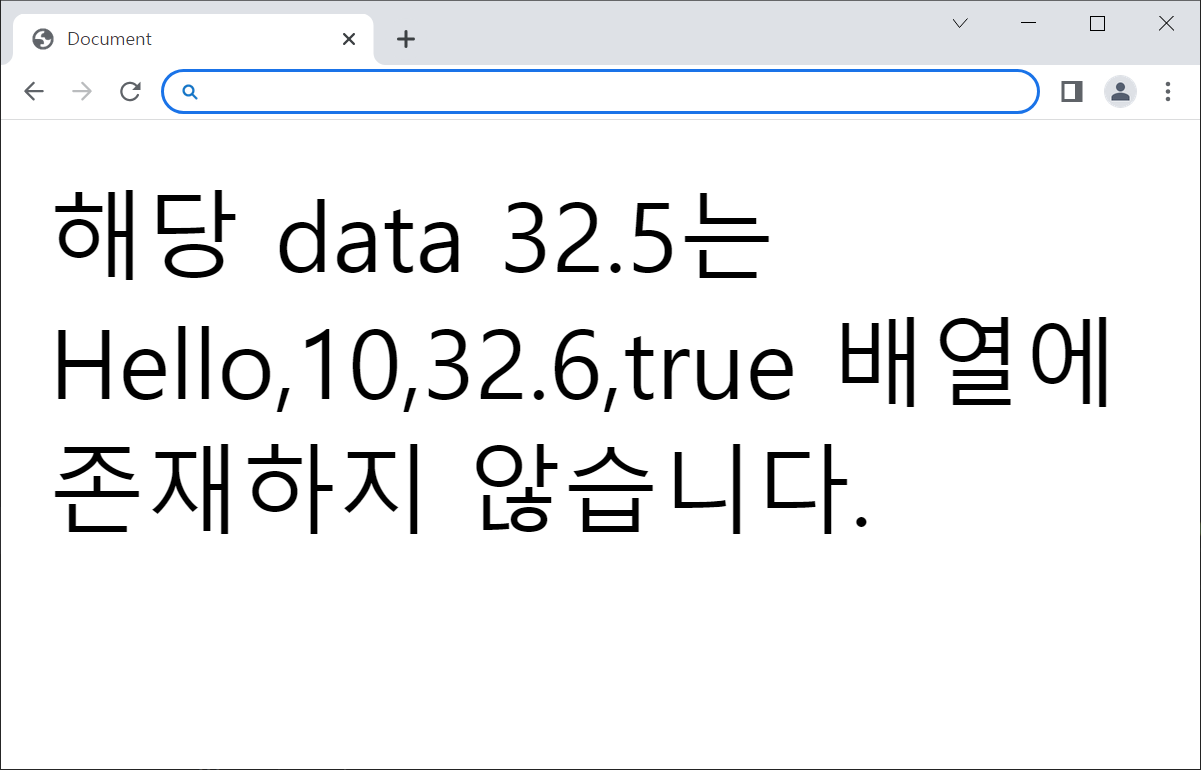
                document.write("해당 data " + value + "는 "+ array + " 배열에 존재하지 않습니다.")
            } else {
                document.write( array + " 배열에서" + value + " 는" + indexNum +" 번 인덱스에 있습니다.")
            }
        }

        find(arr, 32.5);

</script>
배열에서 이름찾기
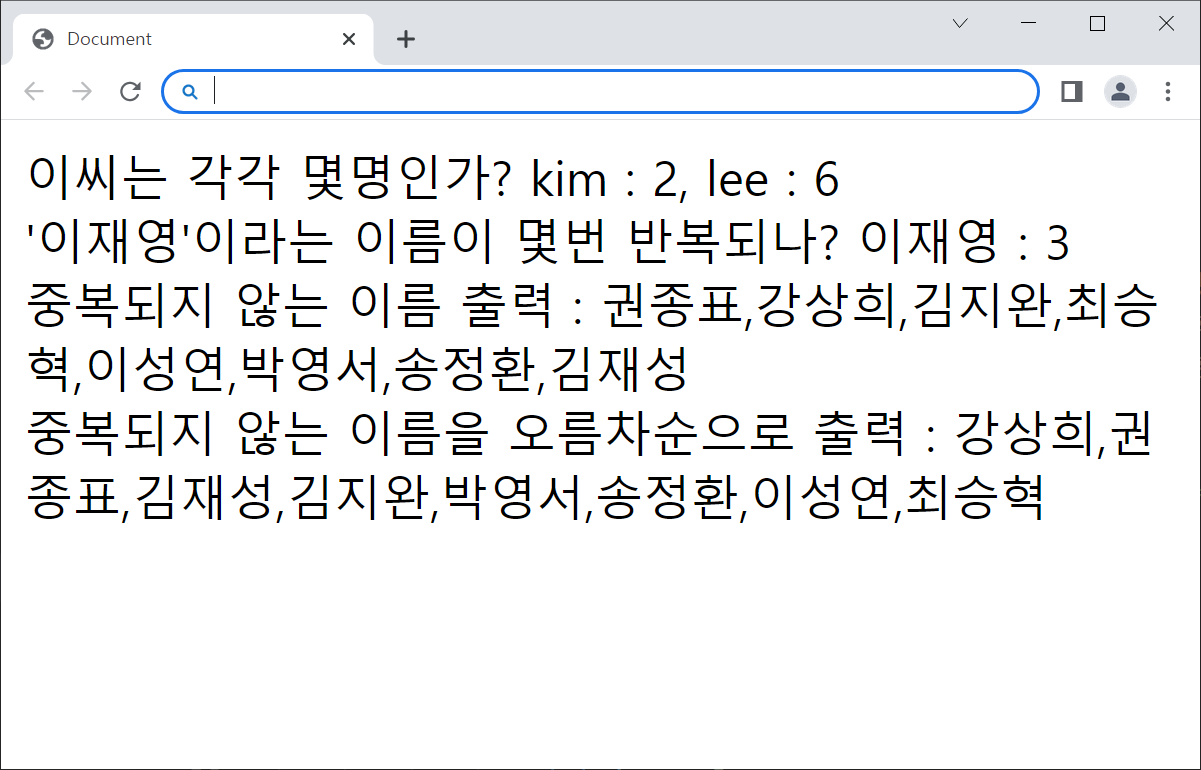
- 김씨와 이씨는 각각 몇명인가?
- "이재영"이라는 이름이 몇번 반복되나?
- 중복되지 않는 이름 출력
- 중복되지 않는 이름을 오름차순으로 출력
🔓 결과
🔑 코드
    <script>

            let s = ['이유덕', '이재영', '권종표', '이재영',
            '박민호', '강상희', '이재영', '김지완', '최승혁',
            '이성연', '박영서', '박민호', '전경헌', '송정환',
            '김재성', '이유덕', '전경헌'];

            // s[0] = '이유덕', s[0][0] = '이', s[0][1] = '유' s[0][2] = '덕'
            //1-1.
            document.write("이씨는 각각 몇명인가? ");

            function naming1(){
                let kim = 0;
                let lee = 0;

                for (let i = 0; i<s.length; i++ ){
                    if( s[i][0] == '이') lee++;
                    if( s[i][0] == '김') kim++;
                }

                return document.write("kim : " + kim + ", lee : " + lee);

            }

            naming1();

            document.write("<br>")

             //
            document.write("'이재영'이라는 이름이 몇번 반복되나? ");

            function naming2(param){
                let count = 0;
                let name = param

                for (let i = 0; i<s.length; i++ ){
                    if( s[i] == name) count++;
                }

                return document.write(name +" : " + count);
            }

            naming2("이재영");

            document.write("<br>");

            //
            document.write("중복되지 않는 이름 출력 : ");

            function naming3(){
                let uniq = [];

                for(let i = 0; i < s.length ; i++){
                    let uni_count = 0;

                    for (let j = 0 ; j < s.length ; j++){
                        // i와 j가 같으면 uni_count 1씩 증가
                        if(s[i] == s[j]) uni_count++;
                    }

                    if( uni_count < 2 ) {
                        uniq.push(s[i]);
                    }
                }

                return uniq;
            }

            document.write(naming3());

            document.write("<br>");

            //
            document.write("중복되지 않는 이름을 오름차순으로 출력 : ");
            function naming4(){
                    return naming3().sort();
            }

            document.write(naming4());

            document.write("<br>");

    </script>
요일을 담고 있는 배열 만들기
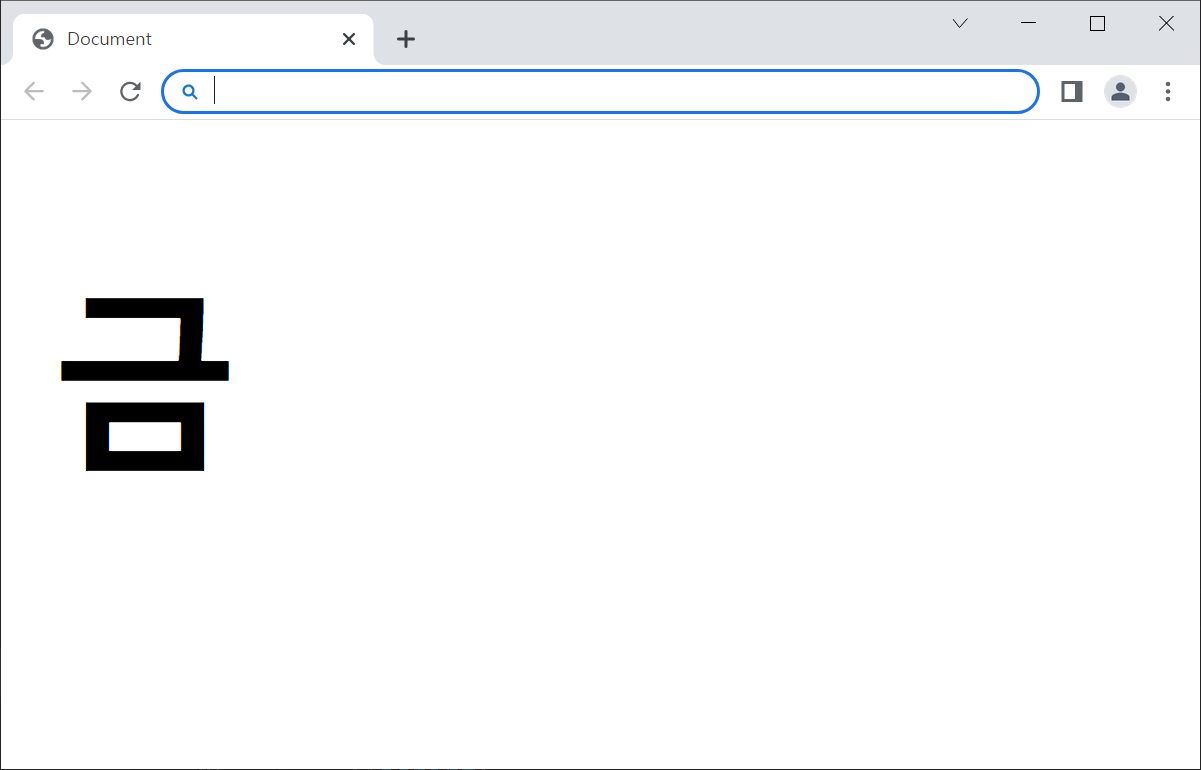
- 현재 요일 출력
🔓 결과
🔑 코드
        let days = ["일", "월", "화", "수", "목", "금", "토"]

        let mydate = new Date();

        let i = mydate.getDay();
        let day = days[i];
        document.write("<h1>"+ day + "</h1>");
두 날짜차이 구하기
-
TimeStamp는 1970년 1월 1일 자정부터 지금까지 지난 시각을 초 단위로 바꾼 값
-
javascript에서는 getTime() 함수를 통해 Date객체가 담고 있는 시각을 1/1000초 단위의 TimeStamp형태로 변환하여 리턴
-
두 개의 Date 객체를 각각 TimeStamp로 변환하여 큰 값에서 작은 값을 뺀 후에, 이 값을 (24시간 60분 60초 * 1000) 으로 나누면 두 객체 사이의 날짜 차이값을 알 수 있음
-
나눈 값은 소수점 임하는 절단해야 함. 두 객체 사이의 차가 3.5일로 계산된 경우, 3일, 5시간을 의미하는 데, 4일로 판단하지는 않기 때문
🔓 결과
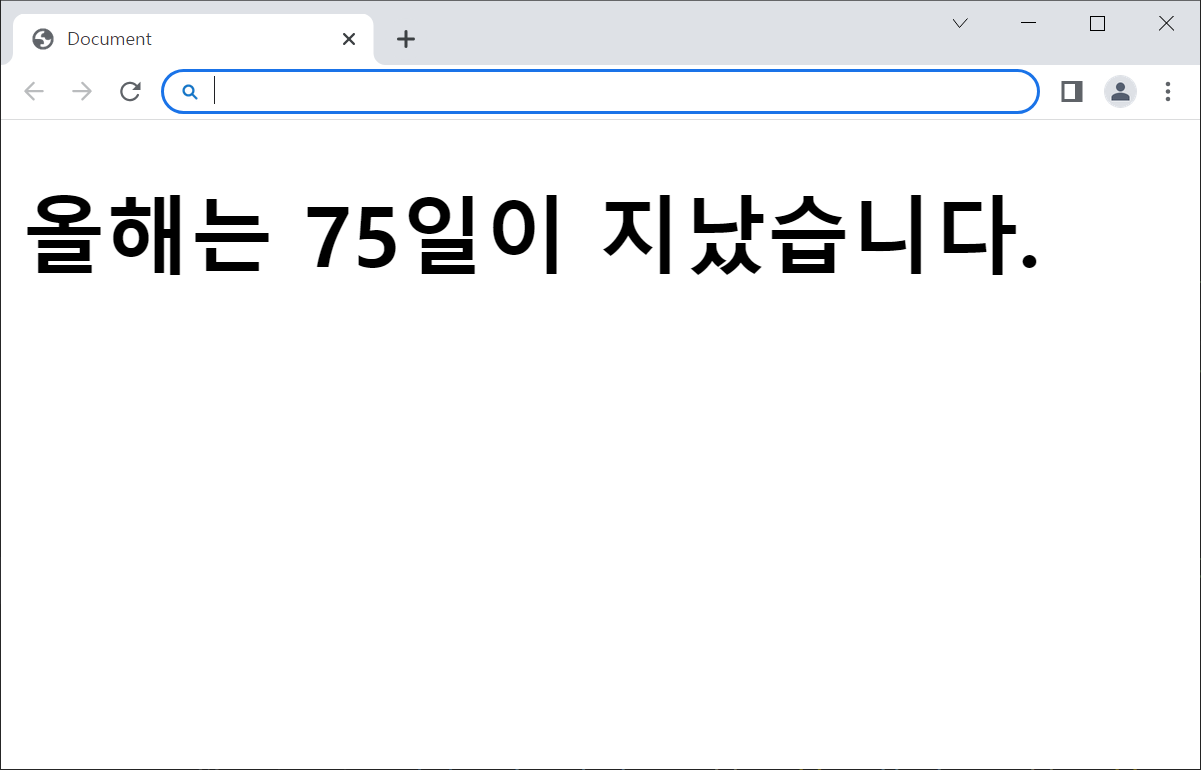
🔑 코드
	<script>
        let theday = new Date(2023, 0, 1);
        let today = new Date();
        let cnt = today.getTime() - theday.getTime();

        let day = Math.floor(cnt / (24*60*60*1000));
        document.write("<h1>올해는 " + day + "일이 지났습니다.</h1>");
    </script>
setInterval 함수
-
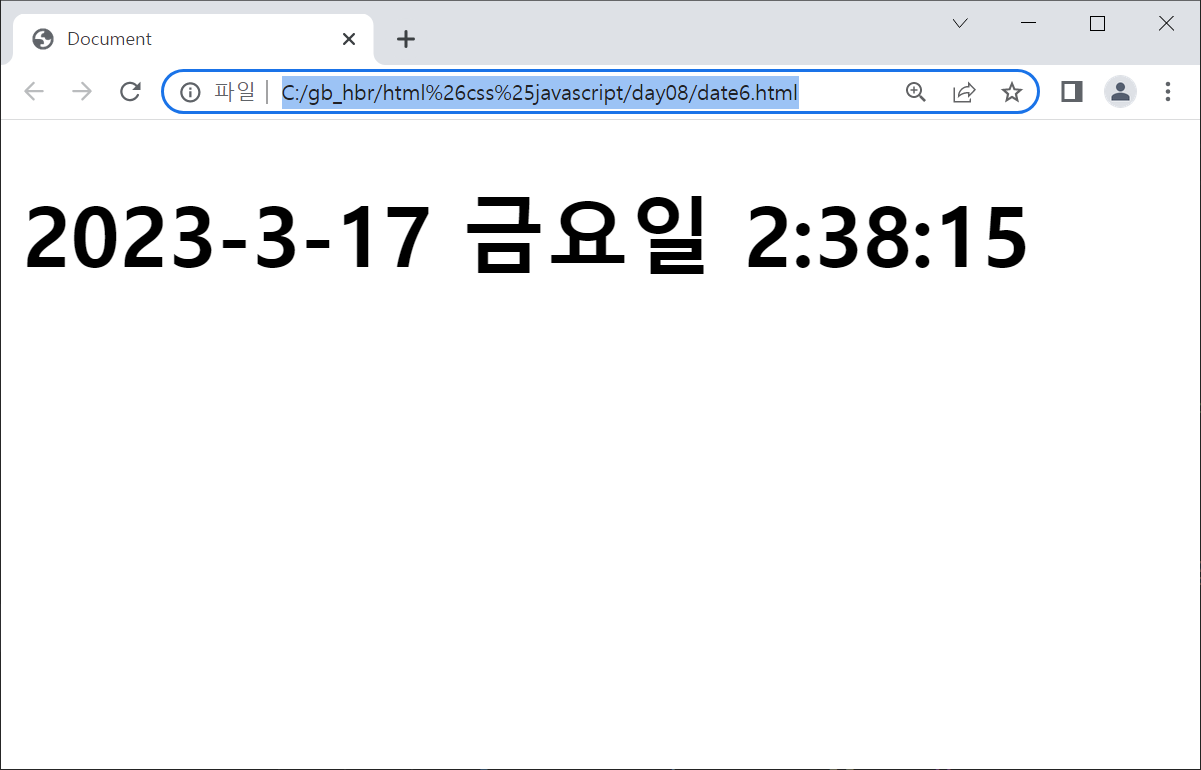
setInterval 함수는 다른 함수의 이름과 1/1000초 단위의 시간값을 파라미터로 설정하여 정해진 시간에 한번씩 파라미터로 전달된 함수를 반복적으로 호출
-
setInterval(printTime, 1000);
- printTime : 함수이름
- 1000 : 1초마다 한번씩 printTime함수를 실행
🔓 결과
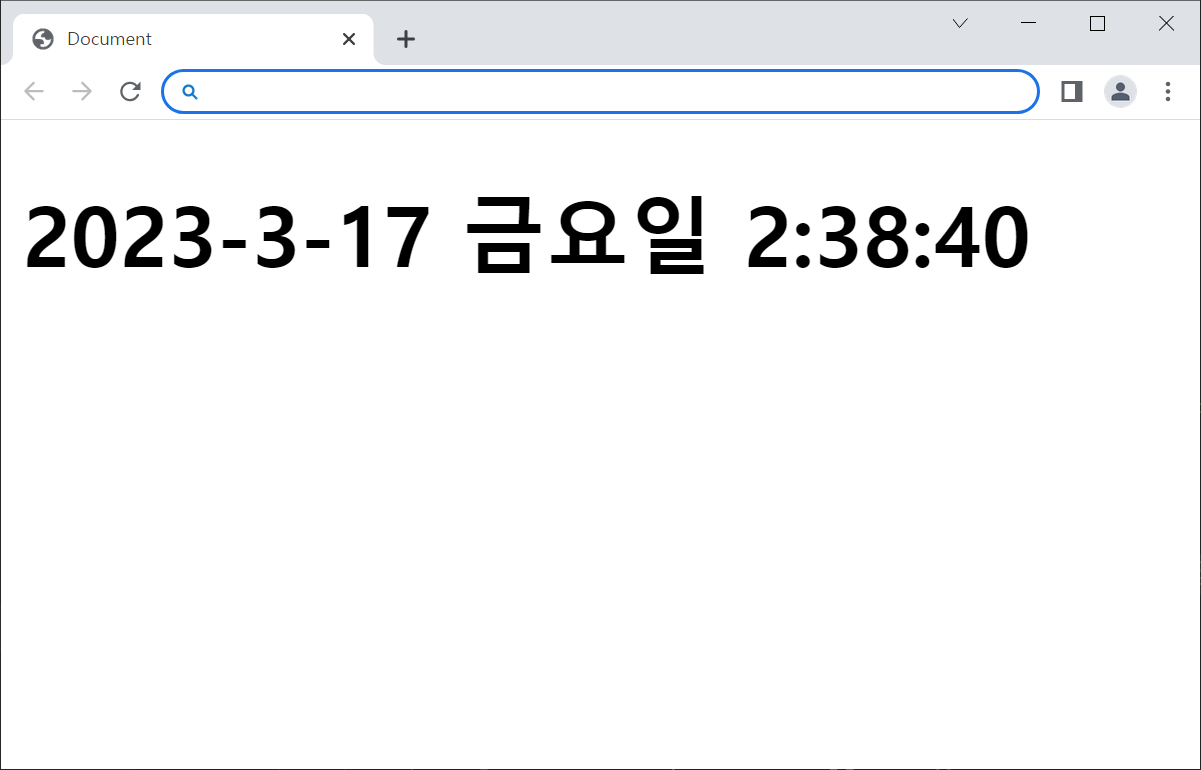
🔑 코드
<body onload = "startTimer()">
    <h1 id = "timer"> 시간출력 </h1>
	<script>
        function printTime(){

            let days = ["일", "월", "화", "수", "목", "금", "토"]

            let mydate = new Date();

            // 년, 월, 일 리턴
            let yy = mydate.getFullYear();
            let mm = mydate.getMonth() + 1;
            let dd = mydate.getDate();
            let i = mydate.getDay();
            let day = days[i];
            let hh = mydate.getHours();
            let mi = mydate.getMinutes();
            let ss = mydate.getSeconds();

            // 완성된 현재 시각
            let result = yy + "-" + mm + "-" + dd +" "+ day + "요일 " + hh + ":" + mi + ":" + ss

            // 타이머라고 하는 HTML 안쪽으로 넣어줌
            document.getElementById("timer").innerHTML = result;
        }

        /* printTime이라는 함수를 1초에 한번씩 반복해서 자동호출 */
        function startTimer(){
            setInterval(printTime,1000);
        }
    </script>
</body>
버튼 눌러서 css값 바꾸기
🔓 결과
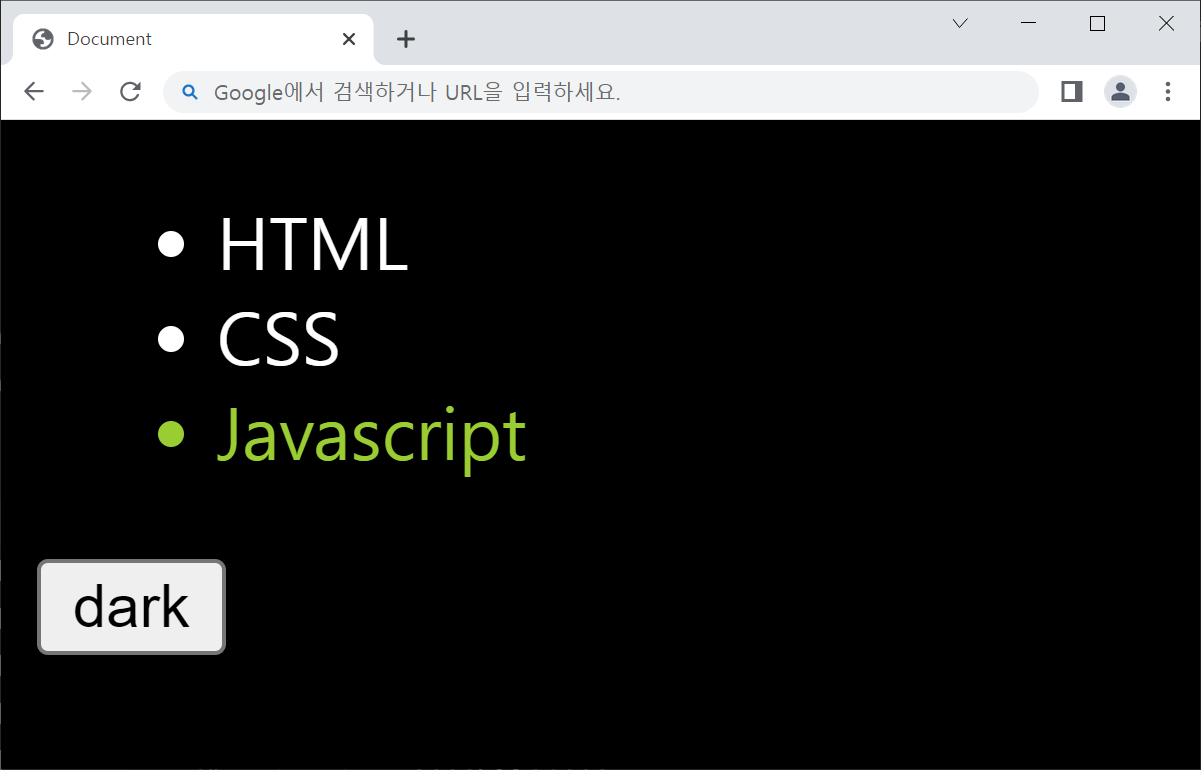
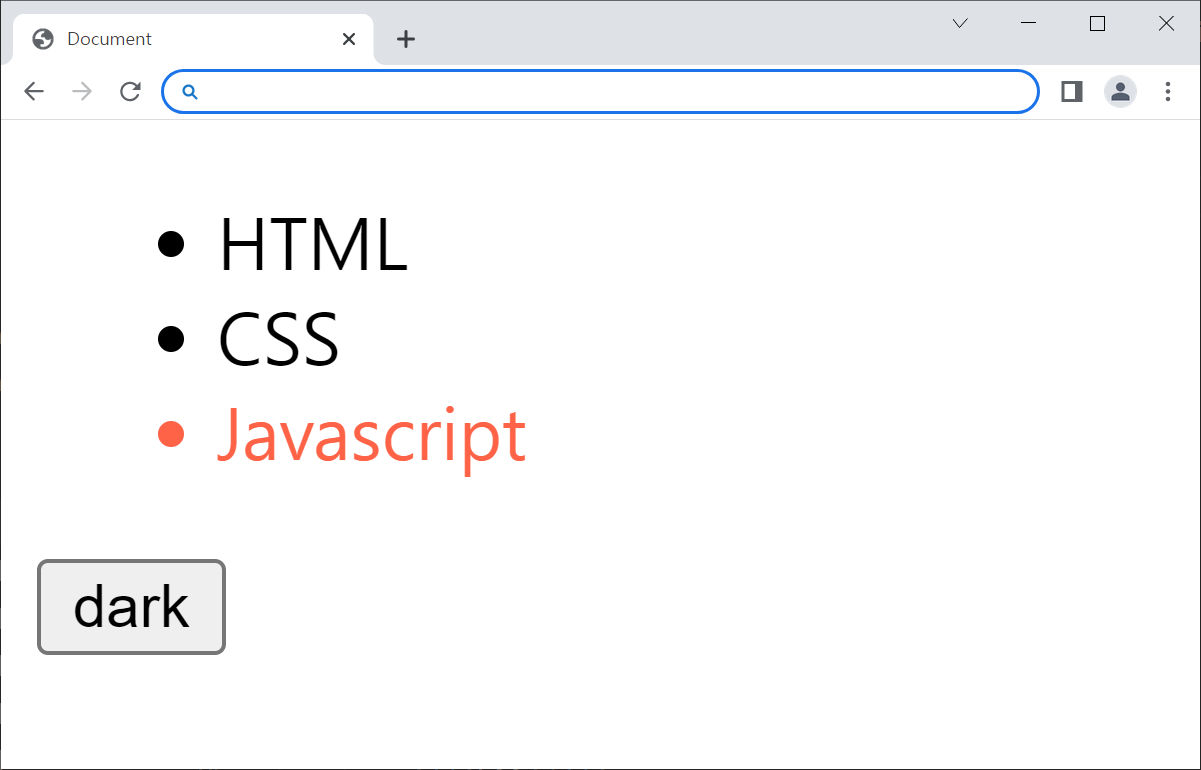
🔑 코드
<head>
    <style>
        #selected{
            color: tomato;
        }
        .dark{
            background-color:  black;
            color: white;
        }
        .dark #selected{
            color: yellowgreen;
        }
    </style>
</head>
<body>
    <ul>
        <li>HTML</li>
        <li>CSS</li>
        <li id = "selected">Javascript</li>
    </ul>
    <input type="button" value="dark" onclick="document.body.className='dark'"/>
    <!-- cf. 아이디 중복체크 버튼을 눌렀을 때 이벤트, 입력할 때마다 중복체크 할때 사용-->
</body>
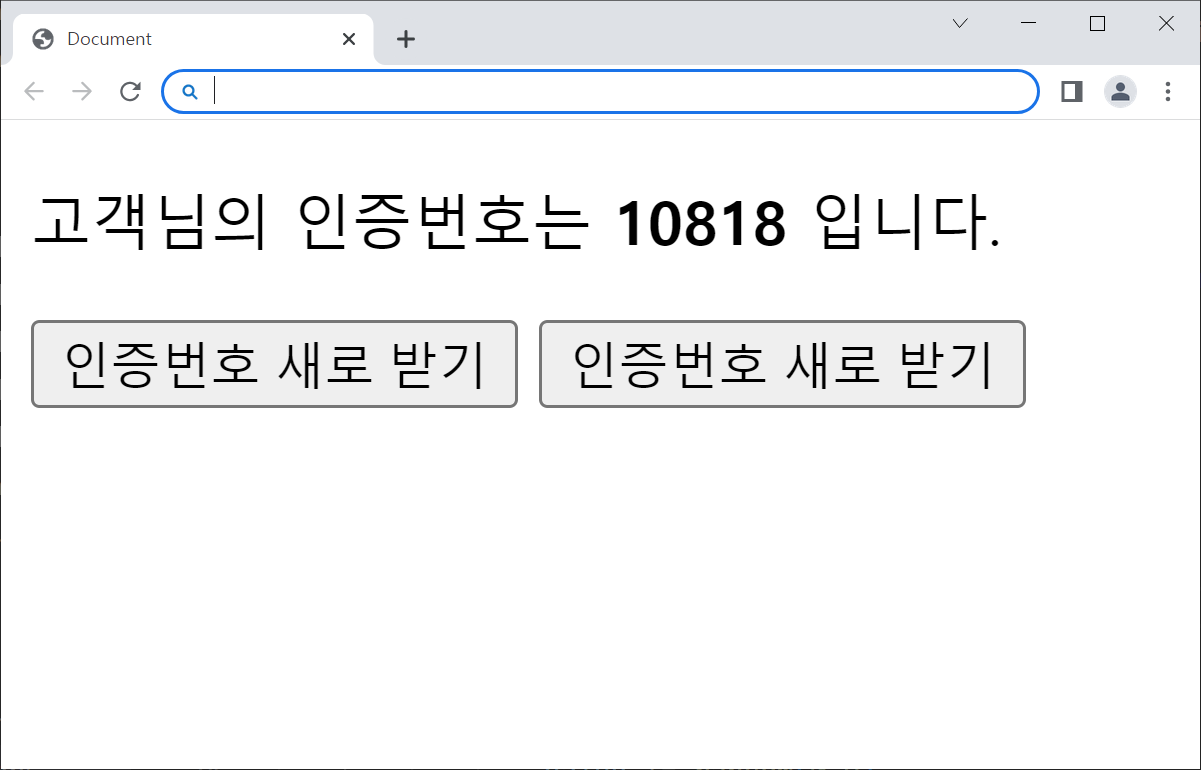
인증 번호 받기
🔓 결과
🔑 코드
<!-- 페이지 최초 로딩시, authNo()함수 호출 -->
<body onload="authNo()">
    <p>
        고객님의 인증번호는 <strong id="auth">00000</strong> 입니다.
    </p>
    <!-- 클릭할때마다 refresh라는 함수를 실행시키기 -->
    <input type="button" value="인증번호 새로 받기" onclick="refresh()">
    <input type="button" value="인증번호 새로 받기" onclick="location.reload()">


    <script>
        /* 5자리 인증번호를 가져와서 출력 */
        function authNo(){
            let value = "";
            for ( let i = 0 ; i < 5 ; i++ ){
                value += random(0,9)
            }
            /* id auth값에 접근 하고 할당된 값=value를 입력(innerHTML)할거야 */
            document.getElementById("auth").innerHTML = value;
        }

        /* 랜덤번호 뽑기 */
        function random(n1, n2){
            return parseInt(Math.random()*(n2 - n1 + 1) + n1);
        }

        function refresh(){
            location.reload();
        }
    </script>
</body>
안녕하세요, 한보람입니다.