Today's Lesson: Moving AI Enemies
Summary
1. We take a look at how we can make our enemy AI move within our level using Unreal Engine 4.
2. We also go over how we can set the navigation boundaries for the enemy bots and the code used to control their movement.
Virtus Learning Hub
✅ Navigation Mesh
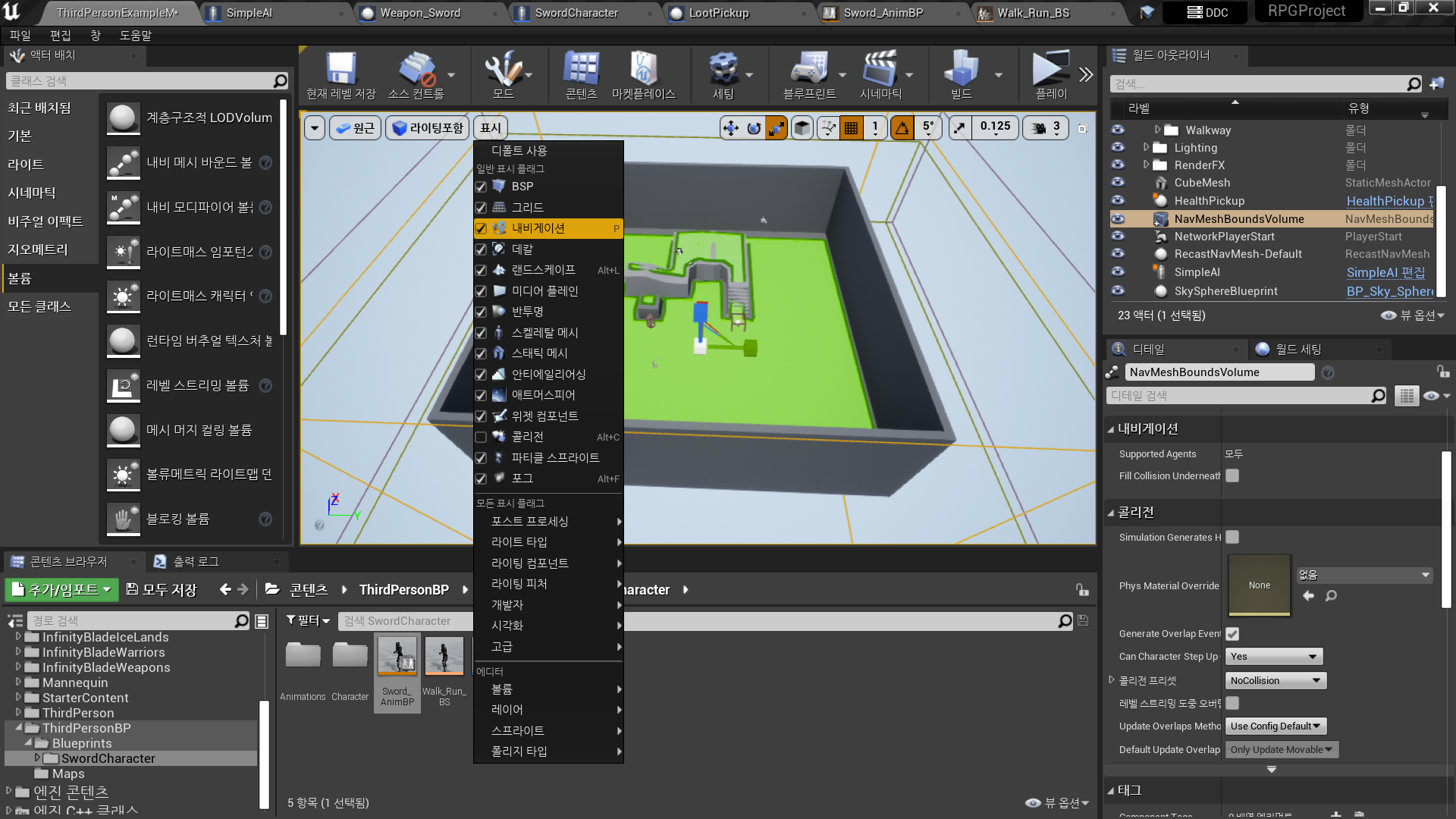
◼️ Level 에서 Navigation 가능 영역 설정
- 액터 배치 - 볼륨 - Nav Mesh Bounds Volume
레벨에 배치 - P 입력을 통해 Navigation 표시 가능
✅ Pawn Sensing
◼️ AI 반응 컴포넌트
In Character Blueprint <SimpleAI>
- Add Component: PawnSensing
- AI 속성

- On See Pawn Event
- Cast to Character
- Object: Pawn
Magic Character, Sword Character 둘 다 Character Parent의 자식 - AI Move To
- Pawn: Self
- Target Actor: As Character
AI의 Parent도 Character인데, 플레이어 캐릭터에만 반응하는 이유?
PawnSensing Component의
AI - Only Sense Players 값이 True이기 때문.
✅ Result
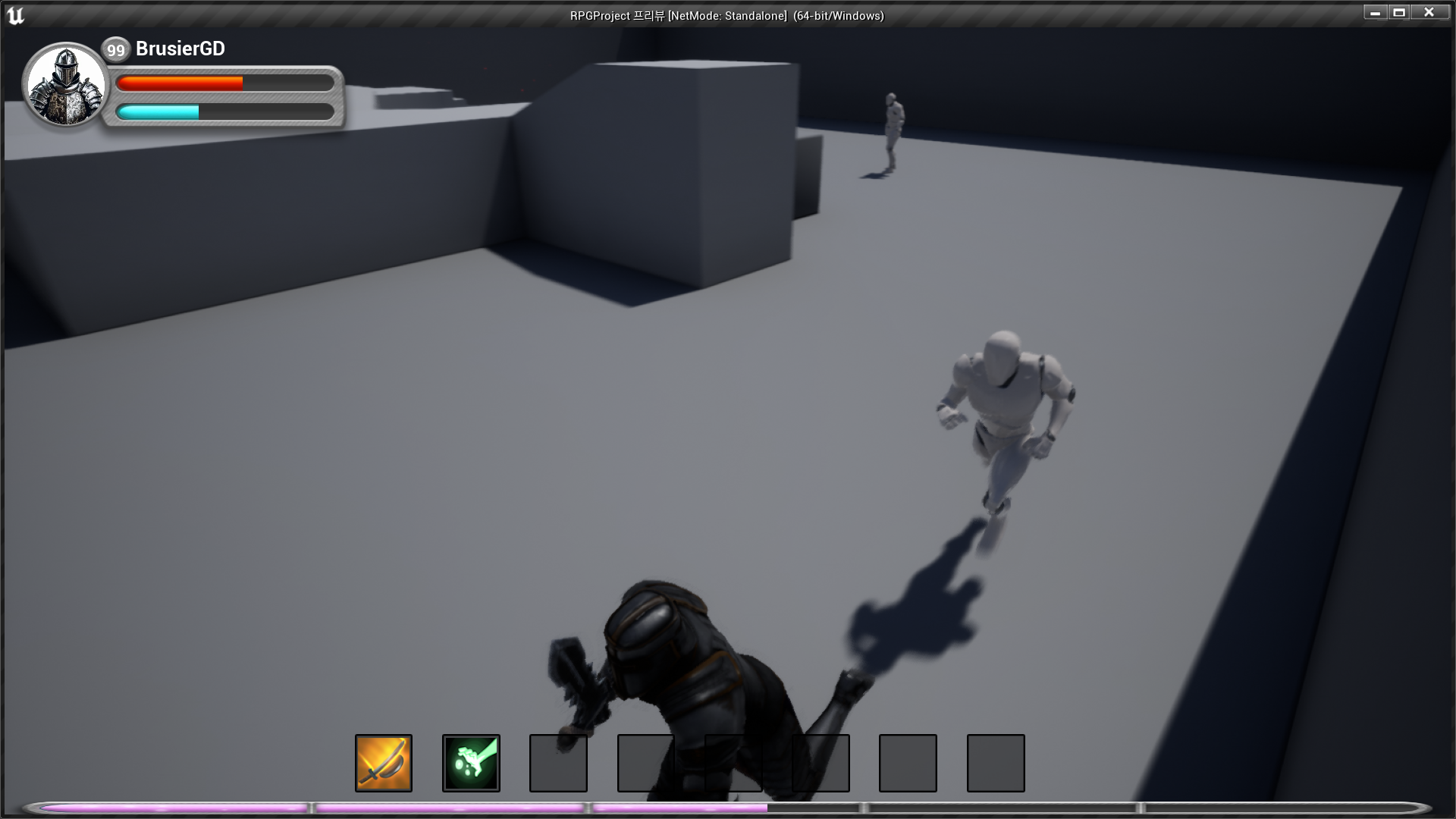
- 플레이어를 쫓아오는 AI

RPG 기획자 지망생