섹션2. 스프링 웹 개발 기초
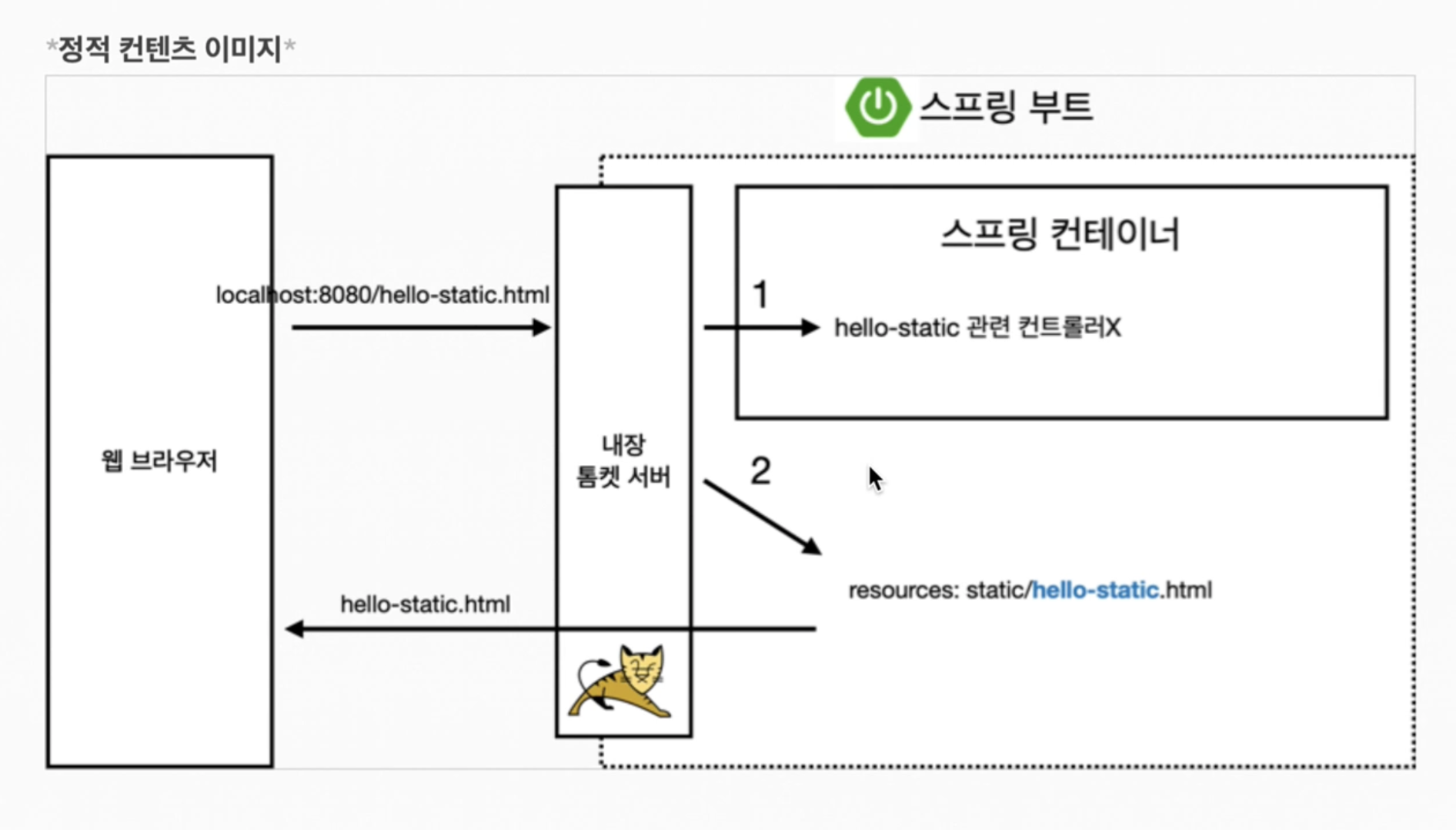
정적 컨텐츠 - 그냥 서버에서 파일을 웹에 내려주는 것.
MVC와 템플릿 엔진(jsp.. 등등..html을 동적으로 바꾸어서 내리는 것)
←이 패턴으로 많이 개발
정적컨텐츠와의 차이 : 서버에서 변형해서 바꾸는 방식
API - json이라는 데이터 포멧으로 클라이언트에게 데이터 전달. view, react ...
서버끼리 통신할때 api 방식을 사용.
정적 컨텐츠
스프링 부트 정적 컨텐츠 기능.
https://docs.spring.io/spring-boot/docs/2.3.1.RELEASE/reference/html/spring-boot-features.html
MVC와 템플릿 엔진
mvc = model, view, controller
-
controller
모델 관련 부분: 비즈니스 관련/ 내부 로직을 처리하는데 집중.
@Controller
public class HelloController {

    @GetMapping("hello-mvc")
//    name = parameter이기 때문에 값을 넘겨줘야 작동한다, html 마지막에 ?name=value라고 하면 됨.
    public String helloMvc(@RequestParam("name") String name, Model model) {
        model.addAttribute("name", name);
        return "hello-template";
    }
}-
view
화면을 그리는데 모든 역량을 집중
<!DOCTYPE html>
<html xmlns:th="http://www.thymeleaf.org">
<head>
    <meta http-equiv="Content-Type" content="text/html; charset=UTF-8">
    <title>Hello-template</title>
</head>
<body>
<p th:text="안녕하세요.  + ${name}" >hello! empty</p>
</body>
</html>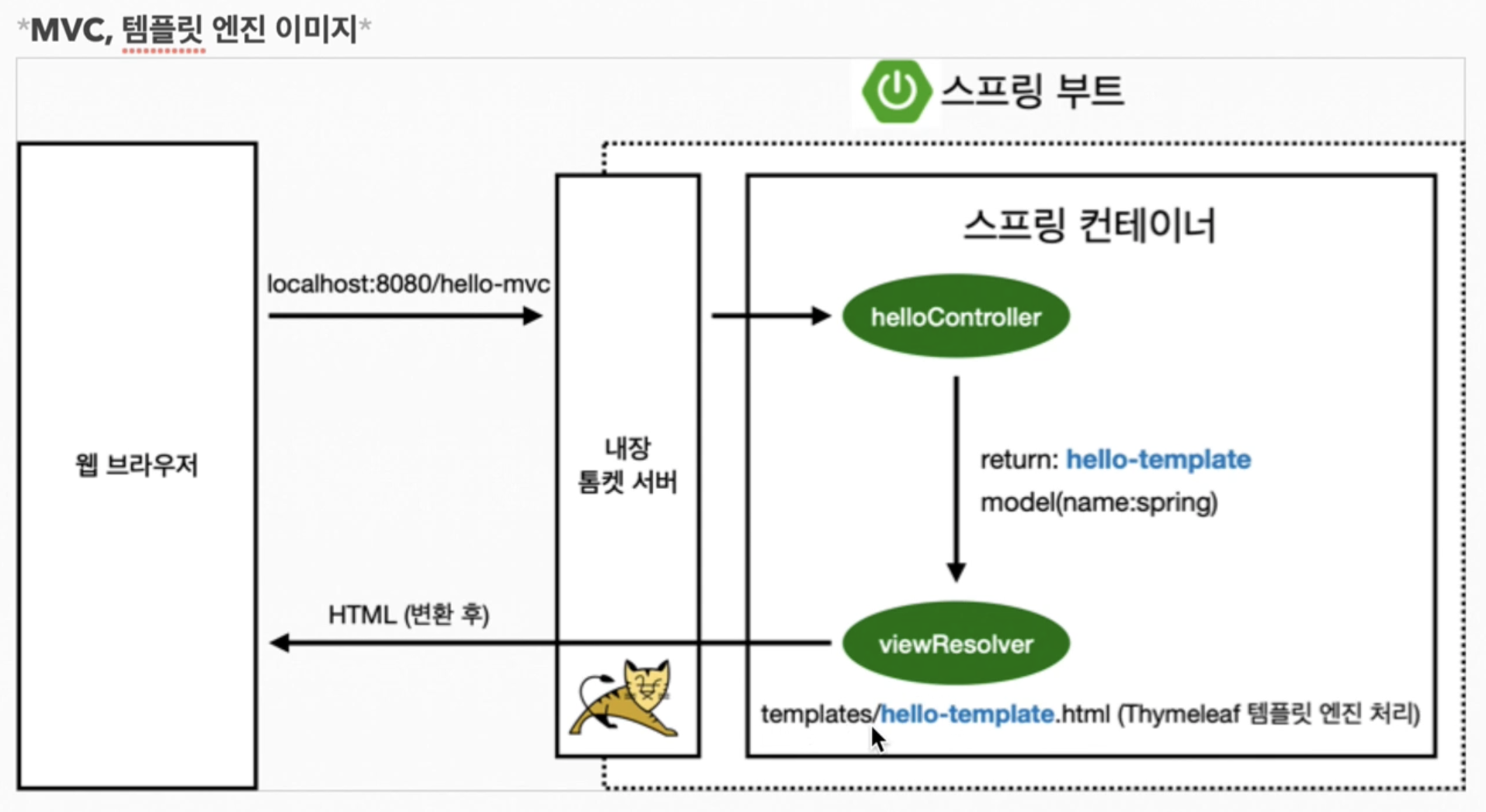
변환을 해주기 때문에 브라우저에서는 이런식으로 나온다.
<body>
<p>안녕하세요. spring</p>
</body>
API
엔진을 통해 렌더링해서 html방식으로 내리는지, api를 이용해서 데이터 자체를 내리는지가 주 사항. api는 후자.
따로 view 부분이 없이 controller에서 해결.
@GetMapping("hello-string")
// http에서 헤더부분과 바디부부이 있다. http의 바디부분에 이 네임을 직접 넣어주겠다는 뜻.
@ResponseBody
public String helloString(@RequestParam("name") String name) {
    return "hello " + name; //name이 spring이면 hello spring
}
서버 html을 확인해보면
<body> hello spring </body>데이터를 받아오는데 특화.
@GetMapping("hello-api")
    @ResponseBody
    public Hello helloApi(@RequestParam("name") String name) {
        Hello hello = new Hello();
        hello.setName(name);
        return hello;
    }

    static class Hello {
        private String name;

        public String getName() {
            return name;
        }

        public void setName(String name) {
            this.name = name;
        }
    }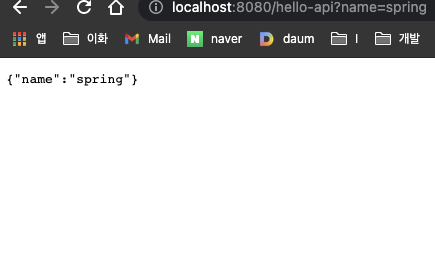
서버 html 확인해보면 - json으로 반환된다. 기본적으로 Json으로 반환.
<pre style="word-wrap: break-word; white-space: pre-wrap;">{"name":"spring"}</pre>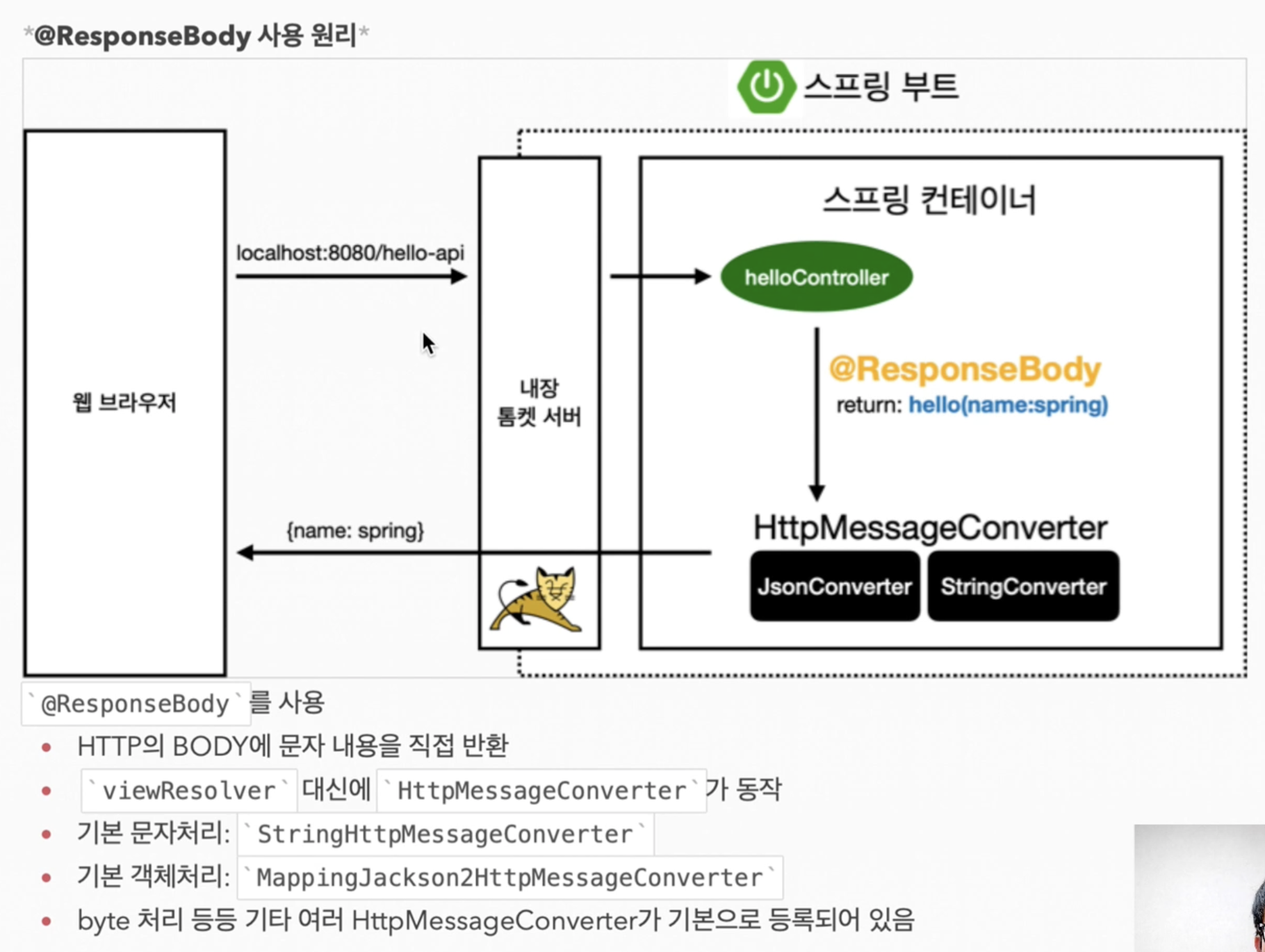
- 클라이언트 HTTP Accept 헤더와 서버의 컨트롤러 반환 타입 정보 둘을 조합해서 'HttpMessageConverter'가 선택된다.
요즘은 거의 json만 사용한다.
